AVer is Revolutionizing Education through Technology™ with its ClassSend Student Engagement App. ClassSend lets students interact…
AVer is Revolutionizing Education through Technology™ with its ClassSend Student Engagement App.
ClassSend lets students interact and engage with their teacher’s document camera-based lessons.
Working in conjunction with the teacher’s AVer Sphere2/TabCam app presentation creation and Document Camera control software, ClassSend provides immersive and true 1 to 1 classroom engagements by allowing students to use their iPads to interact directly with lesson content.
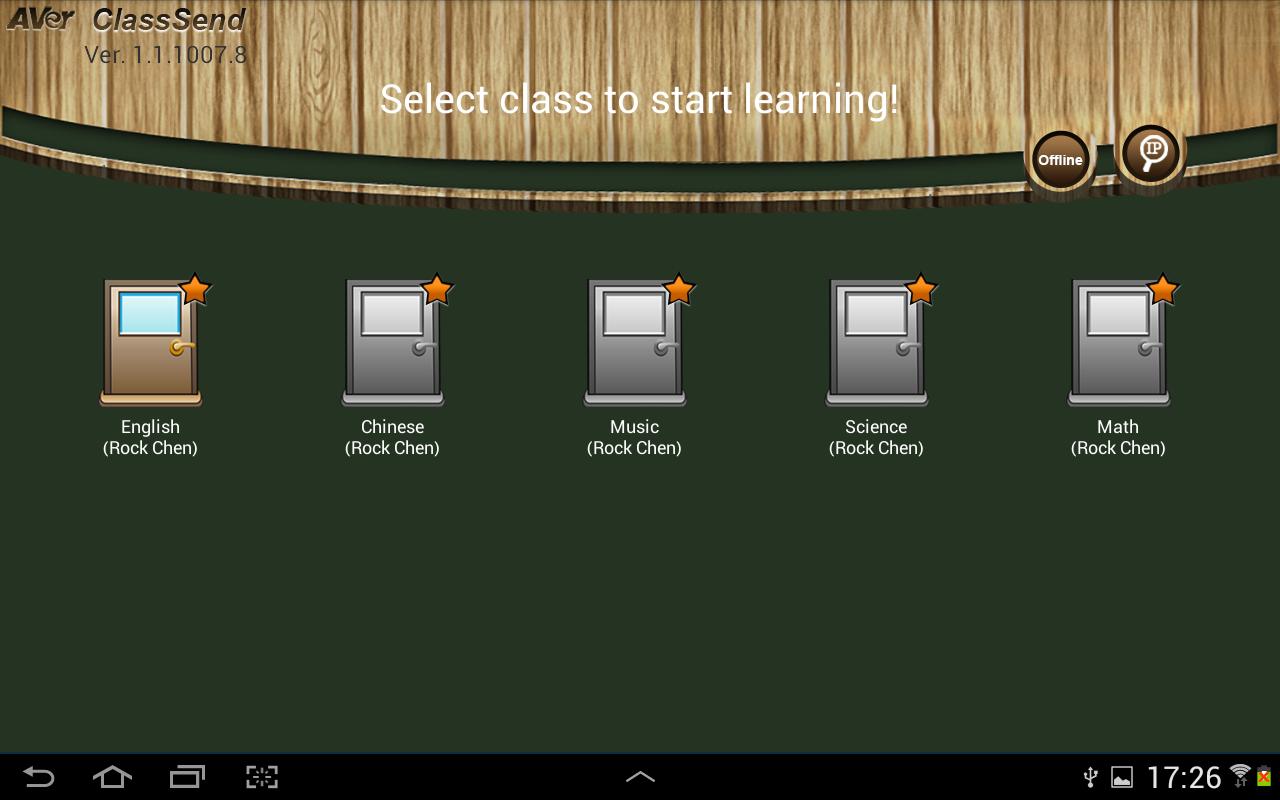
ClassSend allows students to log into class sessions and receive content sent by their teacher (using AVer Sphere2/TabCam app software) via WiFi.
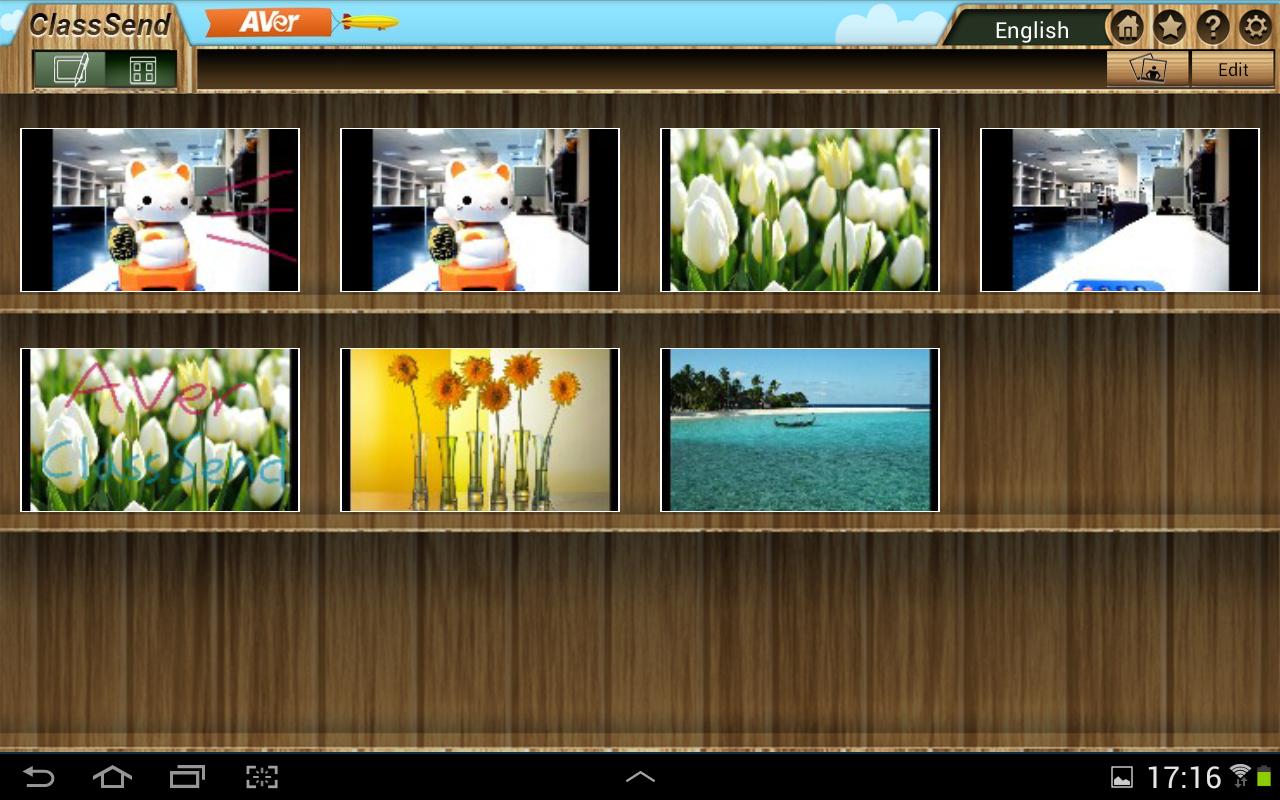
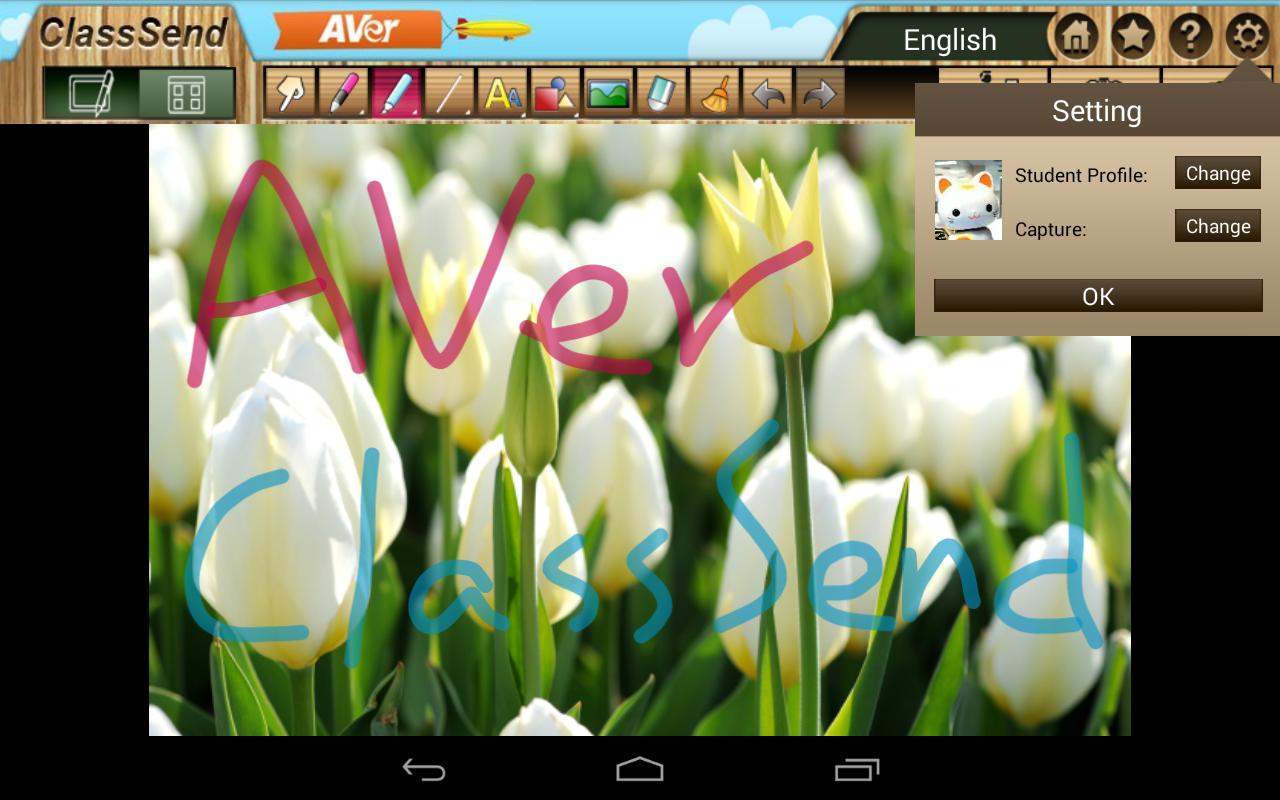
The ClassSend app provides a toolbox full of annotation features, and access to image media.
Students can add their contributions (text, drawings, shapes and images) to the lesson content, and send it back to the teacher for display via the Sphere2/TabCam app software.
When used in Offline mode (i.e., not logged into a teacher’s class session) ClassSend provides digital whiteboard capabilities with annotation tools, text, shapes and image-import features, allowing the creation of content for later use.
- Securely log into a teacher’s pre-defined class session
- Receive lesson content directly from the instructor’s Sphere2-based or TabCam app content via WiFi
- Students can draw, annotate, and import images to add their personal spin to engage with the lesson, then send their contributions back to the teacher
- ClassSend’s Capture feature can save screenshots of the content and store it in a built-in media library for later review
- Requires AVer Sphere2/TabCam app presentation creation and document camera software for lesson interaction and engagement. Or, can be used in Offline mode as a digital whiteboard.
Visit averusa.com/education to learn more about AVer’s document cameras, Sphere2 software, TabCam app and Aver’s other award-winning educational solutions.
Latest Version
1.3.2018.19Uploaded by
Anz Codilla
Requires Android
Android 4.2+
Category
Free Education AppContent Rating
Everyone
Report
Flag as inappropriateLast updated on Jun 1, 2020
Support Android OS 7.0







APKPure - A multi-platform app store primarily focused on Android, providing extensive app-related content. Discover the app you want easier, faster, and safer, with quick and efficient downloads and installations.