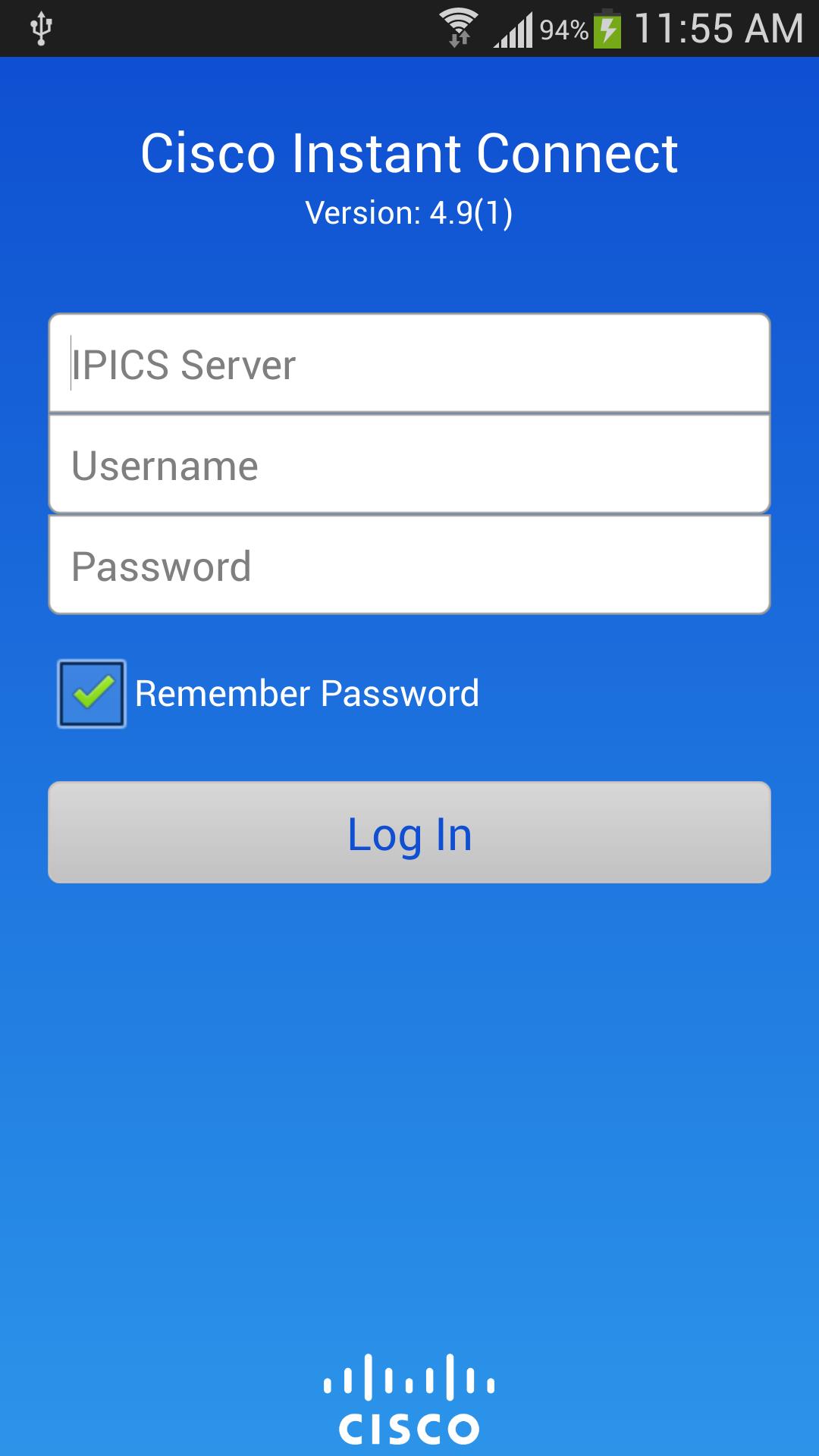
IMPORTANT: This application requires access to a Cisco IP Interoperability and Collaboration System (IPICS) on which you have an account. If you are unsure whether your company provides you with access to Cisco IPICS, please contact your IT department.
Cisco® Instant Connect is used for two-way push-to-talk communications on Android™ devices using on premises enterprise push to talk IPICS servers. The Instant Connect application is perfect for connecting users with an instant push of a button over corporate Wi-Fi networks on-premises or off-premises networks (carrier networks).
WHAT'S NEW
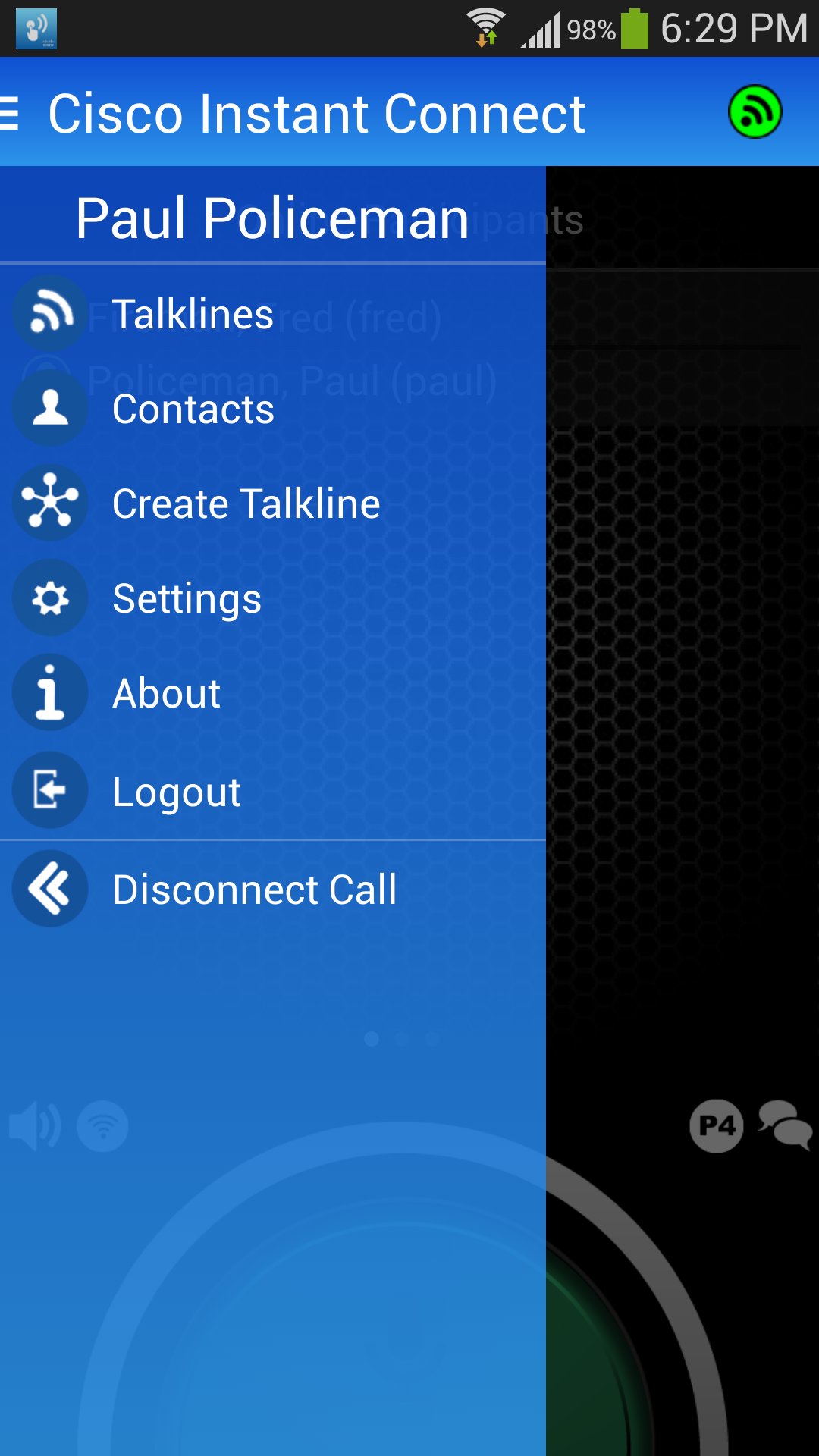
• User online/offline presence
• Talker priority with audio preemption
• Multi-channel scanning
• 1-way multi-channel broadcast (system all call)
• Contacts Directory with user presence
• Private push to talk call
• Mapping
• Mobile talk line administration
• Low bandwidth audio codec
• Automatic VPN
MAJOR BENEFITS
• Low costs: Instead of paying a monthly service provider fee for onsite personnel, you deploy an on-premises solution can cost less. The savings from eliminating monthly fees quickly pay back the one-time capital investment. In addition, the Cisco solution is based on open standards, which eliminates the need to purchase, support, and manage proprietary solutions.
• High quality experience: Cisco instant Connect integrates with your existing Cisco Unified Communications and Collaboration services. Quality of service (QoS) and advanced voice codecs help to provide clear voice quality, even when the network is busy.
• Integrates with 2- Way Radios: The Cisco IPICS system can integrate mobile Android users with 2-Way Radio channels, which can reduce subscriber costs.
The Cisco® Instant Connect solution integrates Android devices with Land Mobile Radio (LMR) that connected to the Cisco routers in the data center. For more information about Cisco Instant Connect, visit http://www.cisco.com/go/IPICS.
REQUIREMENTS
• Cisco IPICS 4.9(1) server with at least one Cisco IPICS media server.
• Android OS 4.1 or higher.
The following phones have been tested and optimized for Cisco Instant Connect:
• Samsung Galaxy S® III, and S4®
• Samsung Galaxy Rugby Pro™
• Sonim XP6700 and XP7700
For audio to work, your network firewall must allow VoIP traffic between the Android device and the Cisco IPICS servers. For more information, see the product documentation available at http://www.cisco.com/en/US/products/ps7026/tsd_products_support_series_home.html.
LEGAL
• By using this application you agree with the terms of the Cisco IPICS end user license agreement (EULA).
• Cisco is a trademark or registered trademark of Cisco Systems, Inc. and/or its affiliates in the U.S. and certain other countries.
• Copyright © 2015 Cisco Systems, Inc. All rights reserved.
Latest Version
4.9(1)Uploaded by
Keith Bicknell Jr.
Requires Android
Android 4.1+
Category
Free Communication AppContent Rating
Everyone
Report
Flag as inappropriateLast updated on Oct 20, 2015
Updated maps and Bluetooth support.





APKPure - A multi-platform app store primarily focused on Android, providing extensive app-related content. Discover the app you want easier, faster, and safer, with quick and efficient downloads and installations.