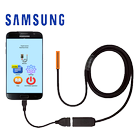
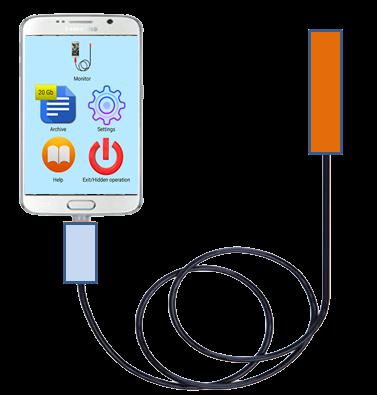
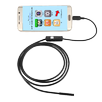
This app allows you to capture and save videos from any USB-camera or Endoscope and from the "native" camera of your gadget.
The recording can begin:
1) When you press a special button on the screen (green button)
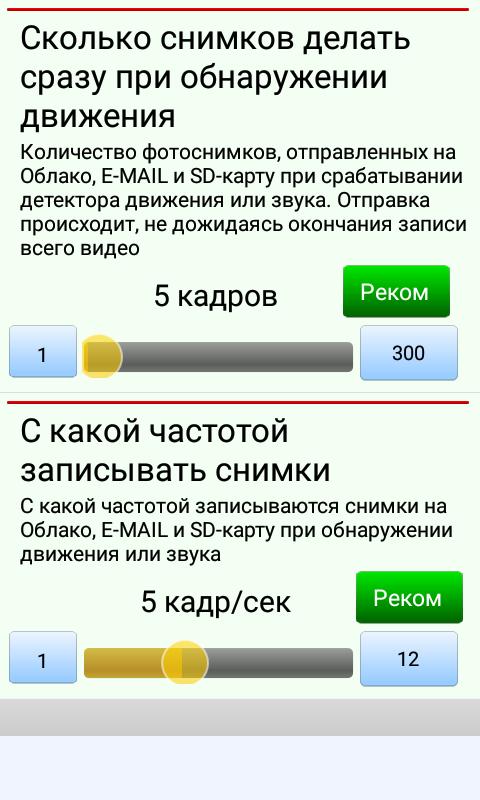
2) By motion detector
3) By the sound detector (you can just shout out loud and the recording will start)
4) Scheduled
How does it work?
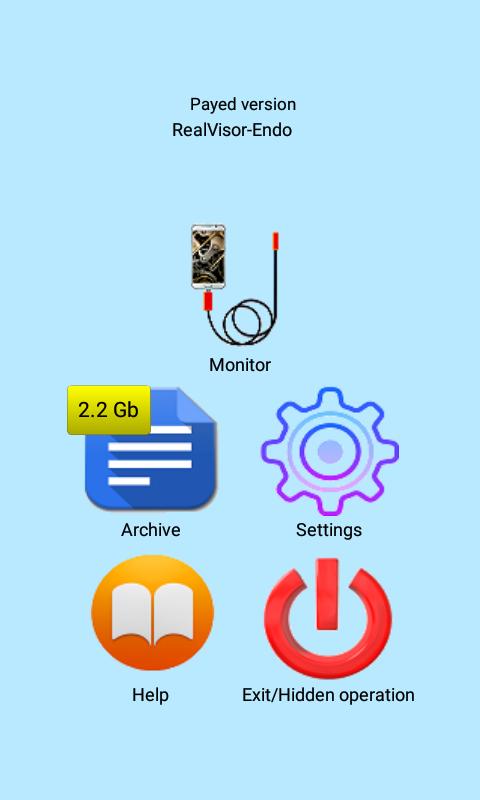
1) Videos. To start video recording you need press big button in the left top side of the screen.
2) Photos. To make the photo you need click "photo" icon in the left top side of the screen.
In addition to the SD-card, the app can store the video on Google cloud and on YouTube.
To use this app please check:
1) Your smartphone must have OTG USB support
2) Your USB camera is UVC-compatile
3) Your OTG USB cable is correct and reliable.
There are certain requirements so you can connect the gadget to an external USB camera.
1) Check that your gadget can support USB OTG. This means that you can connect different peripheral devices (e.g., USB flash drive, USB-disk, etc.) to your gadget via USB.
2) USB camera must support UVC standard. This means that that USB camera can be used in Android.
3) A high-quality micro USB OTG cable must be used to connect the USB camera and gadget. This means that this cable should not be very long - the shorter the cable, the better.
Why the screen is black?
Let's say your gadget supports the OTG function and the USB camera is compatible with ANDROID. But the screen remains black.
Why? The reason may be in that you don't choice "Use by default for this USB device" in the dialog box.
This dialog box appears when you start the application with connected USB camera.
The appearance of this dialog box is guaranteed after the gadget is restarted.
Have you any questions?
http://endoscope.realvisor.net
Latest Version
2oc2019Uploaded by
Ketan Sonawane Sk
Requires Android
Android 4.2+
Category
Free News & Magazines AppContent Rating
Everyone
Report
Flag as inappropriateLast updated on Oct 3, 2019
1) Stable app
2) Online Camera/Archive access over the browser
3) Android 9 full support








APKPure - A multi-platform app store primarily focused on Android, providing extensive app-related content. Discover the app you want easier, faster, and safer, with quick and efficient downloads and installations.