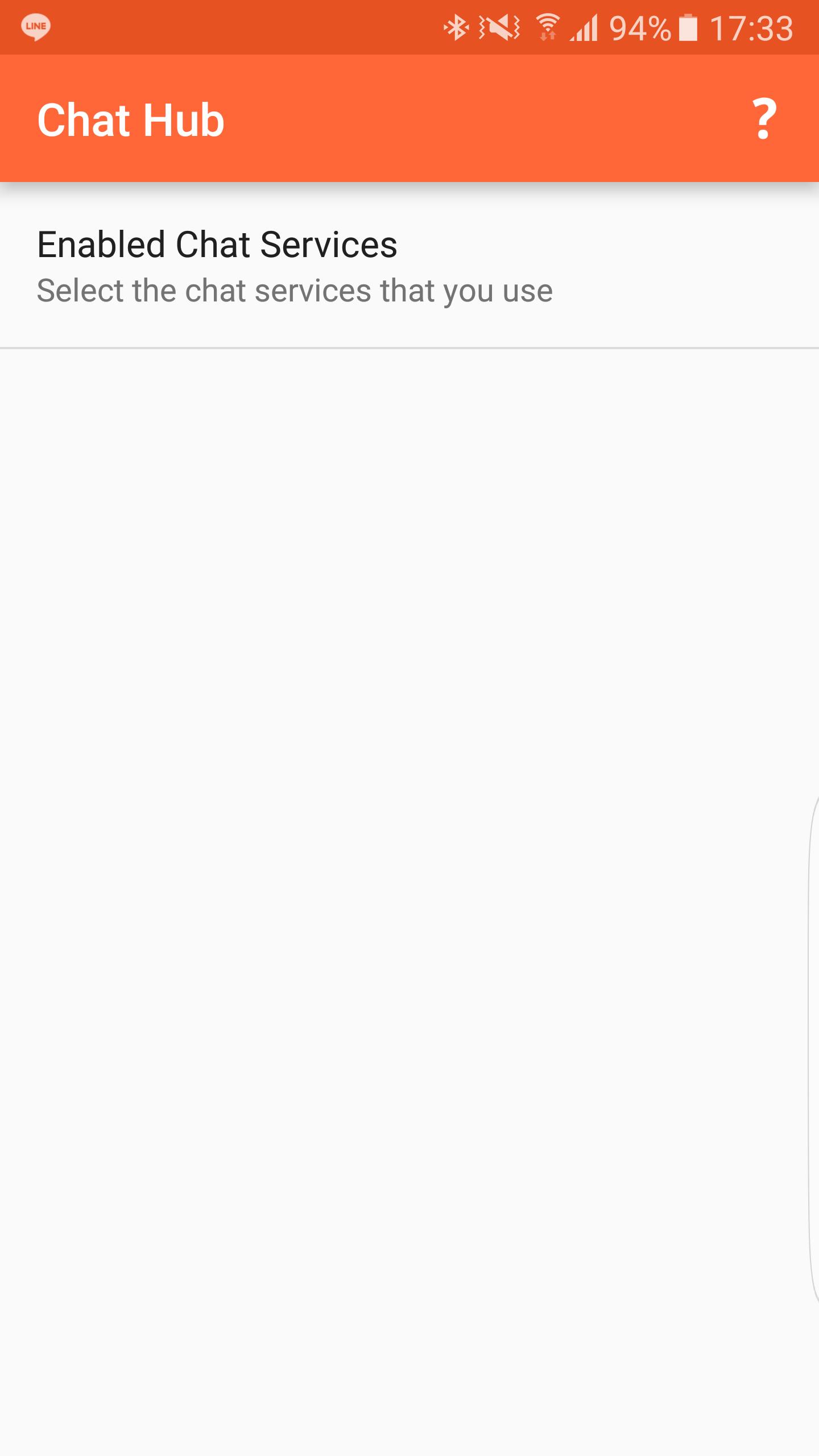
The app currently supports the following services: Whatsapp, Messenger, Hangouts (requires Android Wear to be installed), Line, Kakaotalk, Telegram, BBM, Signal, Textra, Chomp, Android Messages.
How to:
1. You need to install the Chat Hub Gear app in the Samsung Galaxy App Store first.
2. Open this app, grant access to notification and select desired services.
3. Wait for incoming notifications. Once notifications arrive, they will be kept for future usage inside Chat Hub.
4. Select the person you want to send messages inside Chat Hub Gear app and send your message. Send as many messages as you want.
If you have any questions or request, please send me an email.
Thanks
Latest Version
2.05Uploaded by
Sahir Shngali
Requires Android
Android 8.0+
Category
Free Social AppContent Rating
Teen
Report
Flag as inappropriateLast updated on May 3, 2020
Fixed some Whatsapp crashes. Please email me if you still experience any issues. Thank you!



APKPure - A multi-platform app store primarily focused on Android, providing extensive app-related content. Discover the app you want easier, faster, and safer, with quick and efficient downloads and installations.