Ring Style Widget is a home screen widget that allows you to change your phone's ringer mode with a tap.
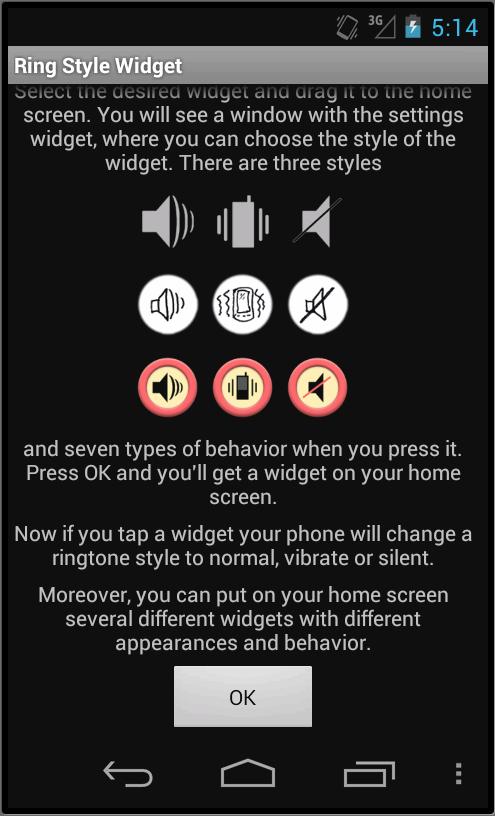
To add a widget, go to the applications and select the page with widgets. There look for two Ring Style Widgets, small and big. Select the desired widget and drag it to the home screen.
You will see a window with the settings widget, where you can choose the style of the widget. There are three styles and seven types of behavior when you press it. Press OK and you'll get a widget on your home screen.
Now if you tap a widget your phone will change a ringtone style to normal, vibrate or silent.
Moreover, you can put on your home screen several widgets with different appearances and behavior.
Latest Version
1.2Uploaded by
Vilim Gec
Requires Android
Android 4.0+
Category
Free Tools AppContent Rating
Everyone
Report
Flag as inappropriateLast updated on Feb 4, 2020
bugs fixed




APKPure - A multi-platform app store primarily focused on Android, providing extensive app-related content. Discover the app you want easier, faster, and safer, with quick and efficient downloads and installations.