Package Name:net.xnano.android.changemymac
SHA-256:28fd577d345746826ab8d0c1f5c6cdfeb932c54b77737e236ffcc14519ae71ac
Show More


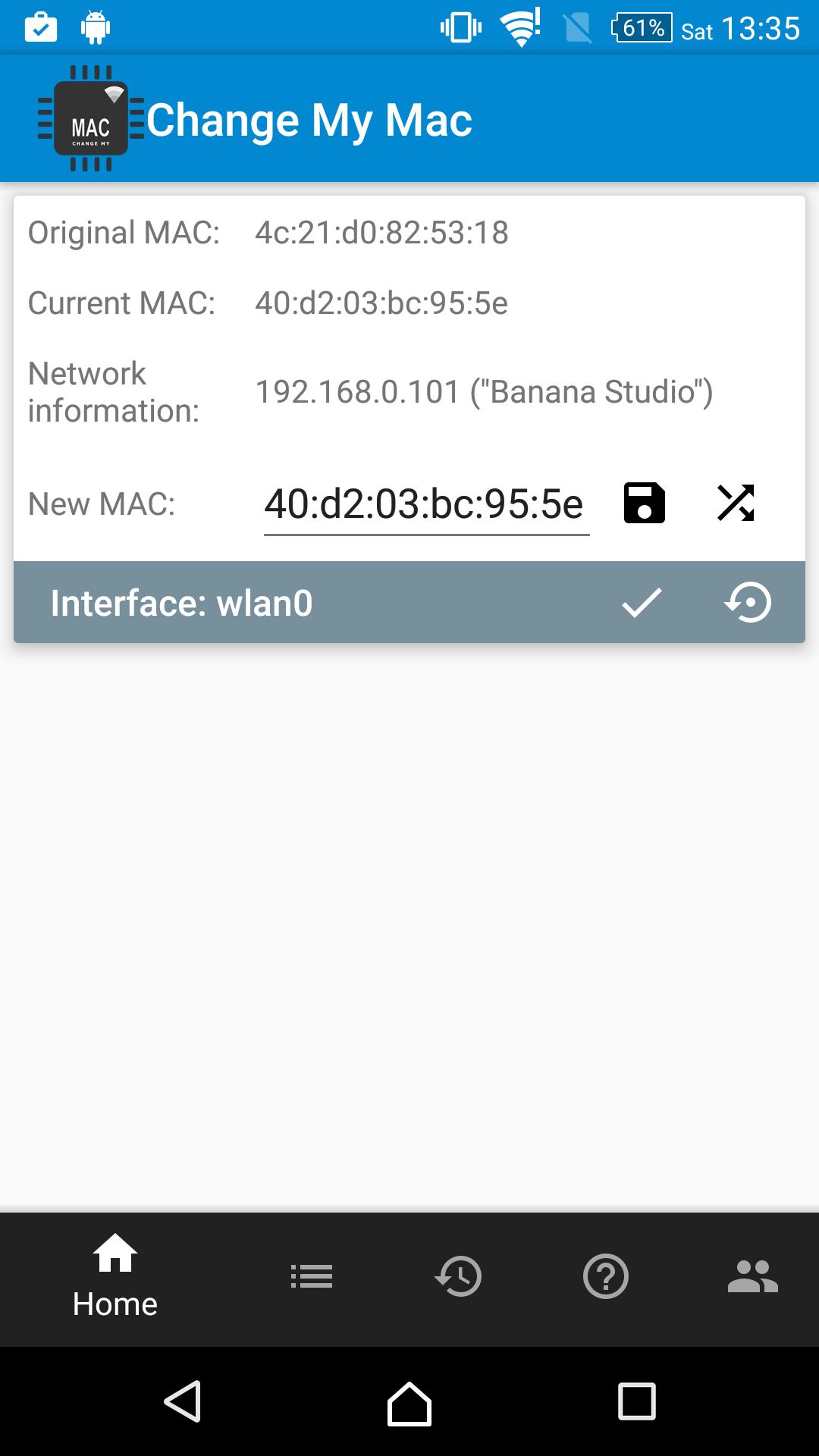
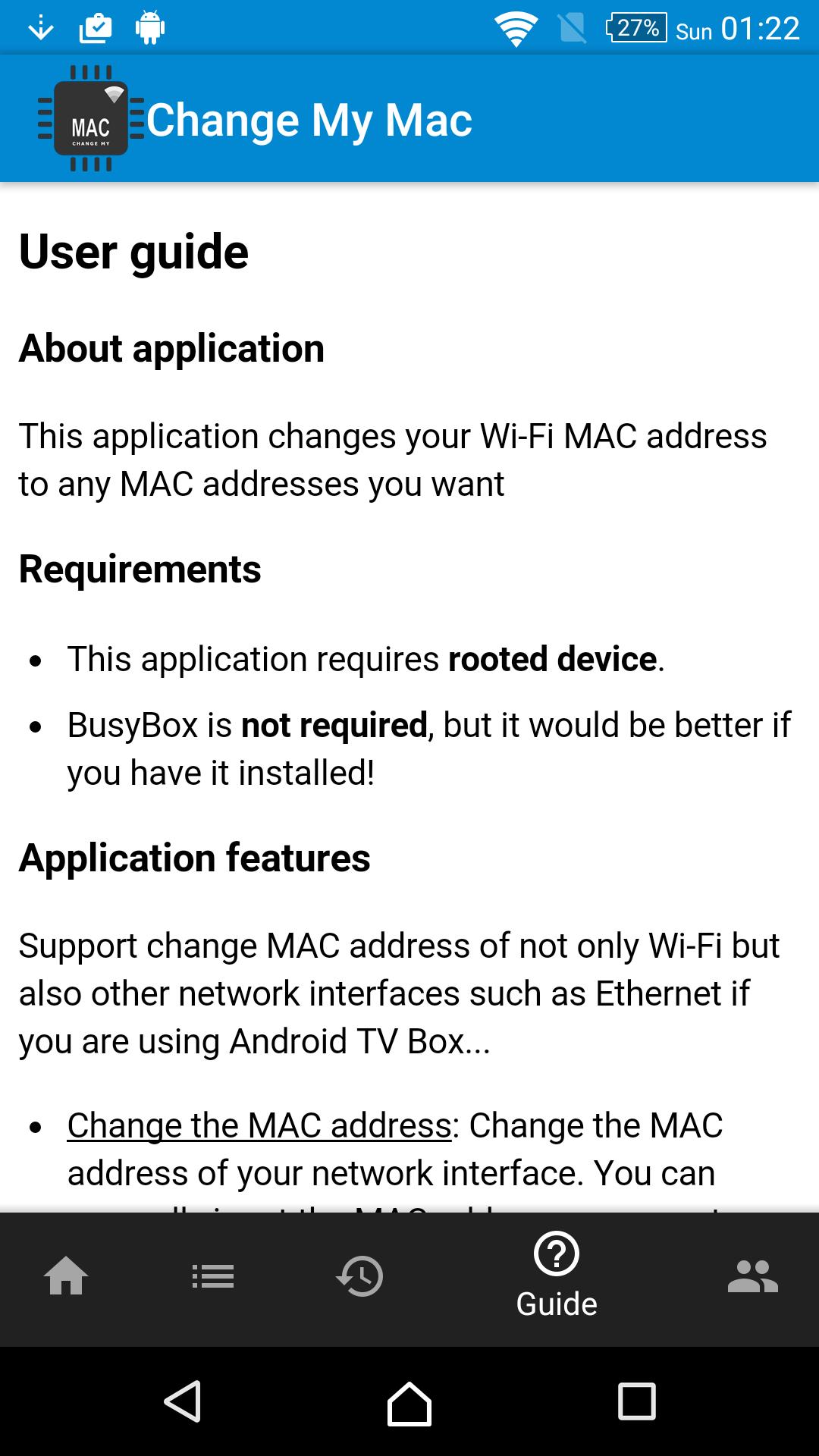
Change My MAC - Spoof Wifi MAC helps when you need to adjust your device MAC for testing or network access. Before you download Change My MAC - Spoof Wifi MAC, ensure the device is rooted. BusyBox is not required, although having it installed can improve reliability. All features are free and available without a pro upgrade. However, compatibility varies by model, and the app includes guidance to help you recover your original MAC when needed.
MAC address control
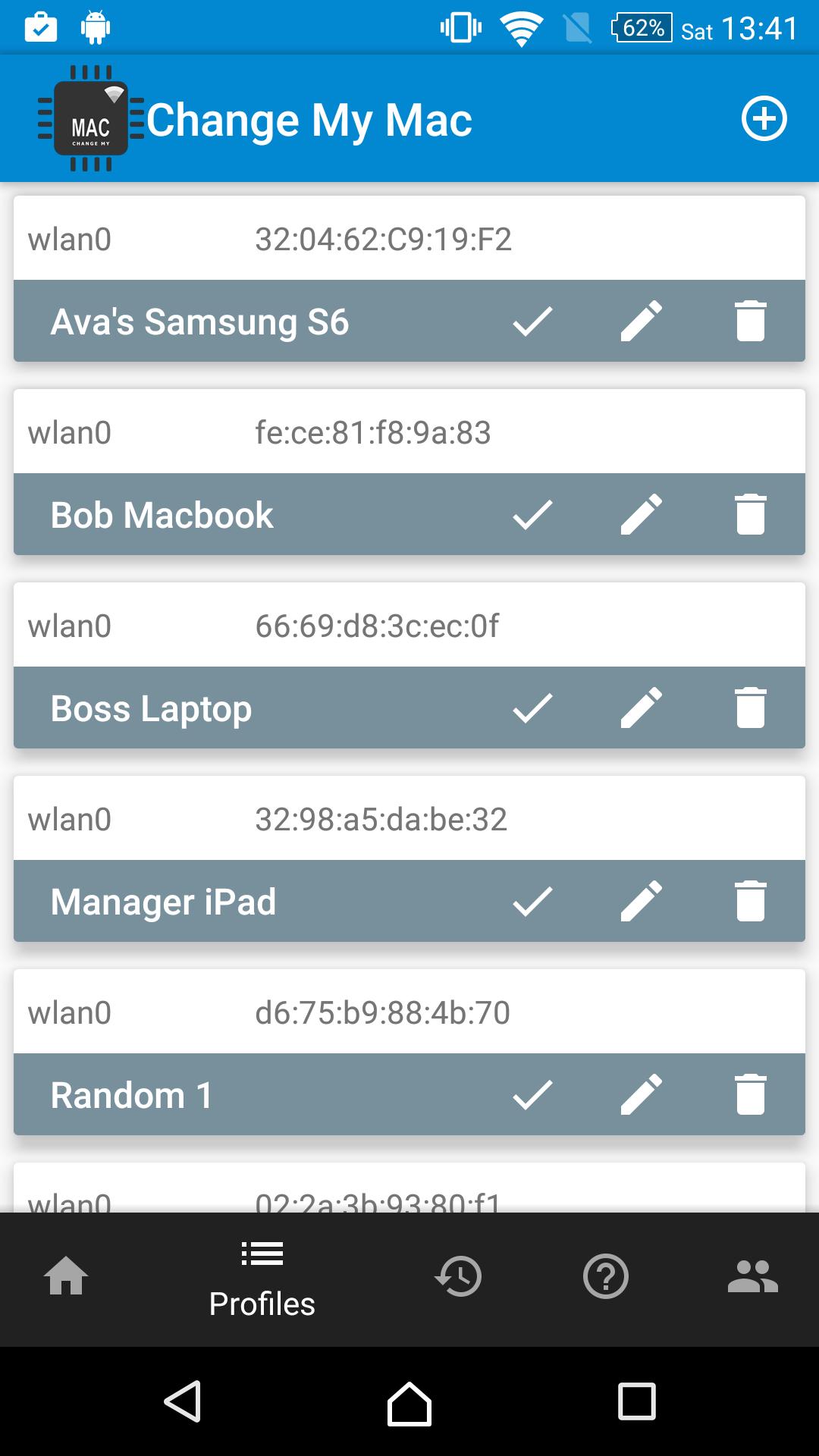
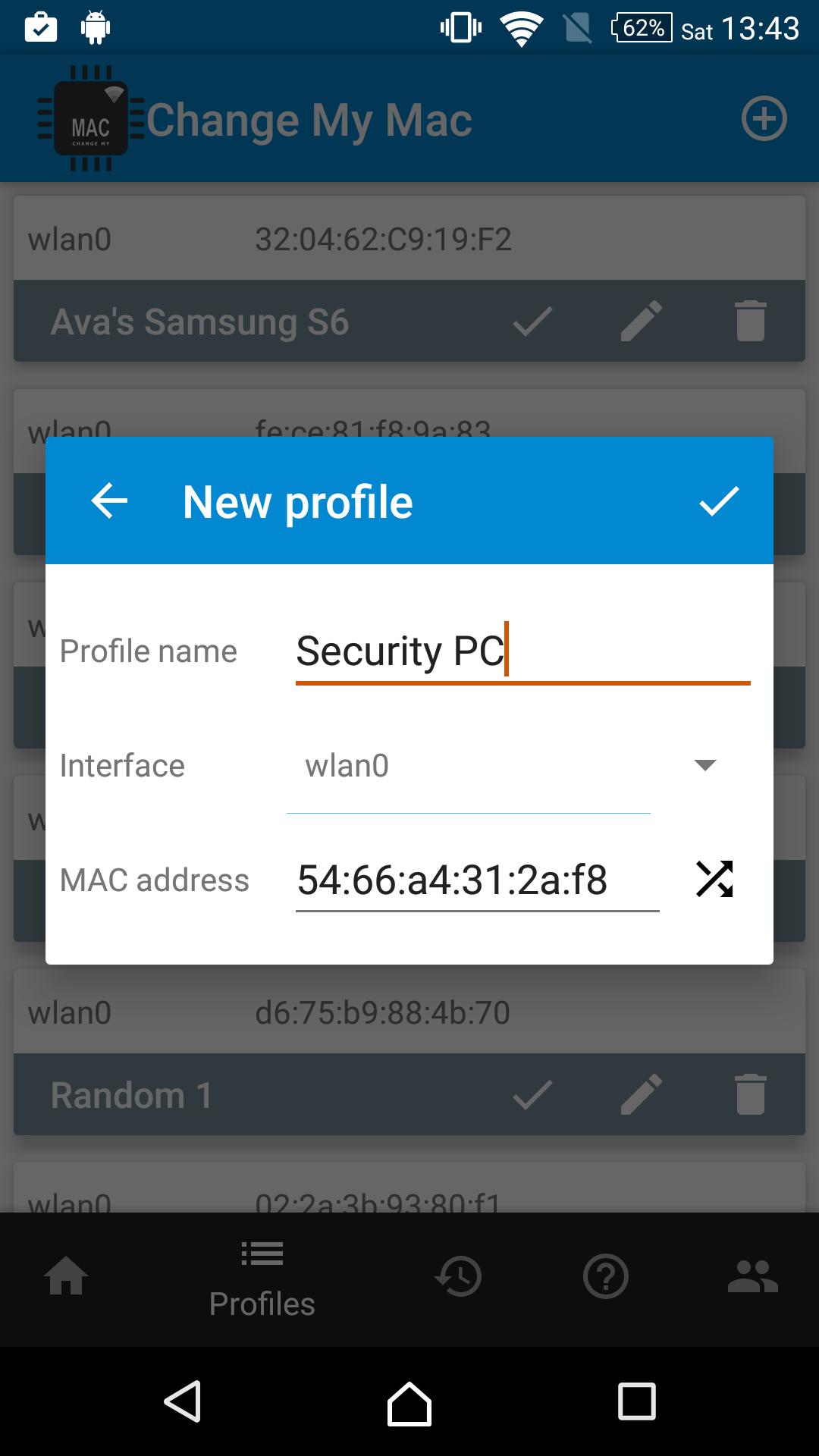
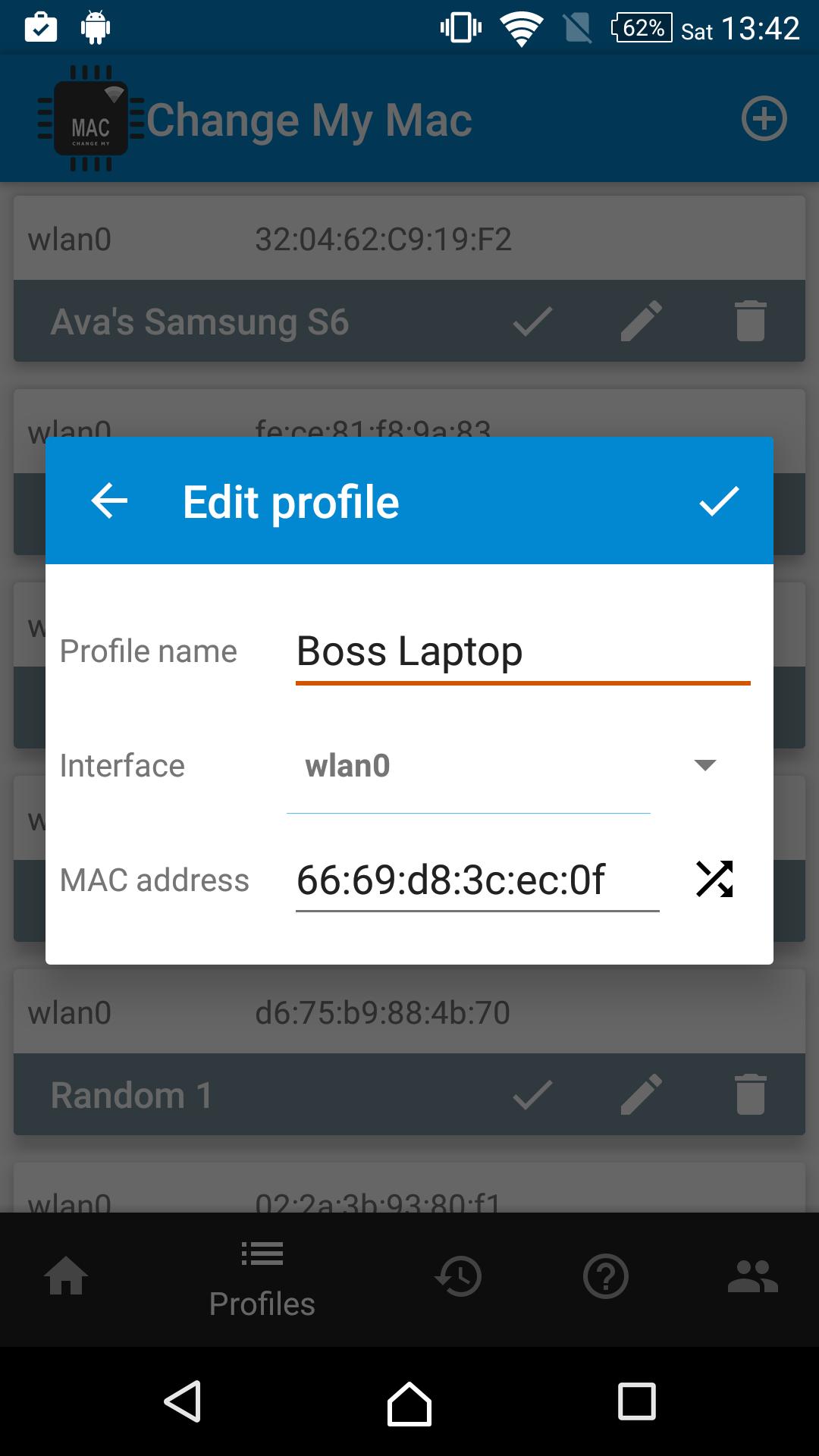
Profile manager
You can save MAC addresses to named profiles and reuse them later. This reduces manual re-entry and helps keep consistent settings across sessions.
History log
The app records each MAC change in a log so you can review what was applied and when. This makes it easier to track adjustments and revert to a known value.
Guidance and recovery
Built-in guidance explains common steps and issues. To restore the real MAC, disable then enable Wi-Fi, or reboot if the address does not revert. Some rooted devices on stock ROMs may show an Authentication problem after a change. Modify System Settings permission is required on Android 4.0 and 4.1 to restart the Network Manager. If your device is not supported, send the model details to support@xnano.net for assistance.
Change My MAC - Spoof Wifi MAC focuses on reliable MAC changes with profiles and logs for repeatable use. Confirm root access and follow the in-app guidance for recovery and troubleshooting. For best compatibility, keep the Change My MAC - Spoof Wifi MAC latest version installed.
Latest Version
1.9.2Uploaded by
Nô Nguy Hiểm
Requires Android
Android 5.0+
Category
Free Tools AppContent Rating
Everyone
Security Report
Check Now
Report
Flag as inappropriateLast updated on Jun 23, 2024
Stability improvements


APKPure - A multi-platform app store primarily focused on Android, providing extensive app-related content. Discover the app you want easier, faster, and safer, with quick and efficient downloads and installations.