

Package Name:co.whitebox.cgwizard
SHA-256:fb5a5cc0919695af3aa6eb6249d680df91c46134d6b6dfd90d41083ff1b56f95
Show More
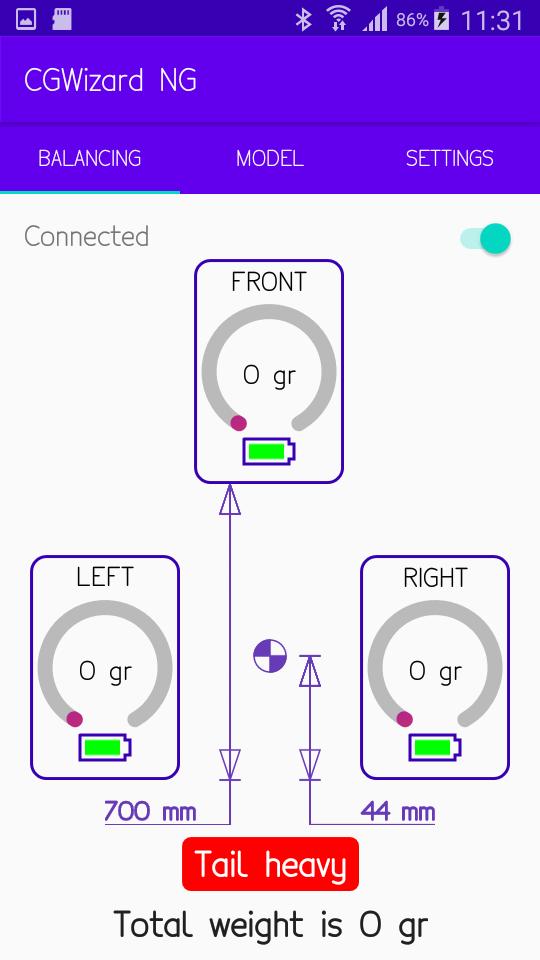
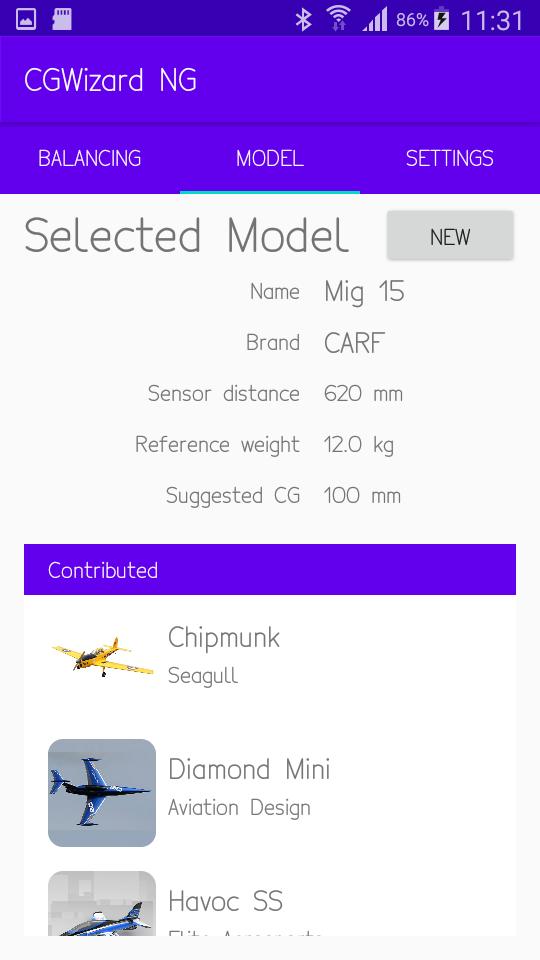
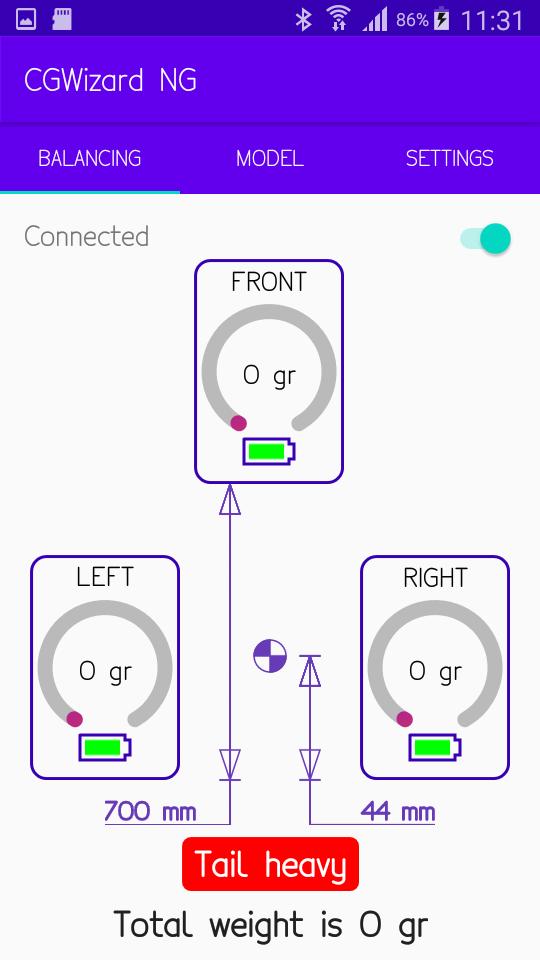
CG Wizard is the easiest tool to center your plane, in a precise and accurate manner.
Only 6 steps
1. Mark the CG as per your plane's manual
2. Power on you CG Wizard, and launch the app
3. Put the CG Wizard sensor under the wheels of your plane
4. Measure the distance between main wheel sensors and front sensor
5. Point the buil in laser under the CG mark made on step 1, and measure the distance to main sensor
6. Add or remove weight on the plane until the balance point matches the distance taken on step 5
Latest Version
2.15Uploaded by
Mshur Xeder
Requires Android
Android 8.0+
Category
Free Tools AppContent Rating
Everyone
Security Report
Check Now
Report
Flag as inappropriateLast updated on May 2, 2026
Minor bug fixes and improvements. Install or update to the newest version to check it out!




APKPure - A multi-platform app store primarily focused on Android, providing extensive app-related content. Discover the app you want easier, faster, and safer, with quick and efficient downloads and installations.