
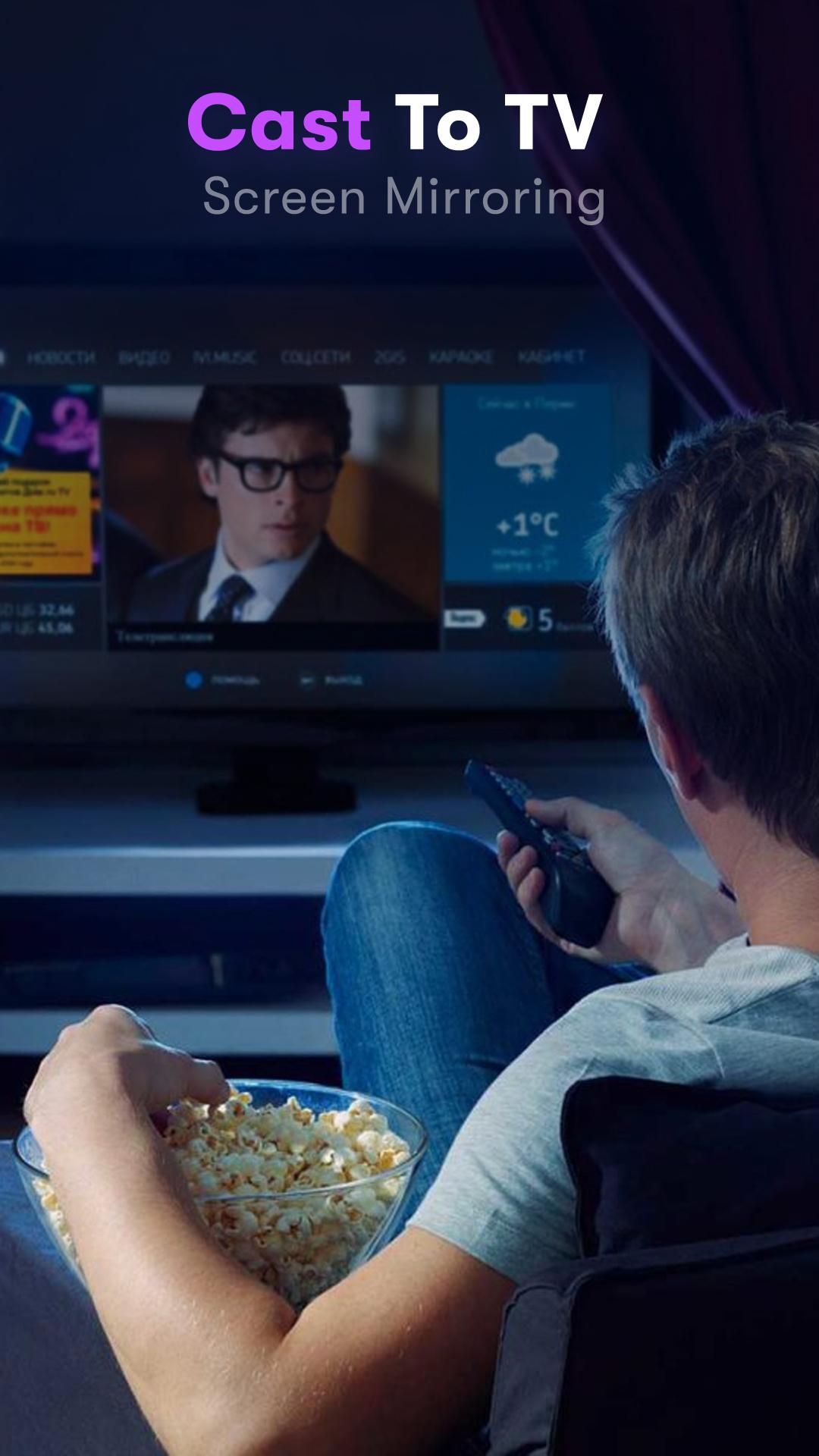
Always remember to use Cast to TV, Cast for Chromecast: you must connect everything to the same wifi. Cast to TV & Screen Mirroring app will assist you to scan and mirror your android phone or tab screen on your smart TV/Monitor (Miracast enabled) or Wireless Adapter or adapter and will get an experience with a phone and big screen. As simple as that, you can experience everything at your fingertips.
All your devices are supported:
• Chromecast
• Roku, Roku Stick, and Roku TVs
• Most smart TVs: Hisense, Samsung, LG, Sony, Panasonic, TLC, Toshiba, etc.
• Xbox, FireTV, and Fire Stick
• Other DLNA receivers
Features of "Cast to TV & Screen Mirror for Chromecast Stream" app:
- Connect your phone to the TV in two simple and quick steps.
- Screen mirroring everything amazing from your phone to your TV through the cast to tv app.
- Control everything conveniently: volume, pause, fast forward, rewind video with no delay.
- Cast to tv with photos, videos on the big screen.
- Enjoy music, play games on your smart TV.
- Access Youtube, IPTV easily.
- Use Remote control for smart TVs.
- Get to know your files fast.
Usage:
- For cast to tv to work properly, make sure your phone and device are connected to the same Wi-Fi
- Enable Miracast on your TV and Enable Wireless Display
- Select your existing device
- Enjoy everything, mirror any image, video, or audio you want to the big screen.
Latest Version
1.0Uploaded by
Snow Queen
Requires Android
Android 5.0+
Category
Free Tools AppContent Rating
Everyone
Report
Flag as inappropriateLast updated on Nov 20, 2022
Minor bug fixes and improvements. Install or update to the newest version to check it out!



APKPure - A multi-platform app store primarily focused on Android, providing extensive app-related content. Discover the app you want easier, faster, and safer, with quick and efficient downloads and installations.










