Scan Date:Nov 19, 2025
Show More

🎁 The Pro version of the calculator is now free!
ATNSOFT Calculator lets you:
✓ Instantly enter numbers and mathematical expressions using an ergonomic on-screen keyboard and voice input (currently supports English, Arabic, Bengali, Chinese, Croatian, Czech, Dutch, French, German, Greek, Hindi, Hungarian, Indonesian, Italian, Japanese, Korean, Malayalam, Polish, Portuguese, Romanian, Russian, Spanish, Swedish, Tamil, Thai, Turkish and Vietnamese). Just press the mic button and speak the expression (for example, 74 point 5 times 4 plus 37 = 74.5 × 4 + 37 = 335): it will appear on screen and the result will be calculated immediately!
✓ Make two or more calculations simultaneously. To do this, you can switch editing screens with a horizontal swipe along the top edge. You can give names to screens by tapping the screen number.
✓ Quickly copy the result to the clipboard simply by tapping it. There is a special button for pasting from the clipboard (📋).
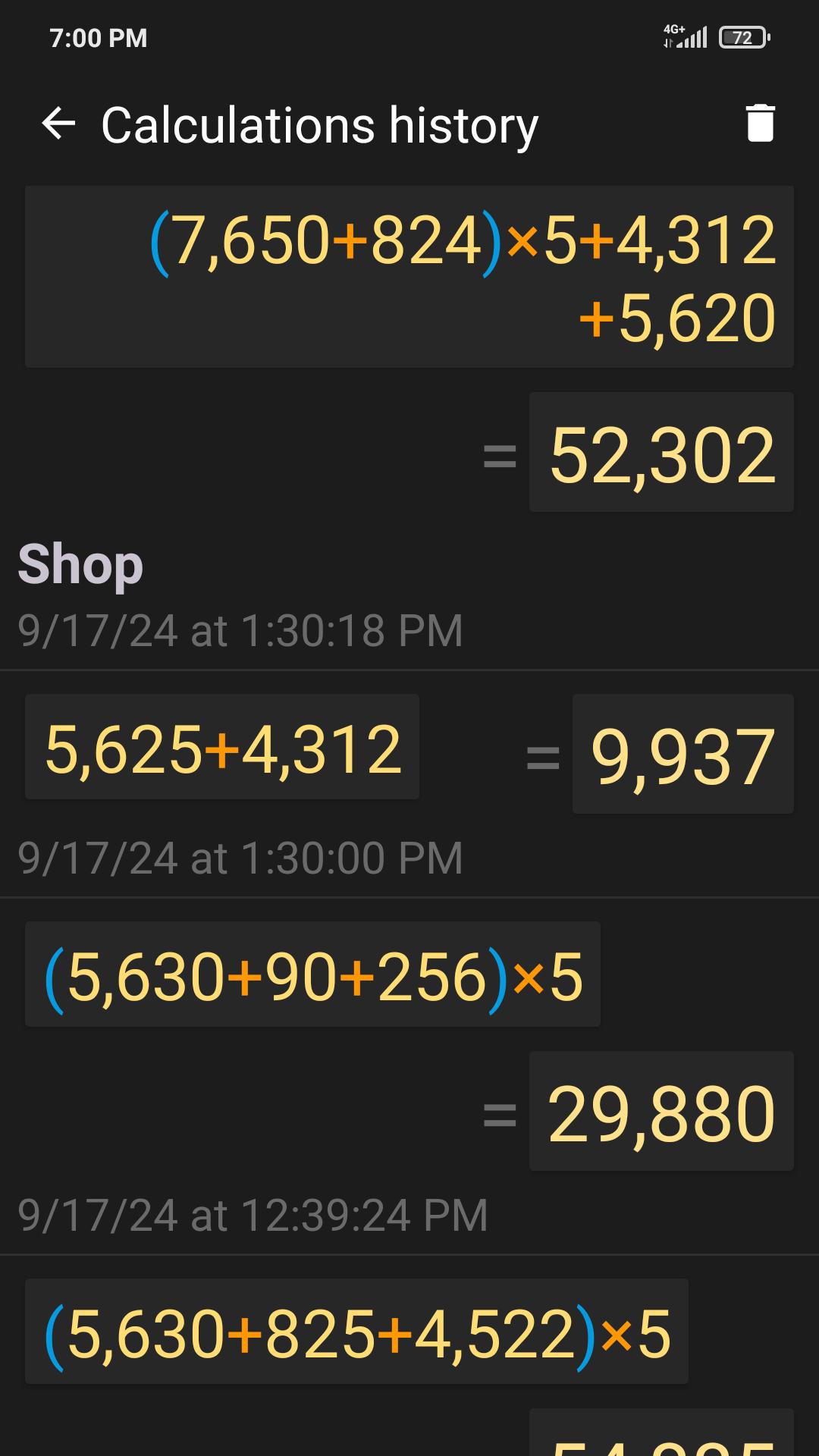
✓ All calculations are recorded in the calculations history, from where you can insert the expression and result into the editor. These records can be instantly deleted with a horizontal swipe. Any record from the history can be tagged with text by tapping the date or time.
✓ Execute mathematical operations with incredibly large numbers and expressions.
✓ Raise to the n-th power or extract the root of the n-th power (for example: 5 cubed = 5^3 = 125; the cube root of 27 = 3√27 = 3).
✓ Percentage calculations (for example: 200 + 10% = 220; 10 % 200 = 20).
✓ Convenient, user-friendly settings that can be easily opened with a swipe right on the keyboard. The settings include: vibrate on click, full-screen mode, keep screen on, and other options.
✓ The result is always displayed naturally, without incomprehensible E's, dashes, and numbers.
✓ Easily work with many memory cells, and easily switch between them. You can set a name for each cell, letting you intuitively use the memory for a specific field of activity.
✓ Quickly switch themes.
Latest Version
2.0.8Uploaded by
Jhon Diaz
Requires Android
5.0
Category
Free Productivity AppContent Rating
Everyone
Security Report
Report
Flag as inappropriateLast updated on Apr 27, 2025
✓ Added quick deletion when holding down the ⌫ button.
✓ Long press on the number buttons inserts the corresponding number of zeros: 2 — 00, 3 — 000, 4 — 0000 and so on up to 9.
✓ The cursor is now more prominent.
✓ When you tap on the result, it is now copied to the clipboard without formatting. This is useful when pasting into other applications.
✓ Improved voice recognition.
✓ Added localization and voice input in Malayalam (മലയാളം).





APKPure - A multi-platform app store primarily focused on Android, providing extensive app-related content. Discover the app you want easier, faster, and safer, with quick and efficient downloads and installations.