
Calculator : A powerful calculator with a simple interface
Calculator provides simple and advanced mathematical functions in a beautifully designed app.
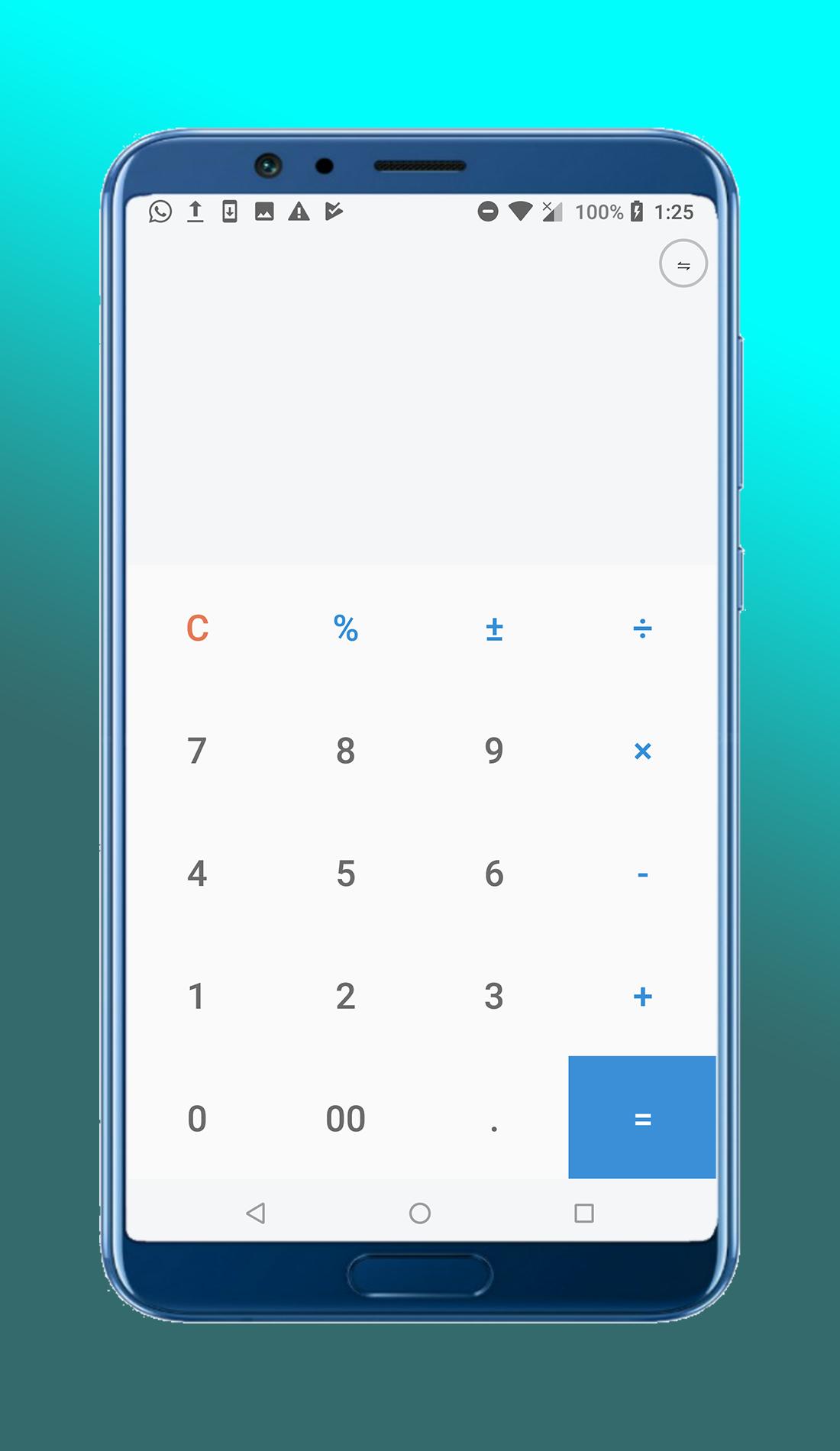
Perform four fundamental operations and engineering calculations.
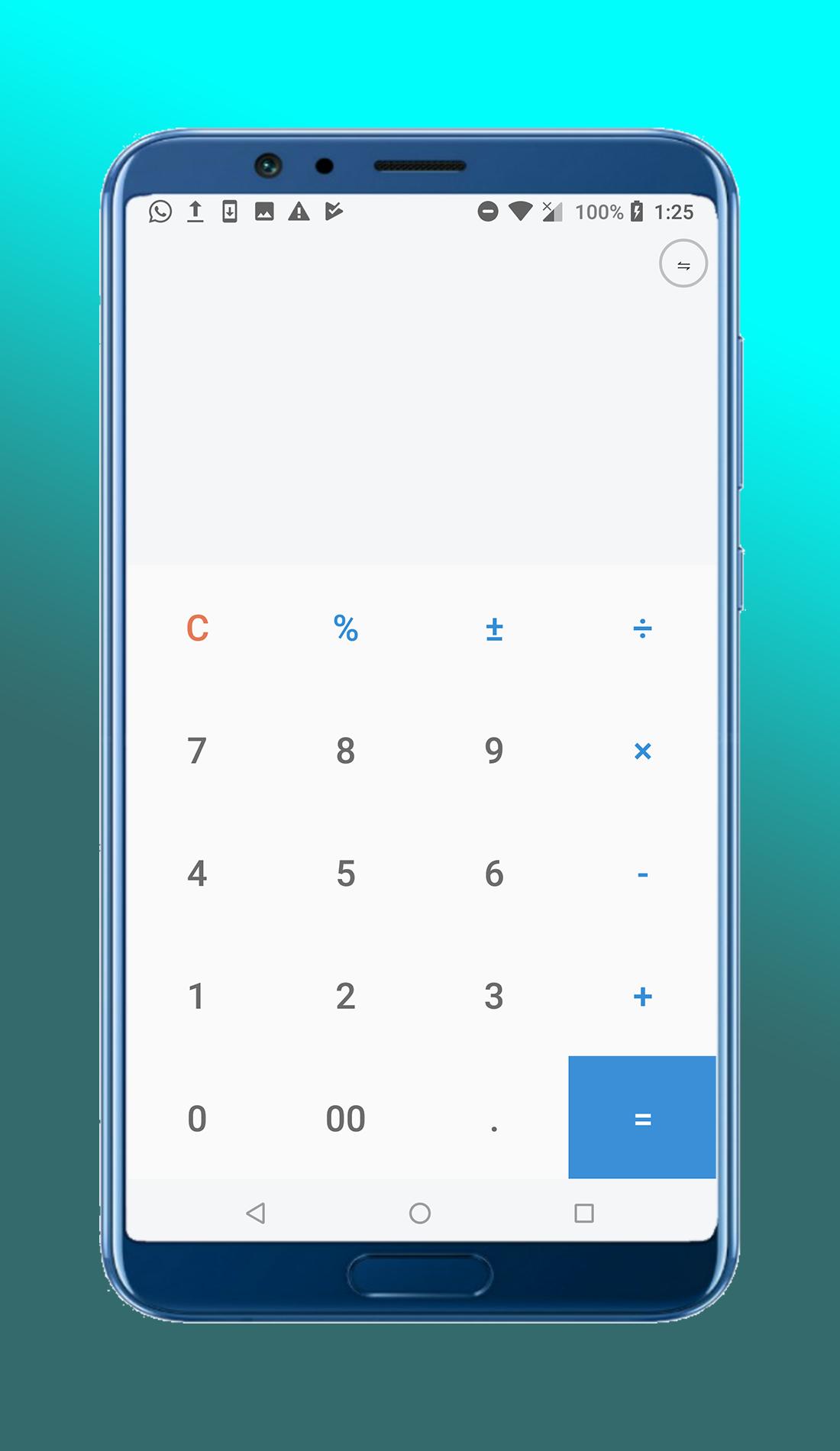
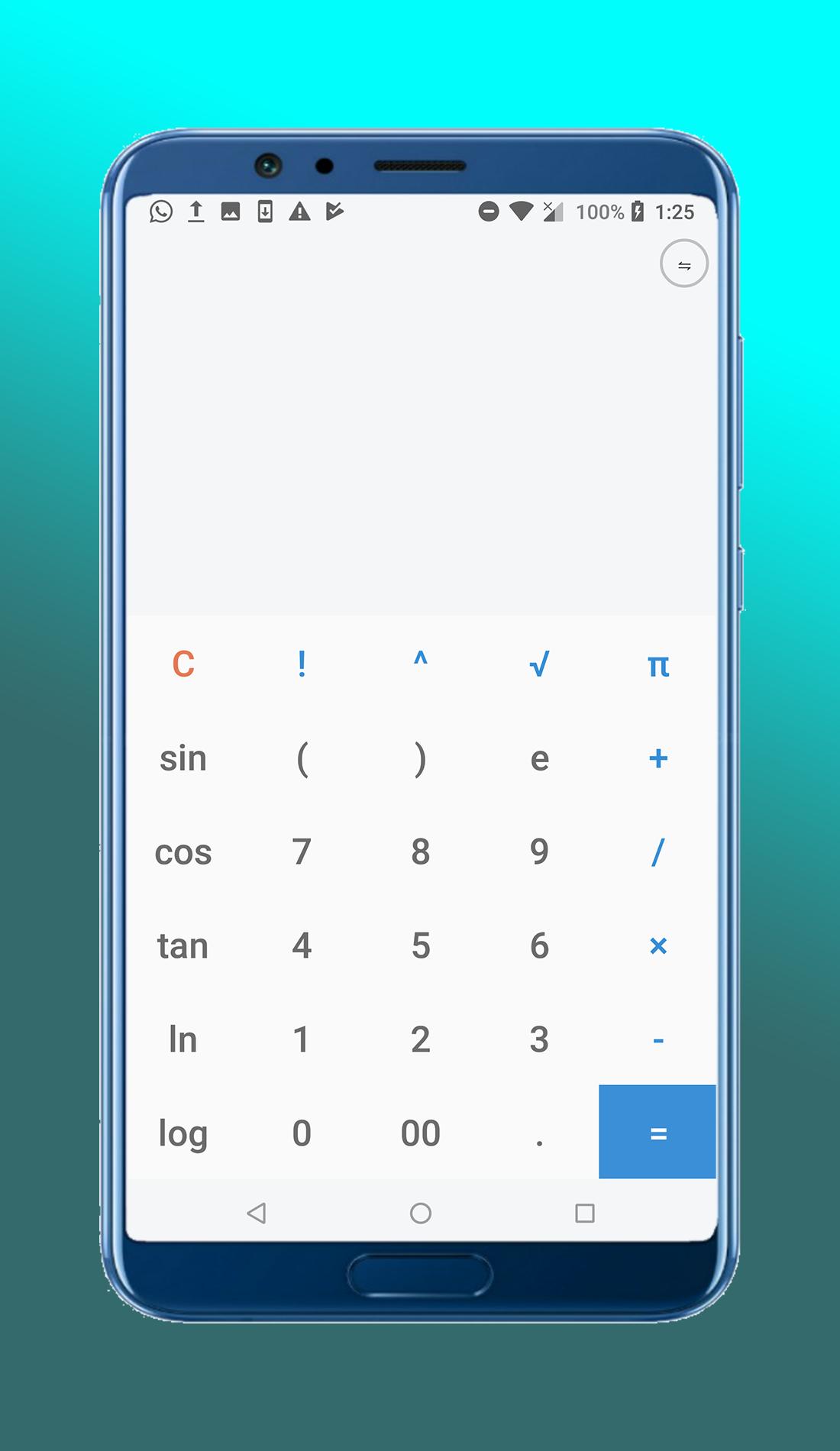
Calculator is a simple 4 function calculator, with a panel that has more advanced functions when you need them.
The goal is a simple and uncluttered calculator.
Didn't you know that most of your math problems could be solved with one of Android apps free? This highly useful and efficient calculator app will become your best friend at work, in everyday life, at school, college or wherever you study.
Features
★ simple and intuitive design
★ haptic feedback (on/off)
★ work with different numeral systems
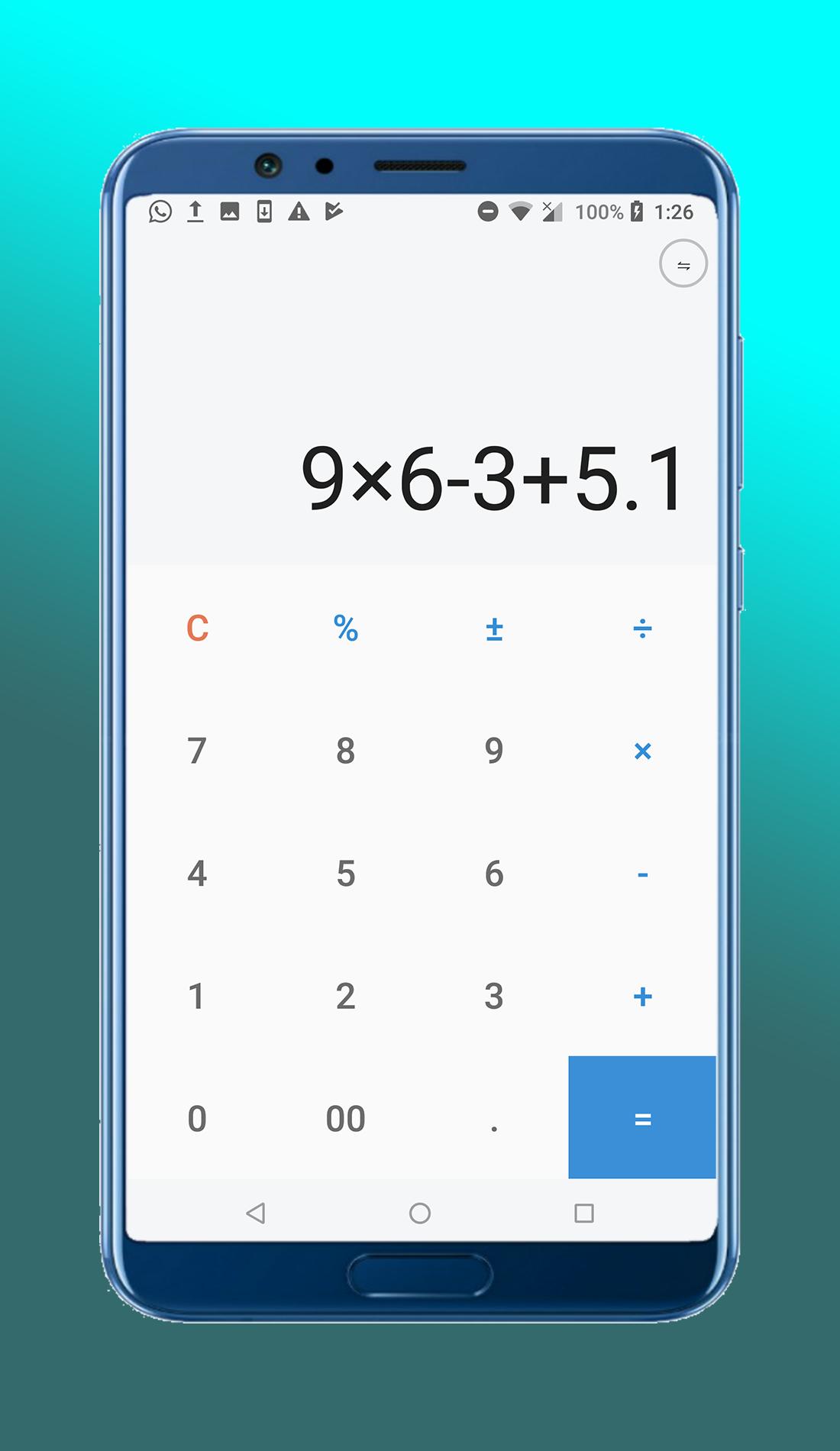
★ simple arithmetic (addition, subtraction, multiplication, division, percent)
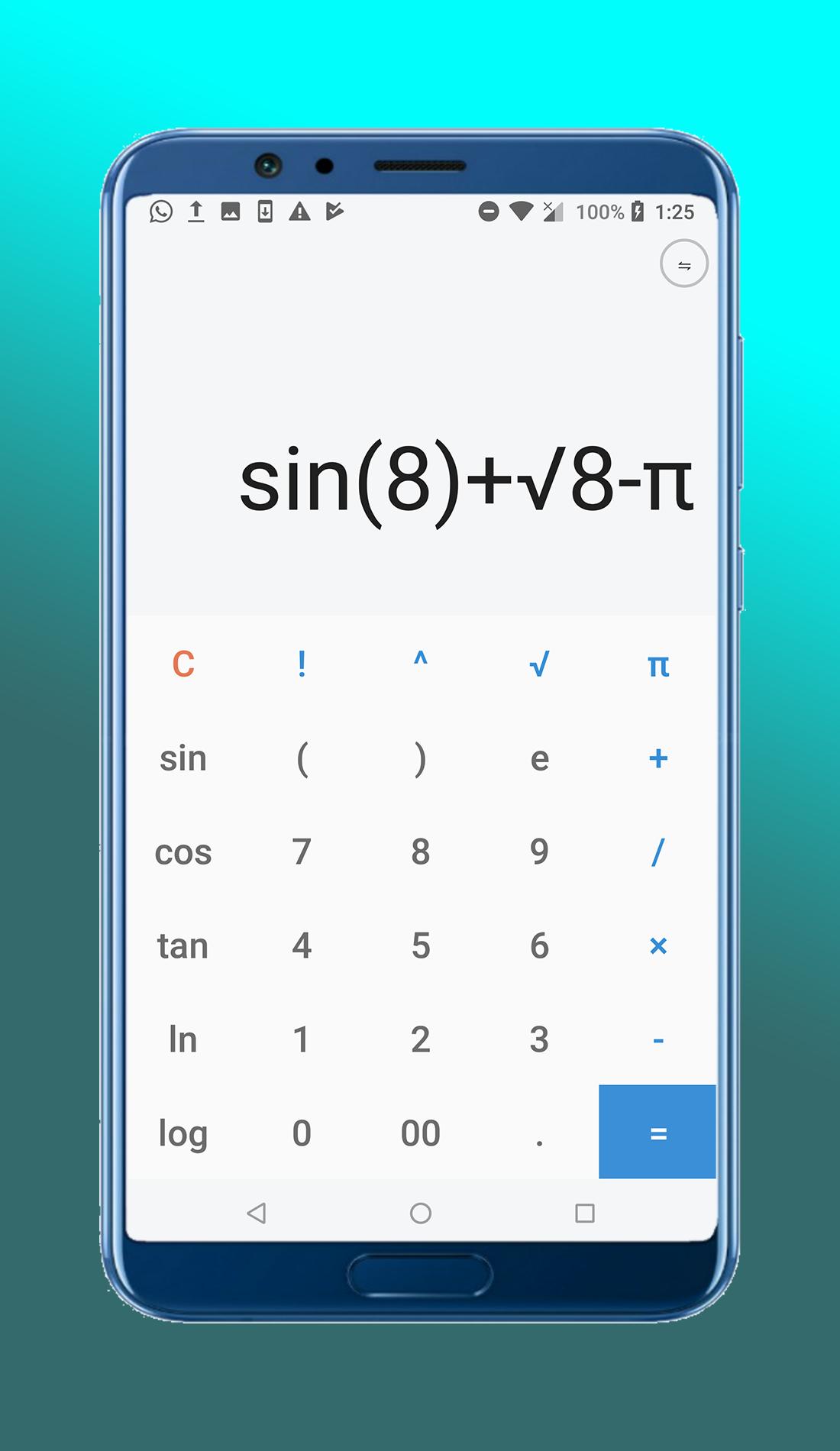
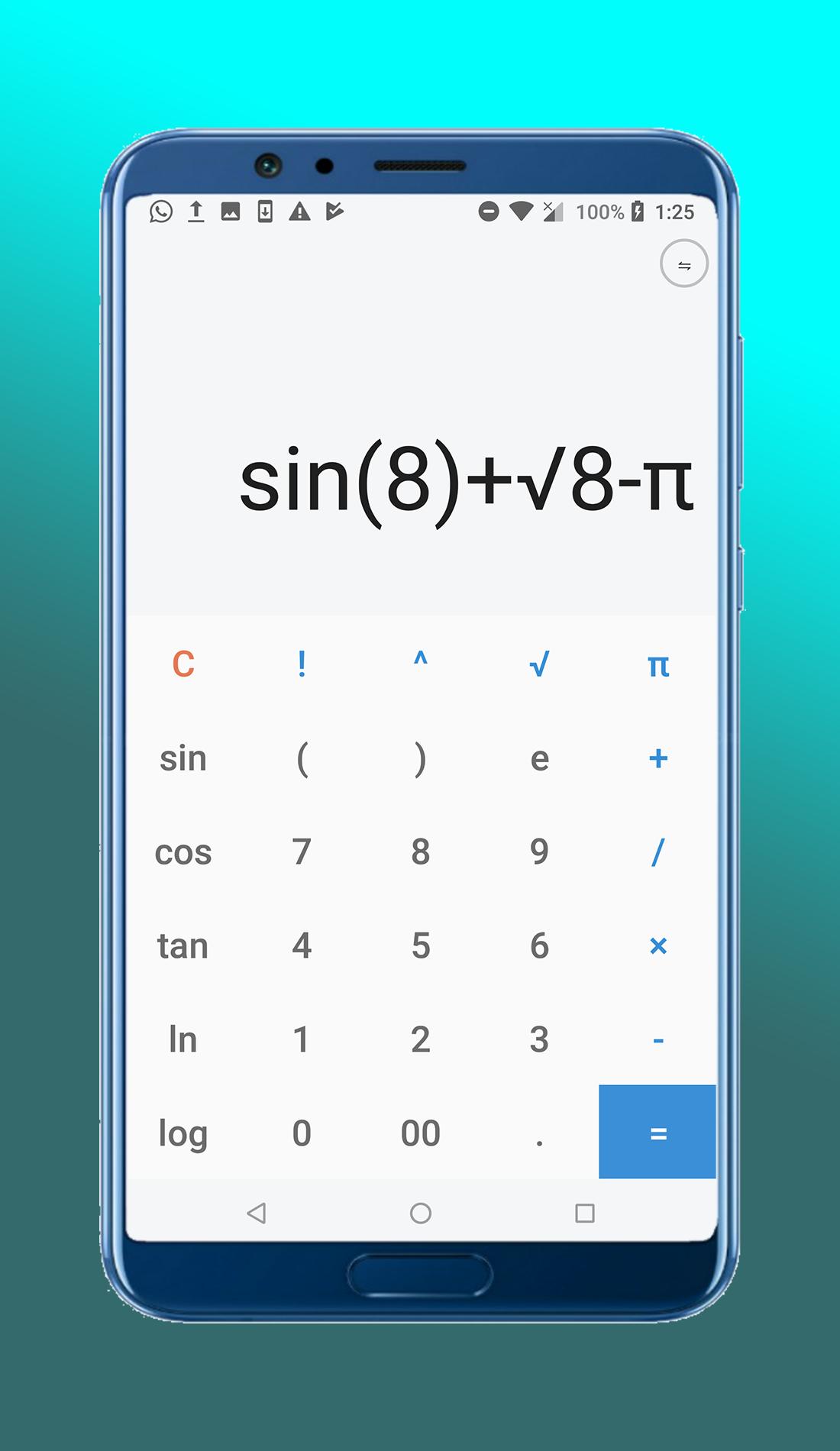
★ elementary algebra (exponentiation, root extraction, decimal and natural logarithms, sin, cos, tan etc)
★ derivatives
★ integral calculus
★ Perform basic calculations such as addition, subtraction, multiplication, and division
★ Try our new Material theme!
★ Beautiful and intuitive interface with gesture based control and navigation
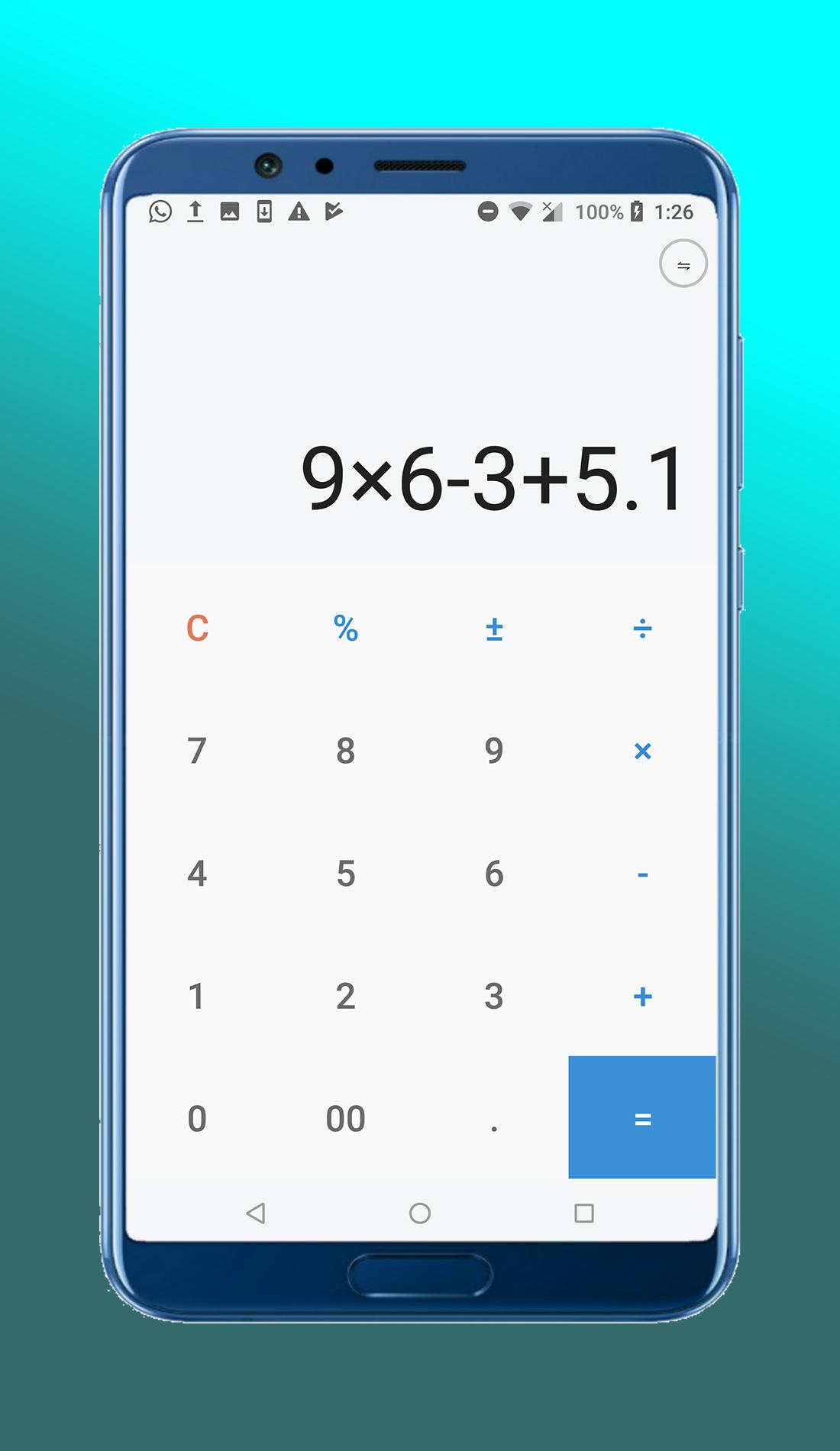
★ See instant results of your calculations as you enter them
★ Percentage calculation available
★ Backspace clear all by pressing C
★ Supports portrait mode
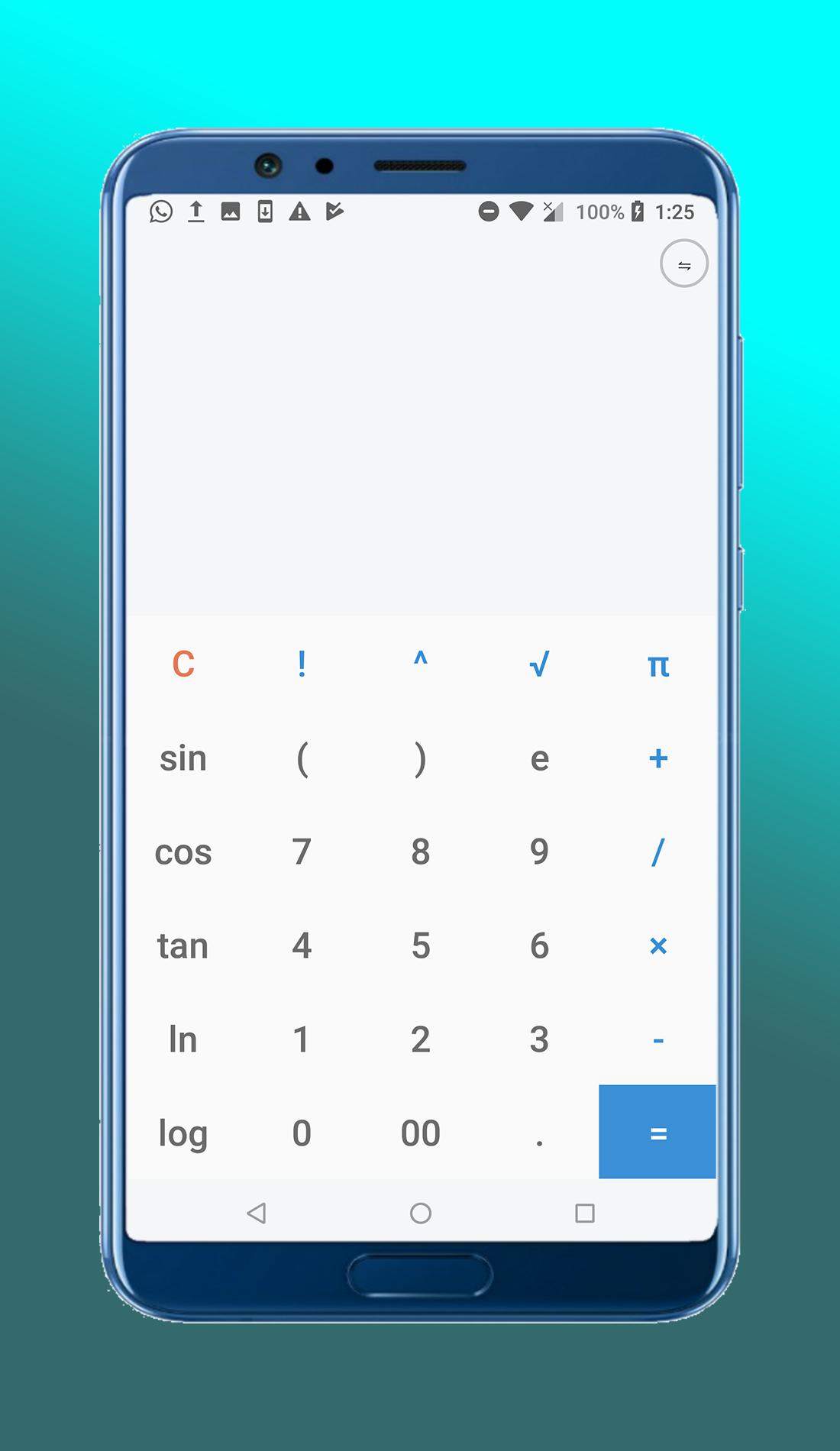
★ Reveal scientific keypad
★ Scientific keypad to customize it
★ Choose between simple and full keypad layout
★ Beautiful, simple and stylish design
★ Easy to use with large buttons to minimize errors
★ Displays calculation
Available functions:
- addition
- subtraction
- multiplication
- division
- percentage
- square root
- sin
- cos
- log
- tan
- In
...
Because Calculator is a full replacement for your stock calculator, we recommend you disable the one that came with your phone. If you long press your original calculator, and drag it to App Info, you can Disable it where you'd normally find Uninstall.
Do you love calculators which can help you solve really complex problems? Do you want to get results quickly? Install Math Calculator for free and you'll get a real math problem solver, conversion calculators option as well as many other bonuses.
What do you want to have in case in you don't have math skills at all, but have to solve a really hard problem immediately? Of course, you'd like to have a math calculator that shows work and do it perfectly!
calculator
Latest Version
4.0Uploaded by
Jhonnel Andrei Morones
Requires Android
Android 4.0.3+
Category
Free Tools AppContent Rating
Everyone
Report
Flag as inappropriateLast updated on Dec 3, 2019
This release includes minor bug fixes and general improvements. Update to the latest version for the best experience.


APKPure - A multi-platform app store primarily focused on Android, providing extensive app-related content. Discover the app you want easier, faster, and safer, with quick and efficient downloads and installations.