Scan Date:Apr 21, 2026
Show More
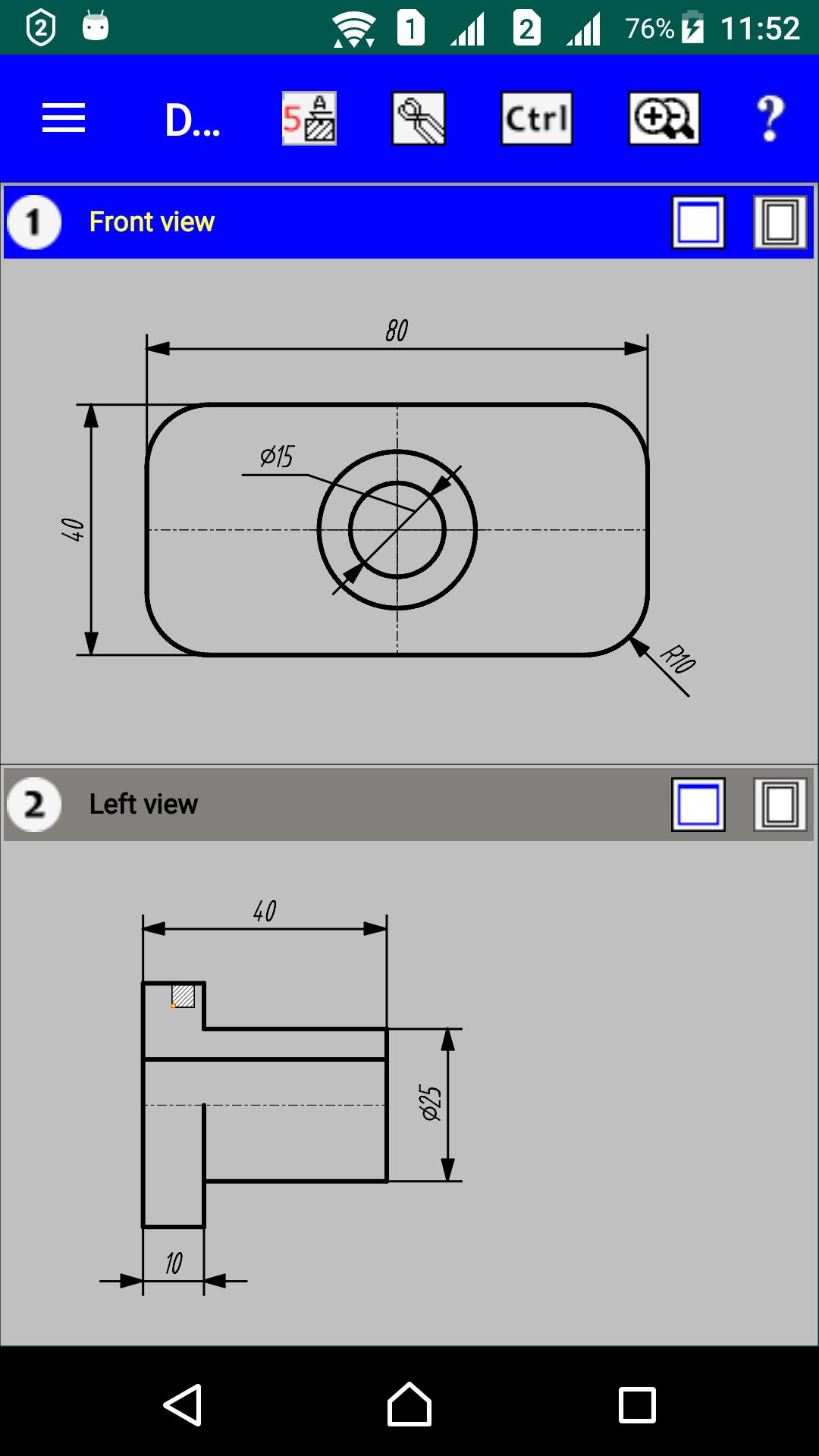
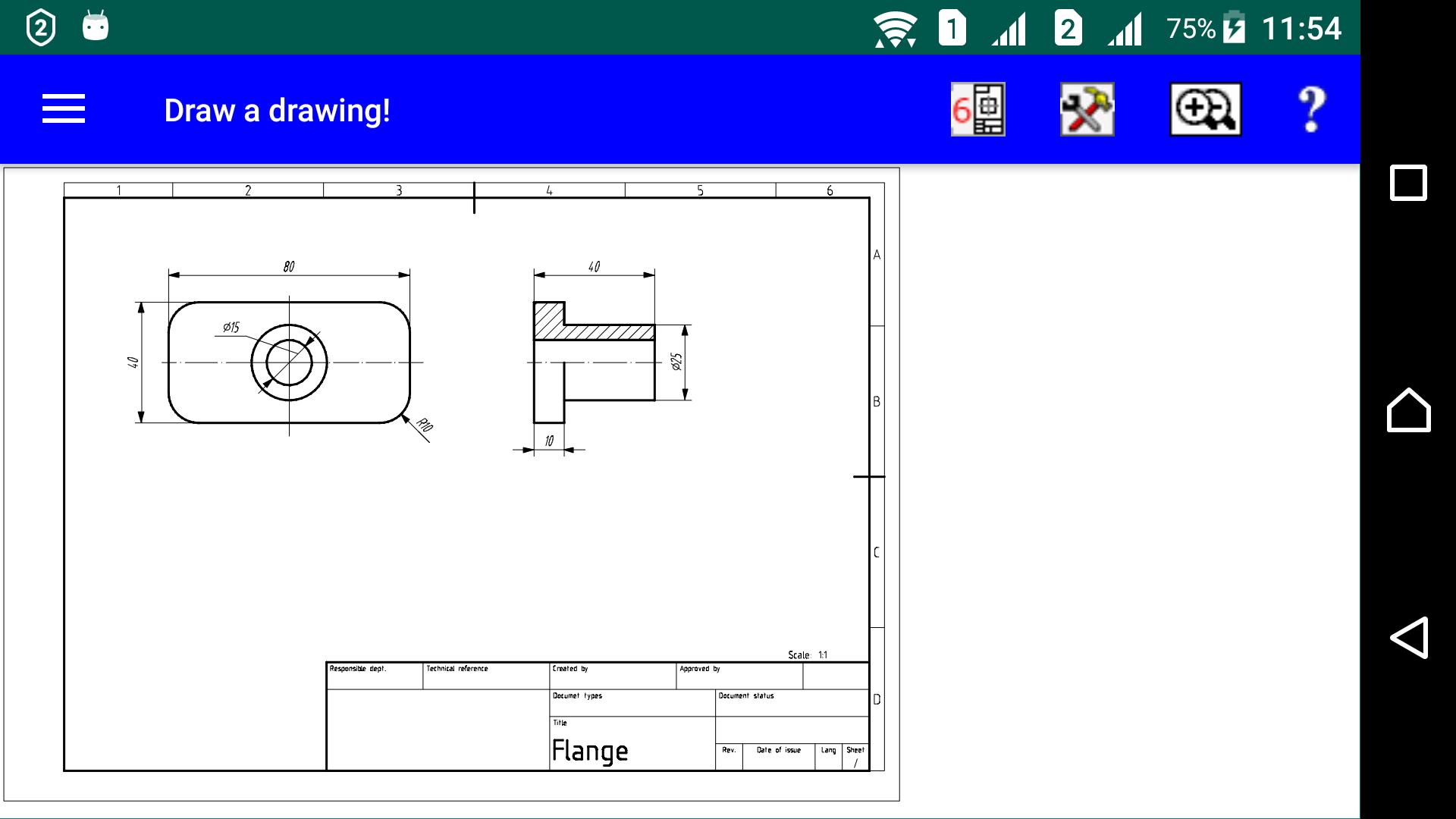
A drawing is not just a picture with projections, but first of all a parametric model of a product in flat projections. By changing the parameters, the images of the product projections change. This way, the automation of the design process itself is achieved.
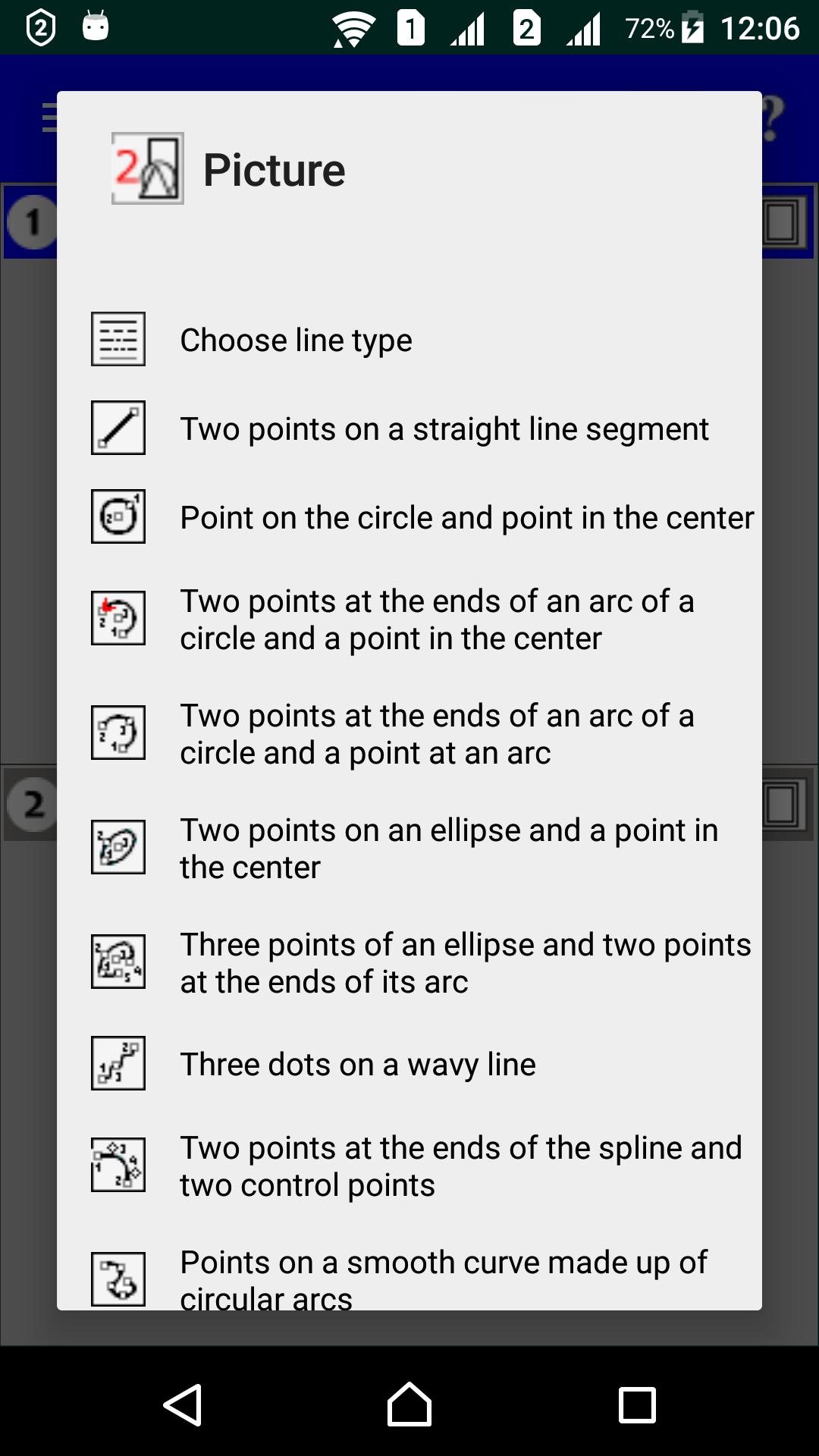
CAD "Draw a drawing!" is designed to create full-fledged engineering drawings for various purposes according to ISO standards from a clean sheet, fragments for them in DXF format, synthesis of 3D wireframe objects based on their flat projections, creation of opaque shells for 3D objects and their development on the cutting plane, as well as synthesis of solid objects by the additive construction method.
This application is also applicable wherever you just need to draw a drawing by dimensions.
The application is well documented with instructions.
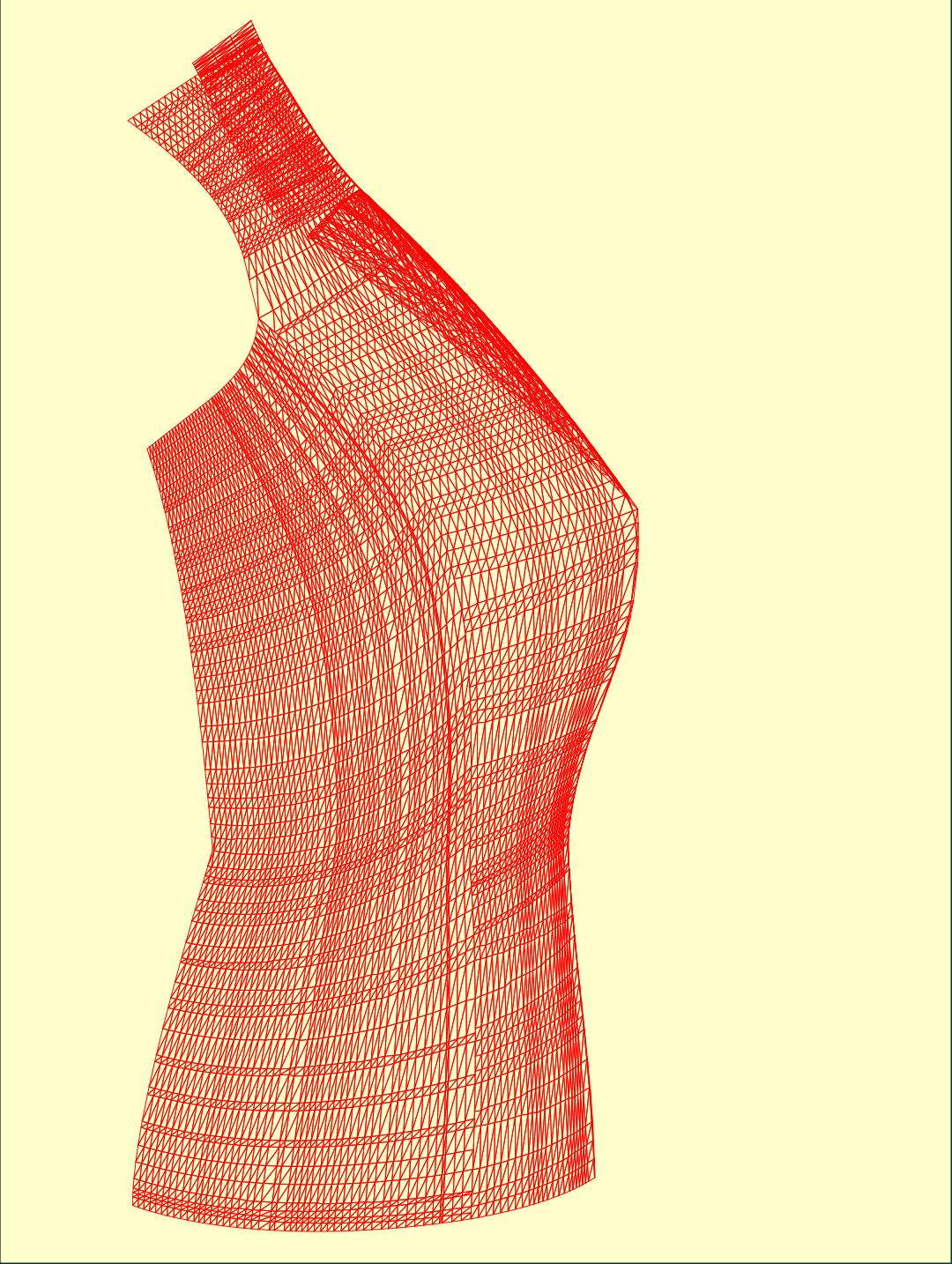
The application can also be useful for those who are engaged in individual tailoring, since with its help you can digitize and make changes to patterns of any styles and issue new templates for them either for printing via a PDF file, or in files in AAMA and DXF formats.
The application supports three types of building spatial models:
1. Building a model by creating shells from surfaces - NURBS technology (it is described in detail in application to clothing design).
2. An additive method of constructing a model in the form of a bas-relief by “pulling” it from any three-dimensional surface.
3. Composing a 3D object from pieces.
Creating a bas-relief also has applications for marking 3D objects with any surface.
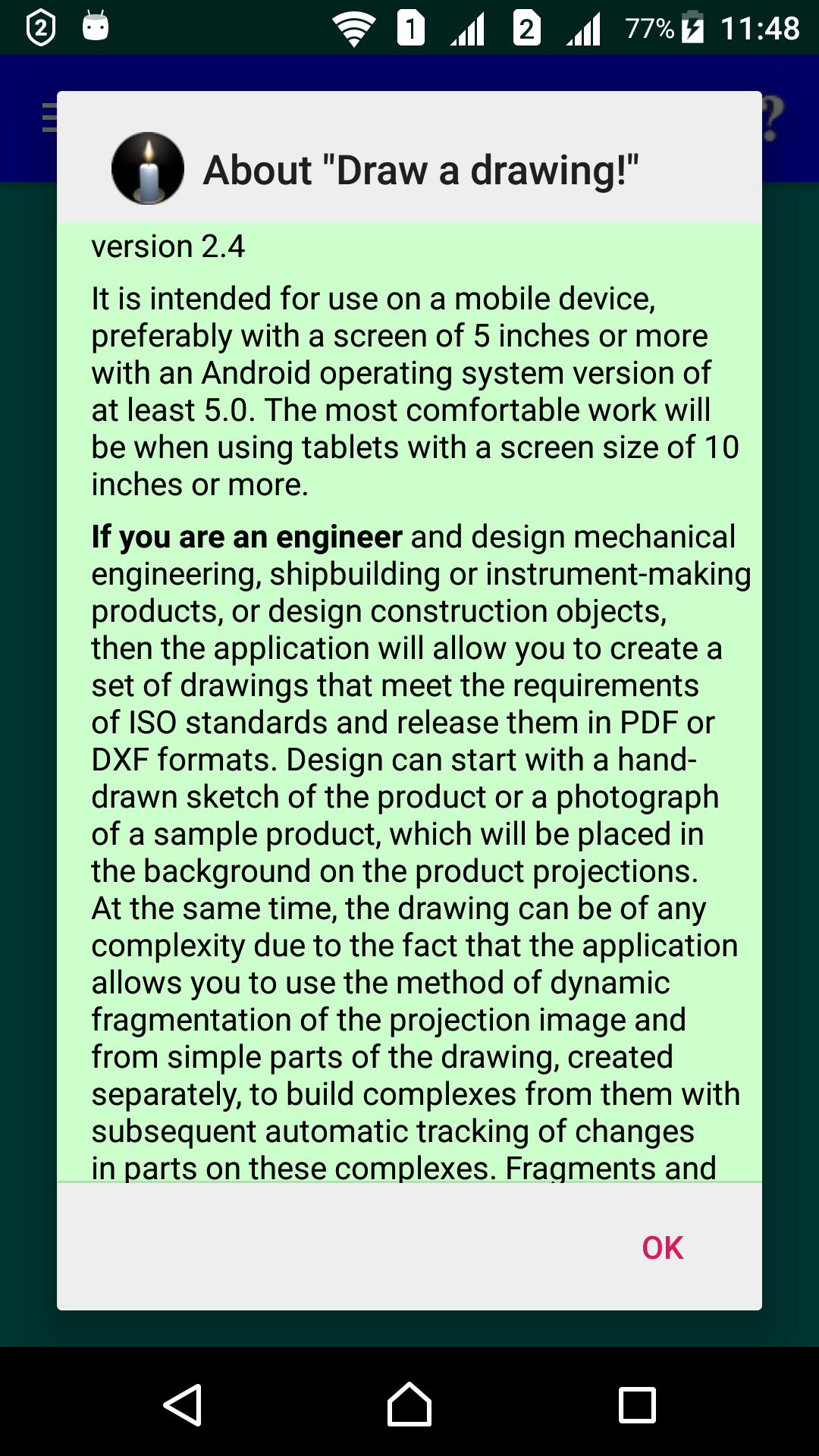
Designed for use on a mobile device with a screen of 5 inches or more with a resolution of at least 1080x1920.
It is recommended to watch the video tutorial https://www.youtube.com/watch?v=T-7ZOpcrRX8&t=168s and on the site https://drawingwork.net download the book "Application Guide" in PDF format for free. Ask questions by mail: drawinghaven@gmail.com
The application has restrictions on the use of some functions. A list of them as a reminder is shown between construction steps. If the user wants to use all the functions of the application, this can be done using the "Enable all functions" function in the prompt menu list "?". This will offer a period for agreeing to a subscription to use the application. After this period, the app will start showing the list of restricted features again.
Reading the built-in application description is always available without restrictions. It completely repeats the book "Guide to using the application".
Latest Version
7.01Uploaded by
Dorian Rusnac
Requires Android
Android 5.0+
Category
Free Productivity AppContent Rating
Everyone
Security Report
Report
Flag as inappropriateLast updated on Apr 21, 2026
adding the "Trace route" feature for automatically creating connections in various circuits, as well as for designing simple printed circuit boards




APKPure - A multi-platform app store primarily focused on Android, providing extensive app-related content. Discover the app you want easier, faster, and safer, with quick and efficient downloads and installations.