Main benefit of Burmese Keyboard app is that you can type any kind of messages, e-mail, text, story etc. in Burmese Language easily.
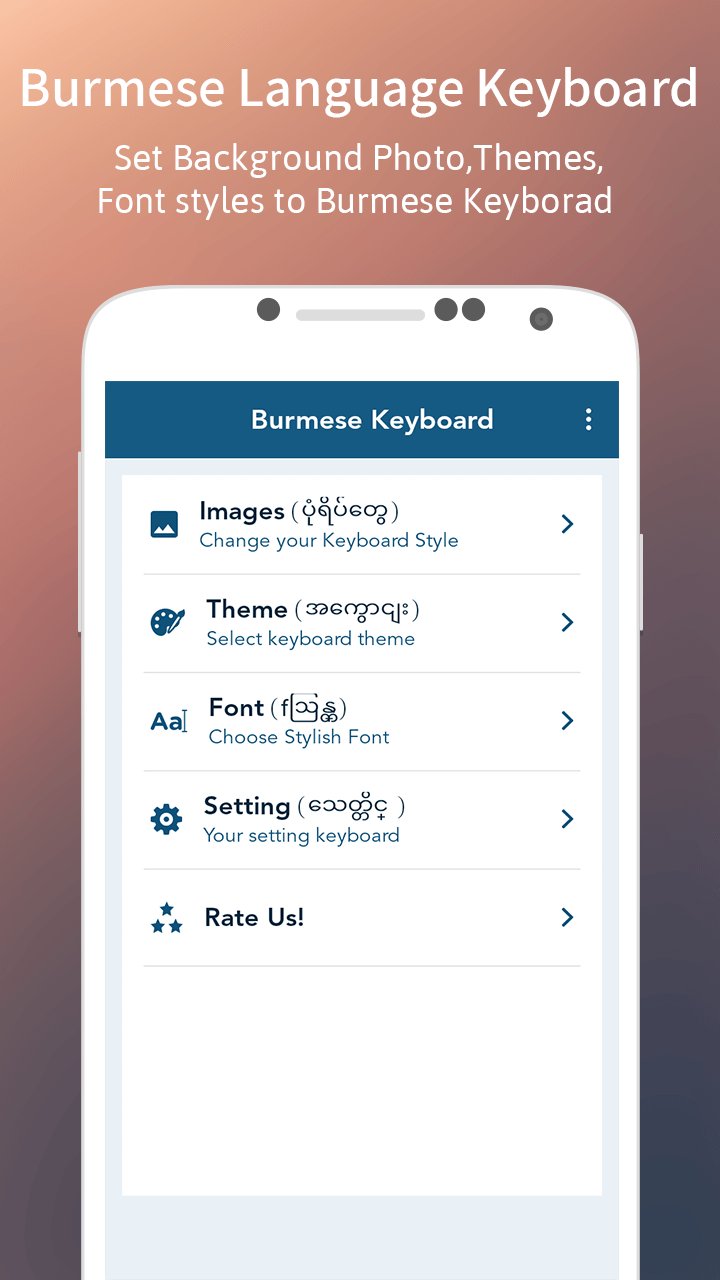
This app allows you to type in Burmese fonts. You can easily switch between Burmese and English at any time by tap on keyboard. Burmese Keyboard app is smooth to run with different fonts and styles. The best feature of Burmese Keyboard app is that you can set theme as per your choice. You can customize theme with your photo in background or with color.
Burmese Keyboard works perfectly on Portrait Mode or Landscape Mode.
Features
- Hundreds of Emoji available.
- Customize keyboard themes.
- Smooth key press and decent sound.
How to Enable:-
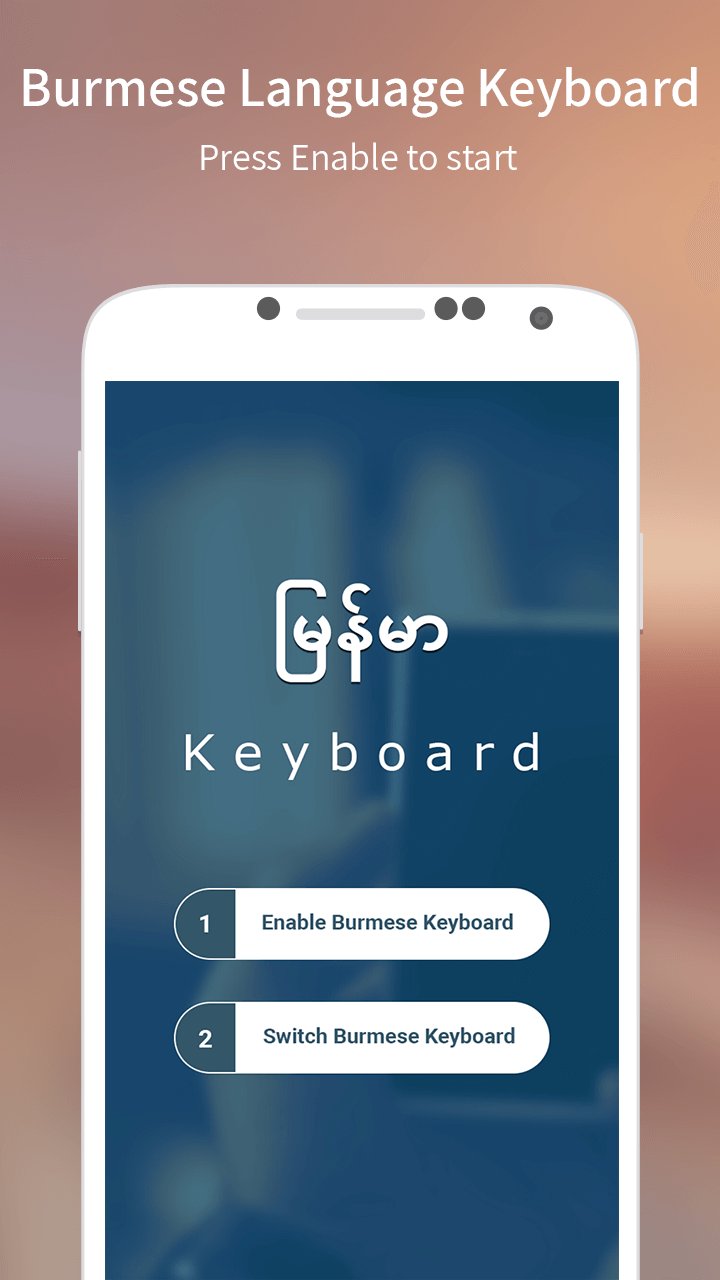
- Start Burmese Keyboard app after installing it.
- Click on Enable Burmese Keyboard button.
- Set input method to Burmese Keyboard by clicking on Switch Burmese Keyboard button.
- You have successfully set Burmese Keyboard.
- Now you can type anything in Burmese.
- You can also set themes or customize it by changing font style, font color, background color, background photo and keyboard size.
Latest Version
1.0Uploaded by
Chi Duy
Requires Android
Android 2.2+
Category
Free Personalization AppContent Rating
Everyone
Report
Flag as inappropriateLast updated on May 3, 2017
Minor bug fixes and improvements. Install or update to the newest version to check it out!




APKPure - A multi-platform app store primarily focused on Android, providing extensive app-related content. Discover the app you want easier, faster, and safer, with quick and efficient downloads and installations.