
Manage "Everything IT" - Anywhere.
Take your IT network, help desk tickets(cloud or local) and users with you wherever you go! With Spiceworks - Help Desk, Spiceworks users have the info they need to do their IT jobs – at their fingertips. See devices, work help desk tickets, access user info, read IT discussions, and more.
Used by over 1 million IT pros worldwide, Spiceworks free IT management app & online community simplifies “everything IT” about the IT workday. From network inventory, monitoring & mapping to help desk, vendor ratings & reviews and more, Spiceworks delivers everything an IT pro needs to get their daily grind done. All for free.
Spiceworks Mobile for IT Pros.
VIEW YOUR NETWORK INVENTORY & ISSUES*
- See all the hardware and it's details on your network
- Identify if any issues exist with your assets
- Open a ticket for any assets that need attention
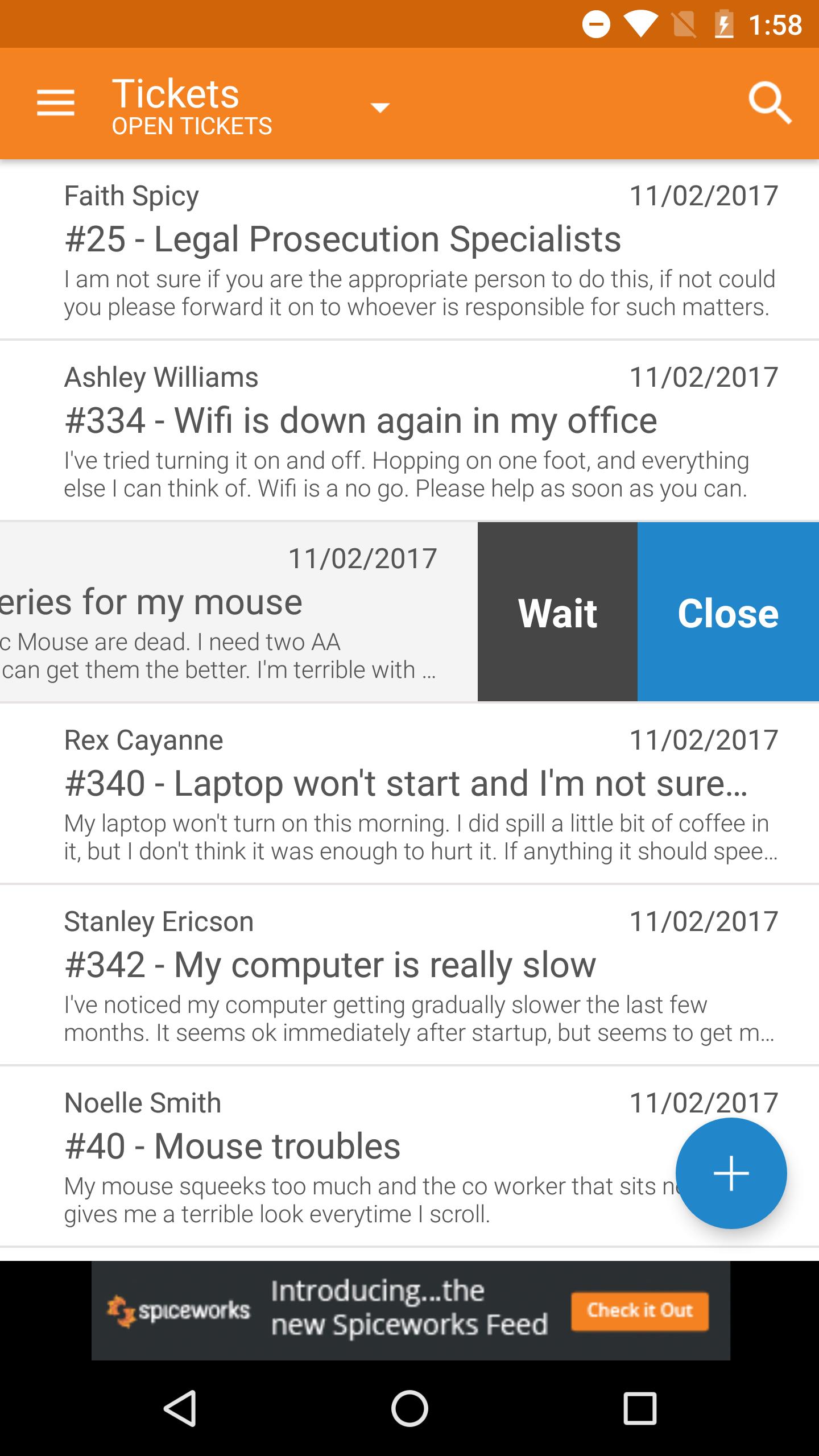
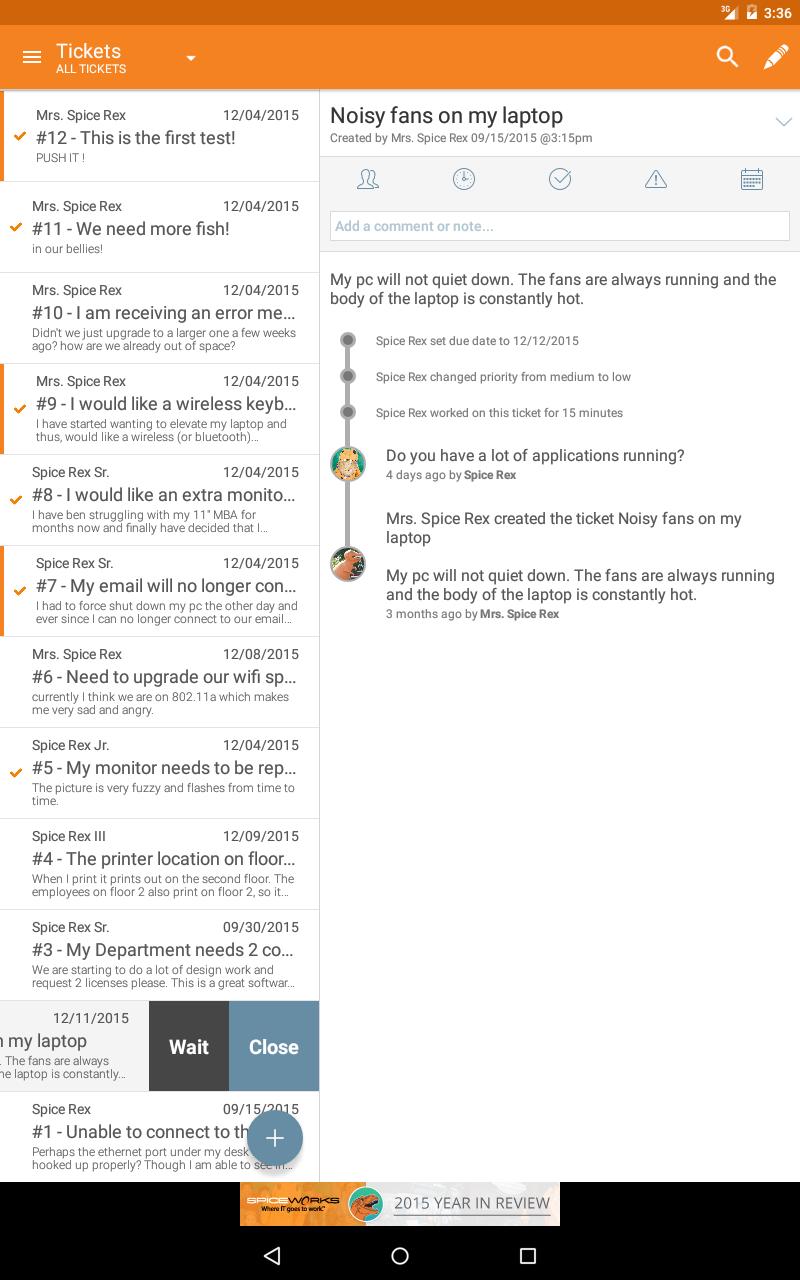
RUN YOUR HELPDESK & TEND TO YOUR TICKETS
- See and respond to all of your trouble tickets
- Create new tickets, close and re-open existing ones
- Add and edit ticket description and details
- Assign tickets and set priorities, due date & more
GET A FULL PICTURE OF YOUR END-USERS*
- Quickly get contact info for your end users
- View and update important user details (Active Directory)
- Take and upload pictures of users to their profiles
Get Started with On Premise setup in 2 Easy Steps:
1) Get the latest version of Spiceworks' desktop app at http://www.spiceworks.com.
2) Come on back here & install Spiceworks Mobile
Permissions
We require several permissions on your Android device to operate properly. Here is the list and why we need them.
Network communication
full Internet access - your Spiceworks installation and the Spiceworks community are accessed through the internet.
Phone calls
read phone state and identity - from the people view, when making a call, we need to know if the phone is busy already.
System tools
retrieve running applications - lets us verify if a task has already been started so we have only one instance of activity at a time, and also lets us restart if we run into an unexpected issue.
*Network and inventory features currently available with On Premise version only.
Última versão
3.3.20Enviado por
Youssef Mohamed Watany
Requer Android
Android 4.0.3+
Categoria
Grátis Corporativo APPClassificação do Conteúdo
Everyone
Relatório
Marcar como inapropriadoLast updated on Jul 17, 2019
Minor bugs fixed






APKPure - Uma loja de aplicativos multiplataforma focada principalmente em Android, fornecendo extenso conteúdo relacionado a apps. Descubra o aplicativo que você deseja de forma mais fácil, rápida e segura, com downloads e instalações rápidos e eficientes.