

Boot Animation Zip Generator suits users who want a simple way to change the startup animation on an Android device without learning complex tools. It focuses on turning a short video clip into a bootanimation.zip that your phone can play during boot. You start by choosing a video, then follow guided steps that keep the process clear from start to finish. As a result, you avoid manual folder setup or command line steps. For quick access and installation flexibility, some users look for Boot Animation Zip Generator APK.
One tap video to boot animation
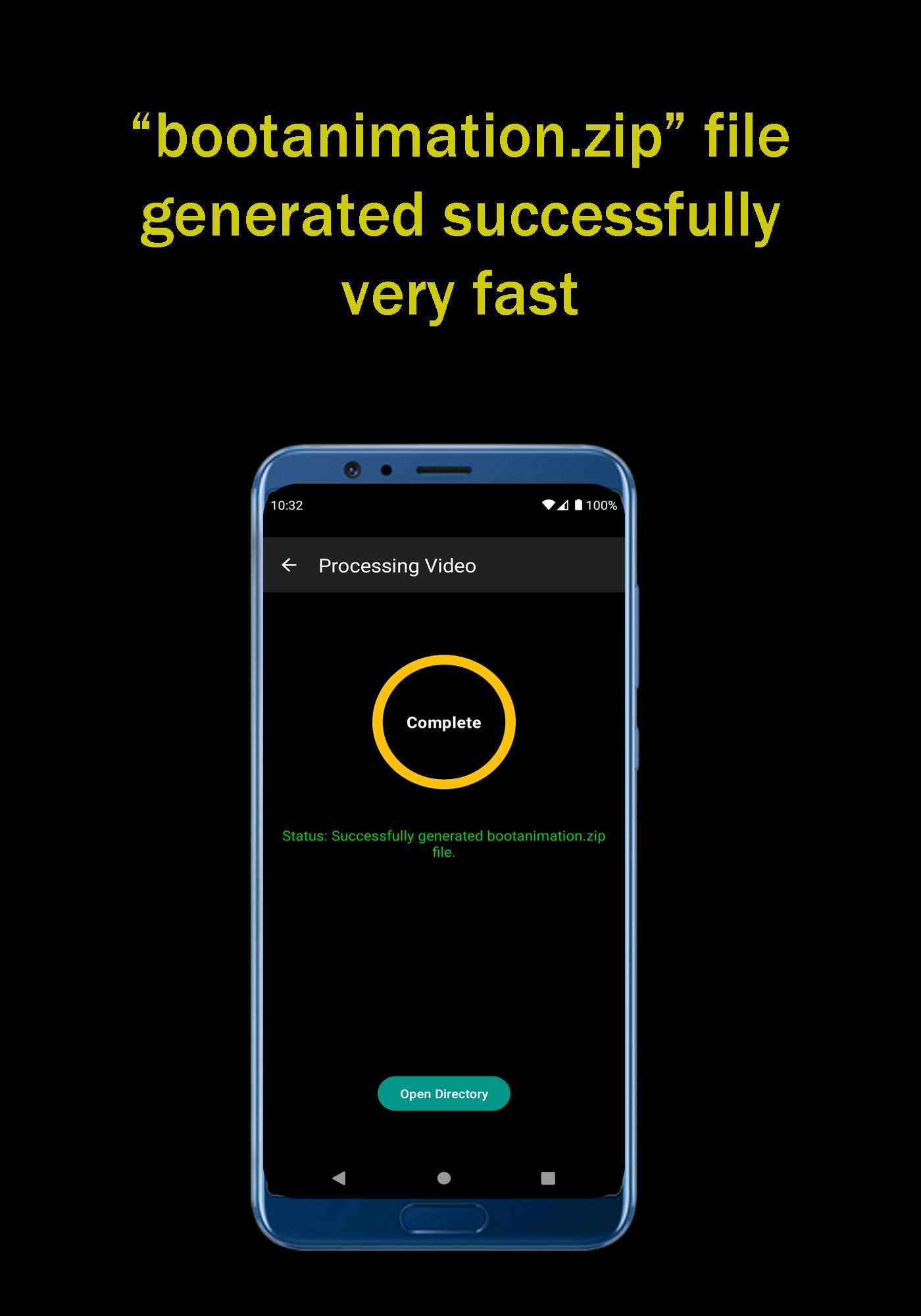
Boot Animation Zip Generator converts a chosen video into a ready to install bootanimation.zip with a single tap. The app handles the packaging steps for you, so you do not need desktop tools. This helps reduce errors that often happen when assembling files manually.
Loop control with range slider
You can set a start point and an end point using a simple range slider. This lets you isolate the section of the video that should repeat during boot. With a clean loop, the animation looks consistent from power on until the device finishes loading.
Resolution matching to your screen
Boot Animation Zip Generator lets you enter your device width and height before export. Matching the screen size prevents stretching or black bars and helps the animation fill the display correctly. This step is important when using videos recorded in a different aspect ratio.
Duration guidance for reliable playback
The app provides clear advice on clip length to support stable boot behavior. It supports videos longer than seven seconds and under thirty one seconds, with a practical target of fifteen to twenty seconds. Keeping within this range helps the animation play smoothly during the entire startup period.
Guided workflow and on device export
The interface walks you from video selection to a ready to install ZIP. Each step appears in order, so you always know what to do next. Everything runs on your phone, which means you can create and export bootanimation.zip without moving files to a computer.
Changing the startup animation usually requires access to system folders that are protected by default. Many devices need root access to replace the system file that stores the boot animation. If your device is not rooted, you might not be able to copy the new ZIP into the required directory. Check your device setup first to avoid permission issues after export.
Android uses a specific format for bootanimation.zip. The ZIP should use the store method with no compression. If the file is compressed, the animation may fail to play during boot. The typical install path is /system/media/bootanimation.zip. After copying the new file, confirm permissions match the original system file. For consistent results, match the exact screen resolution and keep the clip close to fifteen to twenty seconds.
Use this quick guide to go from a video clip to a working boot animation on your phone. For direct installation flexibility, some users prefer to download Boot Animation Zip Generator and keep the export steps on one device. Follow the steps in order for a smoother setup.
Boot Animation Zip Generator focuses on fast, guided creation of a correct bootanimation.zip from your video. It helps you loop, size, and export for reliable playback during startup. To stay up to date, some users look for Boot Animation Zip Generator latest version when preparing a new animation.
Latest Version
2.2Uploaded by
حسين عباس
Requires Android
Android 8.0+
Category
Free Tools AppContent Rating
Everyone
Report
Flag as inappropriateLast updated on Nov 28, 2022
You have reported bugs and I have fixed those bugs.





APKPure - A multi-platform app store primarily focused on Android, providing extensive app-related content. Discover the app you want easier, faster, and safer, with quick and efficient downloads and installations.