Scan Date:May 7, 2026
Show More


Boomplay helps when you want one place to stream, download, and manage the music you use every day. It brings songs, podcasts, and videos together, so you can listen at home or on the go without juggling multiple apps. You can sign in quickly and adjust settings to fit your routine, and there is an option to upgrade later if needed. To get started, download Boomplay and follow the simple setup prompts.
Boomplay offers a large catalog across Pop, Rock, Afrobeats, Afropop, Reggae, and more, along with podcasts, videos, playlists, and charts. You can stream for free and explore curated sections to find new tracks or trending content. If you install the Boomplay APK on your Android phone, the same catalog and discovery tools are available in the app interface.
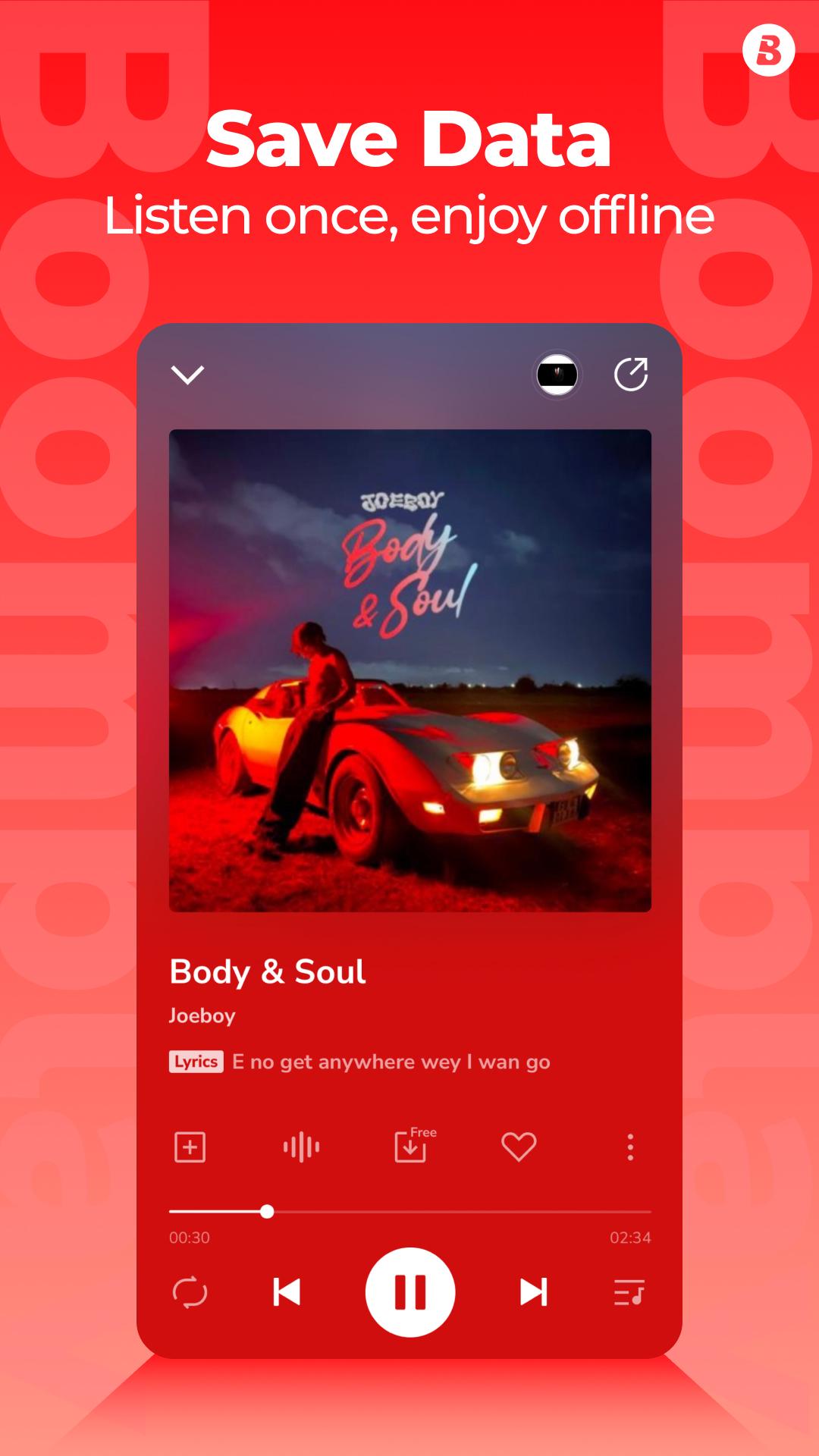
Offline listening and local file playbackYou can download tracks to listen offline when a connection is limited. Boomplay also plays local audio files stored on your phone or SD card, including MP3, AAC, M4A, and WAV. This lets you manage streaming and your personal library in one place, and keep access to your music even when you are not online.
Personalized playlists and recommendationsBoomplay learns from your listening to suggest playlists and artists that match your taste. Over time, recommendations adjust as you play or save new songs. You can follow suggestions, add them to your library, or ignore them, so the experience remains under your control.
Lyrics display and built-in equalizerIf you want to read along, Boomplay shows lyrics during playback on supported tracks. You can also use the equalizer to tune bass, treble, and overall balance to fit your headphones or speakers. These tools help you focus on the details that matter to you while listening.
Live community and Premium optionsThe Live section lets you chat with artists and fans, join topics, and play party games inside the app. If you choose Premium, Boomplay removes ads, allows unlimited downloads, and offers higher quality 320 kbps audio. Streams on Boomplay count toward Billboard charts, which is useful for fans supporting artists and for creators tracking activity.
Boomplay Lite suits users who want fewer resource and data usage. It is a lean option for older phones or slower connections, and it focuses on core listening. The standard Boomplay app includes the full experience, such as videos, Live, and more discovery features. Choose Lite if you need a lighter app, or the standard app if you prefer the broader feature set.
Streams on Boomplay count toward Billboard charts. This is relevant if you follow chart performance or plan fan activities for releases. It helps fans and artists track impact from listening on this platform without extra steps.
Before installing, you can check the Boomplay latest version to access recent fixes and improvements. Users who prefer stability may keep a version that works well on their device, while others can update to get new features and interface changes.
This quick guide covers the basics for everyday listening on your phone. After installing the Boomplay APK, open the app and sign in to begin.
Boomplay brings streaming, downloads, local files, lyrics, and community features into one music app. To begin, check for the Boomplay latest version and install on your Android phone.
For official support and service information, use the links below.
Latest Version
7.7.41Uploaded by
Med Amine Bejaoui
Requires Android
Android 6.0+
Category
Free Music & Audio AppContent Rating
Teen · Diverse Content: Discretion Advised
Security Report
Report
Flag as inappropriateLast updated on May 7, 2026
Buzz is now Vibes — a smarter, cleaner, and more expressive space to explore and create.





APKPure - A multi-platform app store primarily focused on Android, providing extensive app-related content. Discover the app you want easier, faster, and safer, with quick and efficient downloads and installations.