Package Name:com.mogate.bookmaker
SHA-256:ae4262b682f07eaf71c94634a907a84f4c6482368824fe8a14cb53117d1b3252
Show More

Turn an idea, document, scan, or set of notes into a polished book with Book Maker — an AI ebook creator for writers, teachers, creators, students, freelancers, and small businesses.
Describe what you want to create, review the outline, generate the chapters, edit the result, and export a professional PDF or EPUB.
CREATE A BOOK IN A FEW STEPS
Start with your idea or source material
Describe the book you want to make, paste notes, or begin from a supported PDF, DOCX, EPUB, text file, or image. OCR can read supported scans and images so printed or photographed material can become useful source text.
Choose the format
Pick the book length and visual direction that fit your project. Create a short guide, standard ebook, longer handbook, lesson, report, lead magnet, story, or study resource.
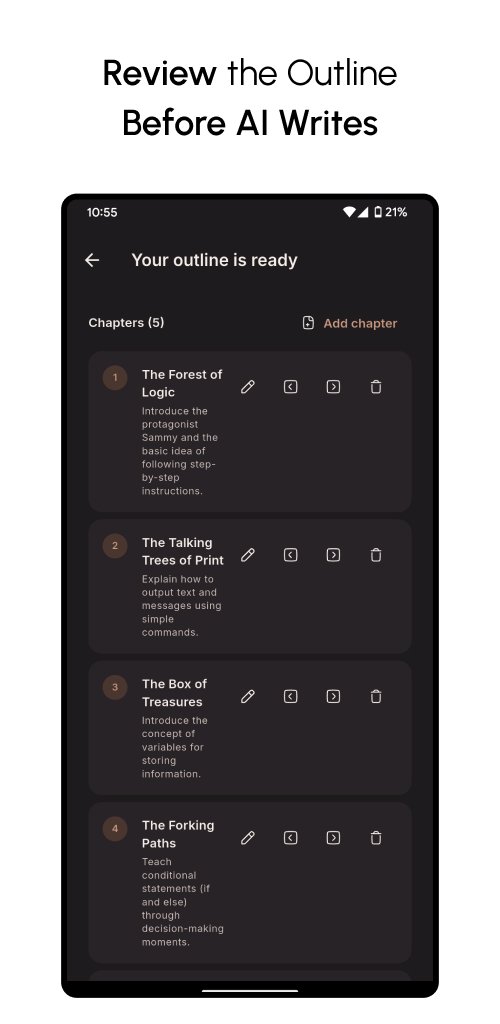
Review the outline
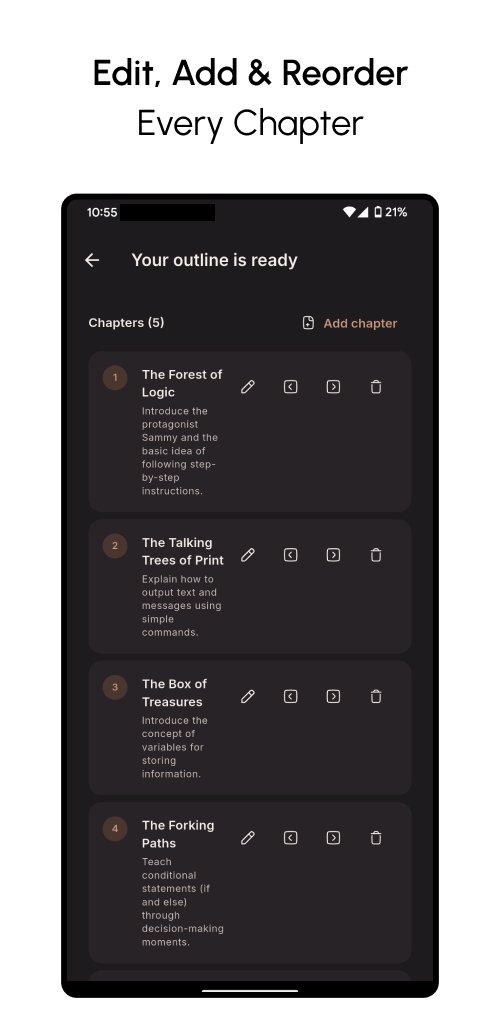
Book Maker creates an organized chapter plan before writing begins. Read every chapter title and description, edit them, add chapters, remove sections, and reorder the structure until it matches your goal.
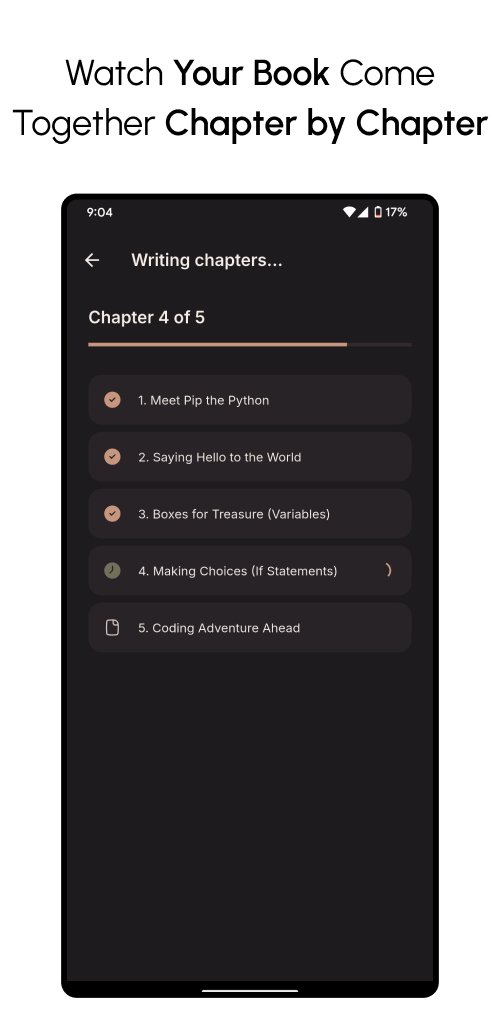
Generate the book
Once the outline is approved, Book Maker writes the chapters and shows generation progress as the book comes together.
BUILD MORE THAN PLAIN TEXT
Book Maker can create polished educational and professional content with helpful visual structure. Add charts, timelines, comparisons, concept diagrams, and other useful visuals where they improve understanding. Book Maker Pro can also create editorial AI illustrations for richer books.
EDIT BEFORE YOU EXPORT
Your generated book remains editable. Update chapter content, refine selected sections, adjust the organization, or regenerate content when something needs improvement. You stay in control instead of being locked into the first generated result.
ASK QUESTIONS ABOUT YOUR BOOK
Use grounded questions to explore the generated content, find information, review concepts, or clarify sections without manually searching through every chapter.
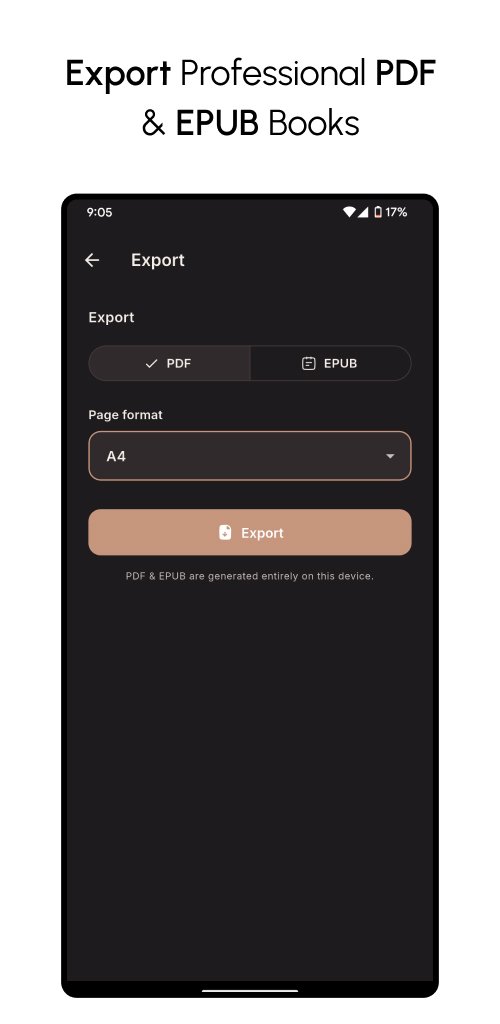
PROFESSIONAL PDF AND EPUB EXPORT
When the book is ready, export it directly as:
• Print-friendly PDF
• Reflowable EPUB
Choose the page format and create a shareable file from your device. Layouts use clear typography, spacing, headings, and chapter structure.
MULTILINGUAL BOOK CREATION
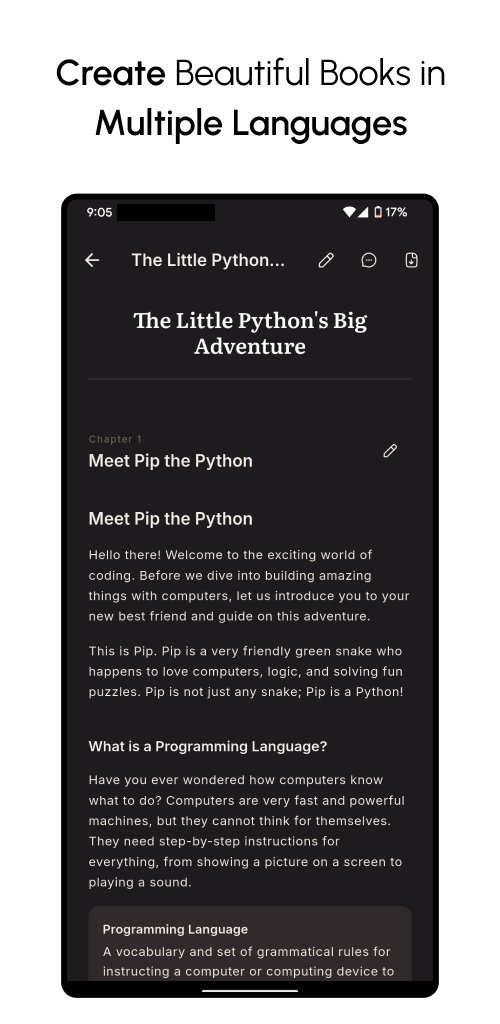
Create and read books in English, Spanish, French, or Arabic. The interface follows your selected language. Arabic books use proper right-to-left layout and Arabic-friendly typography so chapters remain natural to read.
OCR FOR DOCUMENTS AND SCANS
Book Maker supports source material beyond typed prompts. Use OCR with supported images and scanned pages to extract readable text before turning that material into an outline and book. This makes it useful for transforming printed notes, worksheets, handouts, or scanned reference material into structured digital content.
LOCAL PROJECT STORAGE
Book projects are stored locally on your device. Source extraction and OCR are handled on-device where supported. AI generation needs the text and instructions required to create your outline, chapters, answers, or optional illustrations; original source files do not need to become a cloud book library.
FREE AND PRO
Free users can create core book projects and work with supported files up to 5 MB. Guest mode lets a new user create one very short sample book before registering.
Book Maker Pro unlocks:
• No ads
• Longer books
• Higher creation limits
• Files up to 50 MB
• AI illustrations
• Premium creation features and a smoother ad-free workflow
MADE FOR MANY TYPES OF BOOKS
Create ebooks, course guides, educational booklets, business handbooks, lead magnets, reports, study resources, stories, tutorials, internal guides, downloadable PDFs, and more.
Whether you begin with one sentence, pages of notes, a document, or a scanned image, Book Maker helps turn raw material into a structured, editable, attractive book you can actually use and share.
From first idea to final file, keep the whole book workflow in one place.
Latest Version
1.0.1Uploaded by
ỶấssẹN ỶấssẹṜ
Requires Android
Android 7.0+
Category
Free Books & Reference AppContent Rating
Everyone
Security Report
Check Now
Report
Flag as inappropriateLast updated on Oct 4, 2026
This release includes minor bug fixes and general improvements. Update to the latest version for the best experience.




APKPure - A multi-platform app store primarily focused on Android, providing extensive app-related content. Discover the app you want easier, faster, and safer, with quick and efficient downloads and installations.