The software for the Bluetooth client communication tools (ie: Bluetooth slave mode), Bluetooth serial communication can be tested. Can connect a Bluetooth MCU and PC serial port.
Support android 4.0+ version of the system.
Hardware
1.Serial Port Bluetooth Module( TTL )
2.Arduino Microcontroller Board
3.MCU serial communication
4.Can search for Bluetooth low energy devices (nothing more)
Software features:
1. Search for Bluetooth devices, and displays the class and RSSI (signal strength);
2. The use of serial communication, receiving and sending data;
3. Can be set to ASCII and HEX input and output mode;
4. The data results can be saved to the SD card(/sdcard/Bluetooth spp pro/...).
5. Can search for Bluetooth low energy devices (nothing more)
This tool three modules:
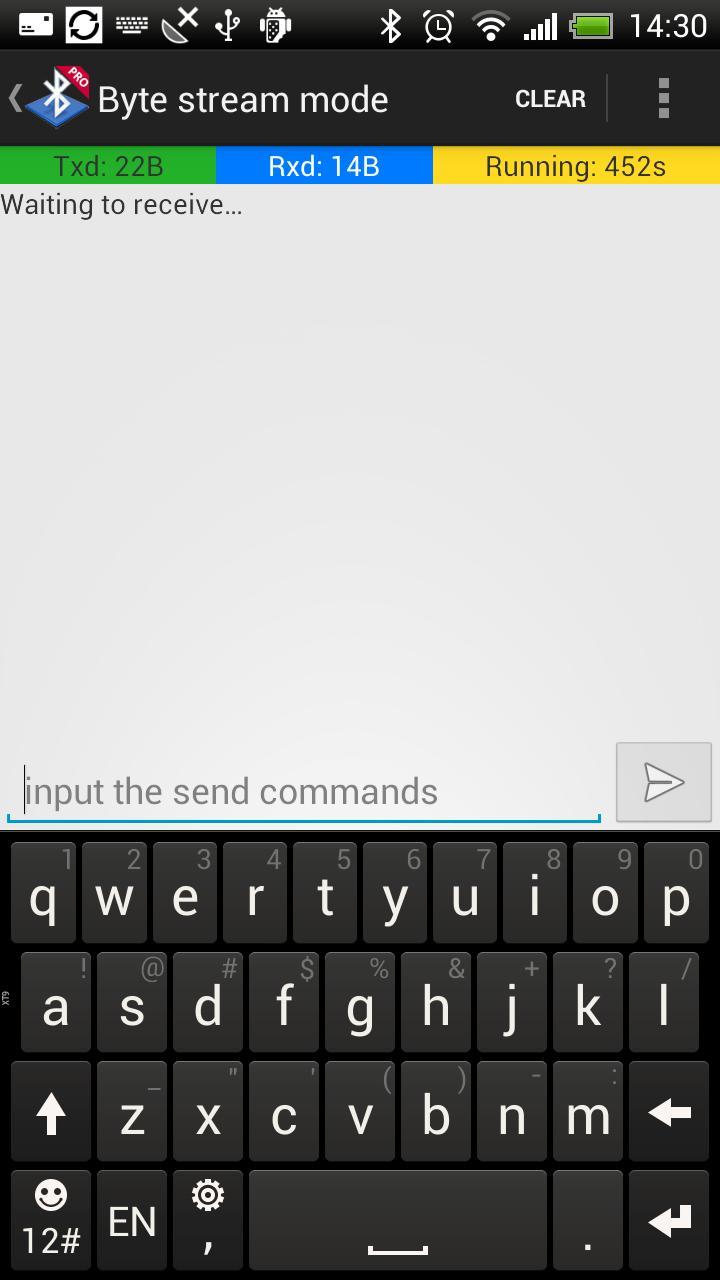
1. Byte stream mode: the basic input-output model;
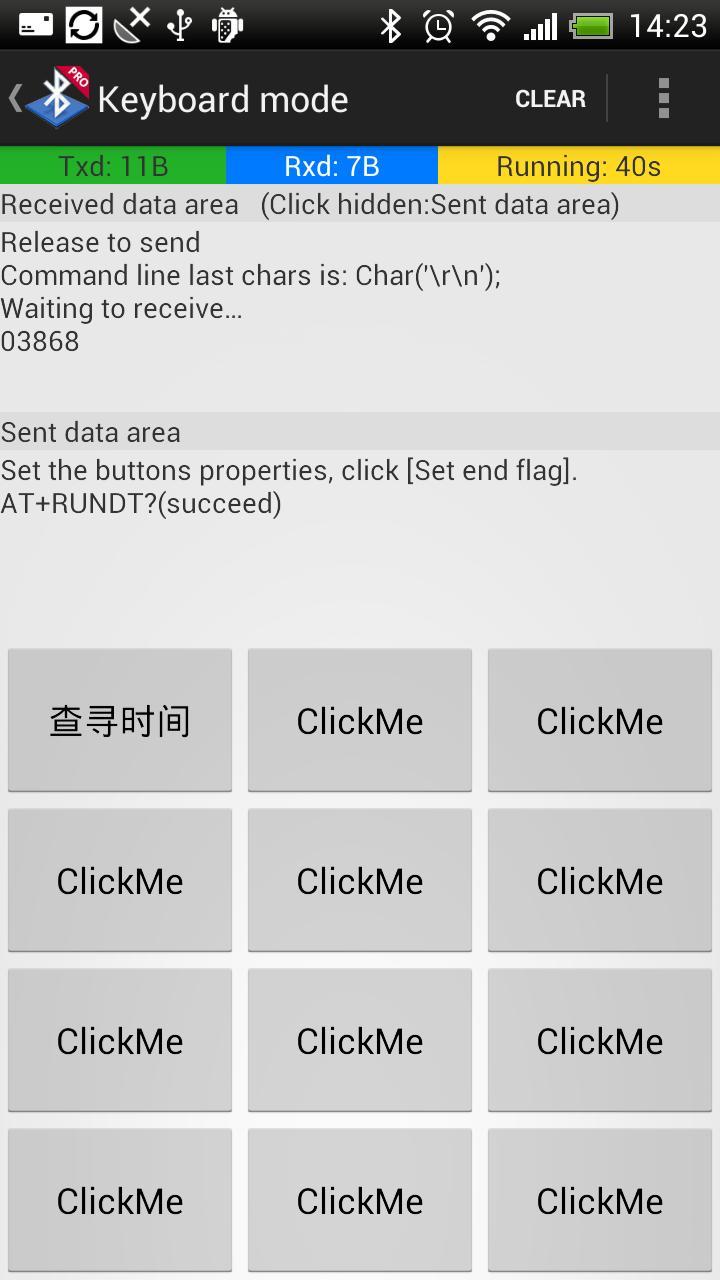
2. Keyboard mode: Can customize the output value of 12 buttons;Each button has three states(respectively: Down | Long-press | Up), each state can send commands event.
3. Command Line: Set the command terminator for communication debugging.
If the connected Bluetooth device is not paired, the system will automatically prompt you for pairing. Bluetooth pairing is successful, try to connect again.
This can only connect Bluetooth serial module devices, Bluetooth devices are generally used for MCU serial communication.
System using the Bluetooth pairing means: [menu-> Settings -> Wireless and Network -> Bluetooth Settings], open the Bluetooth feature, and to search for Bluetooth devices to pair, paired with a device only once.
System Configuration (includes keyboard mode button settings) file can be found in the SD card Bluetooth spp pro directory. You can back up the configuration file, or copy the configuration file to another terminal equipment, covering his profile to complete recovery.
Special cases:
Non-normal end of the Bluetooth function, may lead to not be able to connect Bluetooth devices such as this is the case, please restart the phone can often return to normal.
Contact the author (Welcome to AC):
WeiBo: http://weibo.com/hzjerry
Email: lijian@gmail.com
Keywords:
Bluetooth, communication, MCU , industrial control, serial Assistant, Arduino, Robot Control, TTL debugging
Latest Version
0.16Uploaded by
ฟิว ว.
Requires Android
Android 4.0.3+
Category
Free Tools AppContent Rating
Everyone
Report
Flag as inappropriateLast updated on Sep 23, 2016
I hope you can submit proposal, which will enable the development of better software.mailto:hzjerry@gmail.com
[2016-9-23] V0.16: Fixed android 6.0 devices can not search for a Bluetooth device problems





APKPure - A multi-platform app store primarily focused on Android, providing extensive app-related content. Discover the app you want easier, faster, and safer, with quick and efficient downloads and installations.