
BlockLauncher helps players who want to customize Minecraft PE without altering the main game. It runs alongside the installed app so changes load at start, and setup remains straightforward. On some Android versions, original textures cannot be read, so a built in pack appears instead. There are device specific limits and it requires the full release of Minecraft PE. When considering BlockLauncher APK, check your Android version and hardware to avoid compatibility issues.
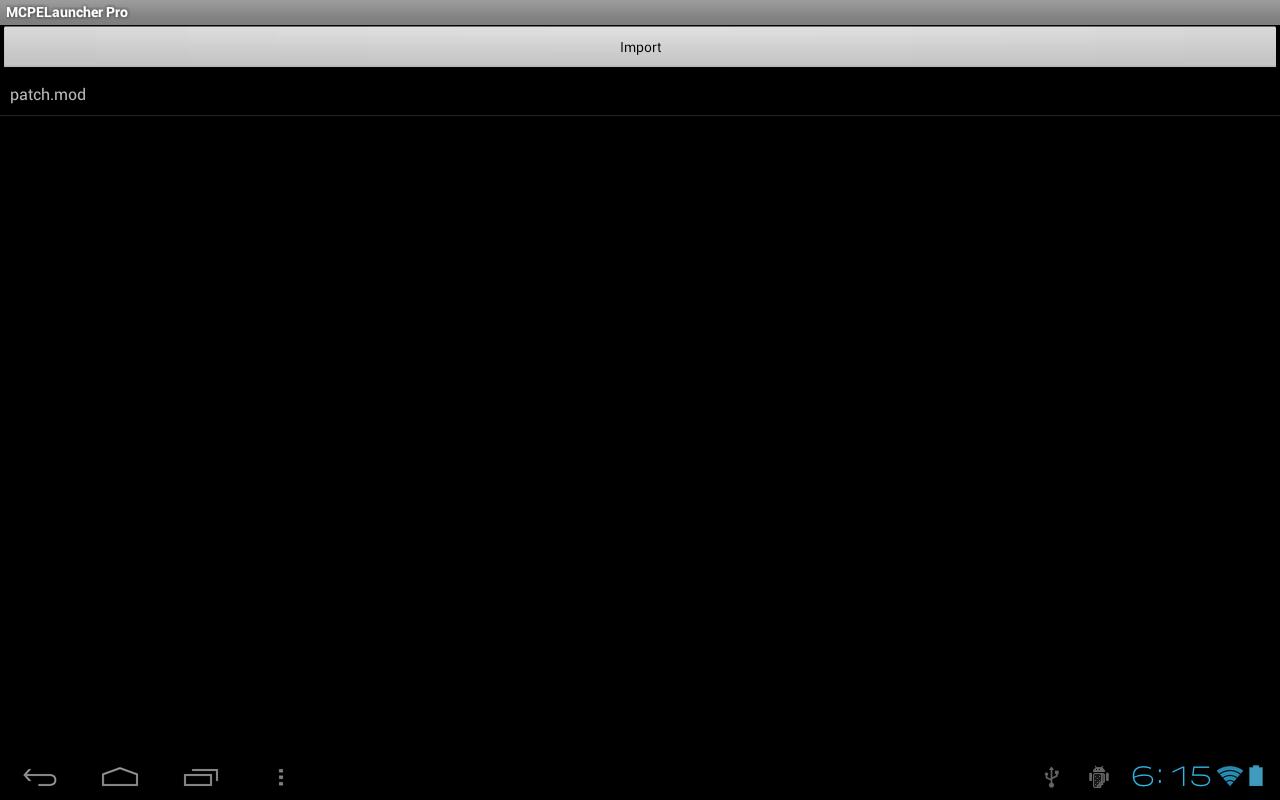
Patch support
Texture packs
ModPE and live patching
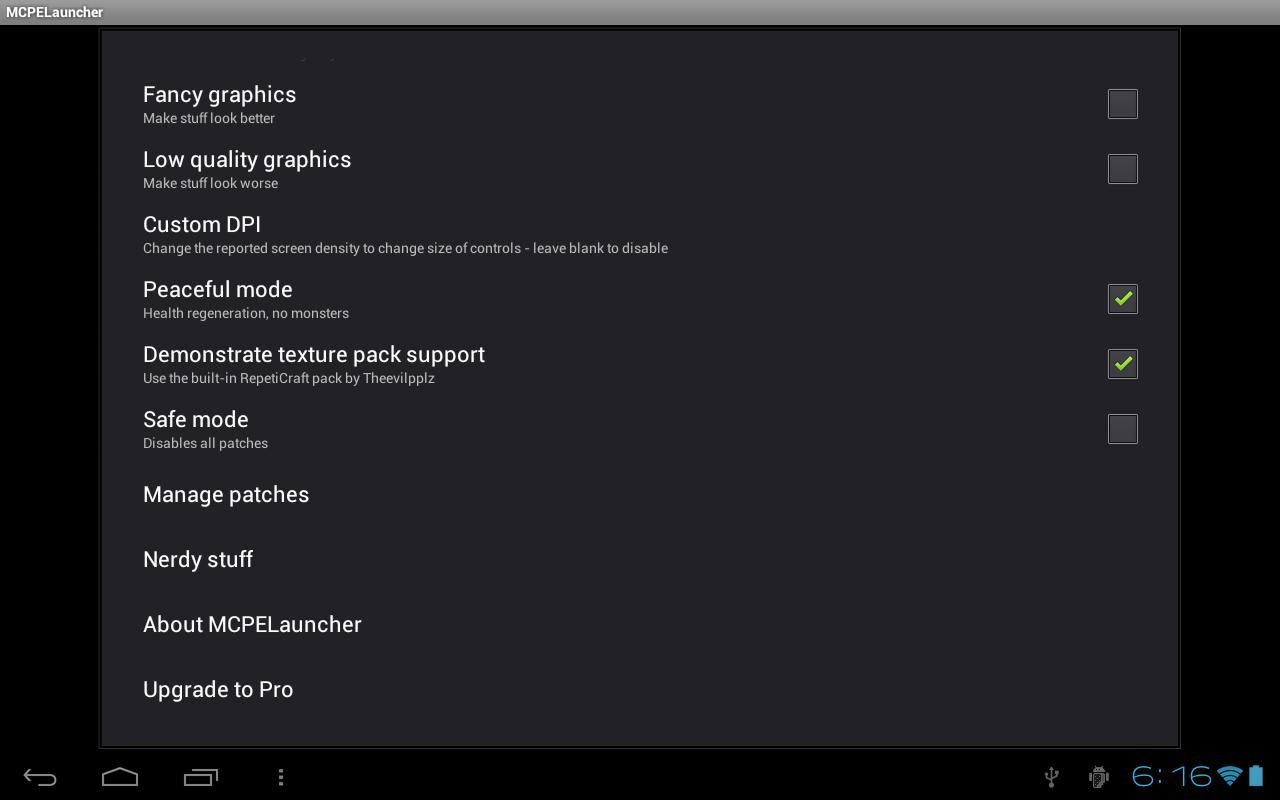
BlockLauncher includes a ModPE Script Runtime and live patching on supported devices. Some Samsung models with Knox or similar security tools may block these functions. In that case, you can still use .mod patches and texture packs.
Requirements and setup
The app needs the full version of Minecraft PE. The demo and the J edition are not supported. To begin, open the app, choose Options on the main screen, then select mods. Before you download BlockLauncher, confirm your device is compatible, and expect that not all models are supported.
BlockLauncher offers a straightforward way to apply patches and textures on Android. Review the requirements and known limits, then set up through the Options menu. Installing the BlockLauncher latest version helps keep compatibility current on supported devices.
Latest Version
1.27Uploaded by
Wilian Gomes
Requires Android
Android 2.3.2+
Category
Free Tools AppContent Rating
Everyone
Report
Flag as inappropriateLast updated on Jan 3, 2020
Support for Minecraft 1.14.1.5

APKPure - A multi-platform app store primarily focused on Android, providing extensive app-related content. Discover the app you want easier, faster, and safer, with quick and efficient downloads and installations.