
BeautyCam helps you capture, edit, and publish content fast. It combines an intuitive camera with instant portrait cleanup and practical enhancement tools, so you can create professional results on mobile. The interface is simple, and core actions are easy to find, which makes it suitable for quick selfies, profile photos, and short clips. You can try different looks, refine details, and export in formats ready for social platforms. Get the latest BeautyCam APK on APKPure for a safe BeautyCam app download and start editing with the BeautyCam AI Photo Editor today.
AI Wardrobe virtual try-on
Upload a half or full body photo and switch outfits in seconds across a wide range of categories like party, Y2K, swimwear, and wedding. This helps you preview styles before buying and also speeds up content planning for social posts or lookbooks.
Multi-camera modes for different looks
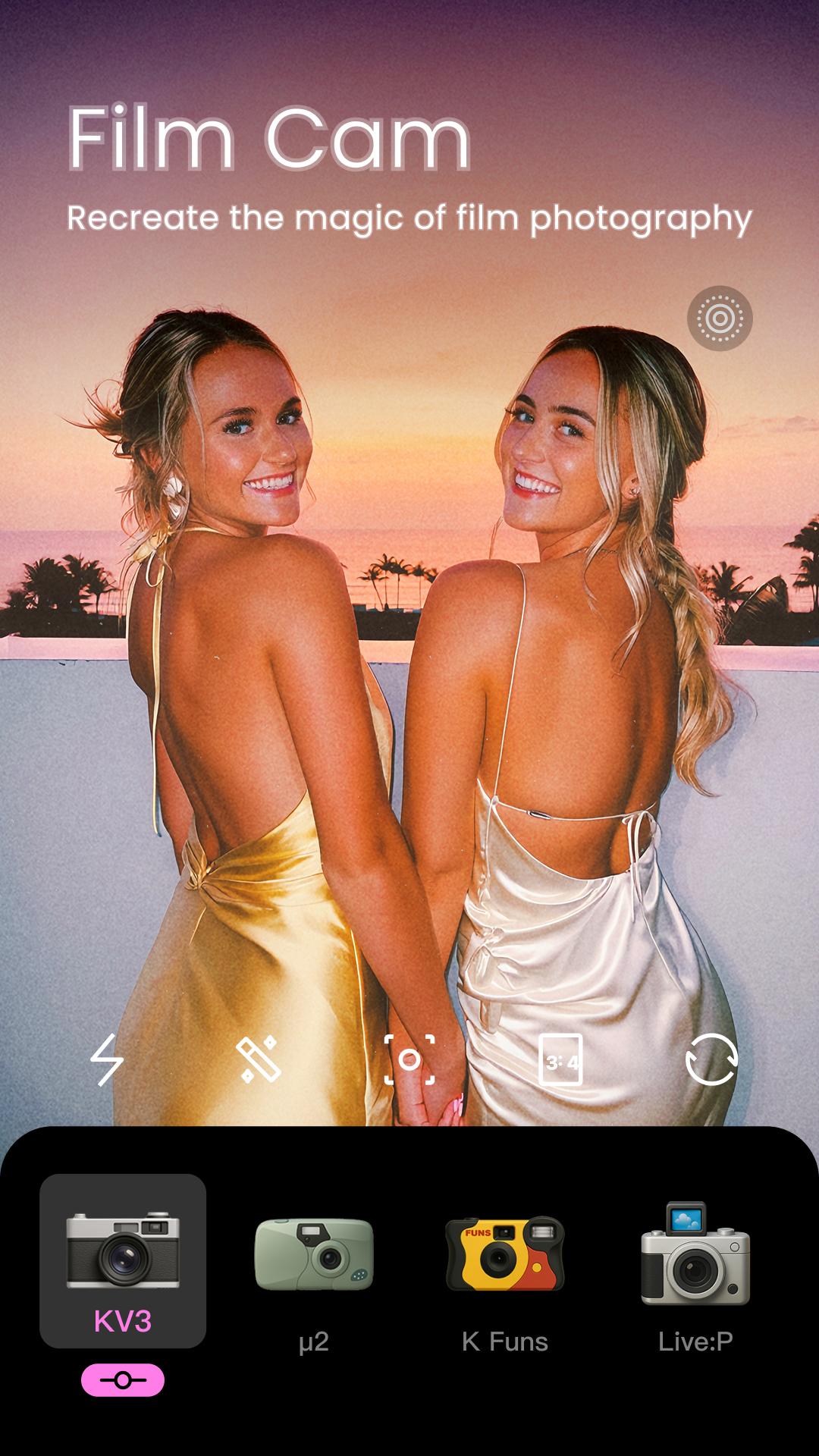
BeautyCam includes iPhone Cam, DSLR, Digicam, and Photo Booth modes that simulate depth of field, zoom behavior, flash looks, and nostalgic film aesthetics. Moreover, all camera modes are free, so you can experiment with different styles without extra cost.
Portrait retouching with natural results
Adjust skin texture, remove blemishes and wrinkles, whiten teeth, refine facial shape, and tweak features like lips and nose. In addition, you can test hairstyles and hair colors to match your vibe while keeping the image realistic and clean.
Smart AI tools for cleanup and polish
BeautyCam offers a background remover, an AI Remove tool for objects or watermarks, resolution enhancement, sharpness and color improvement, and quick tone adjustment. Also, AI Remove is free, which makes everyday fixes simple when you are preparing photos for posts or product pages.
Video editor and beautification
Edit facial and body details in motion, apply cinematic filters, and convert images into video clips suitable for TikTok, Reels, and Shorts. Moreover, a built-in teleprompter helps you record scripted takes while keeping eye contact with the camera.
Filters and lighting presets
Use vintage, film, black and white, and high contrast filters, plus AI Presets that correct tricky lighting with one tap. In addition, Vibe Light and Glow Cam add soft highlights for glossy selfies, especially helpful in indoor or low light scenes.
BeautyCam is available for secure download below. You can get the latest BeautyCam APK and keep it updated with new tools and fixes. This page provides a direct BeautyCam app download for Android, so you can install or update without leaving APKPure.
BeautyCam also offers a Windows version for desktop workflows. If you prefer editing on a computer, visit the official website to learn about the PC release and supported features. For mobile users, BeautyCam for Android provides fast access to the same AI retouching and camera modes on the go.
Creators use BeautyCam for LinkedIn headshots by smoothing skin lightly, adjusting tone, and choosing a neutral background for a professional profile. Shoppers preview outfits with virtual try-on before buying. Moreover, short-form creators convert images into video, apply a film look, and export clips that match formats used on TikTok or Instagram Reels.
Use this quick guide to capture and edit with the BeautyCam AI Photo Editor. The steps focus on a fast setup that suits both selfies and short video content.
BeautyCam brings together camera modes, AI retouching, and quick cleanup tools so you can produce shareable content fast. Download BeautyCam on APKPure to install the BeautyCam APK latest version and keep your edits consistent across photos and videos.
Official information
How do I download or update BeautyCam APK to the latest version?
To get the BeautyCam APK latest version, open this BeautyCam page on APKPure and tap Download. Install the file when it finishes, and repeat the process to update. For quick access, add this page to bookmarks so you can return for each new release.
Is the AI Remove tool free in BeautyCam?
Yes, AI Remove is free inside BeautyCam. You can erase objects or watermarks from photos without extra purchases, which helps when cleaning up backgrounds or fixing unwanted items in a scene.
Are the camera modes in BeautyCam free to use?
Yes, all camera modes are free in BeautyCam, including iPhone Cam, DSLR, Digicam, and Photo Booth. You can switch among them to simulate depth, flash looks, and vintage styles without paying.
Can BeautyCam make professional headshots for LinkedIn?
Yes, BeautyCam can help you make LinkedIn headshots by applying light retouching, tone correction, and neutral backgrounds. Use the portrait tools sparingly, then export a clean image that fits a professional profile.
Does BeautyCam support video beautification and image to video clips?
Yes, BeautyCam includes video beautification for face and body adjustments in motion, and it can convert images into video clips. This helps you prepare short videos suitable for TikTok and Instagram Reels with consistent styling.
Latest Version
13.1.40Uploaded by
Meitu (China) Limited
Requires Android
Android 8.0+
Category
Free Photography AppContent Rating
Everyone
Report
Flag as inappropriateLast updated on May 3, 2026
Minor bug fixes and improvements. Install or update to the newest version to check it out!






APKPure - A multi-platform app store primarily focused on Android, providing extensive app-related content. Discover the app you want easier, faster, and safer, with quick and efficient downloads and installations.