
Have you flashed a new ROM? Or is your battery life bad?
You would like to fix it? Then download and run this app!
The only things you will need are Android 2.3+ and root rights.
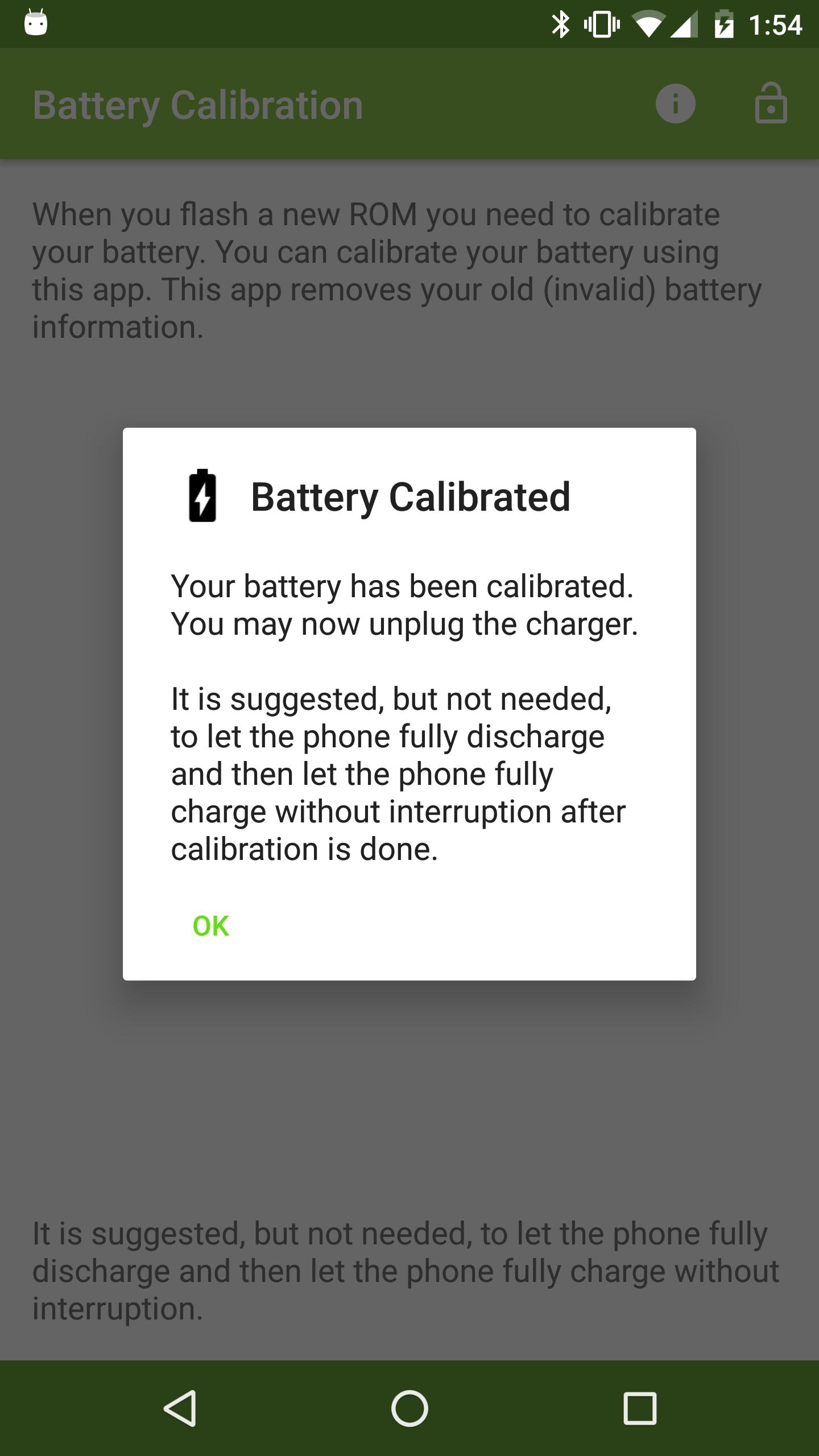
This app does it by removing the BATTERYSTATS.BIN file. The OS then generates a new and clean BATTERYSTATS.BIN, so any invalid information (from the previous ROM) is removed. It is suggested, but not needed, to let the phone fully discharge, calibrate and the let your phone charge to 100% without interruption.
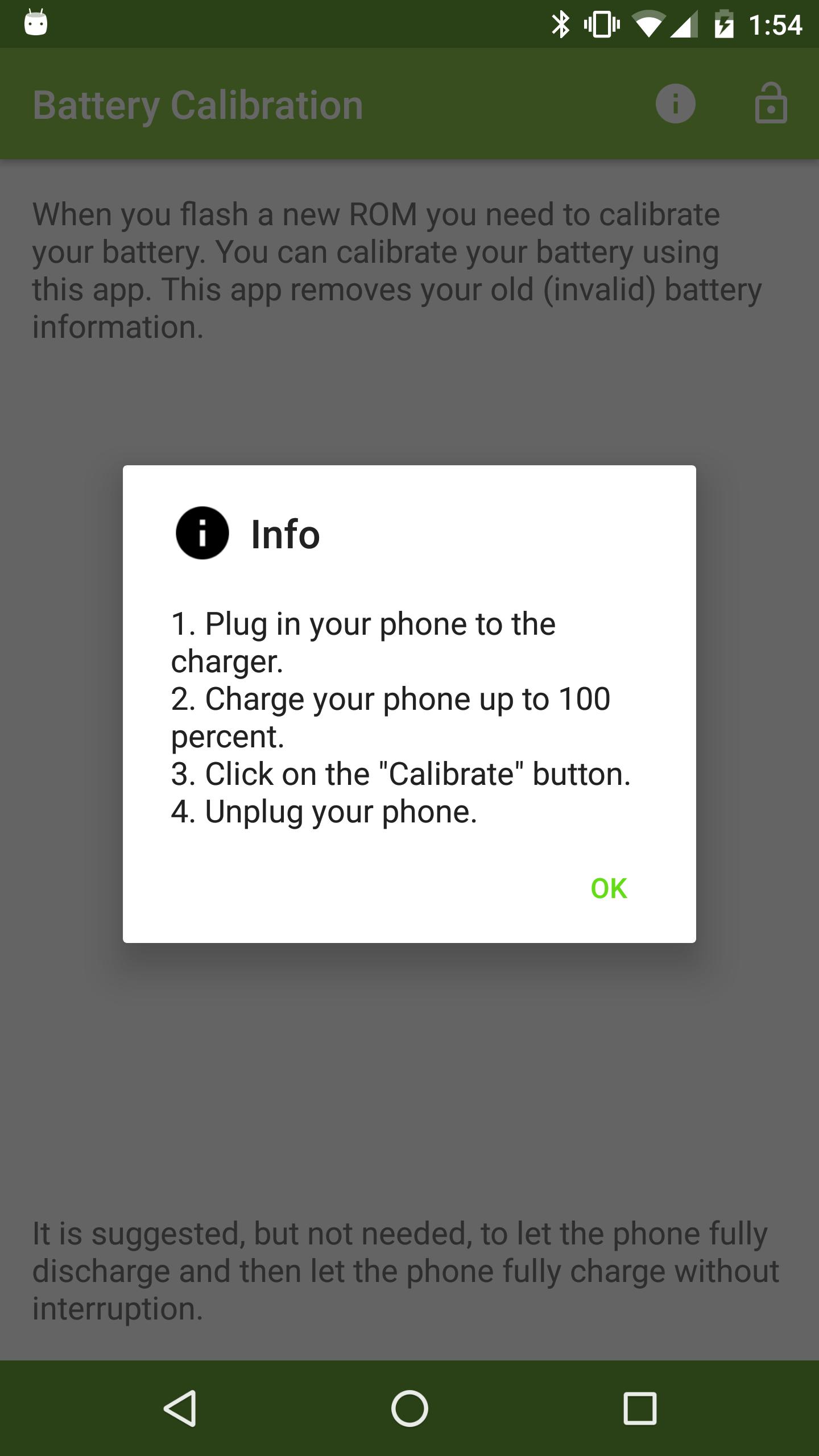
Steps to do a good battery calibration:
1) Plug in your phone to the charger.
2) Charge your phone up to 100 percent.
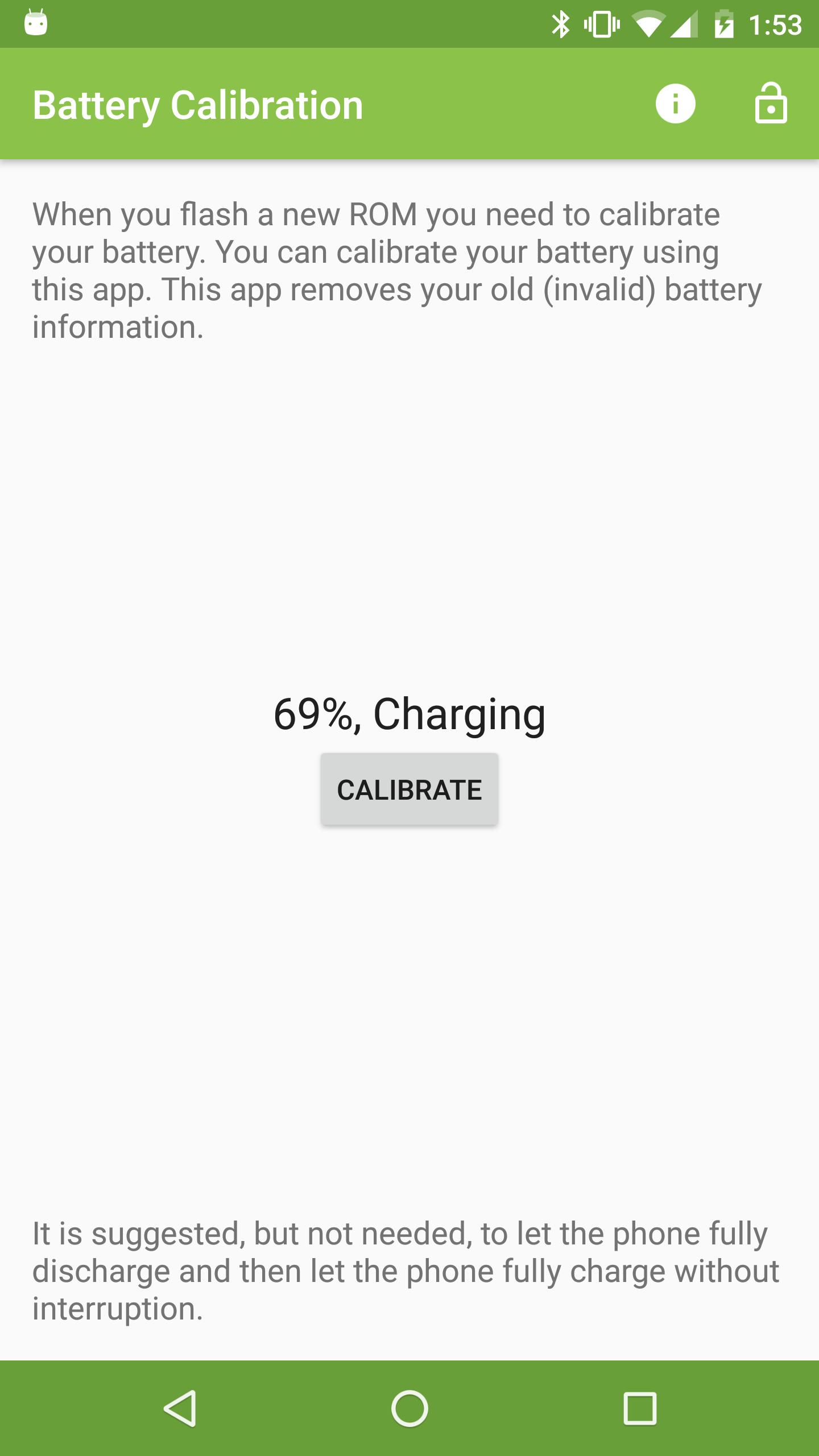
3) Click on the 'Calibrate your Battery' button.
4) Unplug your phone.
Latest Version
1.6Uploaded by
Abdelhamid Elgozirawy
Requires Android
Android 2.3.2+
Category
Free Tools AppContent Rating
Everyone
Report
Flag as inappropriateLast updated on May 10, 2016
• New Design
• New App Icon
• Marshmallow Support
• Bug Fixes




APKPure - A multi-platform app store primarily focused on Android, providing extensive app-related content. Discover the app you want easier, faster, and safer, with quick and efficient downloads and installations.







![Mount /system RO/RW [ROOT] APK](https://image.winudf.com/v2/image/Y29tLmJsb2dzcG90LnN1cGVydGhvbWFzbGFiLm1vdW50c3lzdGVtcm9yd19pY29uXzBfMzg3MjYxMGQ/icon.png?w=102&fakeurl=1)












![Battery Calibration [ROOT]](https://static.apkpures.xyz/www/static/imgs/lazy.png)