Package Name:com.bong.barcode2sheets
SHA-256:29f4ebd433c09f3f899c3b85bd14921ffd903352bdab9156c5c86db199b63cb7
Show More

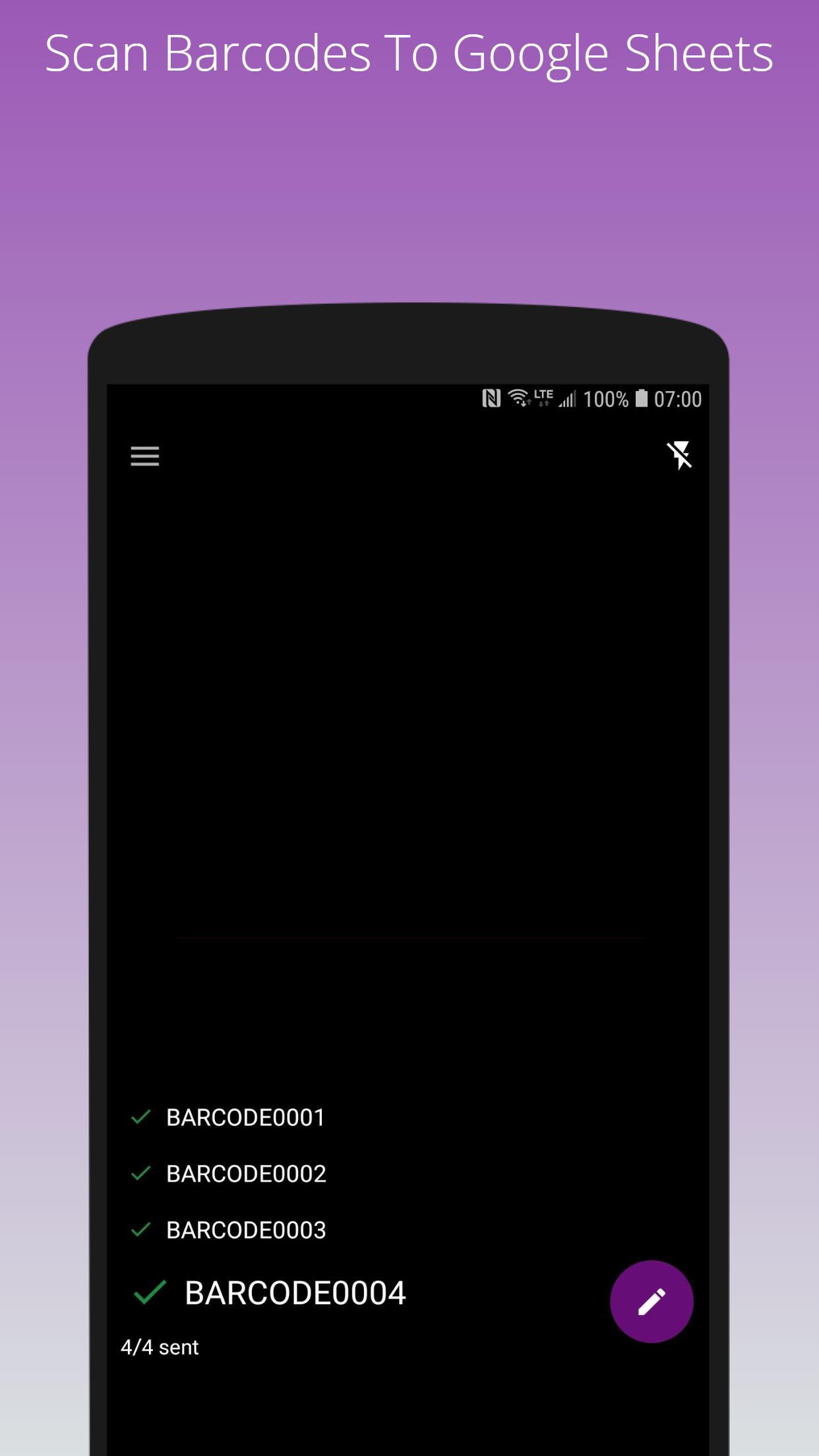
Scan and send barcodes and QR Code to Google Sheets / Spreadsheet
How this works?
1. Create a Google Spreadsheet and share it with your google account (with edit permission) so that your google account can edit it
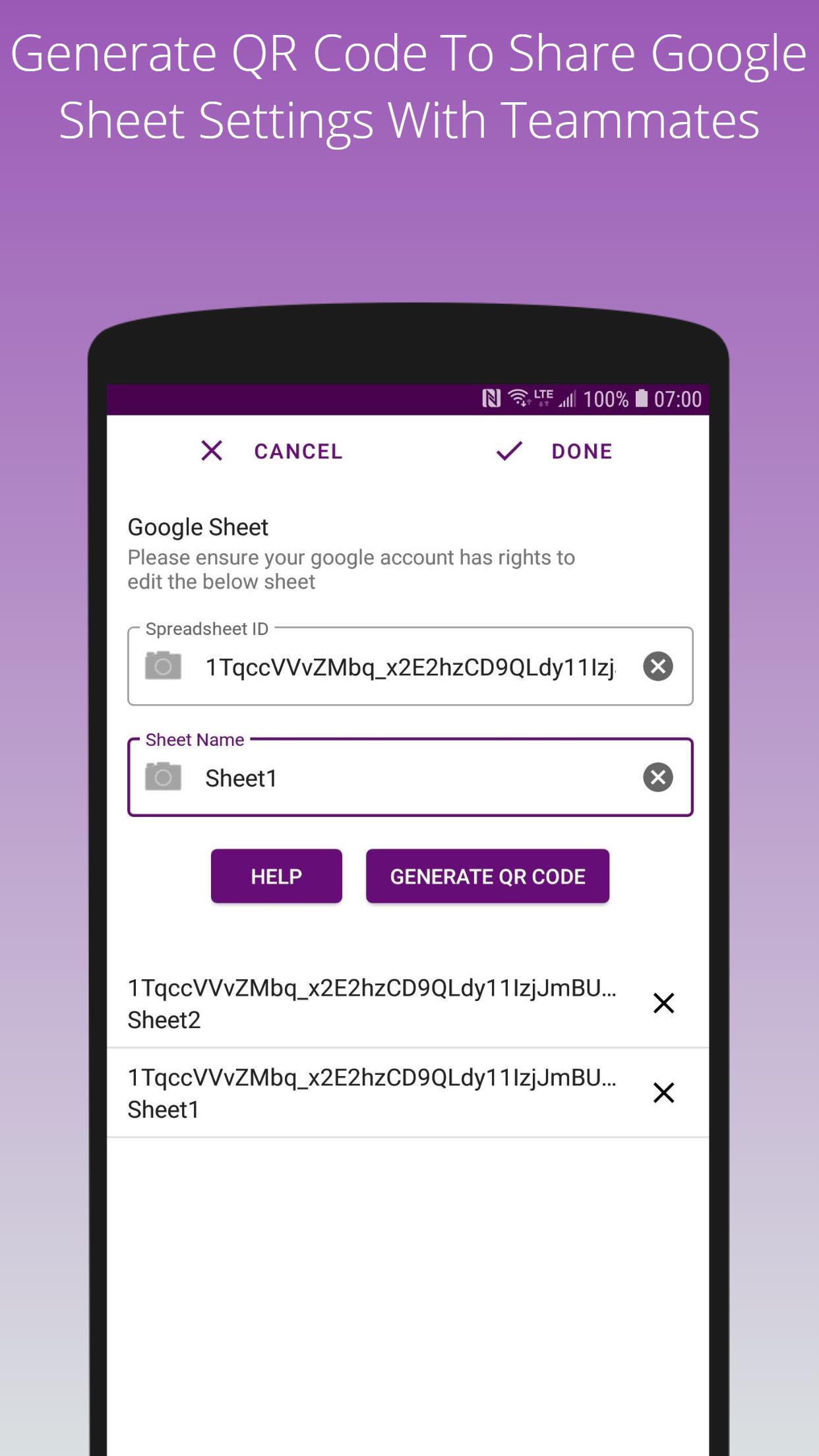
2. Enter the sheet details in the app
3. Starting scanning barcodes and QR codes
The scanned barcodes will be automatically uploaded to the Google Spreadsheet!
For details, see: https://www.barcode2sheets.com/setup-legacy
This app works with:
- 1D barcodes: EAN-13, EAN-8, UPC-A, UPC-E, Code-39, Code-93, Code-128, ITF, Codabar
- 2D barcodes: QR Code, Data Matrix, PDF-417, AZTEC
Latest Version
1.31.1Uploaded by
Anderson Eduardo
Requires Android
Android 5.0+
Category
Free Tools AppContent Rating
Everyone
Security Report
Check Now
Report
Flag as inappropriateLast updated on Aug 30, 2025
Update target sdk



APKPure - A multi-platform app store primarily focused on Android, providing extensive app-related content. Discover the app you want easier, faster, and safer, with quick and efficient downloads and installations.