

AW Player helps when you need a straightforward way to open videos without fuss, even large files. The interface uses clear controls, which makes basic actions easy to learn. In addition, it handles common formats you are likely to encounter on mobile. If you prefer a simple tool over heavy menus, AW Player APK provides that experience while staying focused on the essentials.
Broad format support
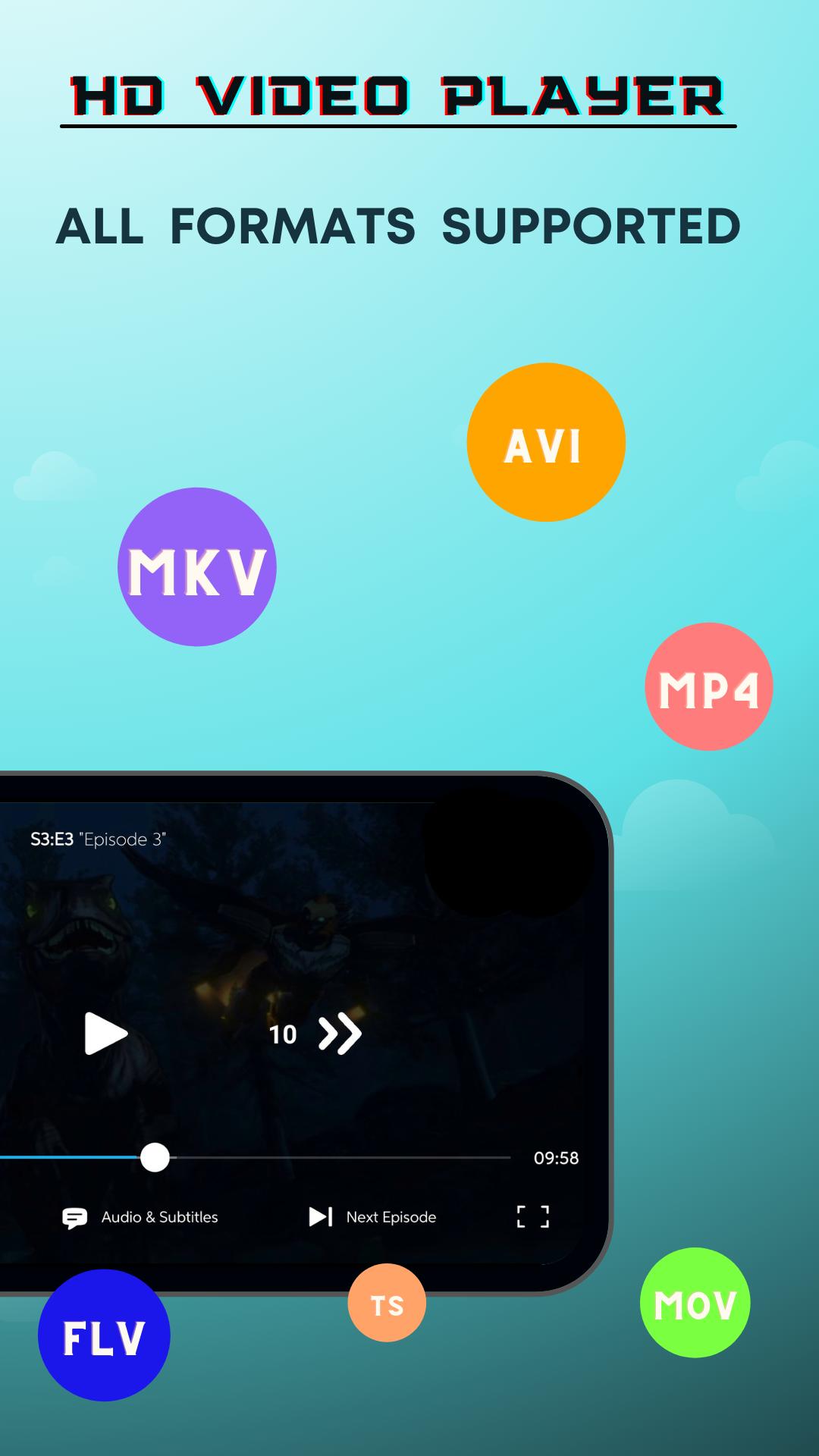
AW Player handles common video containers and codecs used on mobile and home downloads, including MKV, MP4, M4V, AVI, MOV, 3GP, FLV, WMV, RMVB, and TS. This reduces the need to convert files before watching.
Ultra HD playback and acceleration
Building on that, AW Player uses hardware acceleration to process HD and 4K video smoothly. You can seek, pause, and resume with shorter delays on supported devices. Actual performance depends on hardware, storage speed, and file size.
Subtitle and audio adjustments
Next, you can enable subtitles, adjust timing to sync dialogue, and switch audio options to match your preference. AW Player keeps these controls accessible during playback, so tweaking tracks or turning captions on or off takes only a moment.
Library scan and viewing controls
Finally, AW Player can scan your device and SD card to find video files automatically. You have quick controls for volume, brightness, and playback progress, plus viewing options like auto rotation and aspect ratio selection. It works on both phones and tablets.
AW Player focuses on reliable playback and practical controls for everyday viewing. Open the app, let it scan your library, then pick any file to start; playback behavior can vary by hardware and file size. When you are ready, download AW Player to try these options on your device.
Latest Version
1.0.6Uploaded by
علي حيدر
Requires Android
Android 4.4+
Category
Free Productivity AppContent Rating
Everyone
Report
Flag as inappropriateLast updated on Jul 4, 2022
• New & Improved UI
• Fixed bugs
• More Enhanced App Experience




APKPure - A multi-platform app store primarily focused on Android, providing extensive app-related content. Discover the app you want easier, faster, and safer, with quick and efficient downloads and installations.