The generated codes are one time tokens that provide an extra layer of security to your online accounts. With Mobile Authenticator your account will be registered for TOTP Authentication Using 2FA Authenticator you just have to copy code and paste it to your account. After scanning a simple QR code, your account is protected. Using 2FA Authenticator helps keep your online accounts secure on supporting TOTP websites.That's It!
This app generates single-use password codes that you use in combination with a regular username and password. Much like other well known authenticator apps that shan't be named (and fully compatible!) it works with many online accounts and even without a data connection, but with many, many improvements. Using this app you can finally back-up your accounts to your favourite cloud, transfer them to a new phone without hiccups, or even share them with your partner.
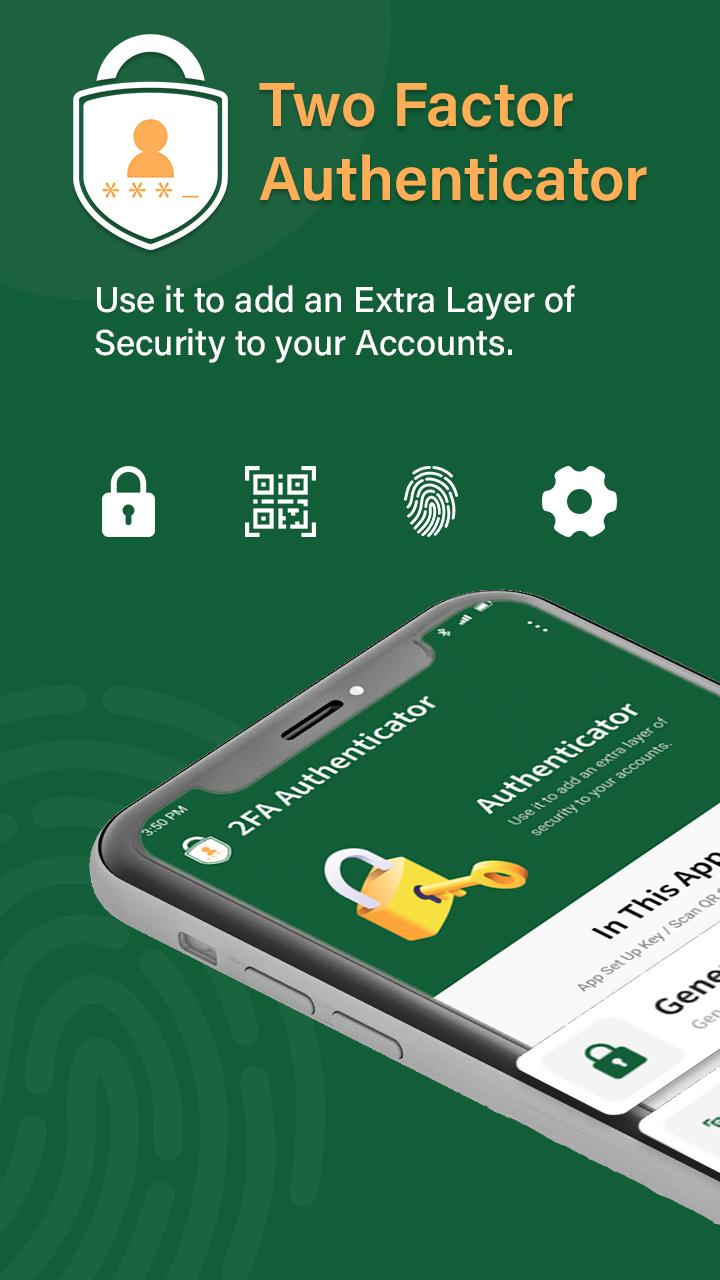
Mobile (2FA Authenticator) which generates Time-based One-time authentication Passwords (TOTP) and PUSH authentication. This app generates one-time tokens on your device which are used in combination with your password. This helps to protect your accounts from hackers, making your security bulletproof. Just enable the two-factor authentication in your account settings for your provider, scan the QR code provided and you're good to go!
Authenticator app is a free application for Two Factor Authentication (2FA Authentication) which generates Time-based One-time Passwords (TOTP) and PUSH authentication. It helps keep your online accounts secure on supporting TOTP websites.
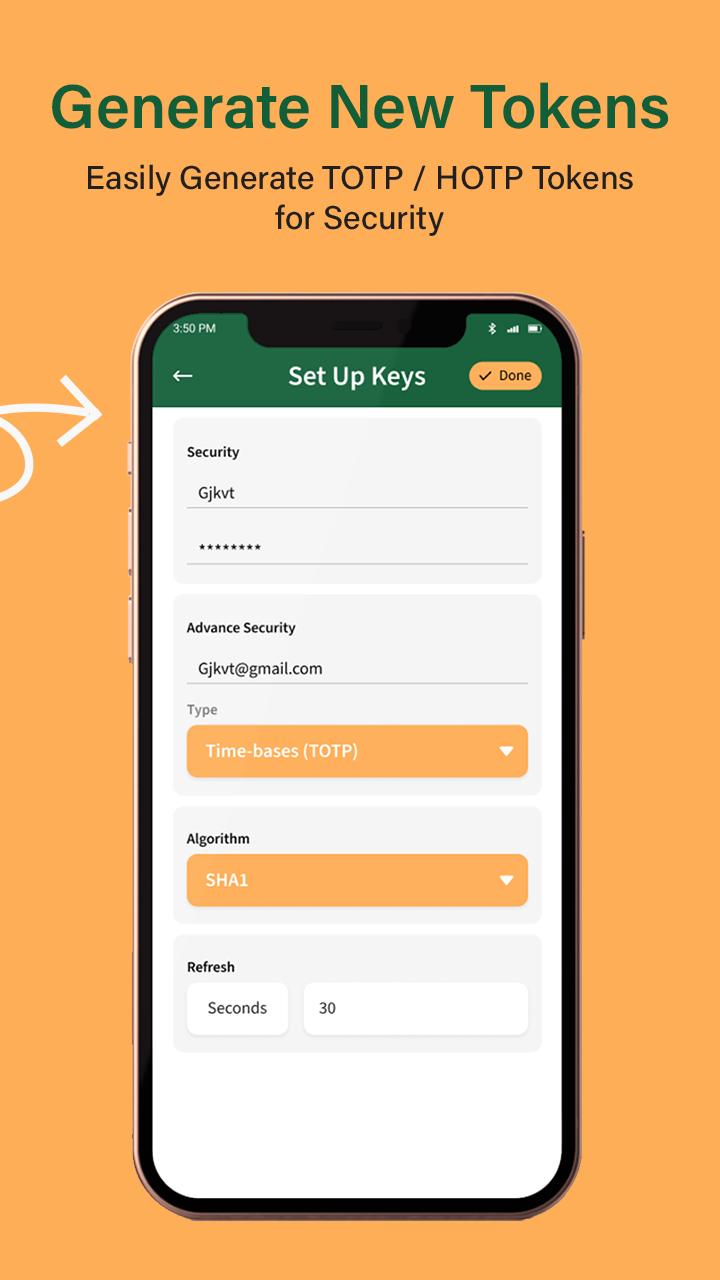
Time based OTP changes after specific time period and Counter based OTP change when you want to change (by refreshing). It also provides SHA1, SHA256 and SHA512 algorithms for security purpose.
This Authenticator app can generate verification codes offline. You can authenticate securely even if your device is in airplane mode or without an internet connection.
Features Of Authenticator App - 2FA & MFA:-
1. Authenticator app generates Two Factor Authentication (2FA) codes. TOTP and HOTP types are supported.
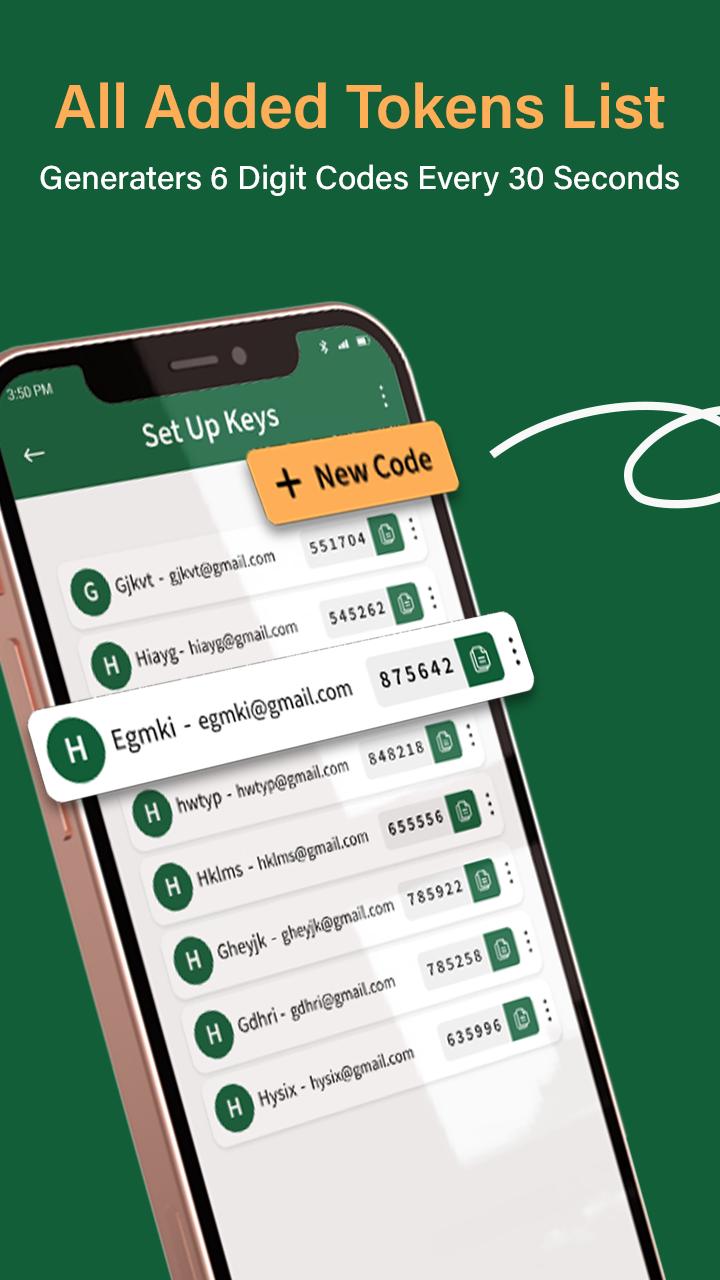
2. App generate new tokens after every 30 sec (by default or user specific time).
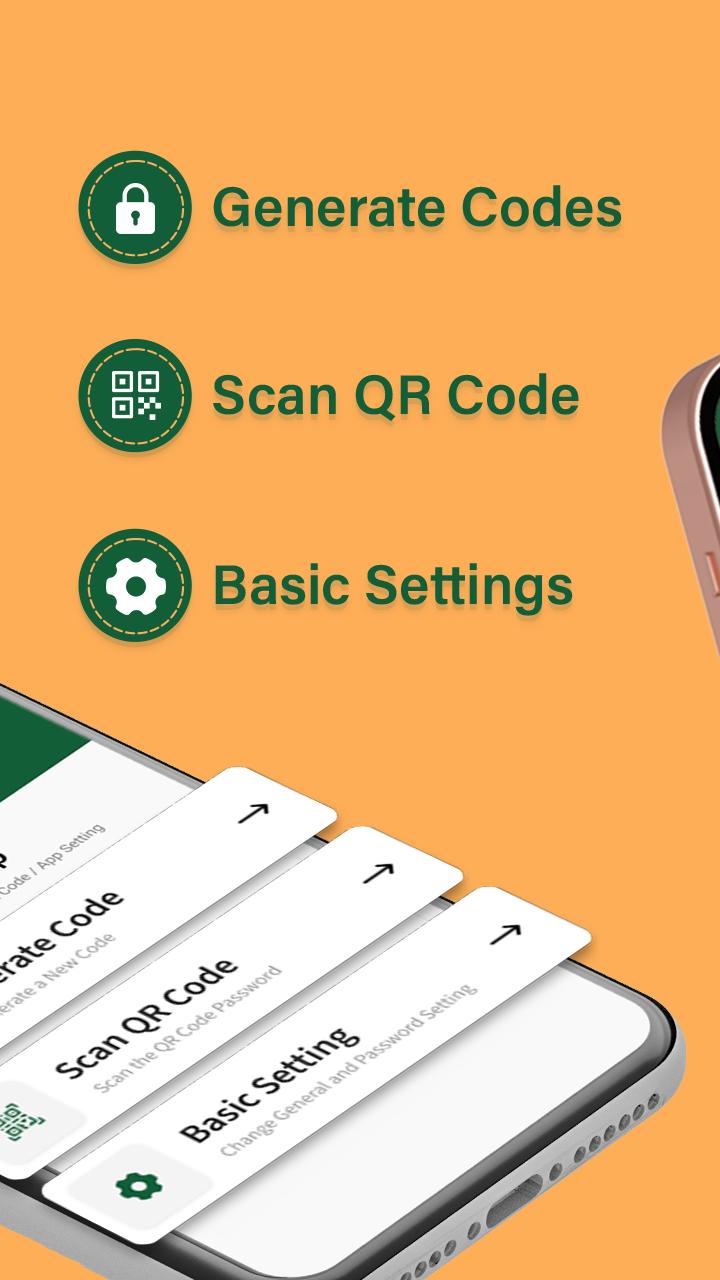
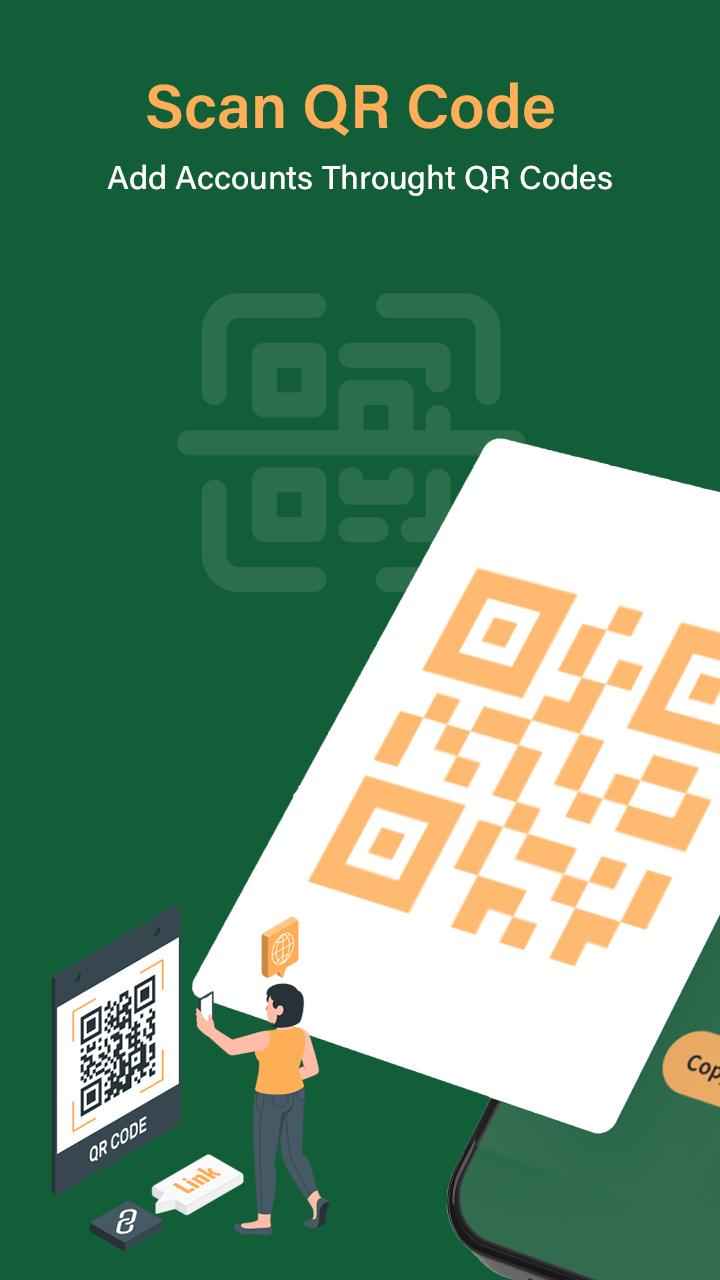
3. After scanning a simple QR code, your account is protected or you can add manually details.
4. Also view the QR codes of linked account using app.
5. Generate verification codes without a data connection
6. At the time of login you have to copy token and use it for successful login.
7.It also support SHA1, SHA256 and SHA512 algorithms.
8. Two Factor Authentication
9. Generate 30 & 60 seconds Tokens
10. TOTP & PUSH Authentication
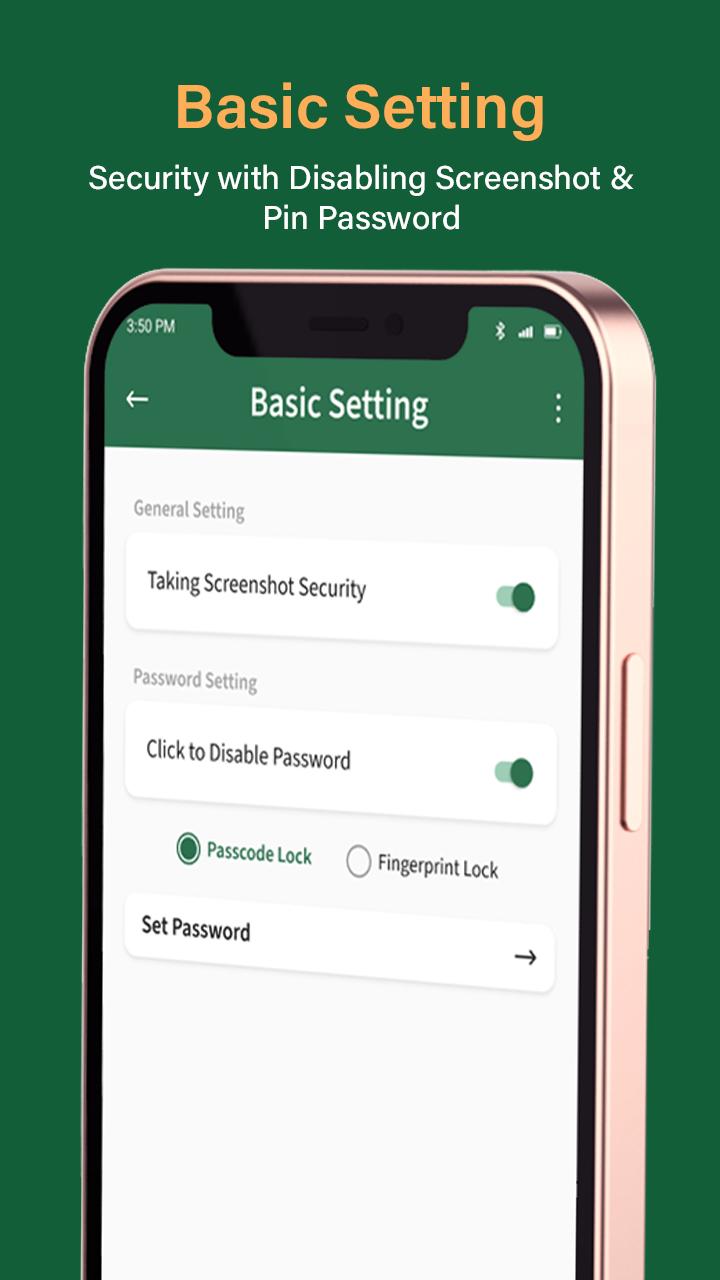
11. Password Protection
12. Screenshot Security
13. QR Code scanner for Accounts
14. How to use App Information
Authenticator App - 2FA & MFA is free app. Just secure all your online accounts with 2FA Authentication App.
Latest Version
1.1Uploaded by
Min Marn Oo
Requires Android
Android 5.0+
Category
Free Tools AppContent Rating
Everyone
Report
Flag as inappropriateLast updated on Apr 28, 2023
Minor bug fixes and improvements. Install or update to the newest version to check it out!



APKPure - A multi-platform app store primarily focused on Android, providing extensive app-related content. Discover the app you want easier, faster, and safer, with quick and efficient downloads and installations.