Package Name:com.authenticator.otp2fa
SHA-256:225be72ad7c4609f90195a2efc09a06e5937cb6141f4a4fad77588f2dd81e2d1
Show More

Authenticator App helps you protect your online accounts with secure two-factor authentication codes, password storage, backup tools and private data management.
With a clean and simple interface, you can easily manage your 2FA codes, passwords, login information, cards, notes, identities and addresses in one secure place.
Keep your important information organized, easy to find and ready whenever you need it.
Main features:
Secure 2FA Code Manager
Store and manage two-factor authentication codes for your online accounts. Quickly access verification codes when signing in to supported services.
Password Manager
Save login information, passwords, cards, notes, identities and addresses in a private vault. Keep your personal data organized and easy to manage.
Add Different Item Types
Add different types of private information, including Login, Credit Card, Notes, Identities and Address. Each item type is designed to help you store information clearly and conveniently.
Category and Favorite
Organize your saved data by category and mark important items as favorites for faster access.
Search Quickly
Use the search function to quickly find your 2FA codes, passwords or private information.
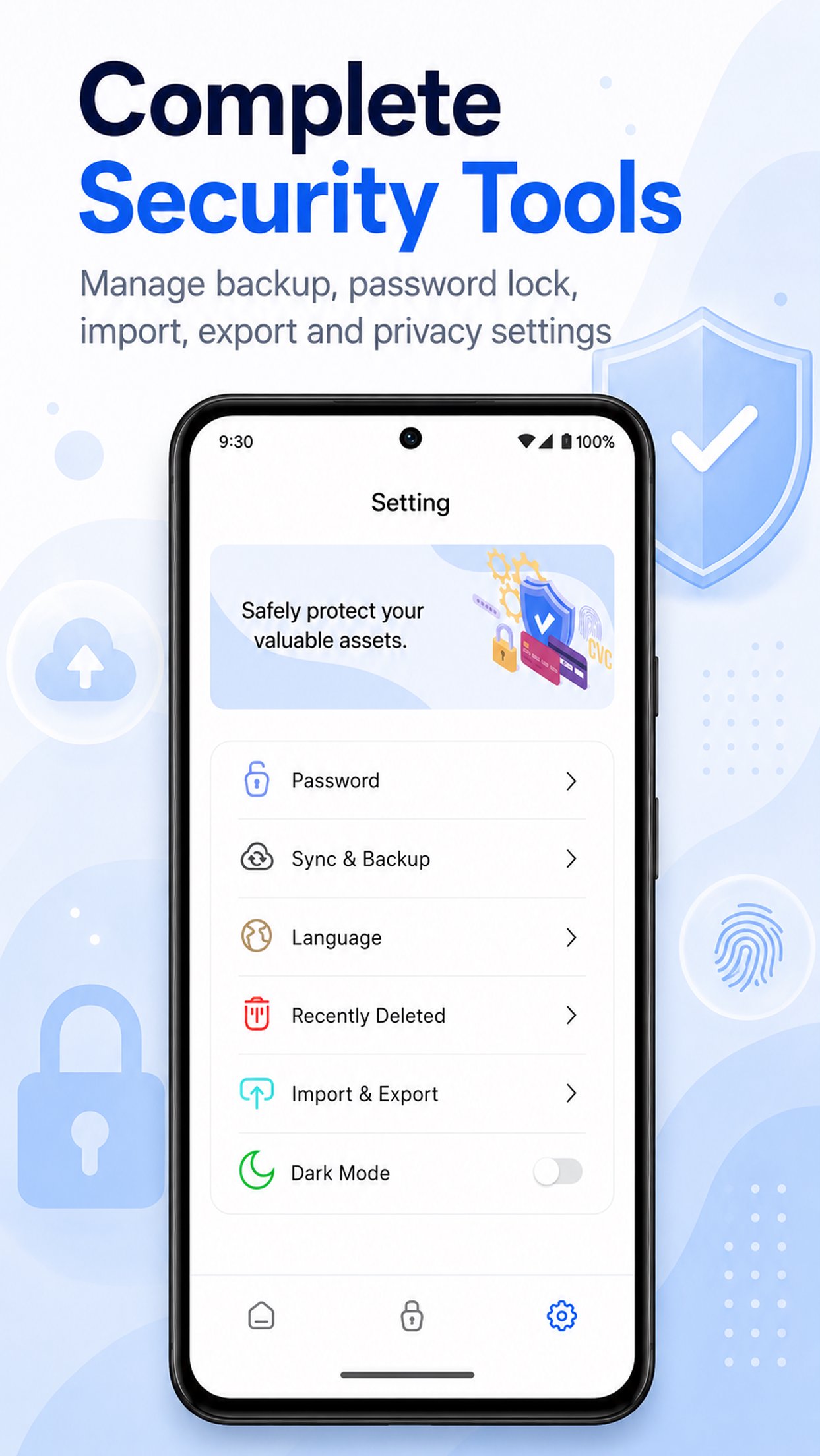
View recently deleted items and restore them if you deleted something by mistake.
Password Lock
Protect access to the app with a password lock. This adds an extra layer of protection for your private information.
Dark Mode
Switch to dark mode for a more comfortable experience in low-light environments.
2FA Guide and FAQ
Learn what two-factor authentication is, how to add 2FA codes and how to manage your authenticator data.
Why use Authenticator App?
- Manage 2FA codes in one place
- Store passwords and private information securely
- Back up and restore your data
- Organize items by category and favorites
- Simple, clean and easy-to-use interface
- Useful for personal accounts, work accounts and everyday security
Authenticator App is designed for users who want a simple way to improve account security, manage verification codes and keep private information organized.
Important note:
This app is an independent authenticator and password manager app. It is not affiliated with Google, Microsoft, Apple, Facebook or any other third-party service. Names of third-party services are used only for user guidance and compatibility understanding.
Latest Version
1.0.2Uploaded by
洪方
Requires Android
Android 8.0+
Category
Free Tools AppContent Rating
Everyone
Security Report
Check Now
Report
Flag as inappropriateLast updated on May 30, 2026
This release includes minor bug fixes and general improvements. Update to the latest version for the best experience.



APKPure - A multi-platform app store primarily focused on Android, providing extensive app-related content. Discover the app you want easier, faster, and safer, with quick and efficient downloads and installations.