
Attack On Titan suits players who want an anime-inspired action experience on mobile while the project grows over time. It focuses on straightforward level progression and community updates, so content expands with new releases. Step-by-step tutorials help you learn the basics and move forward at a steady pace, which makes onboarding simpler. For smoother play, a strong device is recommended. If you prefer a direct install, look for Attack On Titan APK in the download section.
Attack On Titan is an unofficial, fan made action game built for AoT fans on Android. It aims to capture the spirit of fast movement and tense encounters without claiming to be the original work. This clarity helps you understand what to expect and avoid confusion about licensing. As a result, players can engage with a community project that evolves over time.
Ongoing development with new levelsEach release adds new stages and improvements, which keeps gameplay fresh as the project matures. You can check the latest version to see what was added in that update and then plan your next session accordingly. Over time, content expands and the roadmap continues to grow. Consequently, players have a reason to return and try newly added challenges.
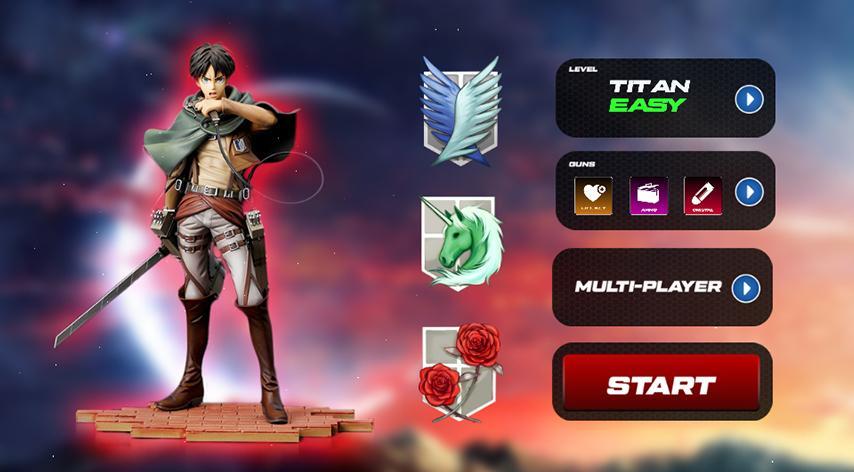
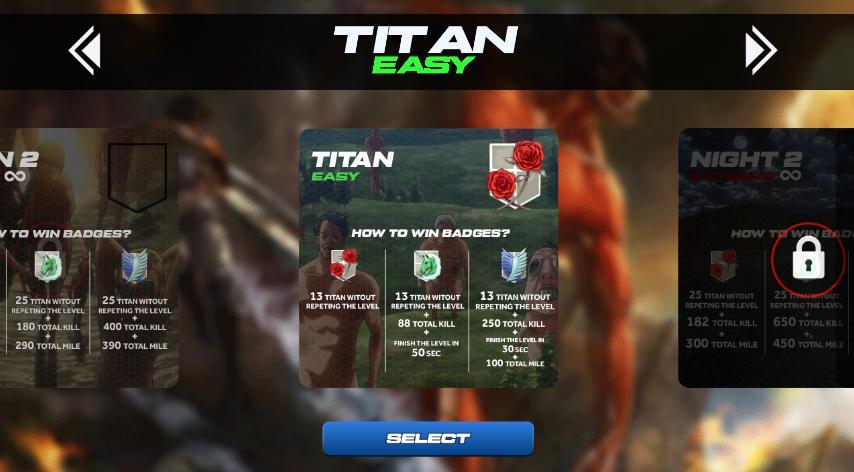
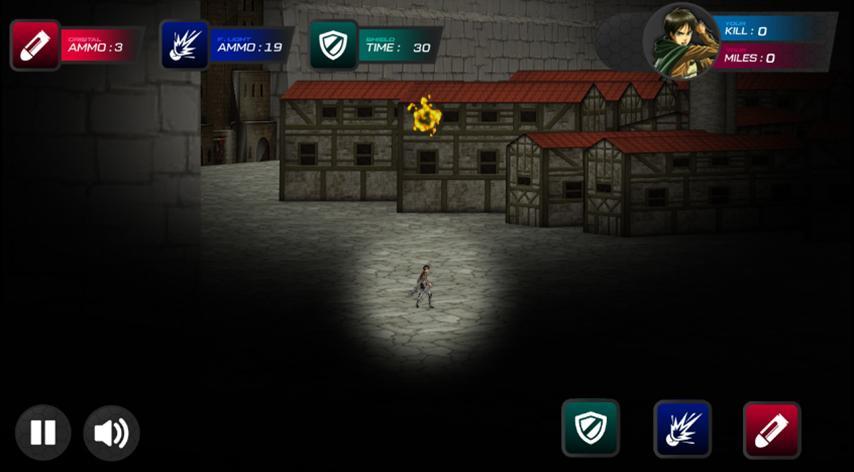
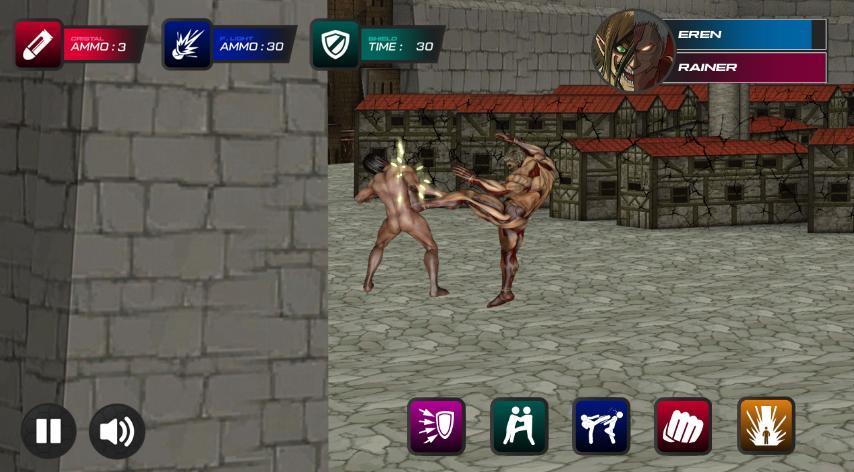
Level-based progression and unlocksAttack On Titan uses a clear progression path where completing early stages unlocks more content. As you move forward, Level 2 introduces guns, which changes how encounters play and adds variety to the toolkit. This structure provides a simple way to understand what comes next and what actions you need to take to proceed. In turn, you can focus on learning the controls before tackling advanced mechanics.
Step-by-step tutorials to get startedThe developer provides these guides to help you avoid early confusion and reach core content faster. First, watch the initial tutorial to learn controls and unlock your starting level. Then, review the second guide when you are ready to access Level 2 functions. This approach reduces trial and error for new players.
Performance notice for smoother gameplayThe developer recommends using a high performance Android device, especially as levels become more demanding. For better results, close background apps before launching the game and keep your device charged. These steps can help reduce stutters during action sequences. With a little preparation, gameplay becomes more consistent across sessions.
This is an unofficial, fan made project and is not affiliated with the original Attack On Titan rights holders. The game exists to serve fans who want an Attack On Titan mobile game style experience, but it should not be mistaken for an official release. This distinction helps set correct expectations about content, updates, and support.
Some countries restrict Attack On Titan related content due to local rules. If access is limited in your region, please check local guidelines before attempting to play. For watching the anime, consider legal streaming sources such as Crunchyroll or Prime Video, where availability may vary by country. This ensures you engage with the series in a compliant way.
To get started smoothly, follow a simple path from installation to your first unlocks. If you plan to download Attack On Titan, make a quick performance check first to avoid slowdowns during play.
Attack On Titan provides a fan driven action experience with level progression and regular updates. To stay current, check the Attack On Titan latest version, follow the tutorials, and prepare your device for smoother play.
Latest Version
1.1.1Uploaded by
Isiya Isah Tsuntsaye
Requires Android
Android 6.0+
Category
Free Action GameContent Rating
Everyone
Report
Flag as inappropriateLast updated on Nov 5, 2020
Fix skip and play not working
Fix level 1 not working after killing all titans
Fix Level 4 drop fps





APKPure - A multi-platform app store primarily focused on Android, providing extensive app-related content. Discover the app you want easier, faster, and safer, with quick and efficient downloads and installations.