
"Arrange" is a to-do list that can be assigned weights, allowing to simply know the progress of completion.
The following examples now can be viewed in the app:
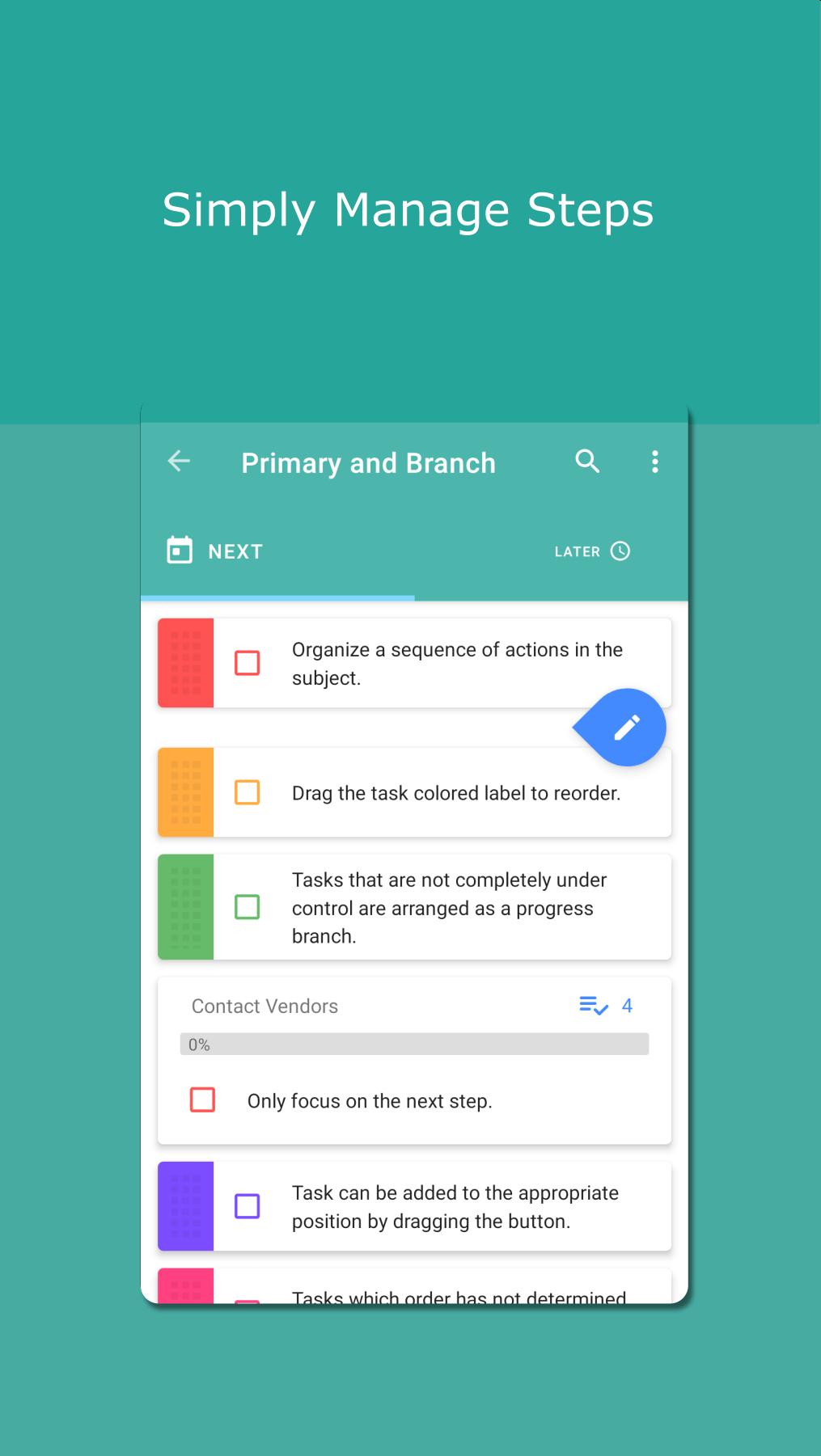
1. To-do List:
Same as other ones, the difference is that the app supports dragging button to create item on the specified position.
2. Routine List:
Support to reset the completion tasks during the cycle, which is usually used in repeat routines.
3. Progress Management:
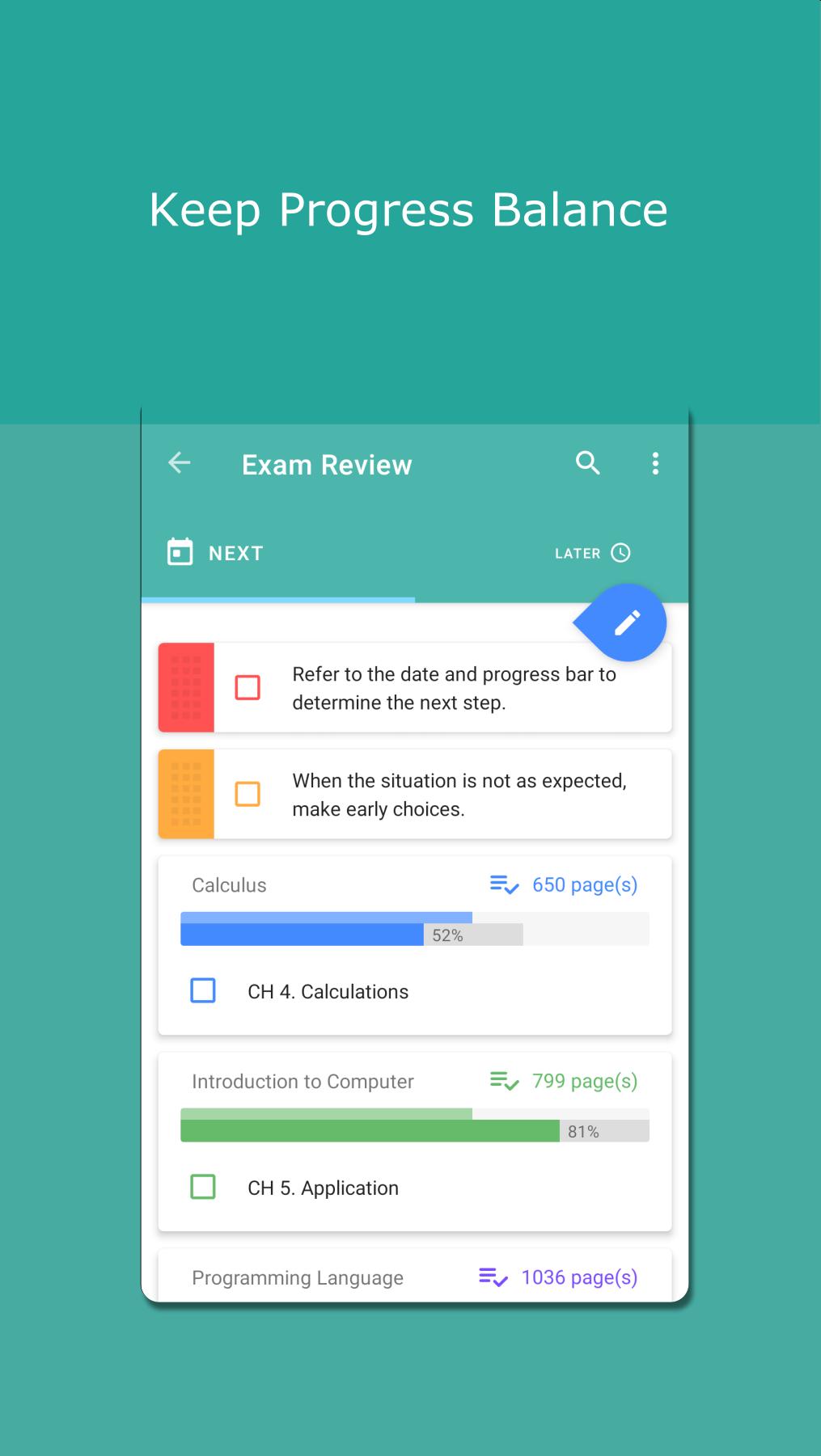
The core concept of the application.
By comparing the date progress with the completion progress, it helps to determine which to do now.
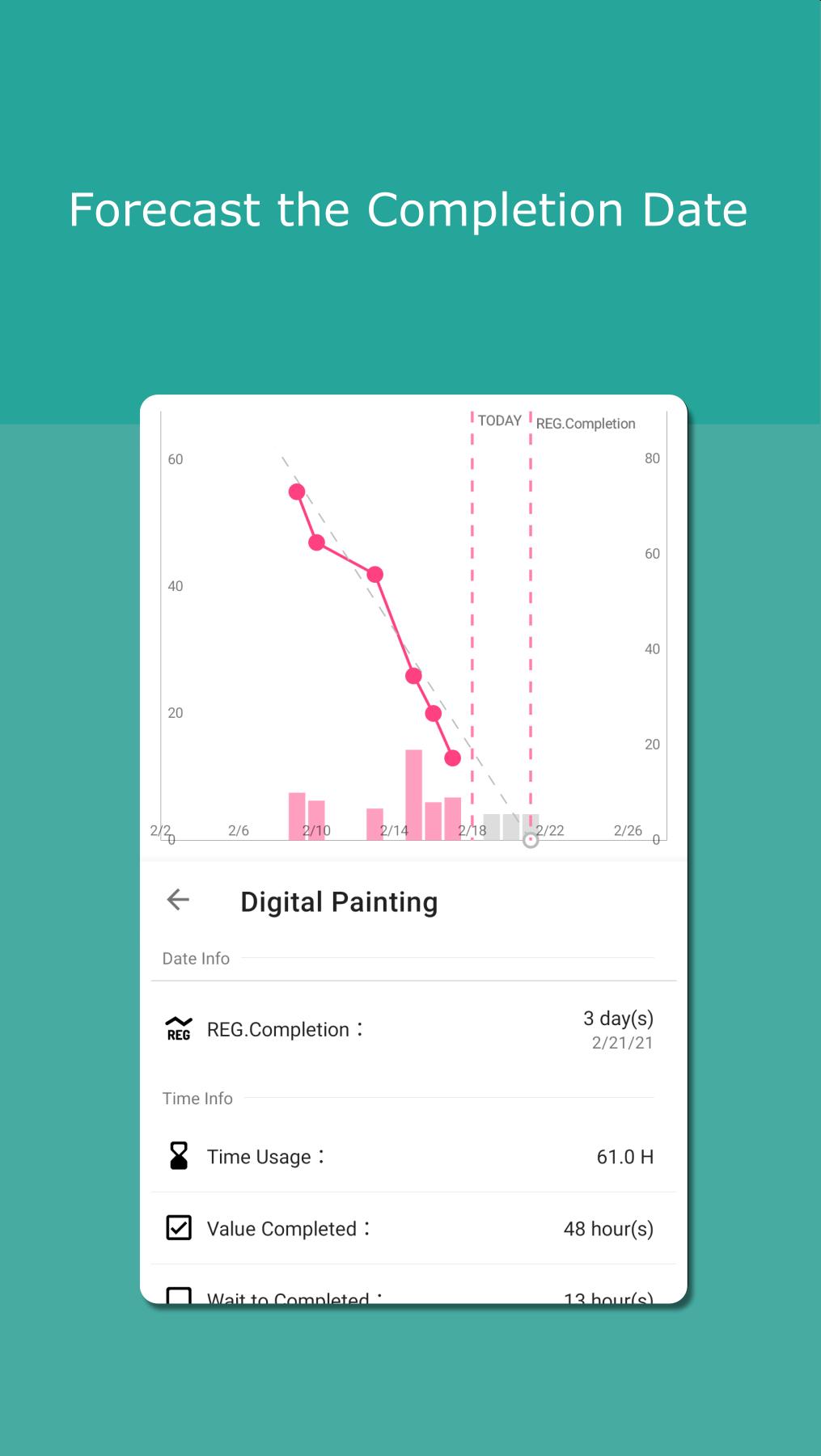
Find out possible completion date based on trend and prepare in advance.
Evaluate whether there is enough budget to start a new plan by time records.
Tips:
The weight setting can be ignored by dividing tasks into the same size.
Time recording may require unlocking the timer widget for the best experience.
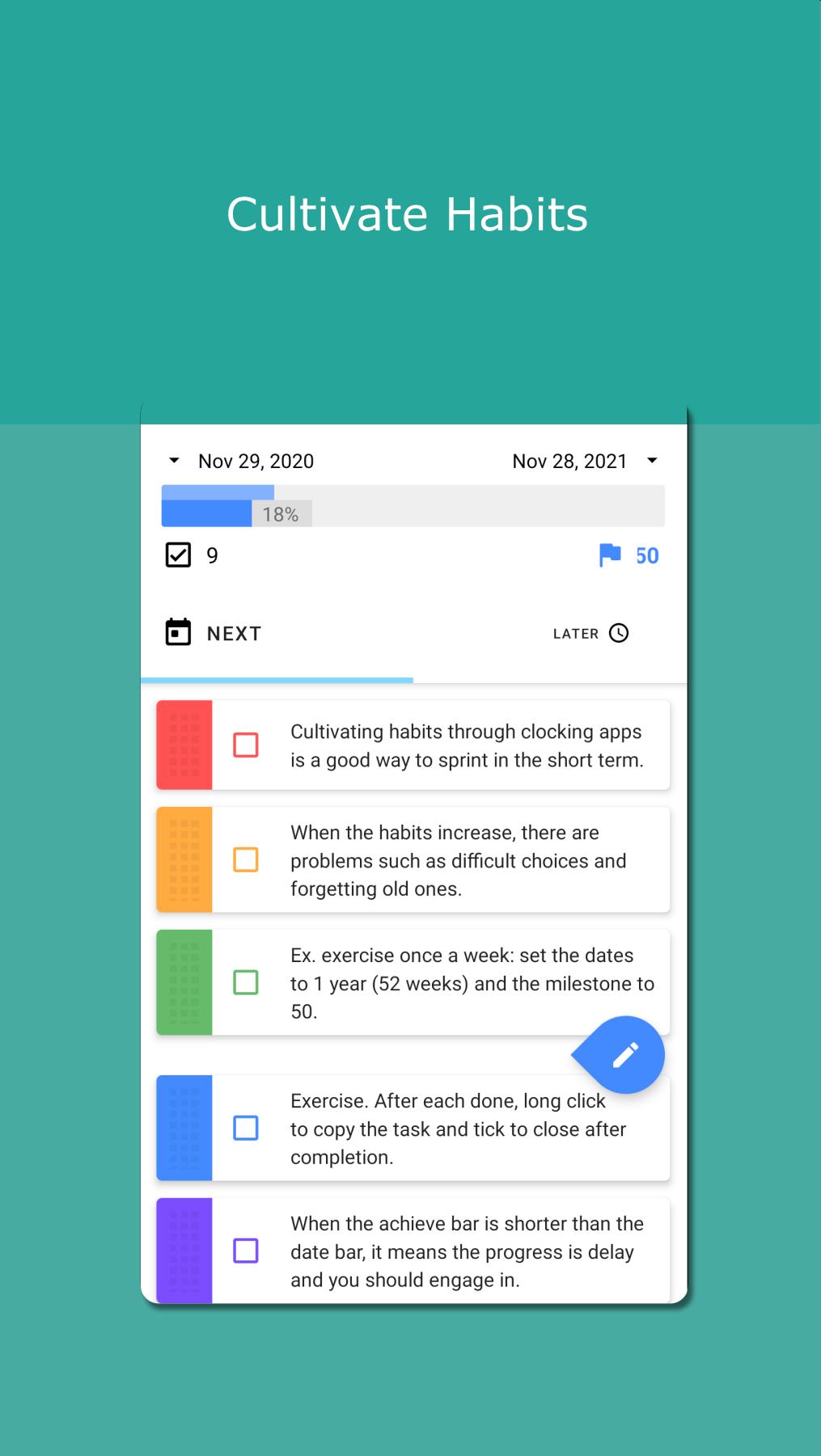
4. Cultivate Habits:
Same as progress management, let the completion progress exceed the date progress to keep habit.
Others:
The app continues to support different features. Please provide feedback through comments, consent comments, and emails. We will try to find the appropriate way from different viewpoints.
Latest Version
1.4.3.1Uploaded by
Sam Ladher
Requires Android
Android 8.0+
Category
Free Productivity AppContent Rating
Everyone
Report
Flag as inappropriateLast updated on Mar 6, 2021
v1.4.3.1:Task template copy feature.
v1.4.3+:
a. Add examples.
b. Handle details and bugs.


APKPure - A multi-platform app store primarily focused on Android, providing extensive app-related content. Discover the app you want easier, faster, and safer, with quick and efficient downloads and installations.