A work order is an order of maintenance or repair request received by an organization from a client or customer.
Apptivo Work Orders (WO) application allows you to easily manage and dispatch resources to address customer problems on-site, and providing a method for the employees to track the hours and products used to resolve it.
A work order can be created manually by entering the details of the order according to your business requirements. While it seems convoluted initially, creating and managing work orders is quite simple. Configuring the app before entering your information is always a good idea, so it's great, you configure it first!
Enhances your customers by providing them with various features, allowing for immediate processing and customization. One of the features is Collaboration, which comes with the standard basic functions - Newsfeed, Calendar, Follow ups, Tasks, Call Logs, Emails, Notes and Documents. You can also restrict users from accessing any particular functionality.
Quick Links in the work orders homepage, contain several links which guides you to different apps that are frequently used by a person, enabling him to directly get to the page, saving the user time. This will help a user, who often visits a site for reference.
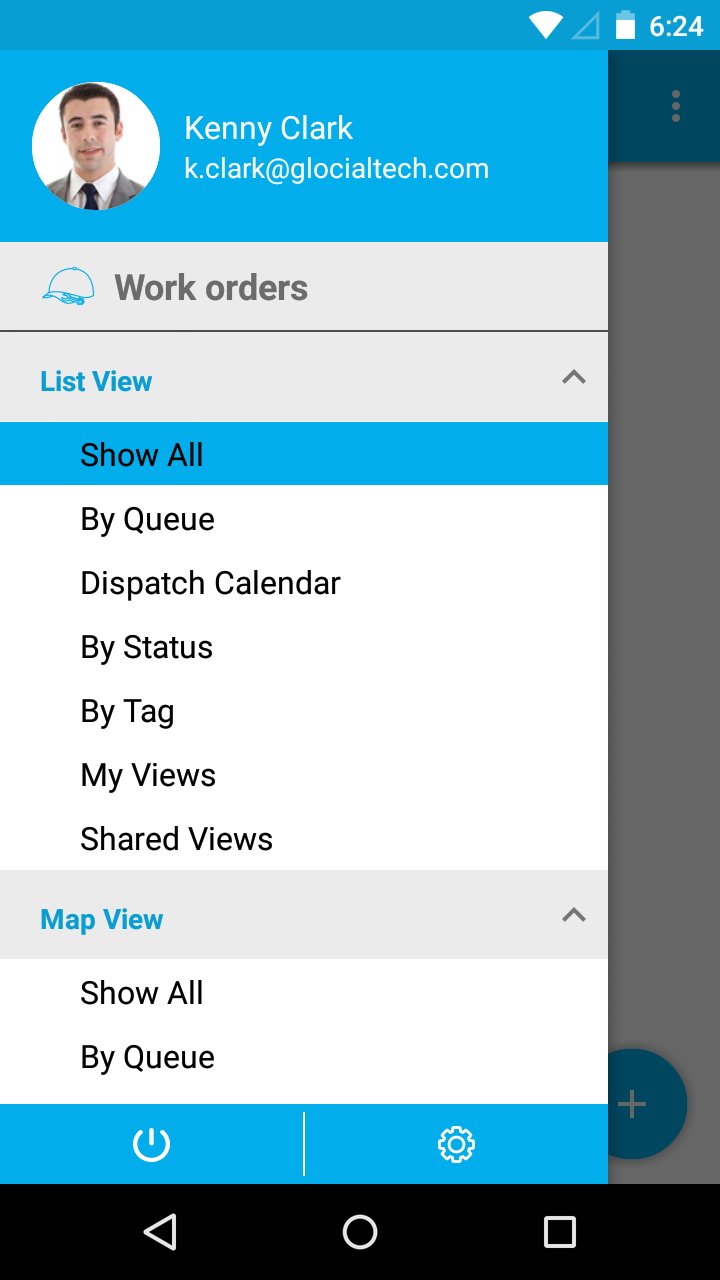
Custom Views are used for showing client particular information, by defining criteria according to your requirements. These Views are like filters that are easily accessible in the left navigation menu. They can be configured and set as per your needs in the left side navigation of the work orders dashboard.
Customizing also allows you to add additional attributes in the creation page according to your needs and also ensures security privileges.
Dispatch Calendar - With a special consideration of an Employee or by a Team, the work orders can be viewed conventionally under Dispatch Calendar. Now, if an employee is added to a team, then that dispatches the work orders assigned to that team and also to the employee.
Once a work order is resolved, it has to be submitted for the approval. There are two approval options present in the work orders app.
Employee Manager - The Manager of the employee.
Customer Contact - The contact associated with the selected customer.
On submitting the work order, the approver will receive an email with the work order attached, from where he can approve or reject the work order.
You can easily print your work order information using print PDF and send to your customers within seconds.
Features:
Create Workorder
Quick Actions
Collaboration
Left Menu Views
My Views
Quick Links
Reminders
Capture Images
Right side Menu
International Currency Support
Latest Version
6.0.6Uploaded by
ليلى البشيش
Requires Android
Android 4.4+
Category
Free Business AppContent Rating
Everyone
Report
Flag as inappropriateLast updated on Sep 13, 2018
* Added the Map View feature in the List Layout of the Work Orders App. By clicking on it, you can optimize routes to find out the nearest service location.
* Work Order Service Delivery Window changes based on the service date, start time and end time.
* Bug fixes



APKPure - A multi-platform app store primarily focused on Android, providing extensive app-related content. Discover the app you want easier, faster, and safer, with quick and efficient downloads and installations.