Scan Date:Dec 22, 2025
Show More

Calendar+ is your all-in-one calendar, planner, and schedule manager designed for professionals and individuals who need advanced features with a clean and efficient interface. Whether you’re managing personal appointments, work meetings, family events, or shared schedules, Calendar+ provides all the tools you need in one intuitive app.
With seamless two-way sync for Google Calendar, Microsoft Outlook, Exchange, and other popular services, Calendar+ ensures that your events stay up to date across all your devices. From advanced widgets to custom event views and productivity features, Calendar+ is built for those who want more than just a basic calendar.
⸻
🔑 Key Features at a Glance
• All-in-One Calendar App: Combine multiple calendars, from work to personal, and manage them from a single interface.
• Custom Calendar Priority: Set the display priority of each calendar so you see what matters most first.
• Copy and Move Events: Effortlessly duplicate or move events across calendars for better organization and planning.
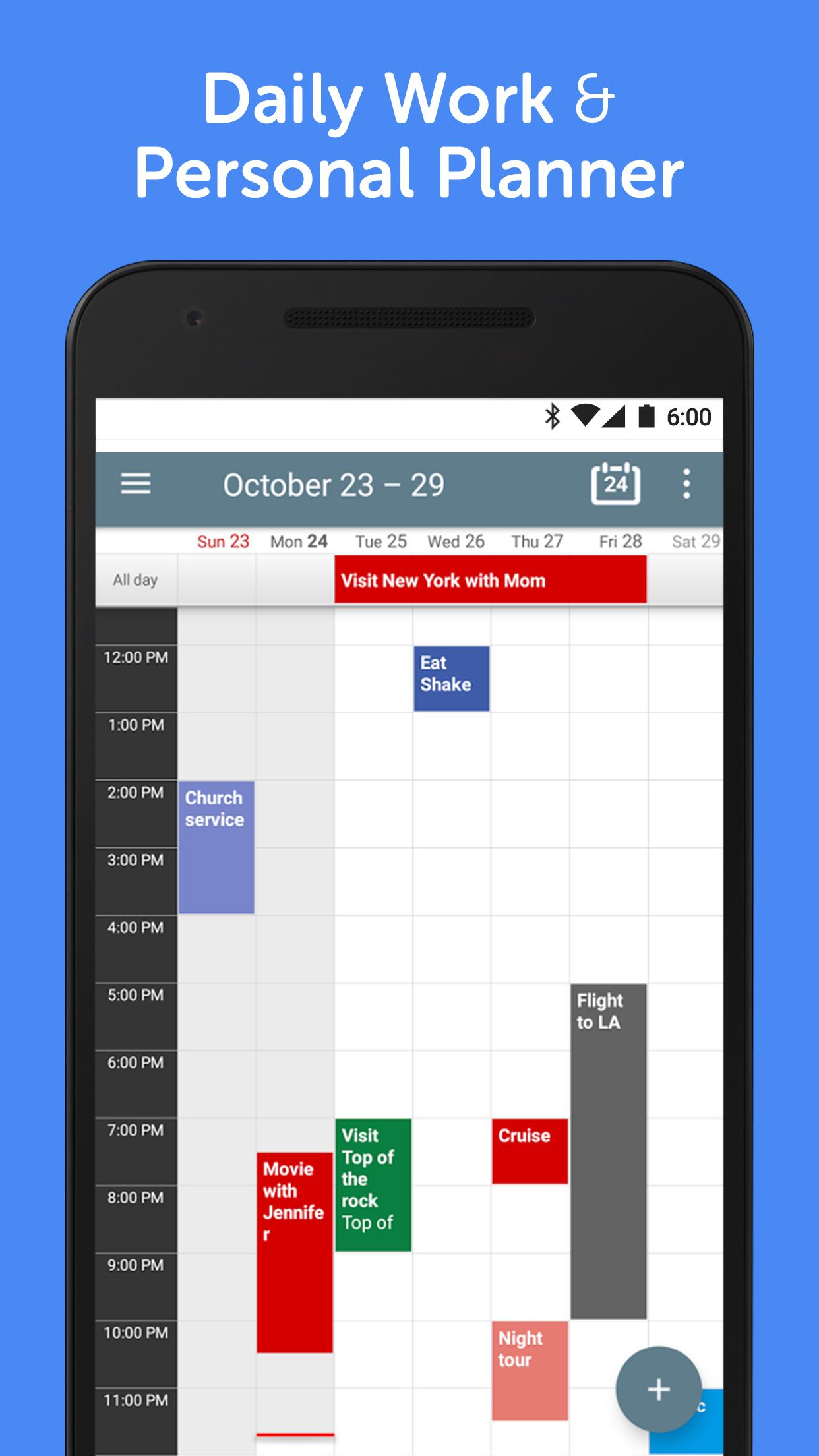
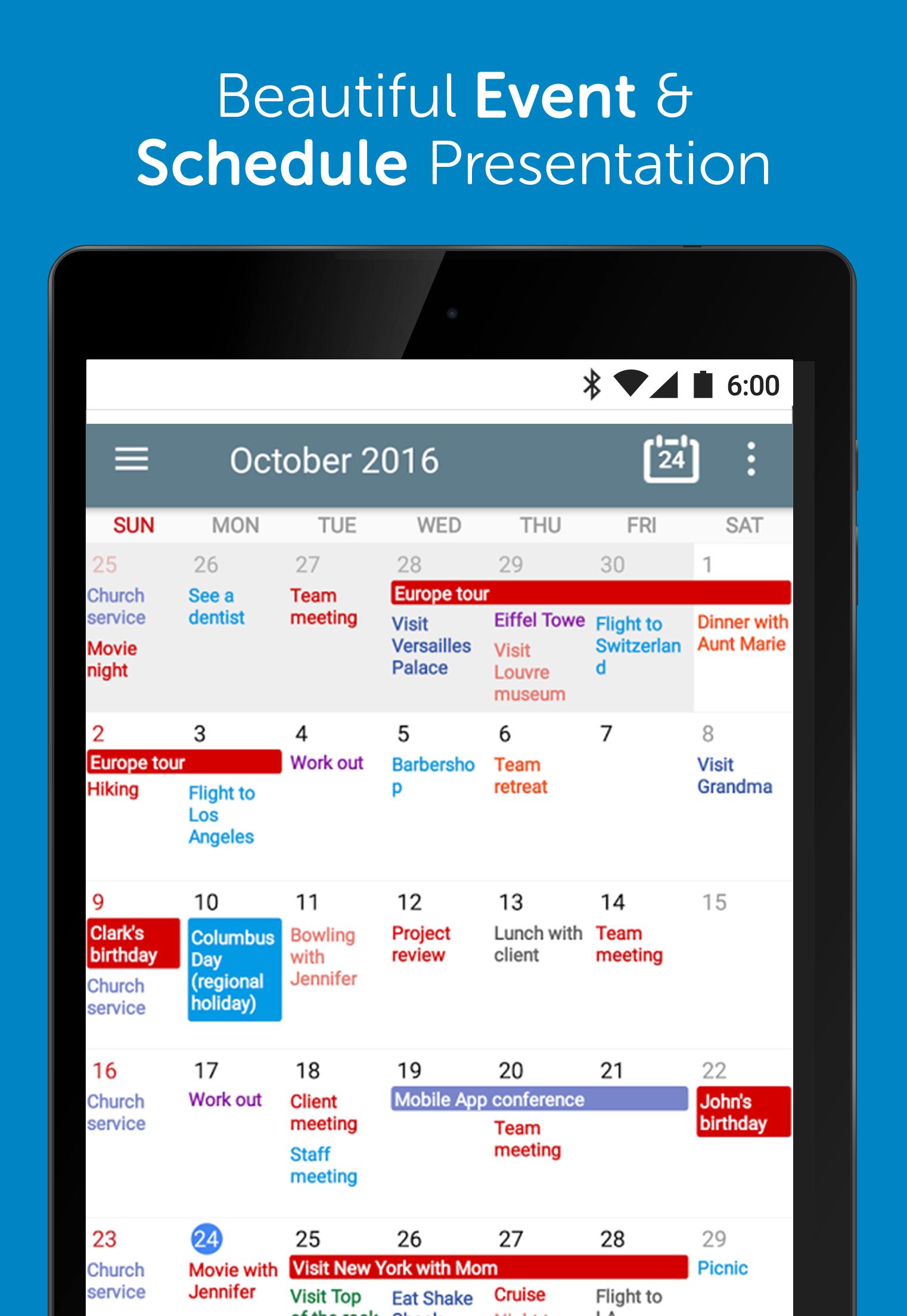
• Multiple Viewing Modes: Switch between day, week, month, year, agenda, and custom views depending on your needs.
• Customizable Range: Set your calendar to show 2-day, 4-day, or multi-week views for improved clarity.
• Home Screen Widgets: Access your schedule at a glance with beautifully designed calendar widgets. Choose from various widget sizes and over 50 visual themes.
• Instant Calendar Sync: Real-time synchronization with Google, Outlook, Exchange, and more to keep your events consistent.
• Personalized Reminders & Notifications: Get alerts tailored to each event so you never miss an important meeting or occasion.
• Quick Event Creation: Add, edit, and search for events easily with natural language input and advanced filters.
• Dark Mode & Custom Themes: Make your calendar suit your style and reduce eye strain.
⸻
📌 Why Choose Calendar+?
Unlike basic calendar apps, Calendar+ provides professional-grade tools that make managing your schedule both efficient and enjoyable. It’s ideal for entrepreneurs, freelancers, office workers, students, and anyone who needs a calendar that works as hard as they do.
You can view multiple calendars in one place, highlight specific ones with custom colors or display priority, and tailor event views to your liking. Whether you’re planning a team meeting, personal workout schedule, or family dinner, Calendar+ helps you stay on top of everything.
Our flexible event copy and move feature makes it simple to duplicate or transfer appointments between calendars — perfect for users managing multiple accounts or projects.
⸻
🌟 Unlock Premium Features
Upgrade to Calendar+ Premium and experience even more:
• Remove ads for a distraction-free experience
• Unlock premium widget themes and designs
• Customize event appearance and layout in more detail
• Set advanced snooze times for reminders
⸻
Calendar+ is more than just a schedule viewer — it’s your daily planner, event manager, agenda tracker, and productivity hub.
Download Calendar+ today and start organizing your life with the smartest calendar on Android.
Latest Version
1.10.08Uploaded by
Tiago Freitas
Requires Android
Android 5.0+
Category
Free Productivity AppContent Rating
Everyone
Security Report
Report
Flag as inappropriateLast updated on Jul 12, 2025
1.10.08
Regular update and bug fixes
1.10.00
New widget settings and bug fixes
1.09.89
Settings wizard and more
1.09.86
New multiple day support in monthly recurrence rules and more
1.09.79
New copy to... function and more
1.09.69
Holiday filtering and more
1.09.57
New event sort options
1.09.55
Major update with new calendar priorities and more
1.08.94
Major update with a new day/week widget
1.08.17
A number of premium features unlocked for free users.





APKPure - A multi-platform app store primarily focused on Android, providing extensive app-related content. Discover the app you want easier, faster, and safer, with quick and efficient downloads and installations.





![AR Measure [Ruler] APK](https://image.winudf.com/v2/image1/Y29tLnBlYWNlLkFyTWVhc3VyZV9pY29uXzE1NTQwNDcwOTNfMDU2/icon.png?w=102&fakeurl=1)