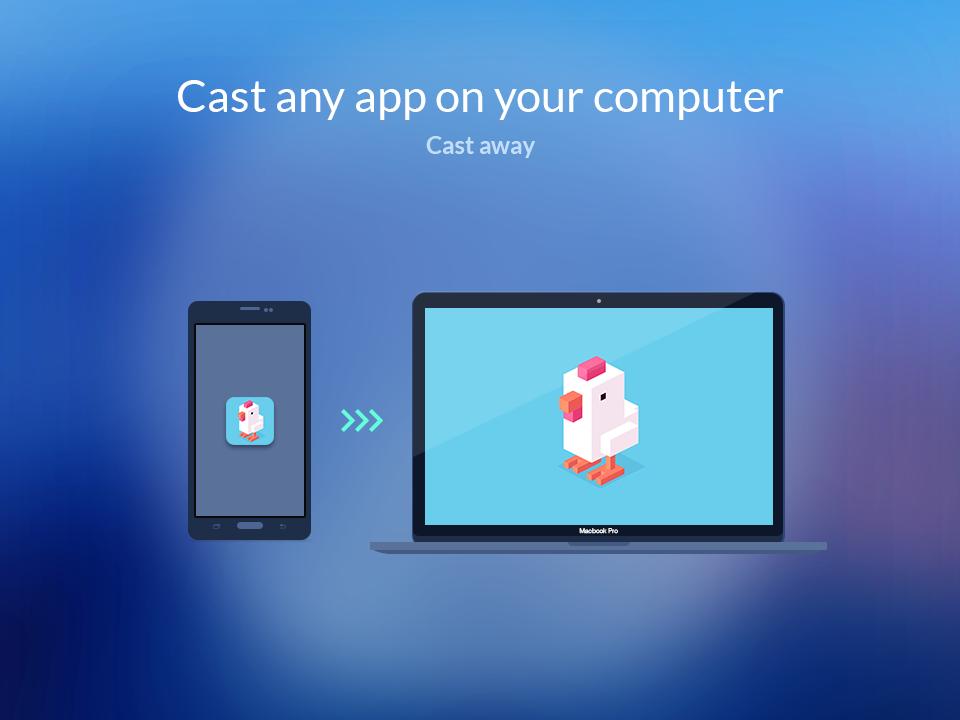
AppCast lets you play your apps on bigger screens. You can beam your favorite games and apps from your Phone onto your Windows PC or Mac with a single tap.
⭐ BlueStacks Cloud Connect is now AppCast by BlueStacks ⭐
After you install AppCast on your phone, head to your computer and install BlueStacks AppPlayer from BlueStacks website. Then search and launch AppCast inside AppPlayer to complete the setup.
Top Features of AppCast:
⭐ 1 tap awesomeness
Launch apps on big screen with 1 tap. Use your phone as remote to launch apps on your Windows PC or Mac.
⭐ Bigger is better
Experience all your apps on your big screen. You have to try it to believe it!
⭐ Kids-free phone
Get back your Phone and your constantly depleting battery by running you kid’s favorite games and apps on the desktop.
Remember, you must download BlueStacks App Player for Windows PC and Mac from BlueStacks Website to your PC in order to use AppCast.
Latest Version
20.10.0.1Uploaded by
Darvan Kovli
Requires Android
Android 4.1+
Category
Free Tools AppContent Rating
Everyone
Report
Flag as inappropriateLast updated on Sep 2, 2015
Lots of features, lots of fun!




APKPure - A multi-platform app store primarily focused on Android, providing extensive app-related content. Discover the app you want easier, faster, and safer, with quick and efficient downloads and installations.