
A patent pending app to keep your private life protected!
Lock apps, hide private videos, movies, pictures, images, gallery content from guests, friends, family etc.
Depending on the password or a pattern entered to unlock the phone, the app locks all private apps & content on your phone.
Unique Features
1. Unique twin Password Screen Lock with separate Master & Guest Passwords
2. Option of password PIN OR pattern lock
3. Automatic lock / unlock of selected apps, gallery including images, picture, photos, videos, movies etc.
4. Single click access to all protected apps when using the master password/ PIN or Pattern
5. Password based access to secret / private content.
6. Lock all apps, phone dialer, contacts, sms, messages, phonebook, gmail, browser, whatsapp, facebook, gallery, skype etc.
Learn More:
A completely different approach towards privacy of your data. The application provides you with new sets of features.
1) Two levels of access - Chose a master password (for your personal use) and a guest password (to use when someone borrows your phone)
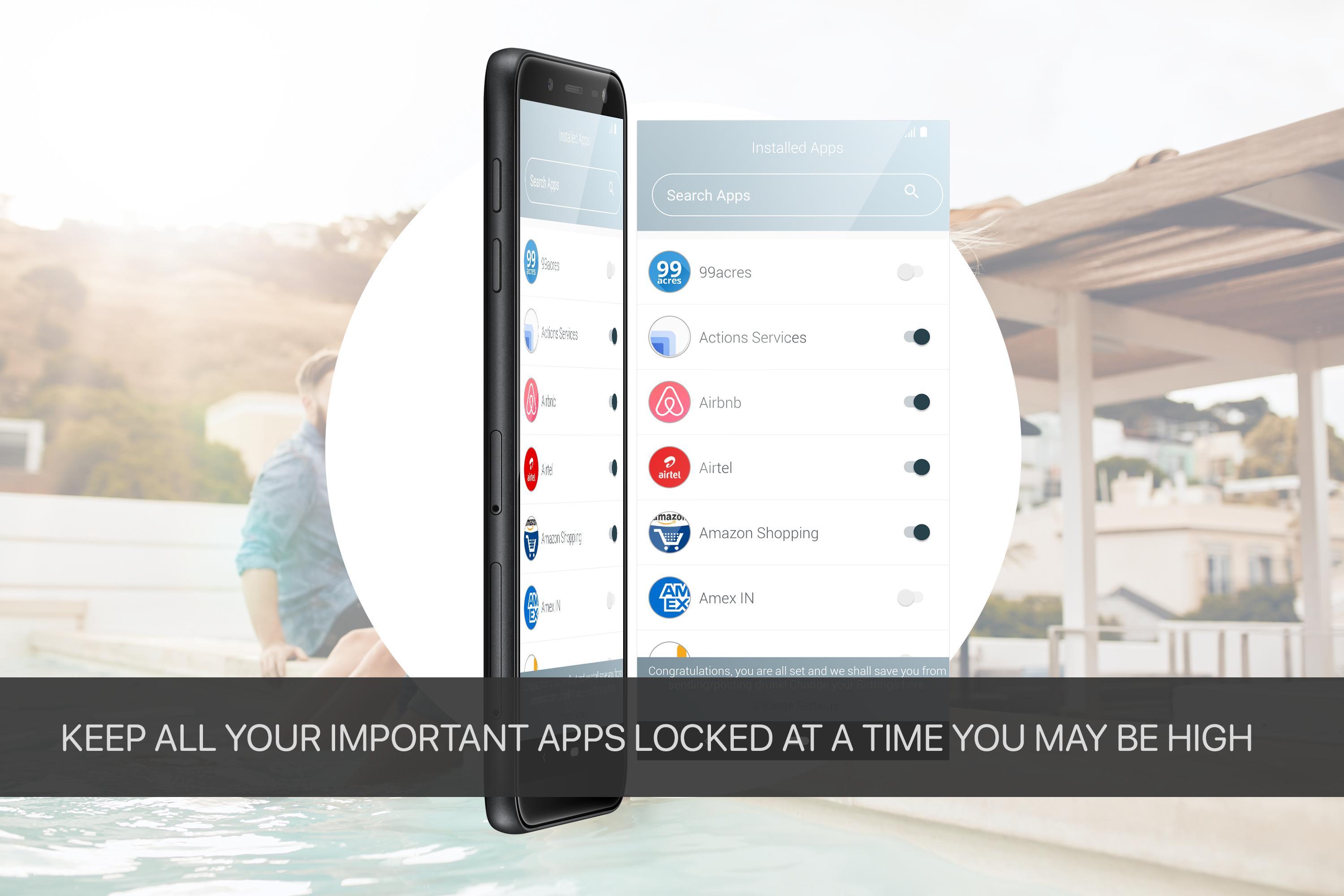
2) Chose as many applications on your phone that you want to keep locked.
3) The application locks the screen as well as each individual app that you have selected
4) Unlock the screen using the master password and the screen opens. All the password protected apps also get unlocked automatically. This means that you do not have to enter another password when you open a locked application. Saving time and energy for you.
5) When someone borrows the phone, simply unlock the phone using the guest password. The screen will open but the locked apps will continue to remain locked. Thus, your privacy will always be protected.
Features of the app
1) Choice of type of passwords - PIN based of Pattern based.
2) Choice of length of password - Chose a single digit password or a single point pattern in case you do not want a complex one. You can chose an 8 digit password or a 9 point pattern if you want additional security
3) Choice of backgrounds for your app - Chose from 9 different types of backgrounds or simply chose any image from your gallery as the background of the app.
4) Automatic start at booting of your device
5) Invisible mode and Hide Error Mode for Pattern Lock - Check the invisible mode, so that no one sees the pattern when you unlock your phone. Chose the Hide Error Mode, so that if someone is filling in the wrong pattern the system does not prompt them.
6) Hide the applocker completely - Simply hide the app locker icon and start it by dialing a predefined number.
7) Unlock protection
A choice of many more settings for you to customize your app in the way you want.
Latest Version
22.0.02Uploaded by
Ythug Yhs Ishi
Requires Android
Android 5.0+
Category
Free Tools AppContent Rating
Everyone
Report
Flag as inappropriateLast updated on Aug 20, 2019
This release includes minor bug fixes and general improvements. Update to the latest version for the best experience.





APKPure - A multi-platform app store primarily focused on Android, providing extensive app-related content. Discover the app you want easier, faster, and safer, with quick and efficient downloads and installations.