Package Name:vn.azlock
SHA-256:1b2c4d3553d20cdc9c8d4531c8f9872c3d2d231bd1777f20f1f31c1438728689
Show More
Keep personal apps and photos behind a lock you control. AZ Lock lets you lock selected apps with a PIN or pattern and use fingerprint unlock on supported Android devices.
Whether you are sharing your phone or keeping everyday information private, choose which apps need an extra step to open.
APP LOCK, YOUR WAY
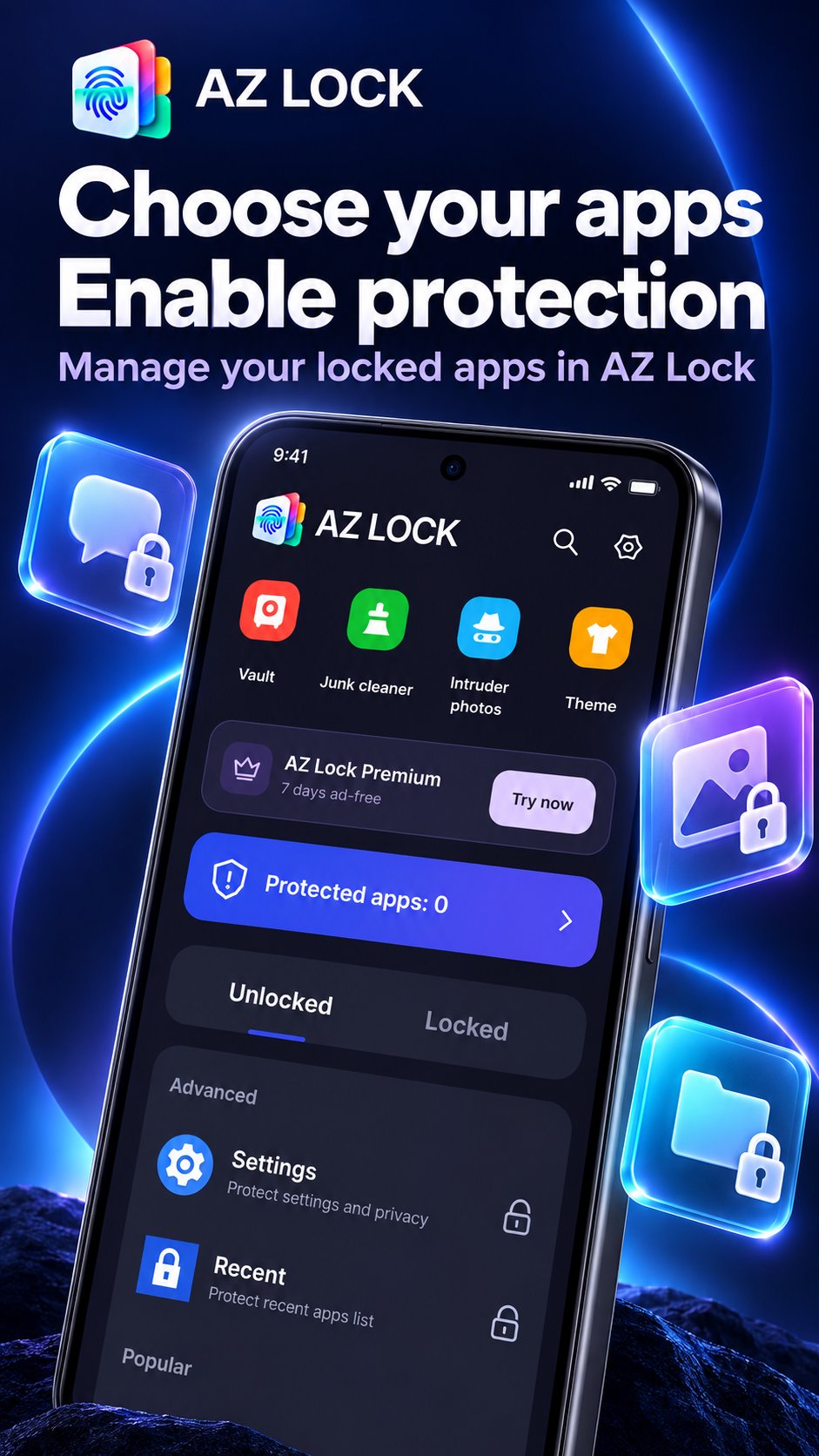
Protect selected apps with a 4-digit PIN, 6-digit PIN or pattern. Enable fingerprint unlock when a fingerprint is registered on your device, and adjust when apps lock again to suit your routine.
A PRIVATE SPACE FOR YOUR FILES
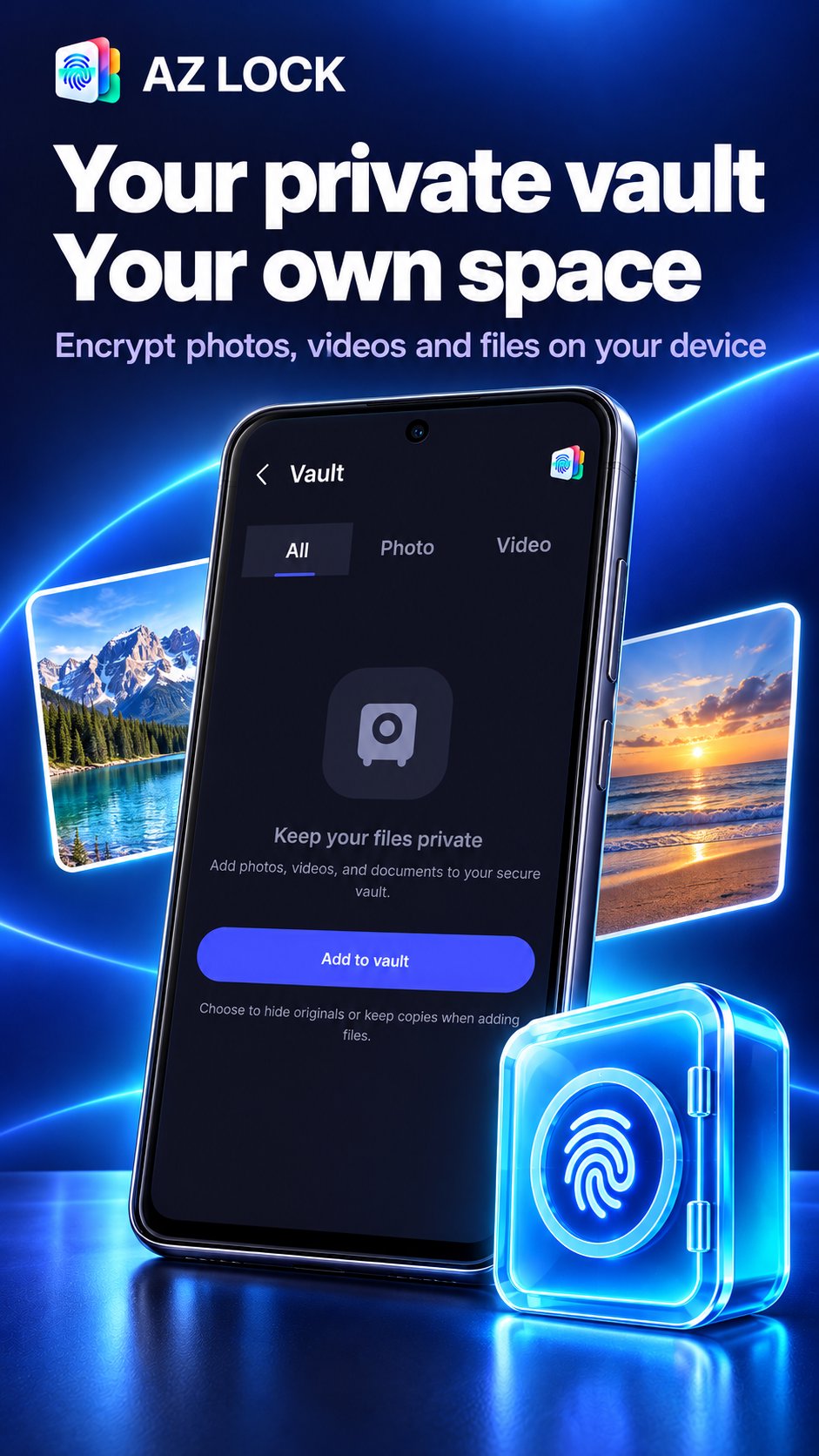
Import personal photos, videos and files into an encrypted vault. Keep private notes in AZ Lock and access your stored content after unlocking. Vault content is stored on your device; it is not a cloud backup. Export anything you want to keep before uninstalling the app or clearing its data.
INTRUDER PHOTOS
When enabled, AZ Lock can use the front camera to capture a photo after the configured number of failed unlock attempts. Camera permission is required. Review captured photos inside the app.
MAKE YOUR LOCK SCREEN YOURS
Choose a theme or use your own image to personalize the lock screen. Select your preferred app language in Settings.
A BUILT-IN BROWSER
Browse websites and search with Google or Bing. Manage tabs, bookmarks and browsing history from within AZ Lock. Browsing still connects to the websites and search provider you choose.
OPTIONAL EMAIL RECOVERY
Verify a recovery email to help reset a forgotten app password for the current installation. Email recovery requires an internet connection and cannot recover files lost after uninstalling the app or clearing its data.
PERMISSIONS WITH A PURPOSE
Usage access and display-over-other-apps permission support app locking. Optional Recent Apps protection uses Android AccessibilityService to detect the overview screen; it does not read typed text. Camera access supports intruder photos. Additional permissions are requested for the features you enable. Protection depends on the permissions you grant and your device's background settings.
AZ Lock contains advertising. The privacy policy explains how the app, email recovery service and advertising services handle data.
Support: support@azphone.net
Privacy: https://azlock.net/privacy.html
Website: https://azlock.net
Latest Version
0.6.26Uploaded by
Mohamad Alhadad
Requires Android
Android 9.0+
Category
Free Tools AppContent Rating
Everyone
Security Report
Check Now
Report
Flag as inappropriateLast updated on Oct 25, 2026
Refined interface and app update experience.






APKPure - A multi-platform app store primarily focused on Android, providing extensive app-related content. Discover the app you want easier, faster, and safer, with quick and efficient downloads and installations.