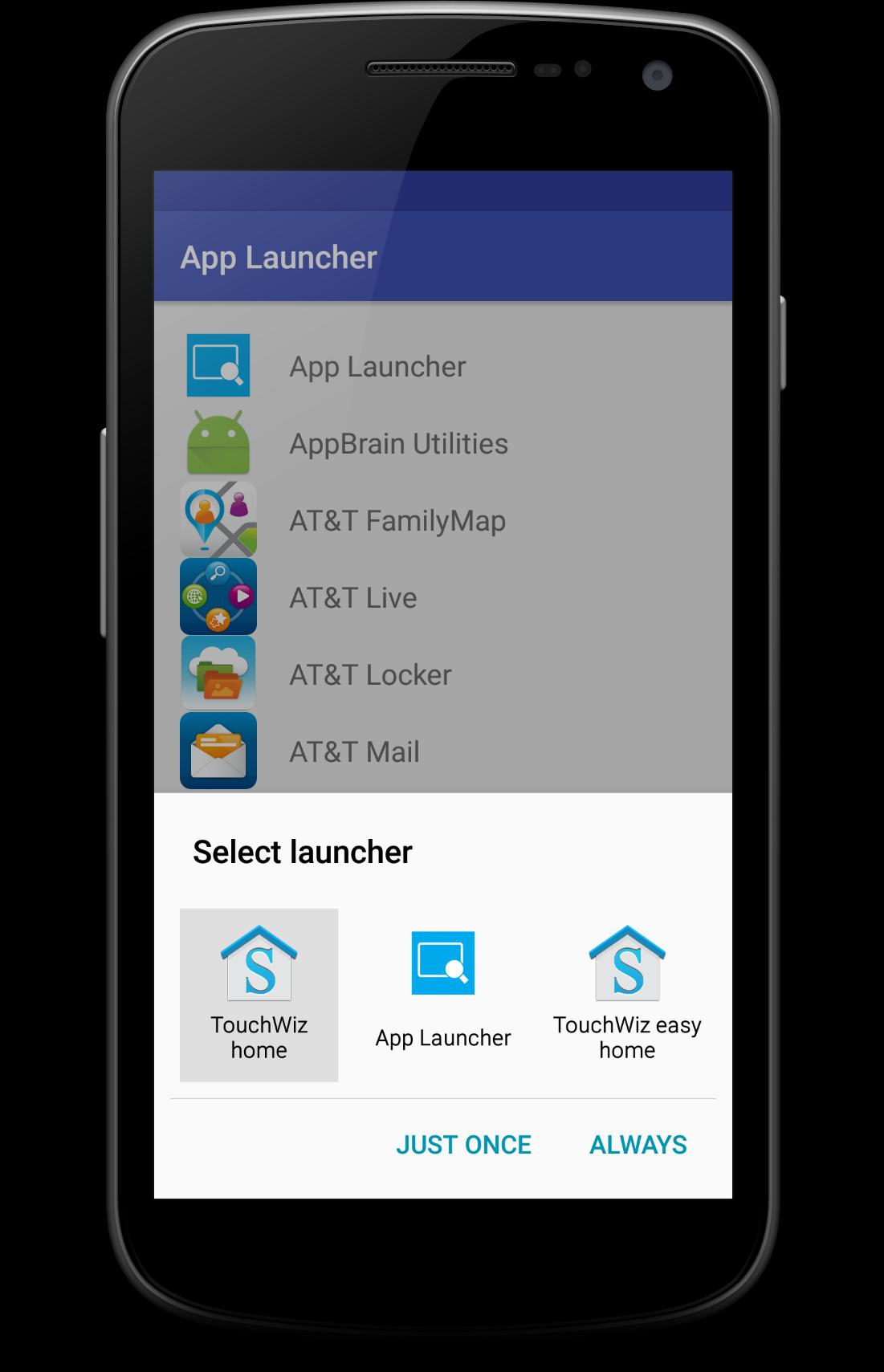
Does your device have over 100 applications? Tired of scrolling around the home screen to find them? App Launcher lists all applications on your device and easily allows you to start them from one location. Apply as your home screen. Or just launch it whenever you get tired of looking for that one application.
Setting App Launcher as Home Screen:
-For Devices Running 5.0 to 6.0 ( Settings ---> Default Applications ---> Home ---> Select AppLauncher)
-Devices Running Below 5.0 (Settings ---> Applications ---> Manage Applications --->
All ---> App Launcher ---> Clear Defaults : next time you open App Launcher you will be able to
choose it as your home screen.
Latest Version
1.0Uploaded by
Victor Calles
Requires Android
Android 2.3.2+
Category
Free Tools AppContent Rating
Rated for 3+
Report
Flag as inappropriateLast updated on Jul 3, 2016
Minor bug fixes and improvements. Install or update to the newest version to check it out!








APKPure - A multi-platform app store primarily focused on Android, providing extensive app-related content. Discover the app you want easier, faster, and safer, with quick and efficient downloads and installations.