
Apktool M brings classic Apktool-style editing to phones and tablets so you can work directly on APK files without a PC. The workflow focuses on privacy with no ads and no analytics, and the interface stays straightforward for quick changes. Developers, translators, and power users rely on it for small adjustments while away from a desktop, and it is built to work on many legacy devices as well as modern phones. Get the Apktool M APK latest version on APKPure to keep your toolkit ready for fast edits.
Edit APKs on your device
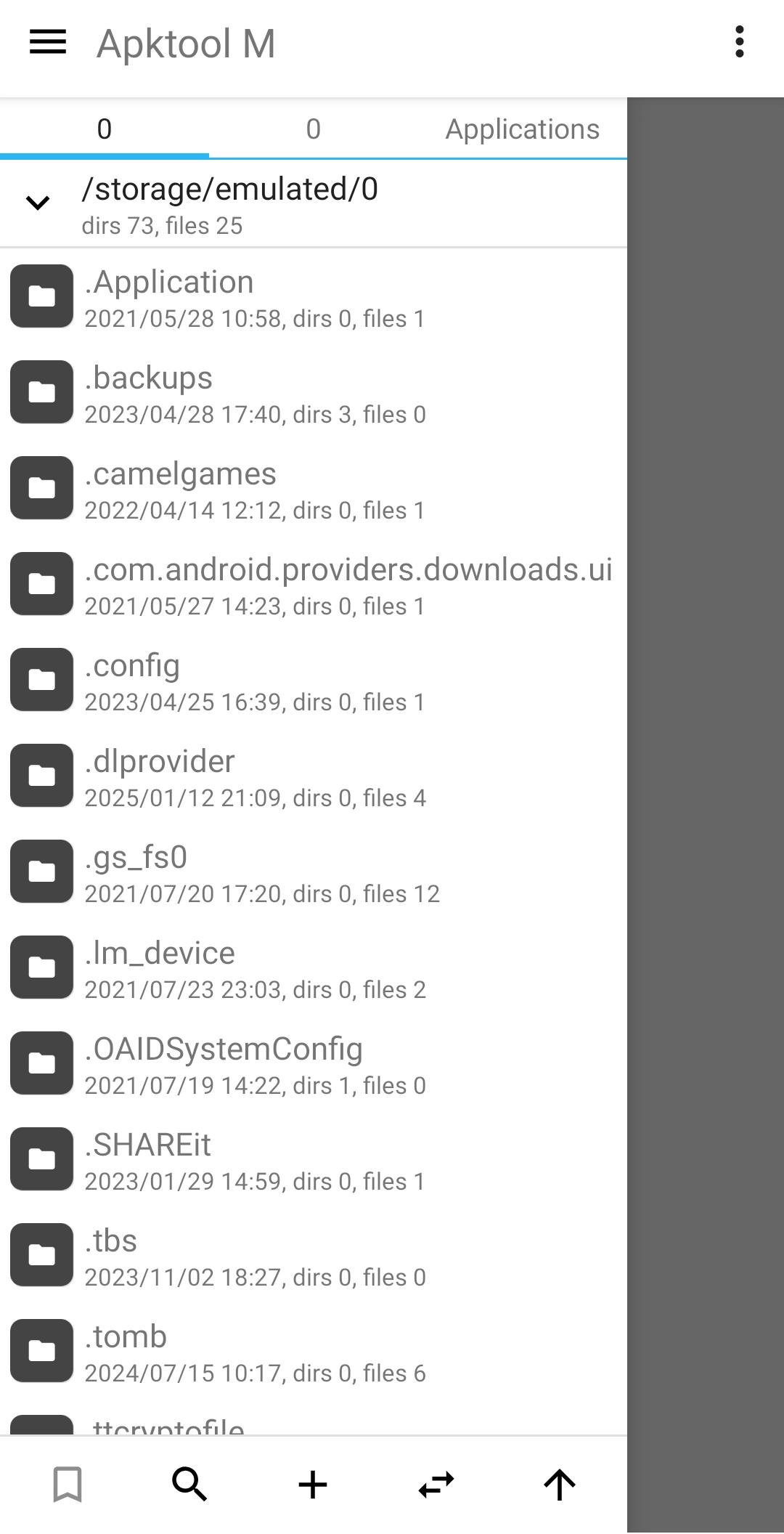
Apktool M lets you open an APK from storage or from installed apps, then inspect and modify its contents in one place. You can review structure, make safe changes, and keep your original file as a backup.
Disassemble and rebuild resources
The app disassembles resources to a near original form so you can translate strings, adjust permissions in the manifest, and tweak layouts. After edits, you rebuild the APK and test your changes immediately.
Privacy friendly and distraction free
Apktool M is completely free with no ads and no analytics, which helps keep your workflow focused. Moreover, it avoids background tracking so you can work offline without interruptions.
Works on many devices
The tool is designed for broad device support so older phones and modern devices can handle everyday edits. In addition, the interface stays responsive to make repeated builds and quick tests more practical on mobile.
Mobile workflow for quick tweaks
Apktool M streamlines decompile, edit, and rebuild steps to fit short mobile sessions. Therefore you can localize a few strings, adjust a permission, or update an icon and then move on with your project.
Apktool M works fully on device, so you can decompile, edit, and rebuild without a computer. The steps below outline a typical flow for translating strings or adjusting the manifest.
Install the Apktool M APK from APKPure, open the app, and grant storage permissions if prompted.
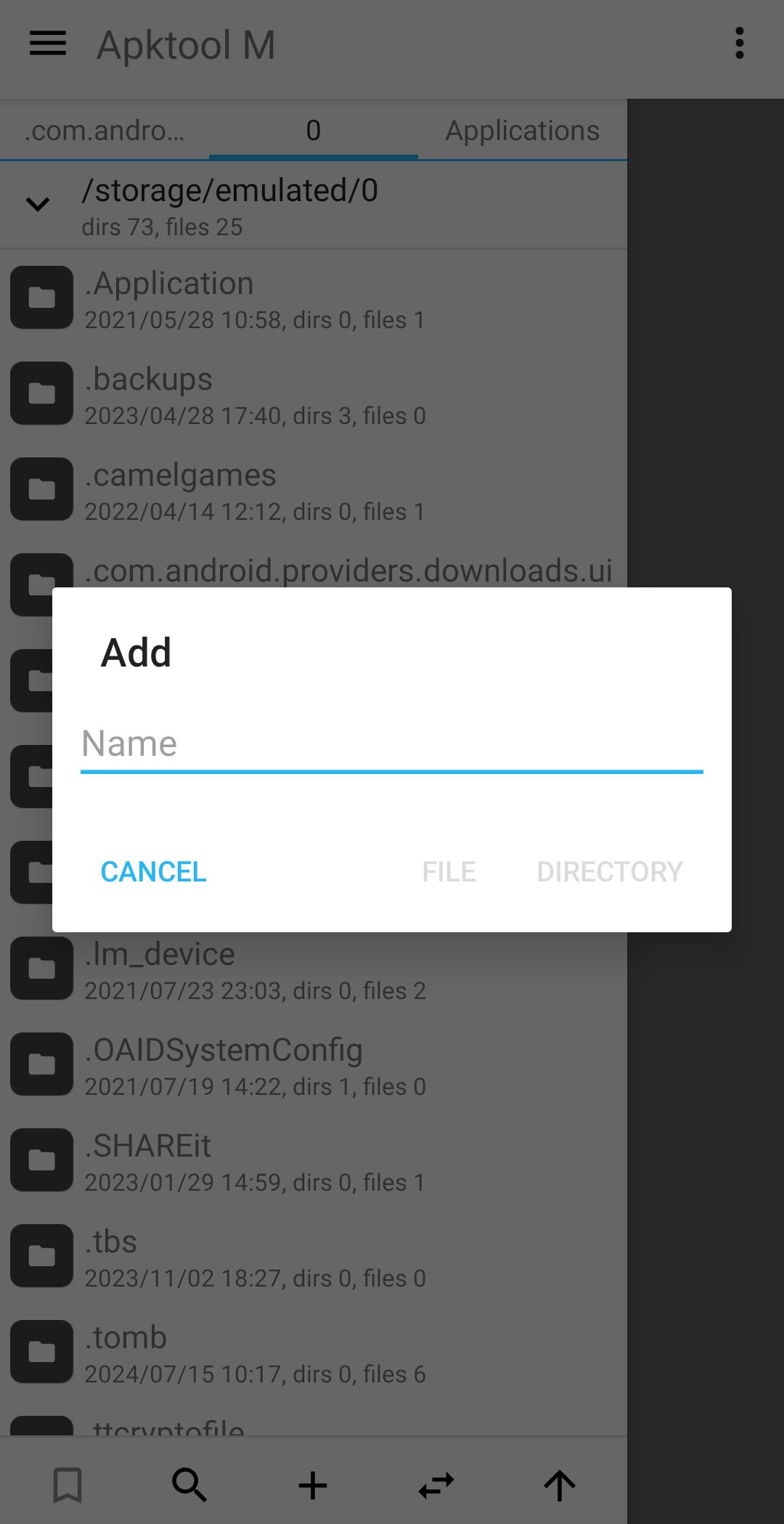
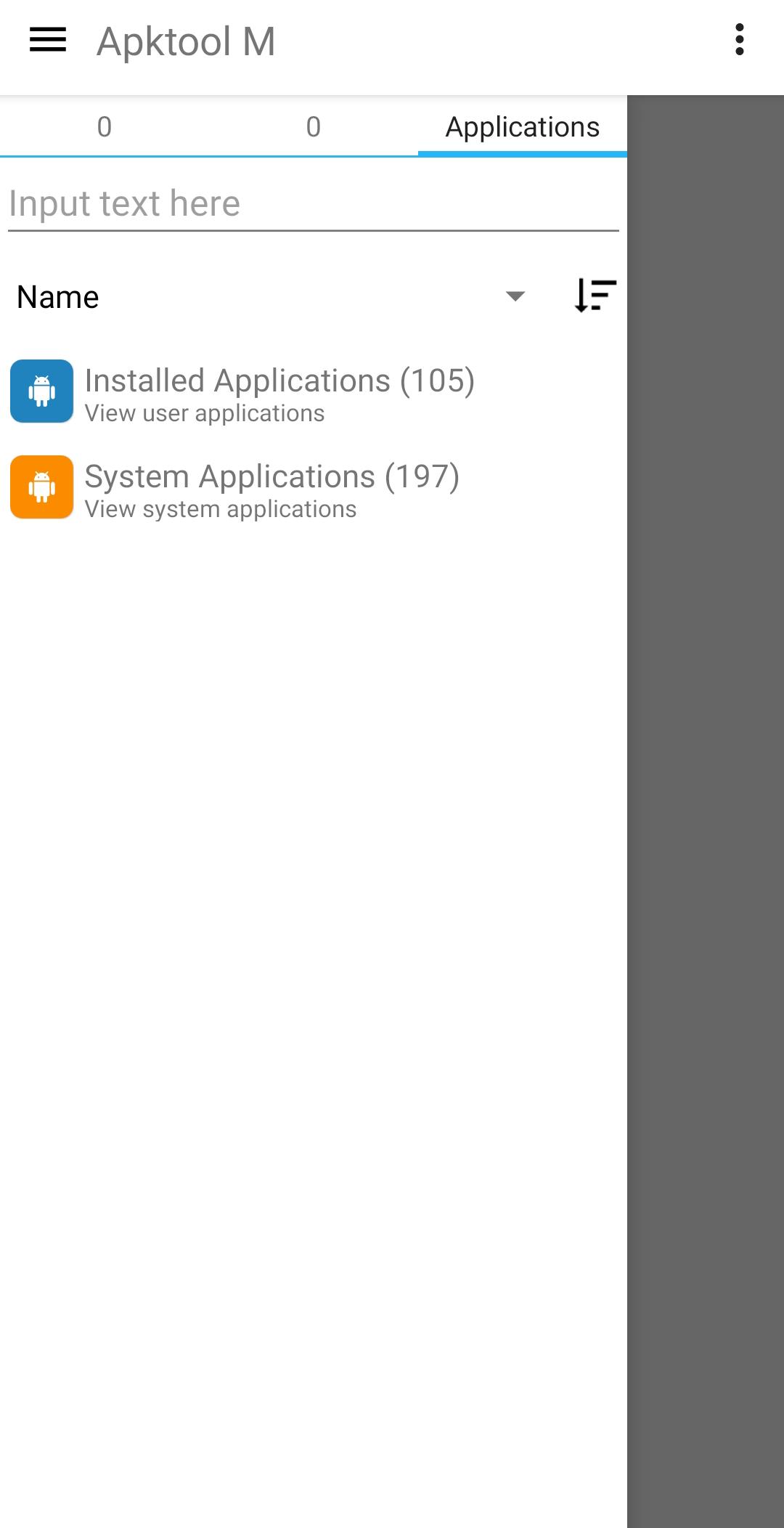
From the file browser, pick an APK from your storage or select one from installed apps, then choose Decompile.
After the process completes, open the decompiled project to edit resources and the manifest, and update strings or layouts as needed.
Then save your changes and tap Build to recompile the APK, and wait until the build finishes.
So review the output, install or export the rebuilt APK for testing, and keep a backup of the original file for easy rollback.
Apktool M delivers on device APK editing with a clear, privacy friendly approach. Click "Download APK" to get Apktool M on this page to decompile, adjust, and rebuild quickly on mobile.
Official information and project links are available from the developer. For reference, see the source below.
Official website: maximoff.su
Is Apktool M free and does it show ads?
Yes, Apktool M is free and it does not include ads or analytics. This keeps the editing environment focused and helps protect your privacy during on device work.
How is Apktool M different from the desktop Apktool?
Apktool M runs entirely on Android and prioritizes quick edits on a phone or tablet, while the desktop Apktool targets heavier tasks and automation. For small changes and testing on device, Apktool M is more convenient, and for large or complex projects the desktop route is usually better.
Can Apktool M help with app translation work?
Yes, Apktool M exposes resource strings after decompiling so you can translate them and then rebuild the APK. This makes quick localization tasks practical directly on your Android device.
Latest Version
2.4.0-260501Uploaded by
maximoff
Requires Android
Android 4.0+
Available on
maximoff
Category
Free Tools AppReport
Flag as inappropriateLast updated on May 4, 2026
Minor bug fixes and improvements. Install or update to the newest version to check it out!


APKPure - A multi-platform app store primarily focused on Android, providing extensive app-related content. Discover the app you want easier, faster, and safer, with quick and efficient downloads and installations.