Scan Date:Oct 28, 2025
Show More
The AP Installer app provides an electronic record of multiple AP installations, using data captured on-site by the installer. It is not specific to Aruba equipment.
This app will look best on a 7+ inch tablet, but works on 4 inch screens and up.
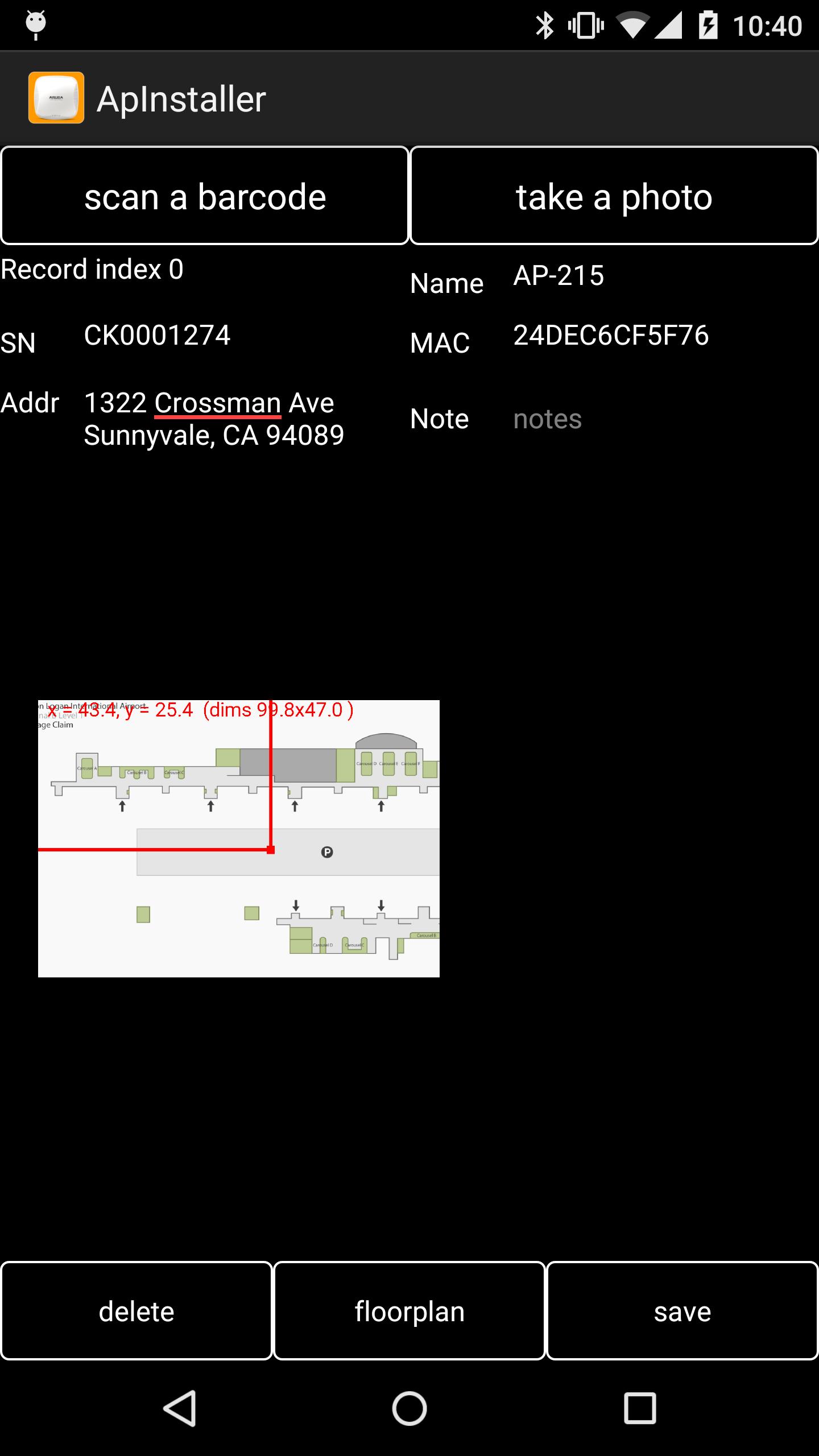
The app provides a structure for the installer to record data about the installation:
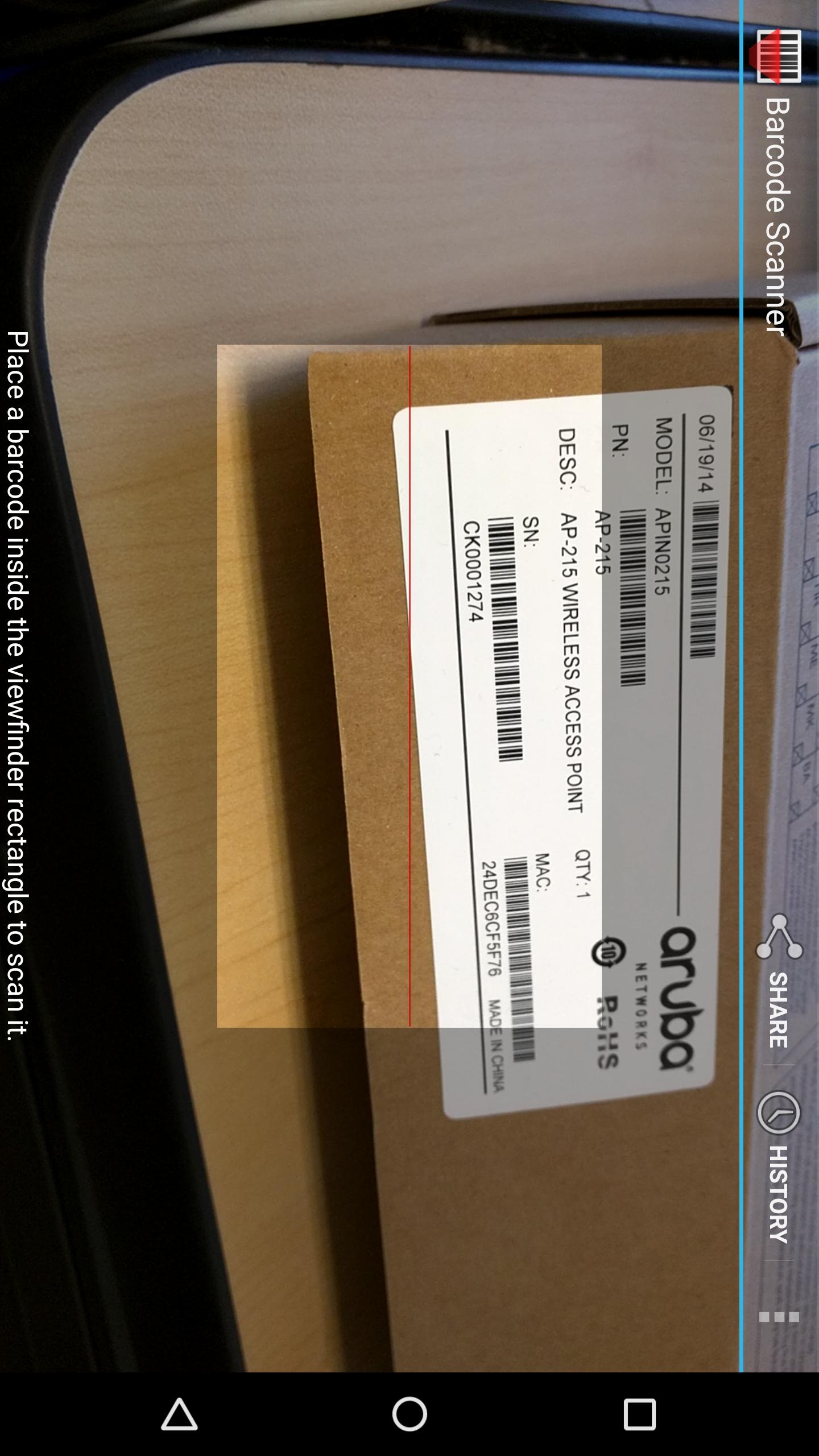
- A bar-code scan can be used for serial number or MAC of the AP
- Text entry fields for AP name, serial number, MAC, location or notes about the installation
- Up to 3 photographs can be attached to each record. These can show details of the location or surroundings.
- If you have an AirWave network management server, you can download floorplans from it and indicate the position of the installed AP on the floorplan.
- Otherwise background images can be loaded from the photo album or saved email attachments
- If the device has GPS enabled, the lat & long of the install is recorded. If a simple street address lookup (from GPS) succeeds, the (approximate) street address is added.
- If AirWave is used, and the floorplan image is downloaded from AirWave, AP information (MAC and xy coordinates) can be automatically uploaded to AirWave as new AP records are saved. If the AP was already in AirWave for that floor, its location will be updated, otherwise it will be added as "planned" with the location already marked.
At the end of an installation run, the list of AP information is emailed as a spreadsheet and a list of images: this can be archived as a permanent record and proof of each AP installed.
Don’t forget to email the results at the end of the run. But if there's a problem in the middle of a run, files are archived to disk as they are created, and can be pulled from disk and emailed.
(The AP Installer app uses an external bar-code app https://play.google.com/store/apps/details?id=com.google.zxing.client.android&hl=en . The first time a scan is initiated, it will prompt you to go to the Google Play Store and download the bar-code app.)
Latest Version
22Uploaded by
Dzaky Asyraf Kurniawan
Requires Android
Android 7.0+
Category
Free Tools AppContent Rating
Everyone
Security Report
Report
Flag as inappropriateLast updated on Oct 3, 2025
2025-07-12 published Build v22 for Android
!- TargetSdkVersion 34 > 36 to comply with Play Store rules
!- Adapted for Android’s edge-to-edge mode enforcement policy







APKPure - A multi-platform app store primarily focused on Android, providing extensive app-related content. Discover the app you want easier, faster, and safer, with quick and efficient downloads and installations.