Scan Date:Mar 13, 2026
Show More

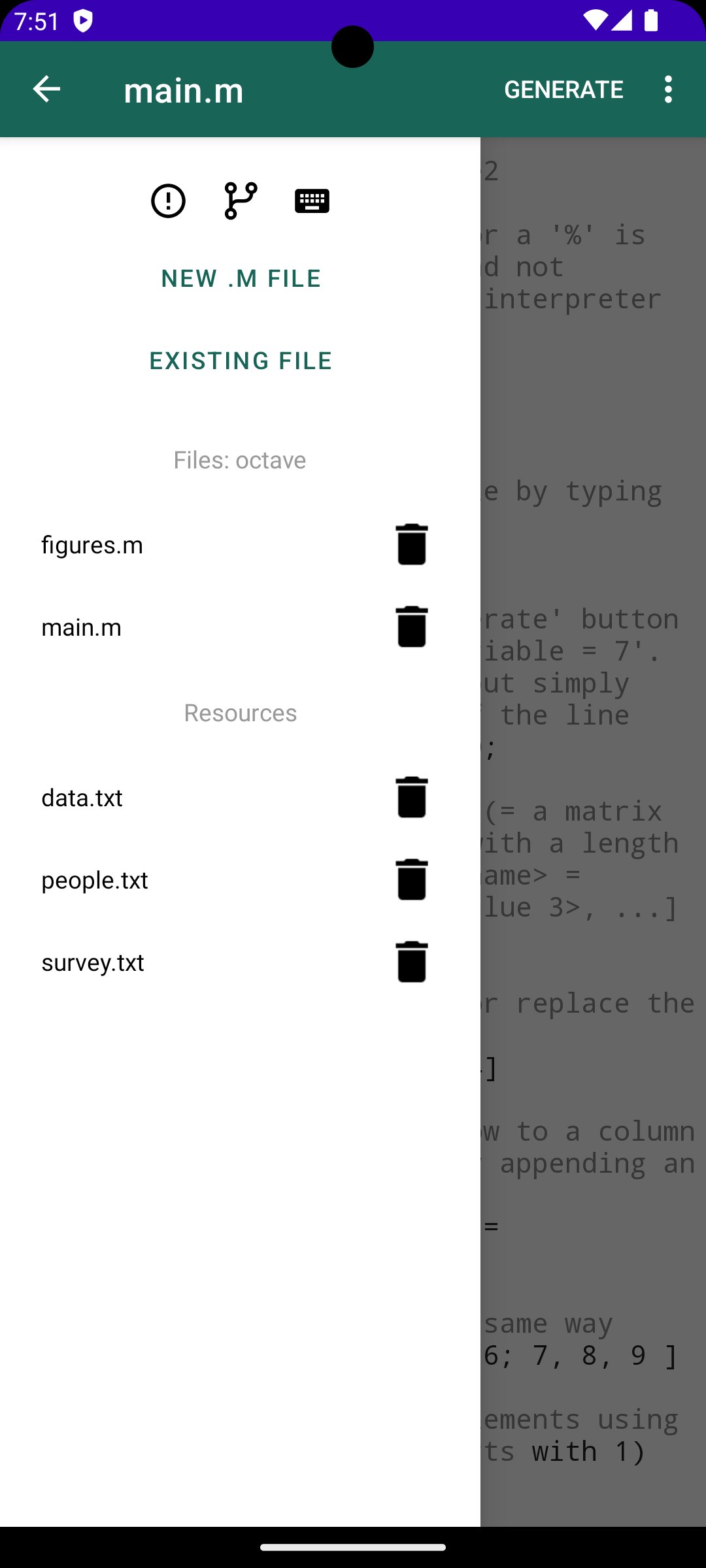
Anoc is a free Octave Editor for your Android Device. It allows you to create and manage Octave projects directly on your Android device and generate the result and plots by using Verbosus (Online Octave Editor).
"Octave is [...] intended for numerical computations. It provides capabilities for the numerical solution of linear and nonlinear problems, and for performing other numerical experiments. It also provides extensive graphics capabilities for data visualization and manipulation"
This software is provided "as is" without warranties or conditions of any kind, either expressed or implied.
Features:
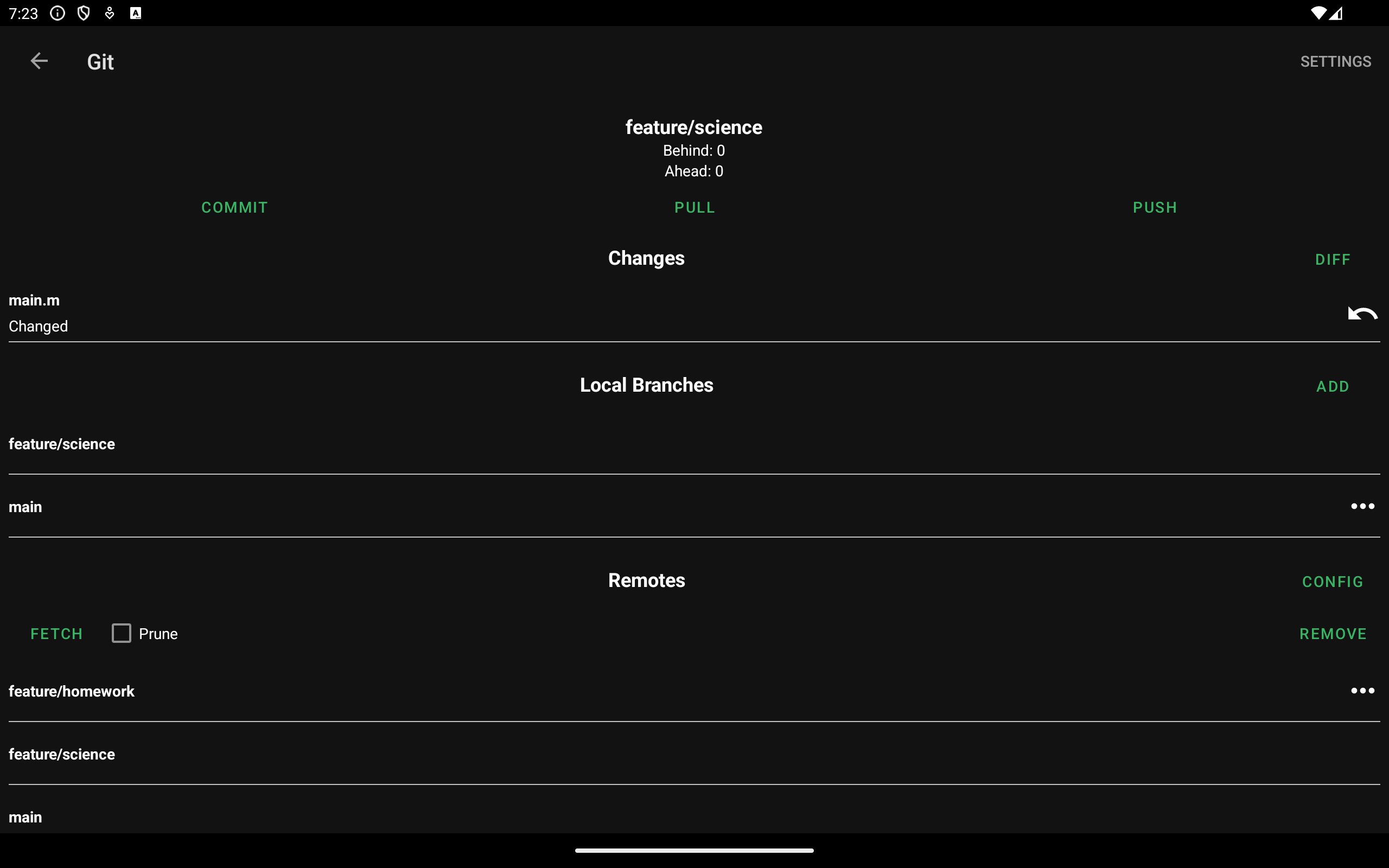
* Git integration (Local Mode)
* Automatic Dropbox synchronization (Local Mode)
* Automatic Box synchronization (Local Mode)
* Use a dedicated server that runs a full Octave installation to perform expensive mathematical calculations
* 2 Modes: Local Mode (stores .m files on your device) and Cloud Mode (synchronizes your projects with the cloud)
* Generate and view the result and plots from your Octave code
* Syntax highlighting (comments, operators, plot functions)
* Hotkeys (see Help)
* Web-Interface (Cloud Mode)
* Autosave (Local Mode)
* No ads
In-app purchase:
The free version of Anoc has a limitation of 2 projects and 2 documents in Local Mode and file upload (load command) is not supported. You can upgrade to the pro version of this app without this restriction using an in-app purchase.
Import existing projects in Local Mode:
* Link to Dropbox or Box (Settings -> Link to Dropbox / Link to Box) and let Anoc automatically synchronize your projects
OR
* Use Git integration: Clone or track an existing repository
Use function files:
Create a new file e.g. worker.m and fill it with
function s = worker(x)
% worker(x) Calculates sine(x) in degrees
s = sin(x*pi/180);
In your main .m file you can call it with
worker(2)
Load a file into a variable with the load command (Local Mode, Pro version):
data = load('name-of-file.txt');
Latest Version
2.9.8Uploaded by
James T Quashie
Requires Android
Android 8.0+
Category
Free Productivity AppContent Rating
Everyone
Security Report
Report
Flag as inappropriateLast updated on Mar 13, 2026
* Bugfix: Editor menu overlay
* Fix some typos




APKPure - A multi-platform app store primarily focused on Android, providing extensive app-related content. Discover the app you want easier, faster, and safer, with quick and efficient downloads and installations.