Package Name:ac.pao.AngleCameraTry
SHA-256:b810b952769f7ccb0449d5dfc311be3fd0532877915b06ca7e2c63a421273b44
Show More

1. Embed latitude, longitude and azimuth in the geotag of the photographic image
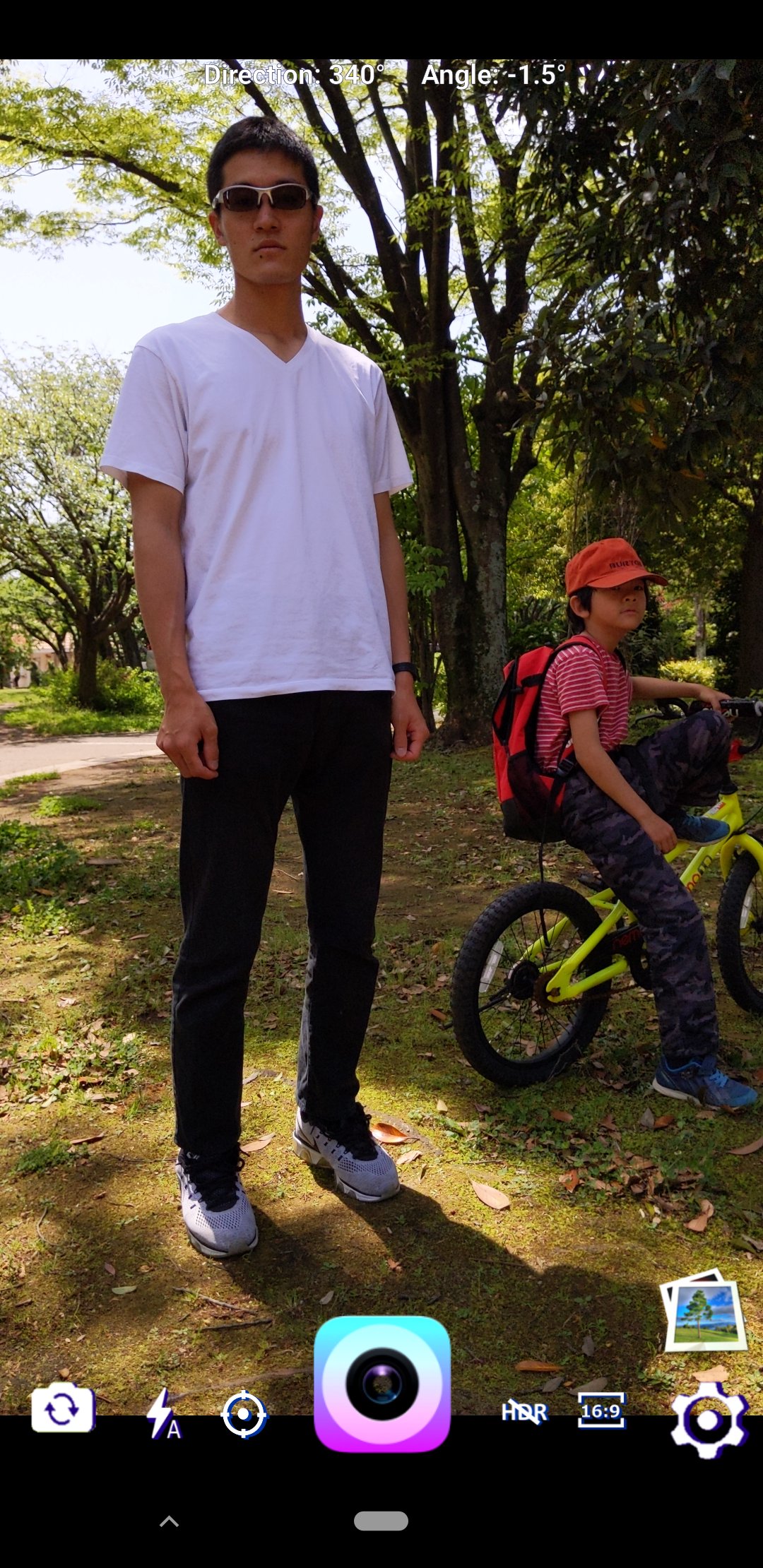
With a normal camera app, you can only write latitude and longitude to the geotag of a photographic image. "Angle Camera" can write the azimuth (shooting direction) in addition to latitude and longitude to the geotag of the photographic image.
You can also display the tilt angle of your smartphone when shooting. "Angle Camera" can confirm the information with a message after taking a picture.
JPEG images with embedded latitude, longitude, and azimuth can be displayed on a map on a PC.
Please refer to the Youtube video below to see how the "Angle Camera" photos are usefully displayed on the map using a PC app called "pic2map".
https://www.youtube.com/watch?v=6xA9cIHrz_o
By embedding "azimuth = direction" in the photographic image, I think that there are various other uses.
2. Shutter sound can be muted
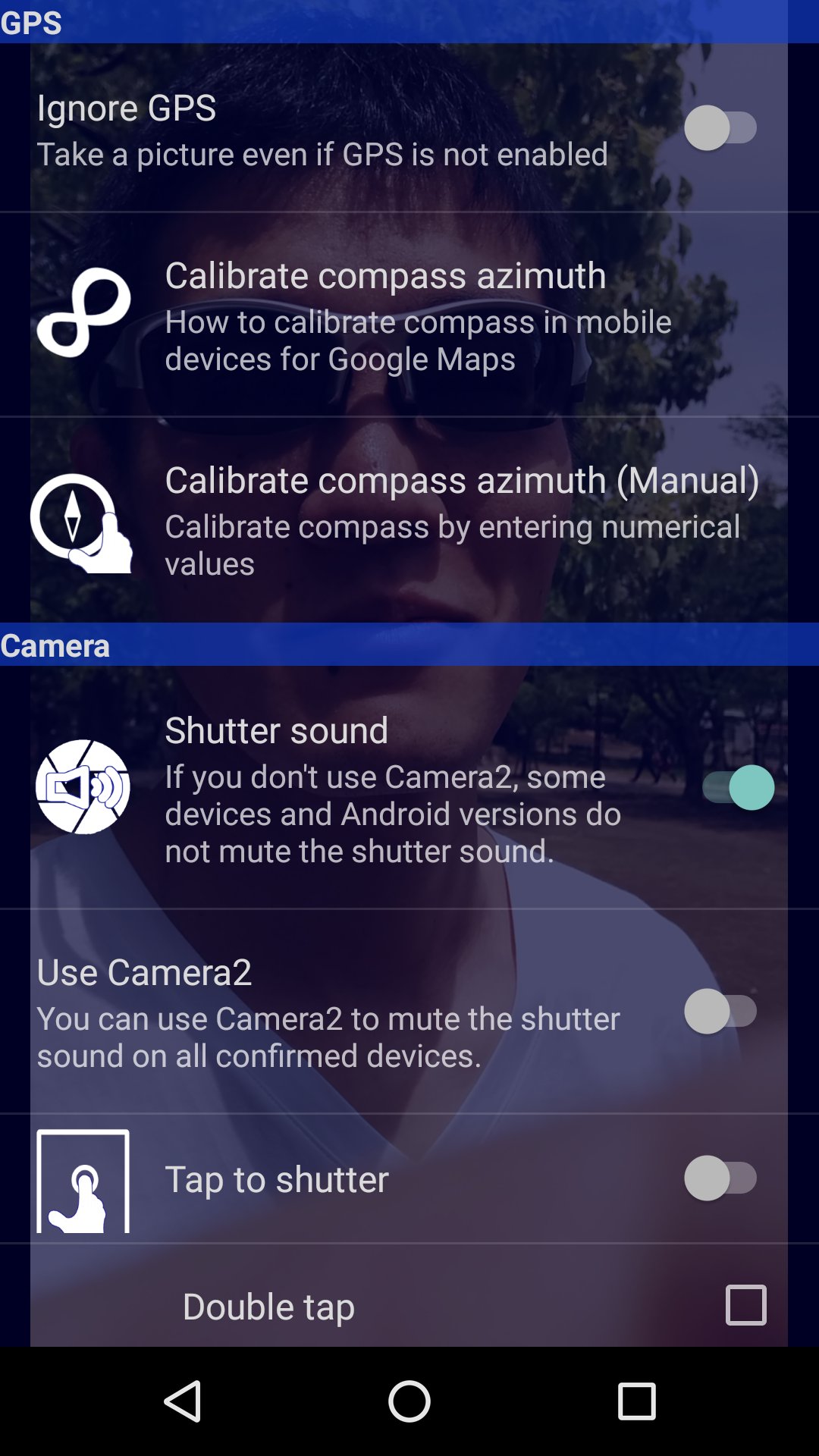
"Angle Camera" can mute the shutter sound in the settings.
Depending on the device and Android version, the shutter sound may not disappear in Camera1, but if you select Camera2, all the devices currently confirmed can be muted.
3. Supports HDR
"Angle Camera" supports HDR high image quality.
4. Difference between "Angle Camera Try (trial version)" and "Angle Camera"
(1) "Angle Camera Try" is a one-month free trial version application. "Angle Camera" is a paid application.
(2) Both "Angle Camera Try" / "Angle Camera" have no ads.
* "Angle Camera Try" will not be charged without notice to the customer.
Latest Version
0.0.42Uploaded by
Domo Kun
Requires Android
Android 5.0+
Category
Free Photography AppContent Rating
Everyone
Security Report
Check Now
Report
Flag as inappropriateLast updated on Sep 24, 2021
Bug fix
--Gallery function
--Front camera switching
--Flash mode switching
--Control of terminals without focus mode





APKPure - A multi-platform app store primarily focused on Android, providing extensive app-related content. Discover the app you want easier, faster, and safer, with quick and efficient downloads and installations.