

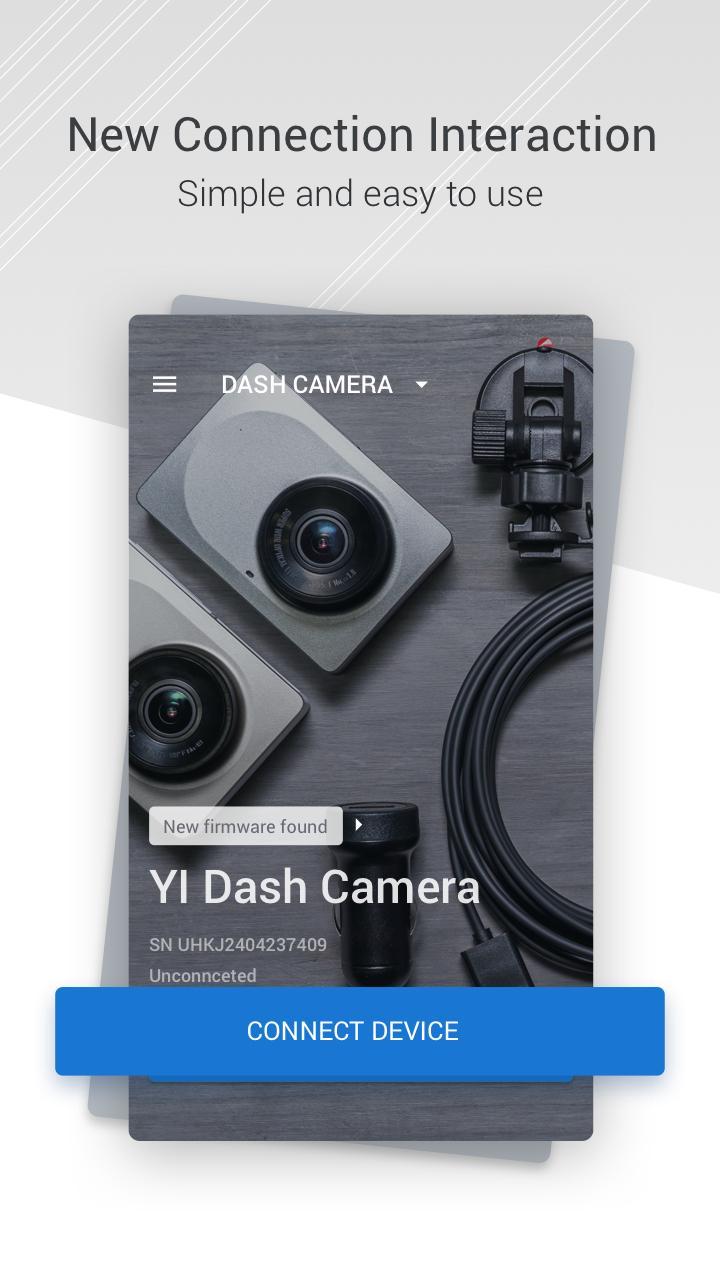
YI Dash Cam supports drivers who want direct control of a YI dash camera from a phone. With a stable connection, you can check what the camera sees, manage saved clips, and handle routine adjustments without touching the camera. This reduces distraction while parked and helps organize footage after a trip. It also keeps the camera current through guided updates. To get started, install YI Dash Cam APK and link your device to the camera following on screen prompts.
Remote live preview and capture
YI Dash Cam lets you preview the live screen from the dash camera on your phone. You can frame the view before driving or while parked. When needed, capture a photo or start saving a segment without interacting with the camera hardware.
Browse and download recordings
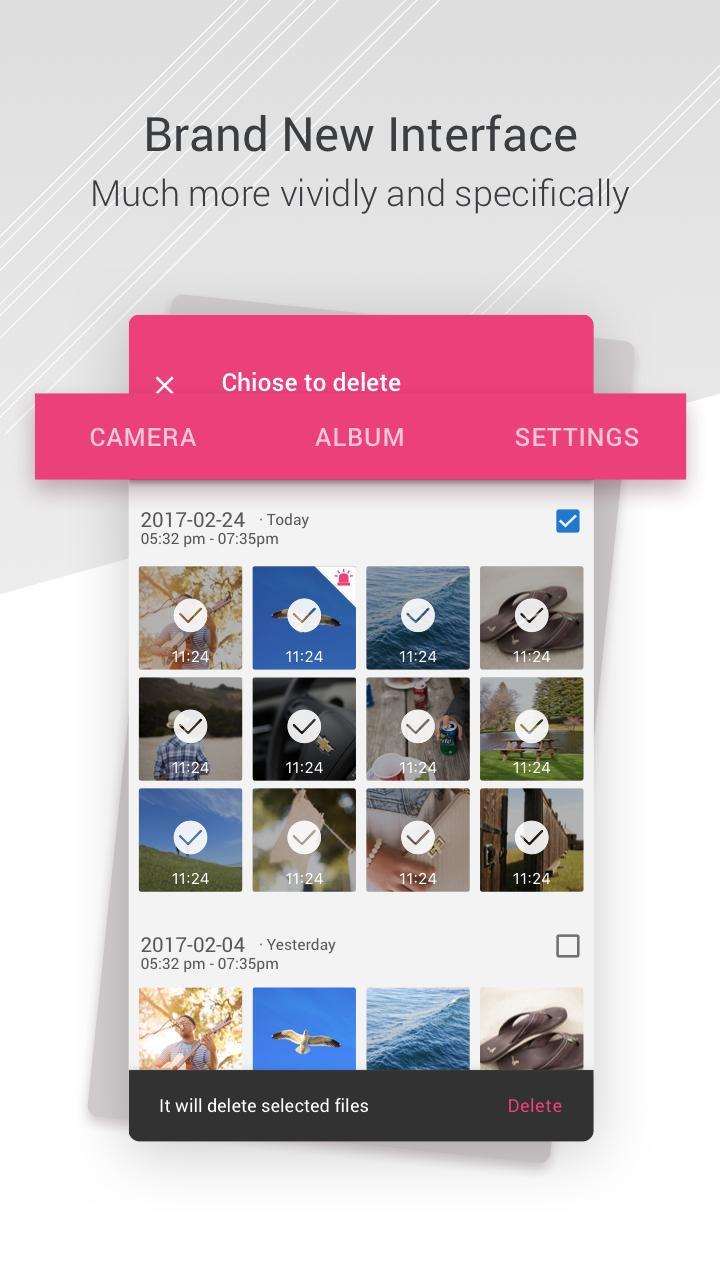
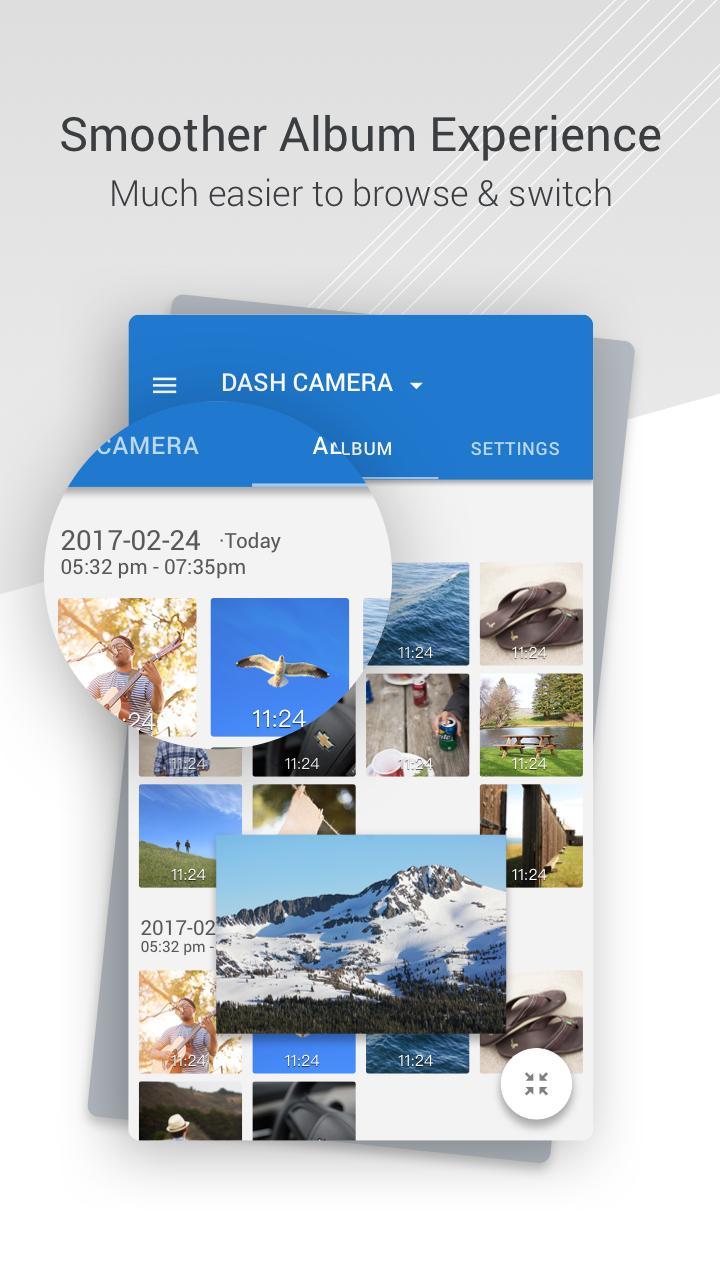
You can browse the list of videos stored on the dash camera. Select items to download to the phone for quick backup or review. This makes it easier to keep important incidents and clear space on the camera when storage is limited.
Camera settings control
Adjust core options from the app, including video parameters and behavior. Changes apply to the connected camera so you do not need to navigate on device menus. This helps keep configuration consistent across trips.
Firmware updates and simple editing
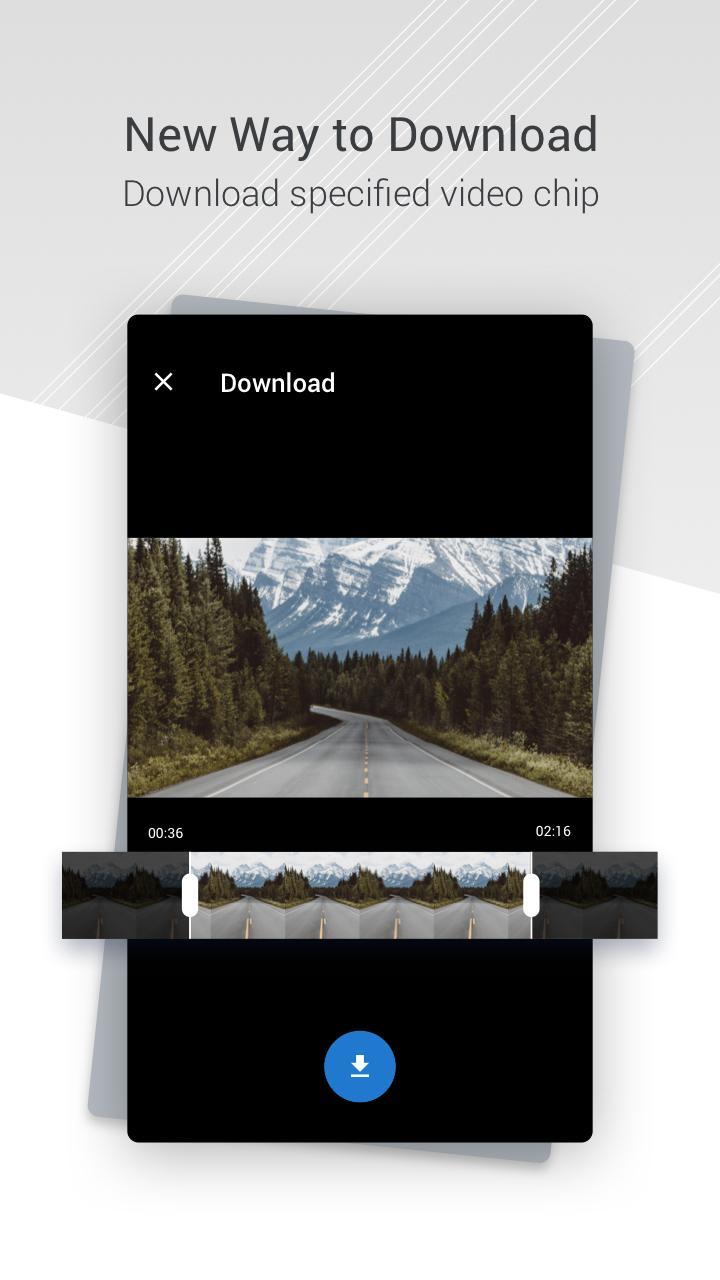
YI Dash Cam guides you through firmware upgrade steps inside the app. Updates install over a stable connection. After updating, use the simple video editing function to trim clips and prepare short segments for sharing with friends.
This app connects your phone to a YI dash camera for remote control, file management, settings, and updates. It also includes basic tools for trimming and sharing clips. Install the YI Dash Cam latest version to keep your camera features up to date.
Latest Version
4.4.2_20230118_internationalUploaded by
ANTS TECHNOLOGY (HK) LIMITED
Requires Android
Android 5.0+
Category
Free Photography AppContent Rating
Everyone
Report
Flag as inappropriateLast updated on Jan 18, 2023
Fix bugs.


APKPure - A multi-platform app store primarily focused on Android, providing extensive app-related content. Discover the app you want easier, faster, and safer, with quick and efficient downloads and installations.













