Bring your Android phone and Mac together with Android Sync. Share files, reuse clipboard items, see phone notifications, and mirror your screen over your local network.
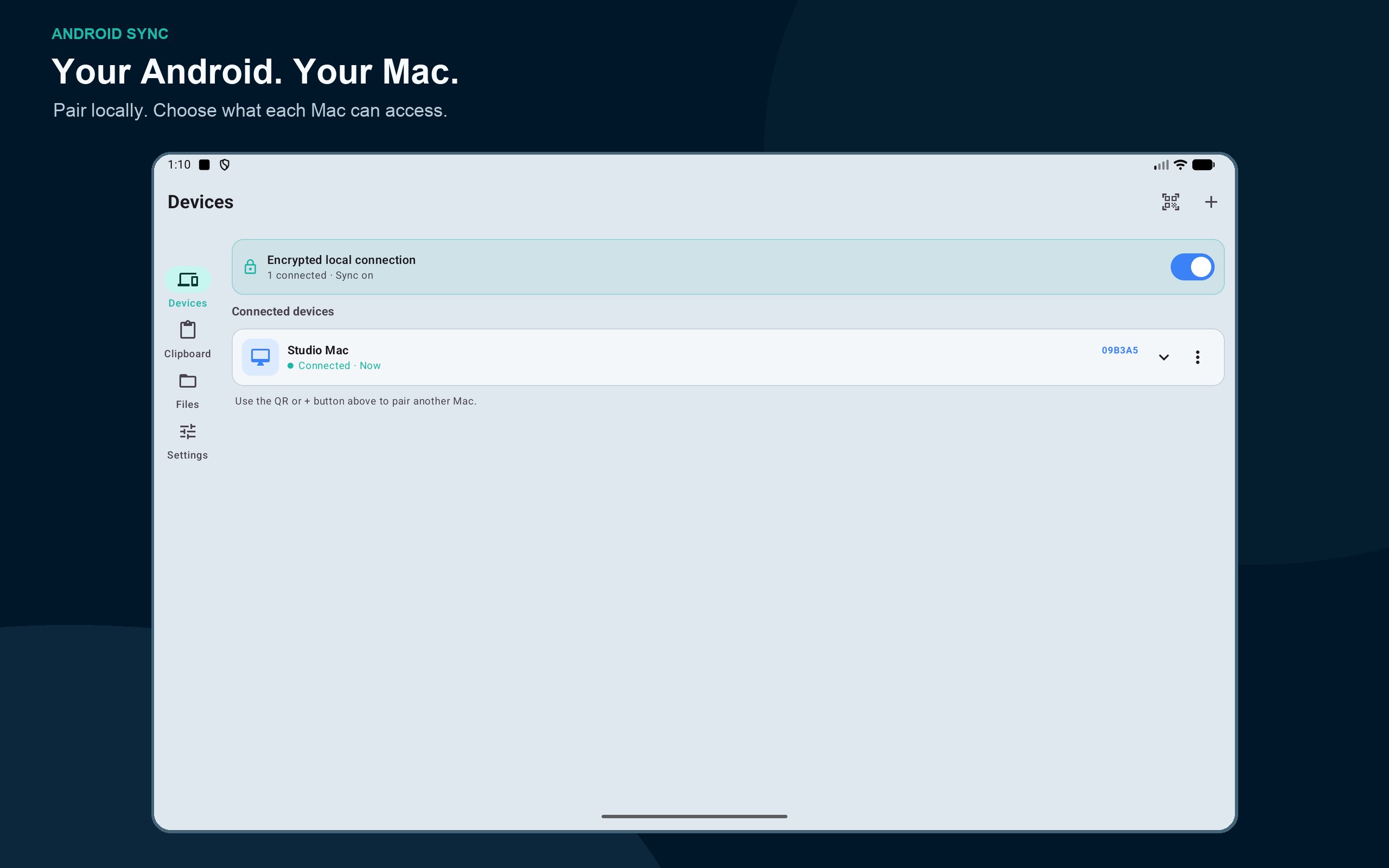
Install Android Sync on both devices, scan the Mac’s pairing invitation, and choose which features each paired Mac can access. No Android Sync account is required.
NOTIFICATIONS ON YOUR MAC
Read Android notifications on your desktop and reply when the source app provides a supported reply action. Browse notification history and choose whether to dismiss a notification locally or on your phone.
CLIPBOARD YOU CAN USE AGAIN
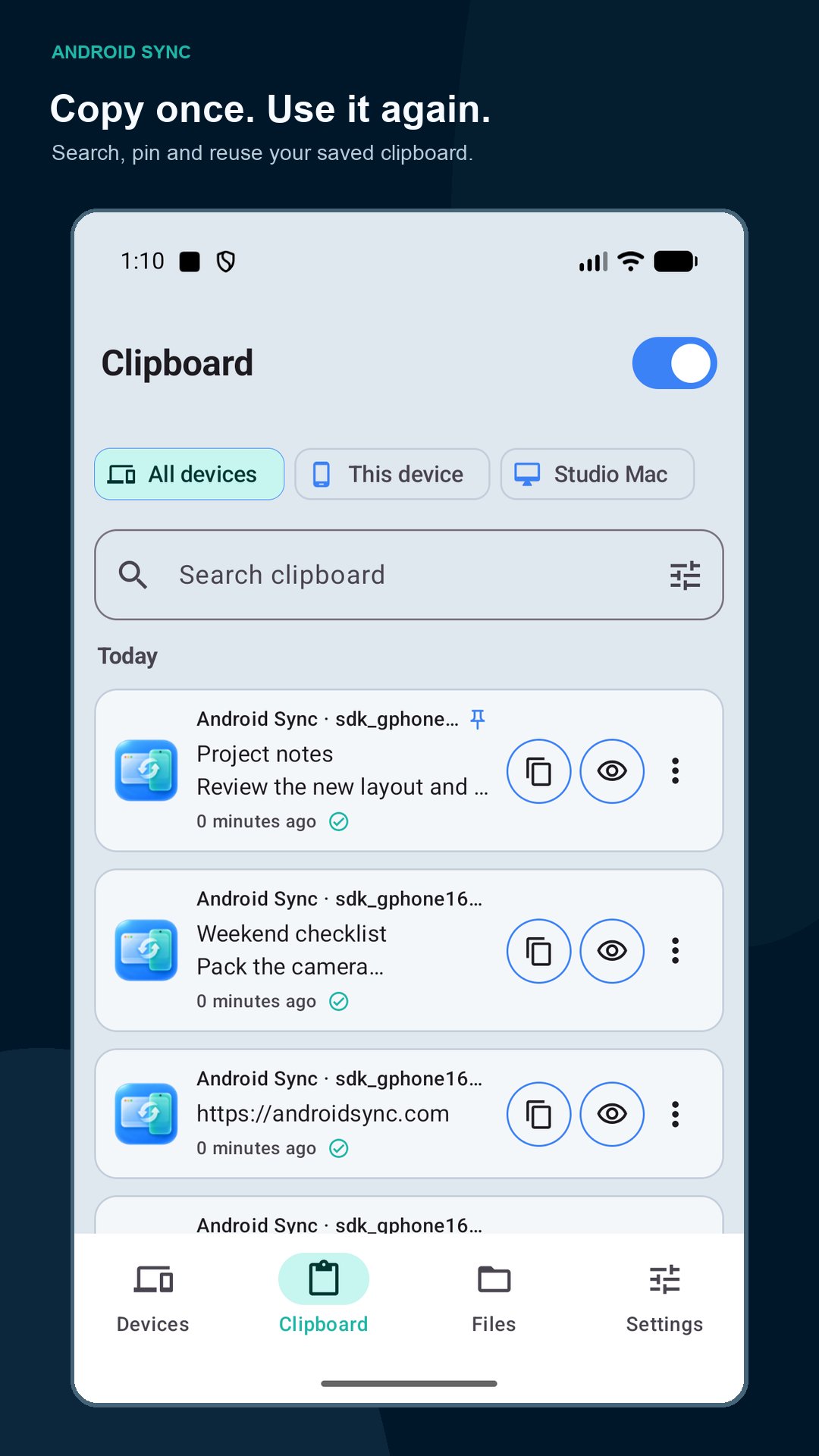
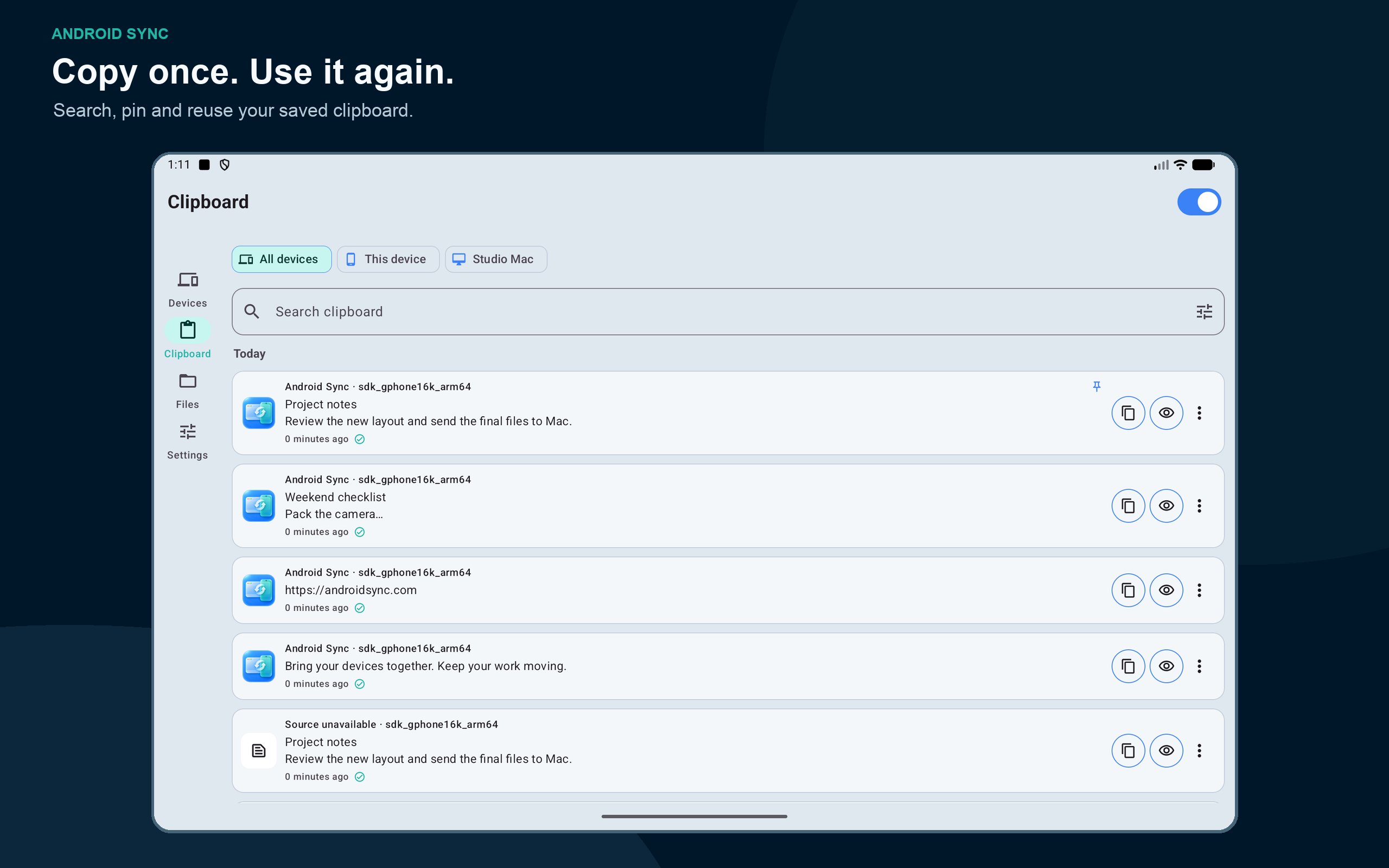
Sync text, links, and supported images between your devices. Search saved clips, pin favorites, view full items, and copy them again. Browse all devices together or select an individual device. Saved history remains available when a device is offline.
Android limits clipboard reads in the background. Automatic capture works while Android Sync is visible; use Android Share or Sync clipboard for explicit sharing when needed.
FILES, PHOTOS AND VIDEOS
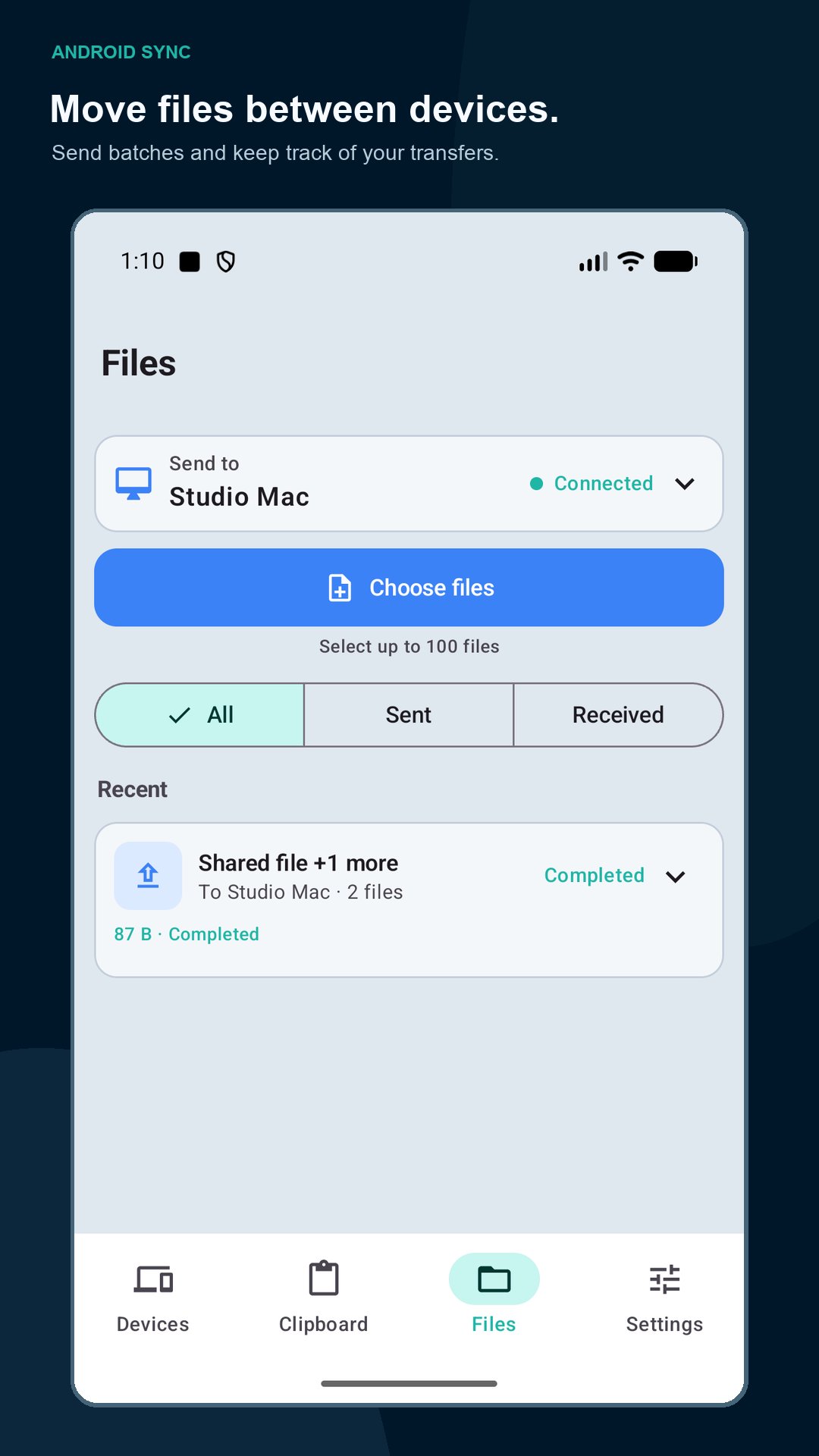
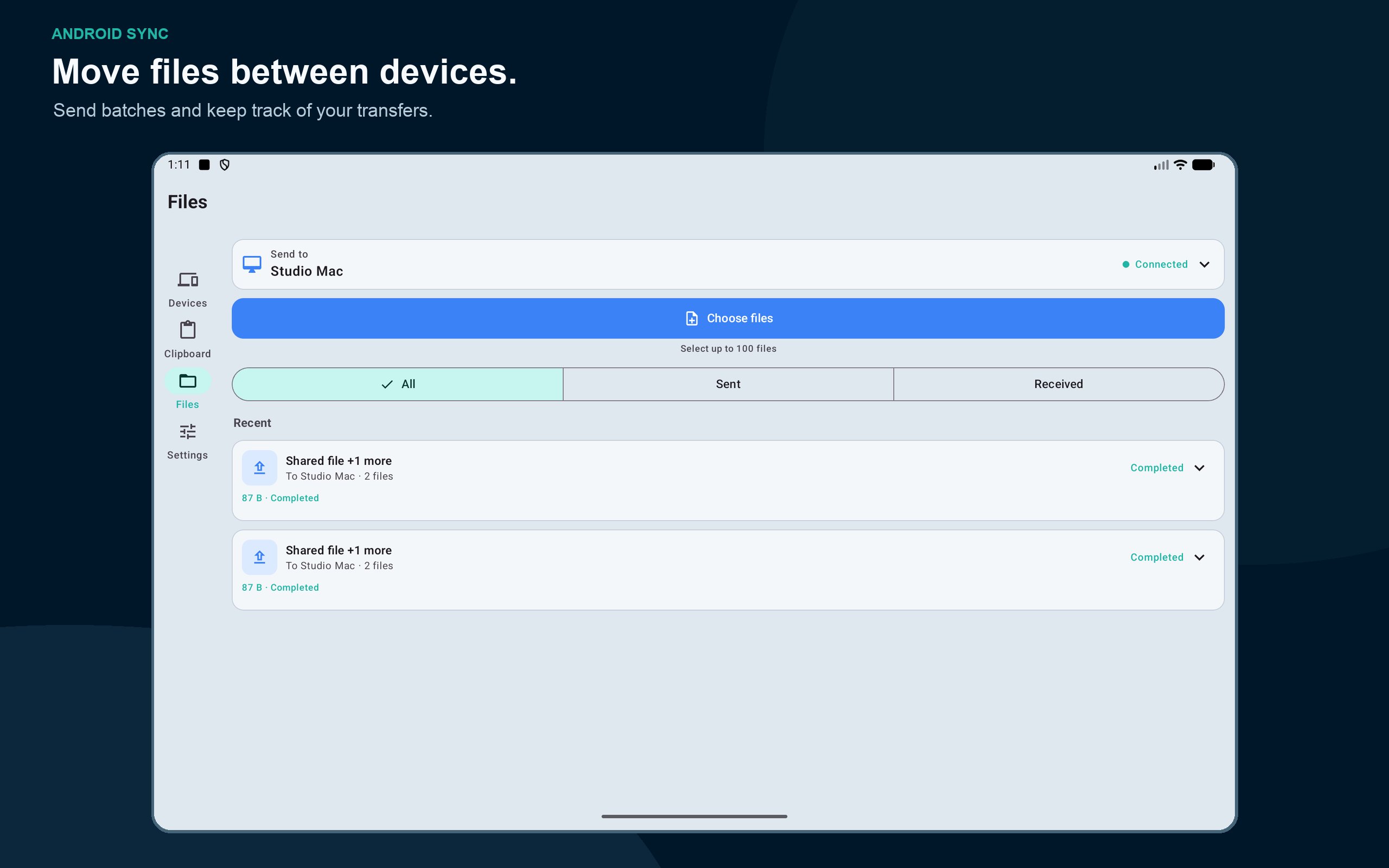
Browse shared phone folders from your Mac. Select multiple files or folders, download to your chosen location, and upload files into the folder you are viewing. Browse photos and videos with previews, grid and list views, and batch downloads. Follow transfer progress and cancel active transfers.
Shared-storage browsing uses optional All Files Access. It does not access other apps’ private files. You can also send selected files using Android’s system file picker without granting All Files Access.
MESSAGES, CONTACTS AND CALLS
View carrier SMS conversations, contacts, and call history on a Mac you authorize. Compose and send SMS from the desktop. Supported call controls let you request phone actions from your Mac; availability depends on the phone and calling app. Call audio stays on the phone. Carrier charges may apply. MMS and RCS database synchronization are not supported.
MIRROR YOUR PHONE
View your Android screen in a separate Mac window. Android asks for screen-sharing consent for each session.
For optional remote control, Android Sync uses the AccessibilityService API to perform taps, swipes, Home, Back, text entry, and paste actions you request from an authorized Mac. You must enable the service yourself. It does not autonomously operate your phone or enter password fields. It is not a disability accessibility tool. Screen mirroring alone does not require Accessibility access.
CONTROL WHAT YOU SHARE
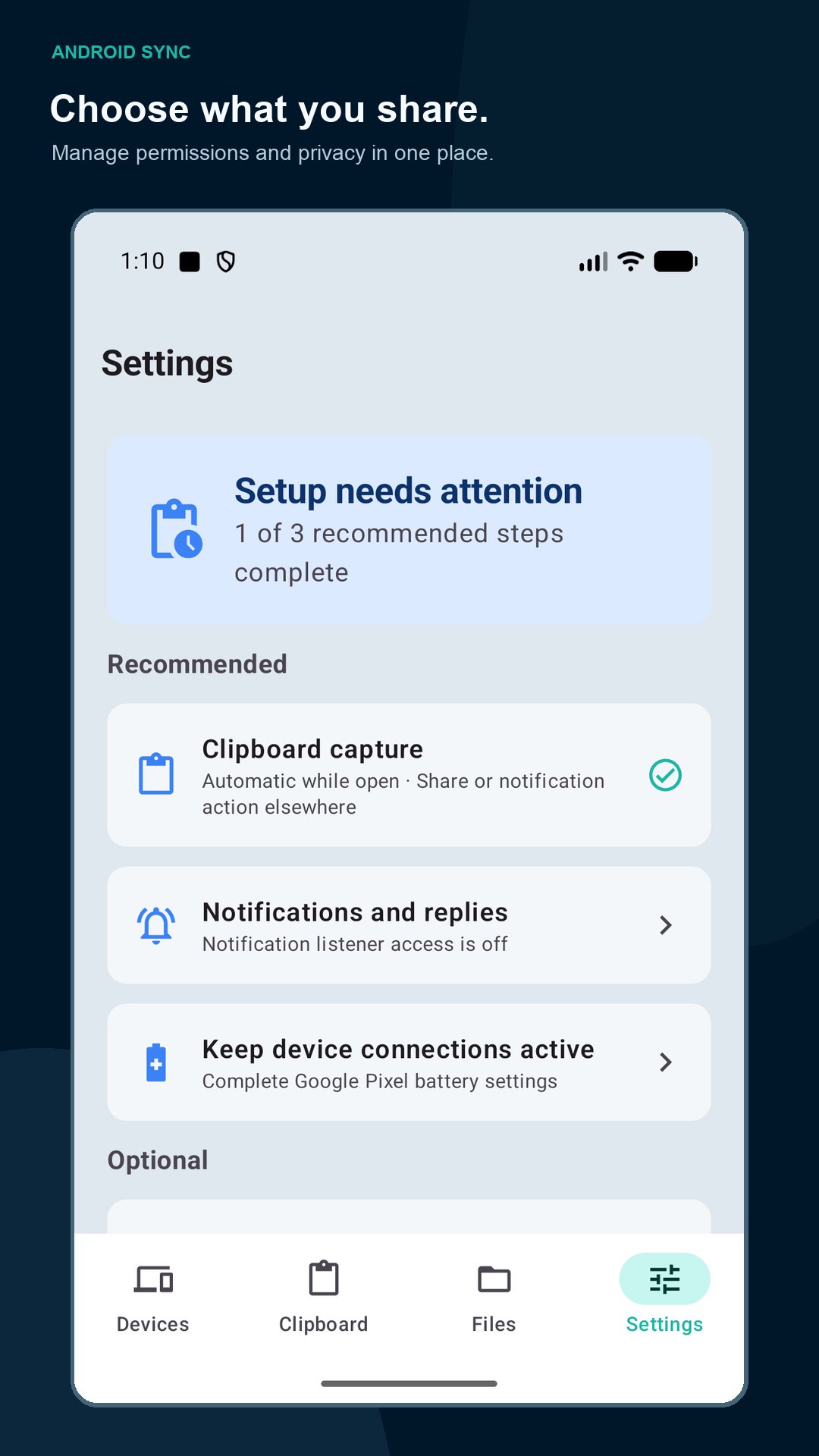
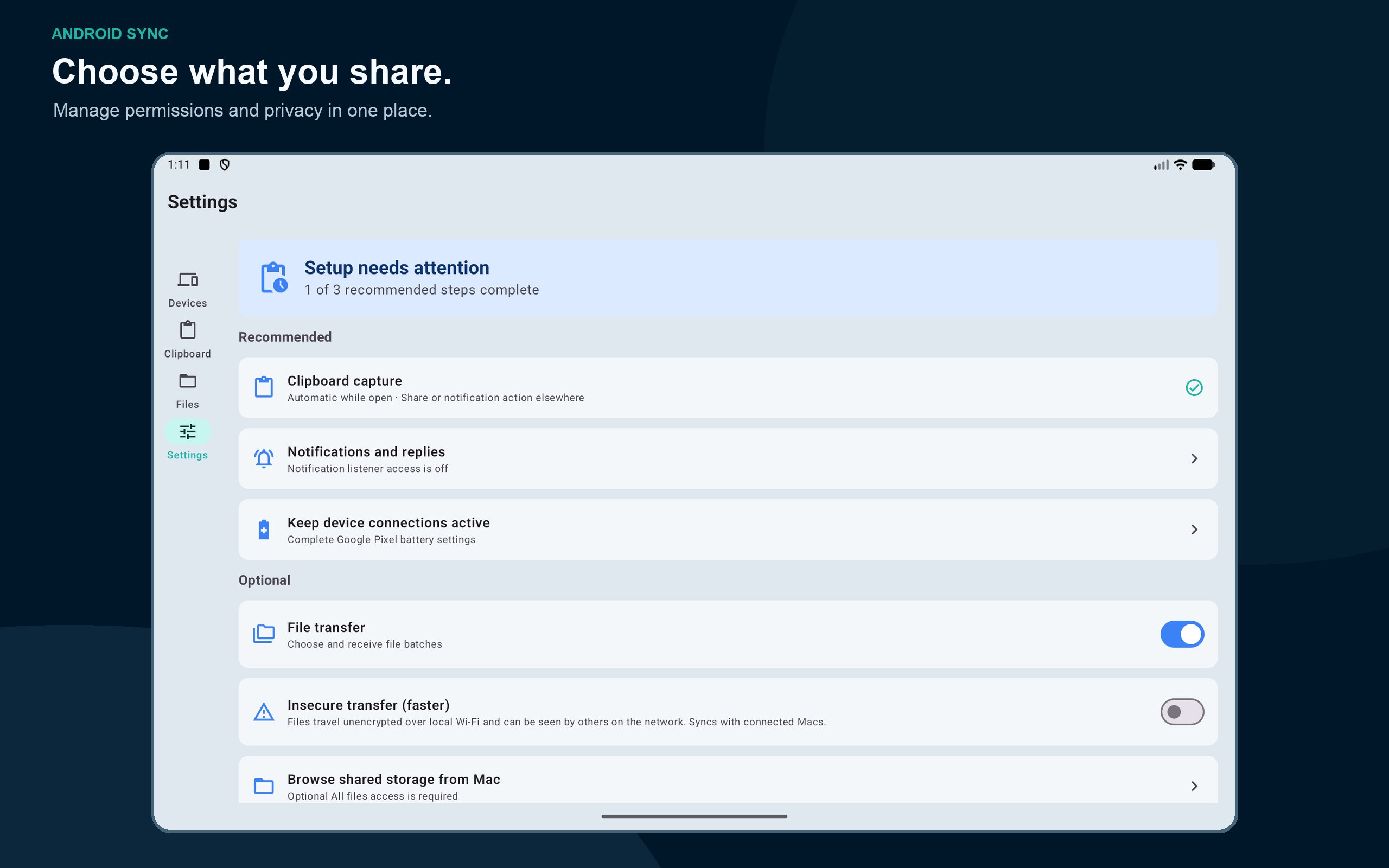
Pair multiple devices and manage access separately for each Mac. Enable only the permissions you need and revoke access later. Stream Mode blurs sensitive information when recording demonstrations.
No cloud relay, ads, subscriptions, or analytics. Device connections use authenticated local TLS by default. An optional insecure file-transfer setting sends file contents without encryption over the local network; keep it disabled for private transfers.
A visible foreground-service notification keeps you informed while the app maintains device synchronization. Background operation depends on Android and your phone’s battery settings. Ordinary synchronization and screen mirroring do not require Developer Options or ADB.
REQUIREMENTS
Android 12 or newer and the separate Android Sync desktop app for macOS 14 or newer. Both devices need a working local network connection. Permissions are requested with explanations when you enable the corresponding features; other features remain usable if you decline optional access.
Get the Mac app: https://androidsync.com
Privacy policy: https://androidsync.com/privacy.html
Latest Version
Varies with deviceRequires Android
Category
Free Productivity AppContent Rating
Everyone
Report
Flag as inappropriateLast updated on Sep 27, 2026
This release includes minor bug fixes and general improvements. Update to the latest version for the best experience.




APKPure - A multi-platform app store primarily focused on Android, providing extensive app-related content. Discover the app you want easier, faster, and safer, with quick and efficient downloads and installations.















