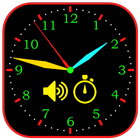
Analog clock.
Its not a widget, its a standalone application.
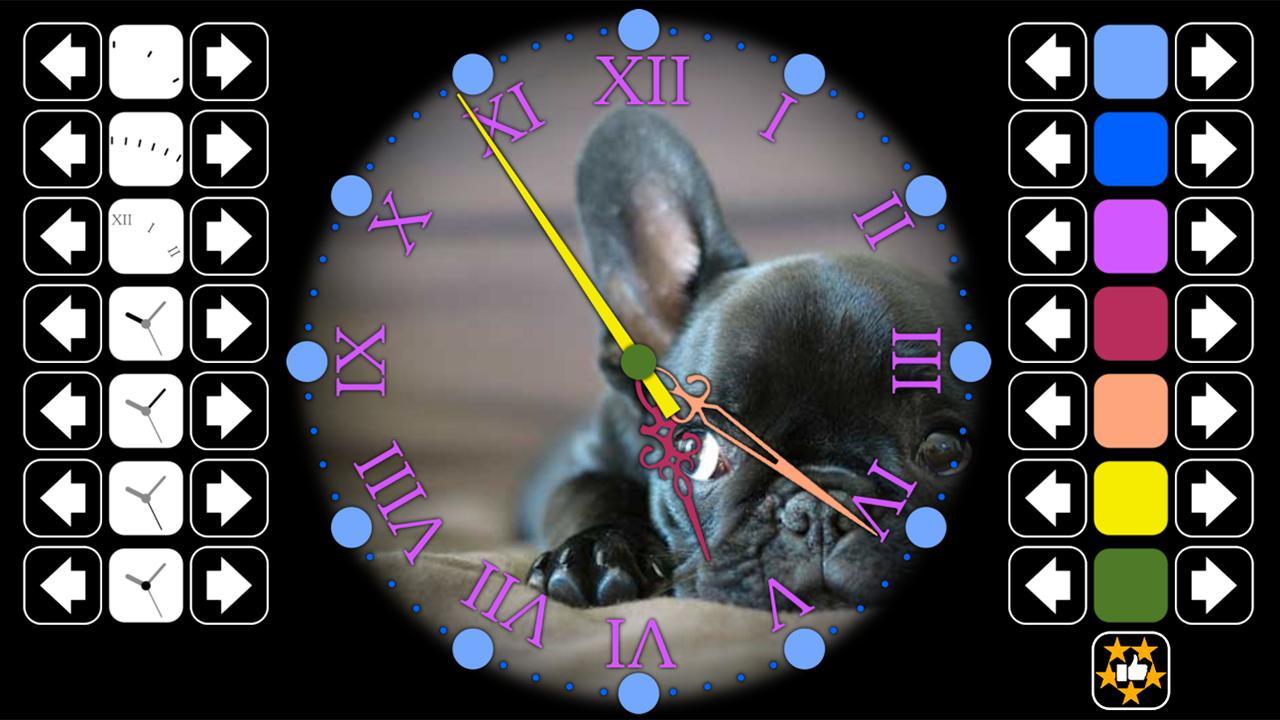
You can change digits, arrows, faceclock, and also change colors of all, make it for as you wish. Its comfortably use on tablet or mobile during night.
When you switch off second arrow, clocks enter in economy mode.
Touch down on screen to enter in menu for settings.
Support landscape and portrait mode.
If you want the clock to be called up when you connect the charging to your mobile phone (or tablet), turn on the charging tracking option and exit the application using the Home button, and then when the charging is connected, the application appears again on the screen. If you do not want to enable this option, exit the application using the Back button.
Latest Version
4.40Uploaded by
Élisa Manz
Requires Android
Android 5.0+
Category
Free Tools AppContent Rating
Everyone
Report
Flag as inappropriateLast updated on Aug 28, 2026
- support for Android 15, 16, 17;
- libs update;
- bugs fix;





APKPure - A multi-platform app store primarily focused on Android, providing extensive app-related content. Discover the app you want easier, faster, and safer, with quick and efficient downloads and installations.