

All Video Downloader - Mp3, Mp4, 3gp File Download helps when you have a shareable link to a media file and want it offline. You copy a direct URL to an audio or video file, then use the app to fetch it to your device. It focuses on straightforward tasks, so you do not need extra settings to get started. However, links from sites with restrictions, including YouTube, are not supported. Many users look to download All Video Downloader - Mp3, Mp4, 3gp File Download to handle simple, direct-link saving in familiar formats.
Direct-link downloading
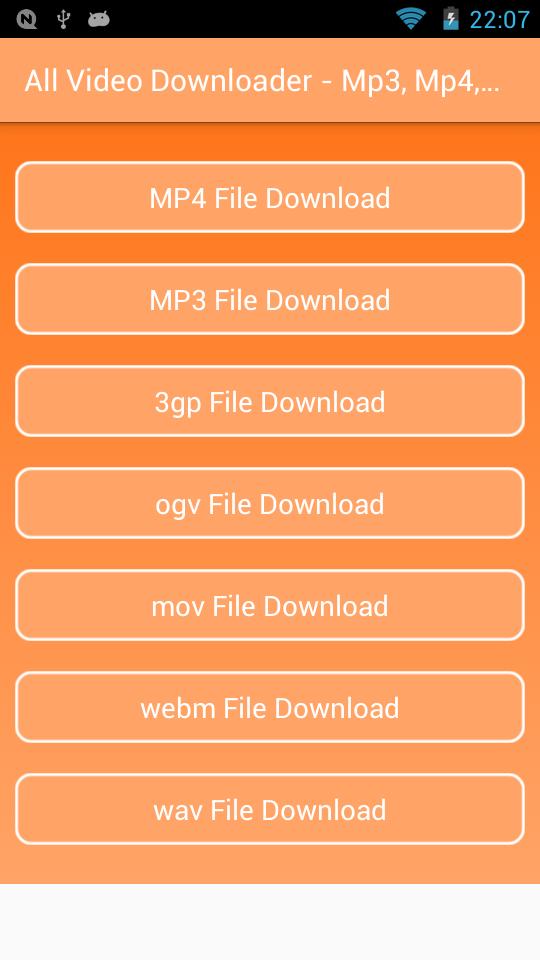
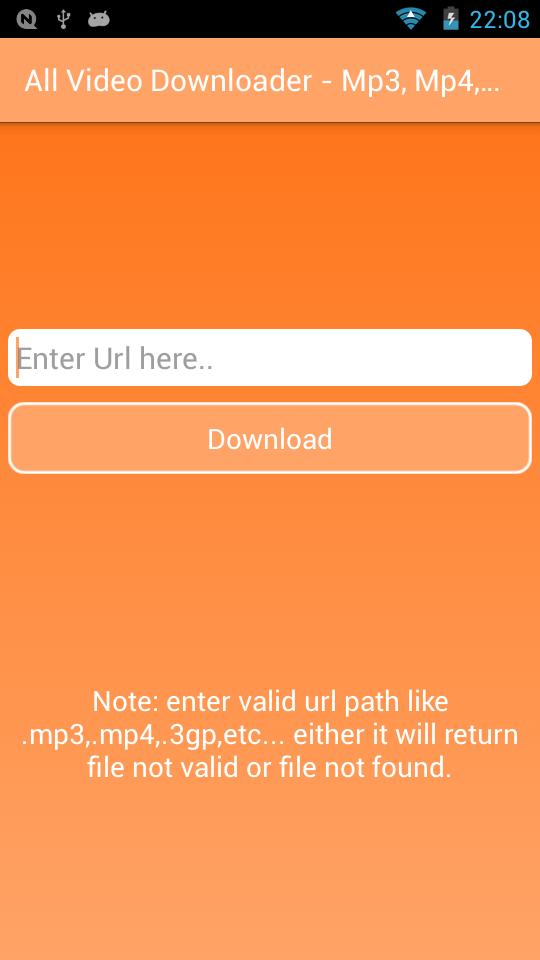
All Video Downloader - Mp3, Mp4, 3gp File Download works with valid media URLs. It accepts links that end with common file extensions, including .mp3, .mp4, .3gp, .ogv, .mov, .webm, and .wav. This approach helps the app identify the file type and start the download immediately.
Simple steps to save files
Multiple audio and video formats
You can save both video and audio in widely used formats. Supported types include MP3 and WAV for audio, plus MP4, 3GP, OGV, MOV, and WEBM for video. This helps match the file to apps already on your device.
Compatibility notes and tips
YouTube URLs do not work due to platform restrictions. Ensure the copied link points directly to a file and includes the extension. If a link does not download, check it in the browser first, then try again in the app.
This tool focuses on downloading media from clear, direct URLs in common formats. To begin, install the All Video Downloader - Mp3, Mp4, 3gp File Download APK and follow the steps above with a valid link.
Latest Version
1.0Uploaded by
فاطمه الخطيب أمل الحياة
Requires Android
Android 4.1+
Category
Free Entertainment AppContent Rating
Teen
Report
Flag as inappropriateLast updated on Aug 4, 2018
Minor bug fixes and improvements. Install or update to the newest version to check it out!



APKPure - A multi-platform app store primarily focused on Android, providing extensive app-related content. Discover the app you want easier, faster, and safer, with quick and efficient downloads and installations.














