
Do you know that your phone runs slowly when there are too many background apps? Do you want to speed up your phone with just one click?
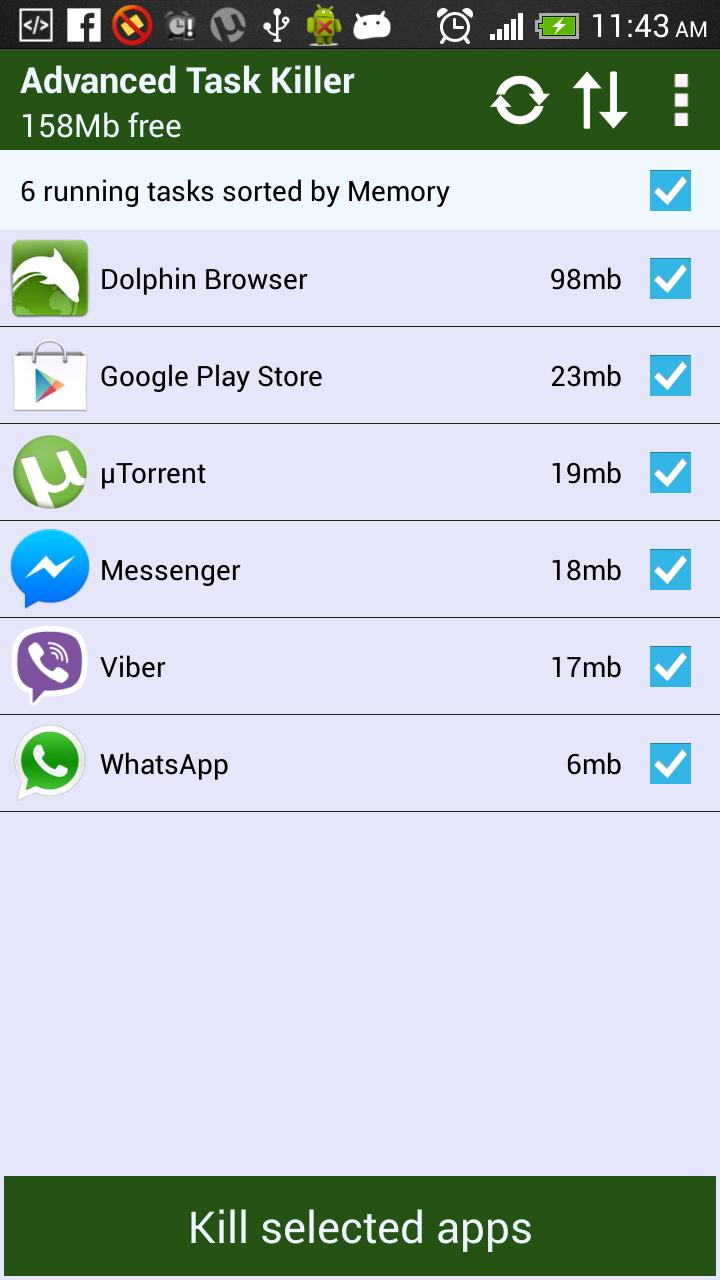
Advanced Task Killer can help you to kill (close or stop) the running apps of your phone, free up the memory and increase the speed of your phone. It has all features which task manger has.
- Detailed list of running apps including memory consumed.
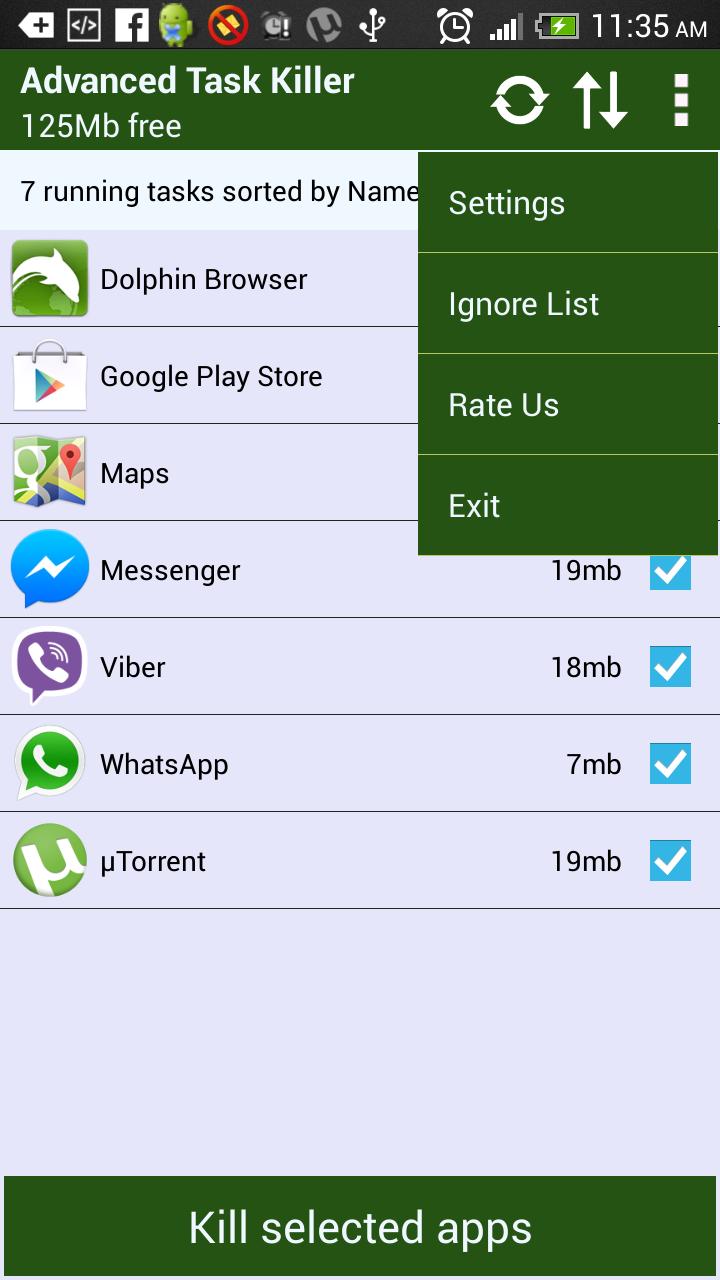
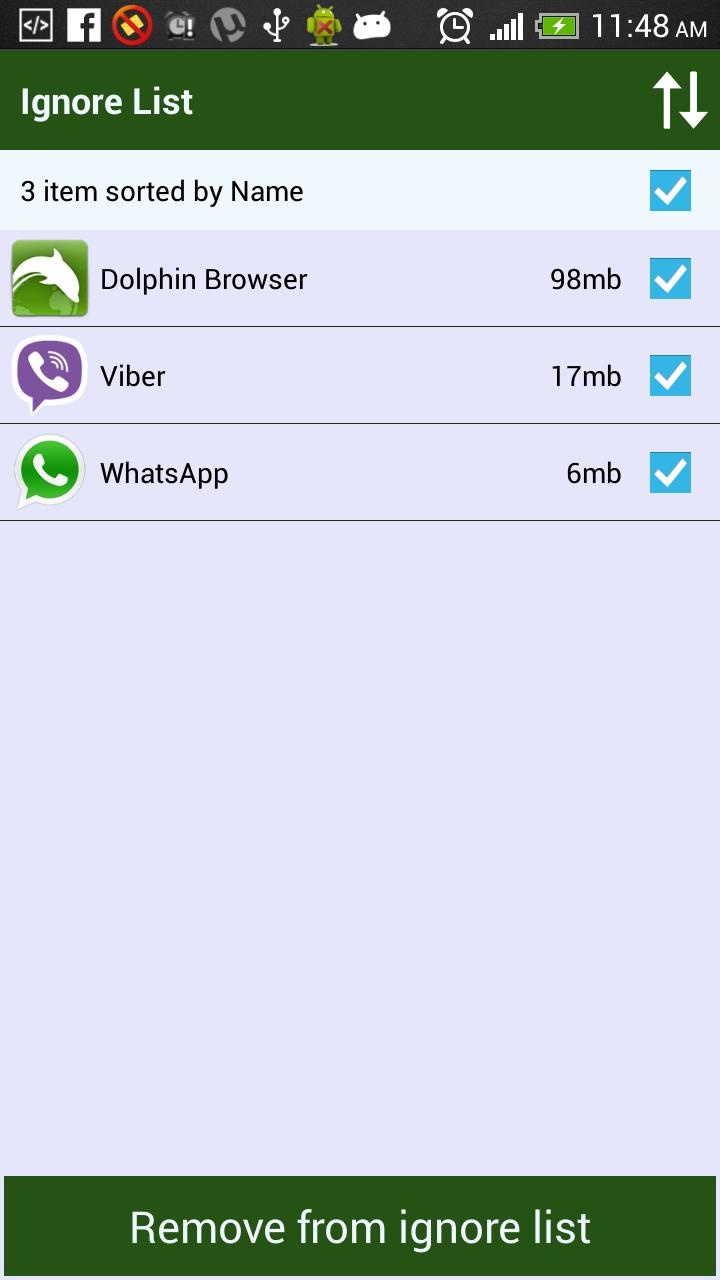
- Ignore List
- One tap widget
- Auto kill
[IMPORTANT] - This App does not not use any background service in contrast to all task killers available on play store. This is important as background service it self consume a lot of memory and processor speed.
1. How to use it (for new users to quick start)?
ATK is pretty simple. Open this tool and take a look at the running applications list? Uncheck some apps you don't want to kill (such as Advanced Task Killer and some system apps) Tap the button 'Kill selected apps', it will kill all applications checked.
2. Why there are app running that I haven't used or even opened?
Some app will start up once you turn on your phone or be invoked by some events.
3. What is ignore list/ignore?[IMPORTANT]
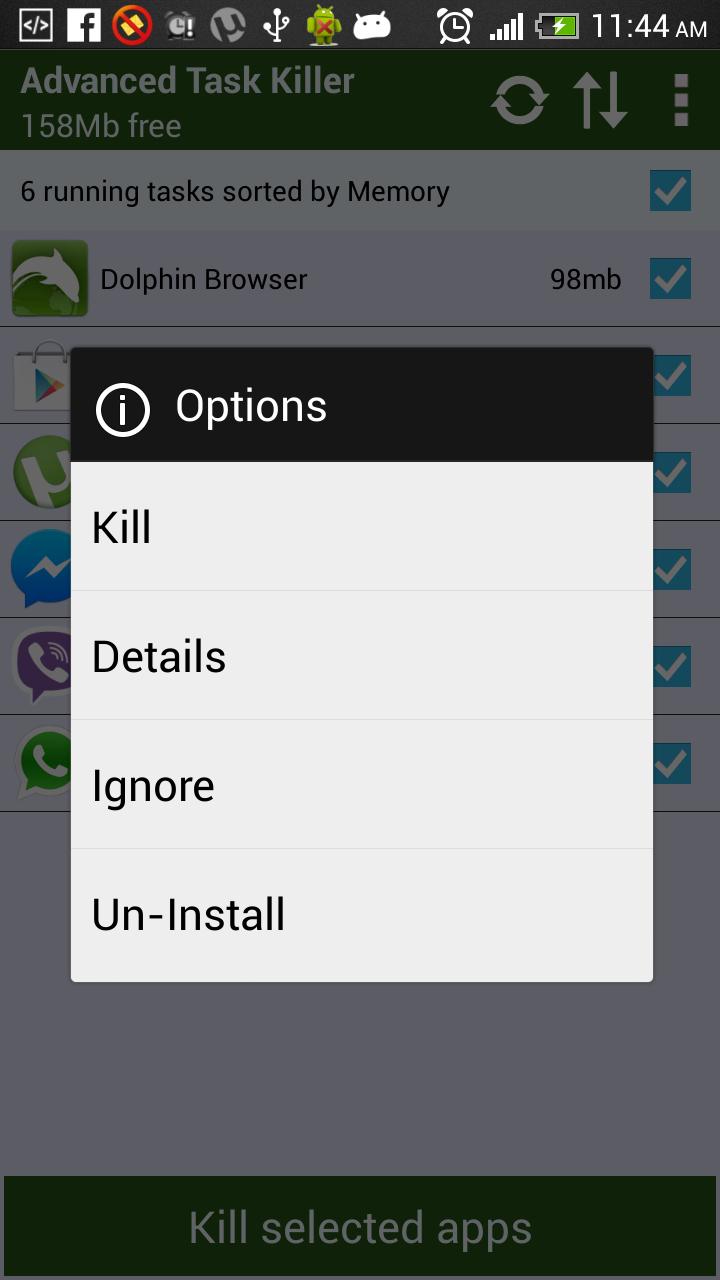
Ignore list is for you to ignore some app you don't want to kill. If you long press on the app listed on the main screen of ATK, the menu will pop up, then you can select 'Ignore', the application would be moved to ignore list. When you tap 'Kill selected apps', it won't be killed any more.
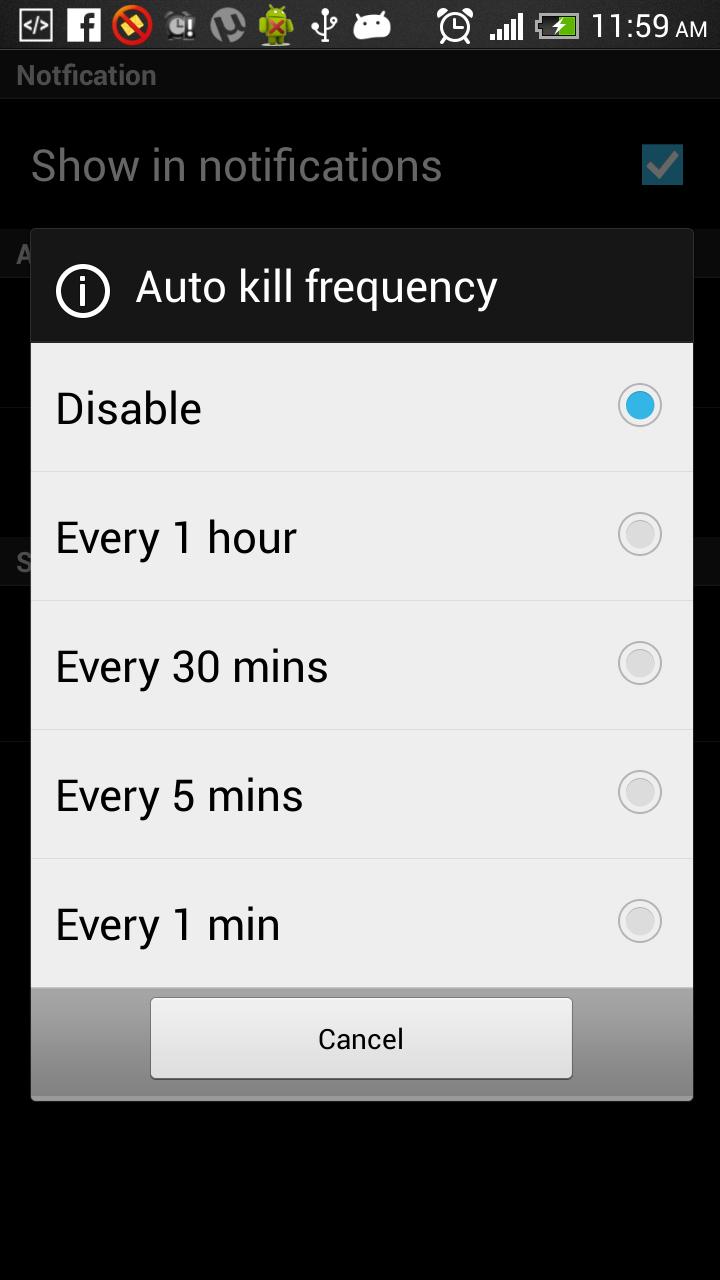
4. What is Auto Kill?
If you want to kill apps automatically you need to choose one of auto-kill level
- High: Delete all apps which consume memory except system apps.
- Low: Delete all apps which consume memory including system apps.
Latest Version
1.2Uploaded by
Edgar Eduardo Estrada Peña
Requires Android
Android 2.2+
Category
Free Productivity AppContent Rating
PEGI 3
Report
Flag as inappropriateLast updated on Nov 30, 2015
V1.2
Advanced Task Killer is also known as ATK which is #1 task manager app. It is a tool to kill applications and boost memory. It has all features which task manger has.
- Detailed list of running apps including memory consumed.
- Ignore List
- One tap widget
- Auto kill
[IMPORTANT] - This App does not not use any background service in contrast to all task killers available on play store. This is important as background service it self consume a lot of memory and processor speed.




APKPure - A multi-platform app store primarily focused on Android, providing extensive app-related content. Discover the app you want easier, faster, and safer, with quick and efficient downloads and installations.