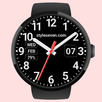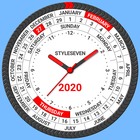
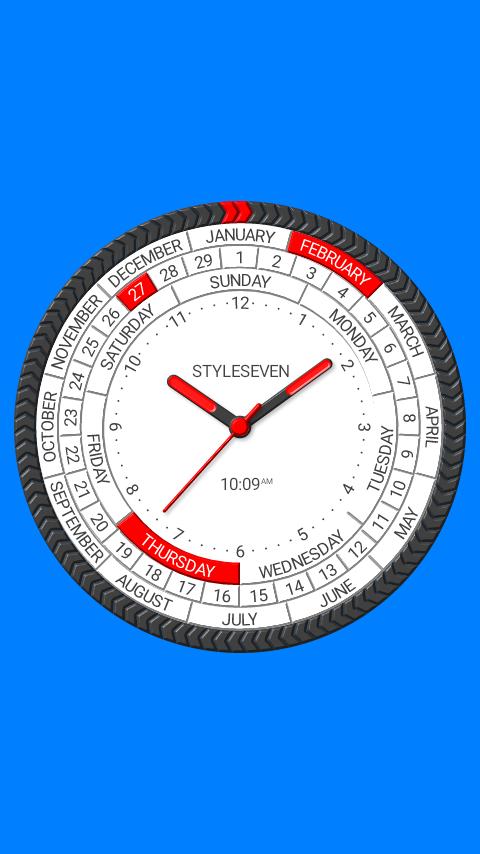
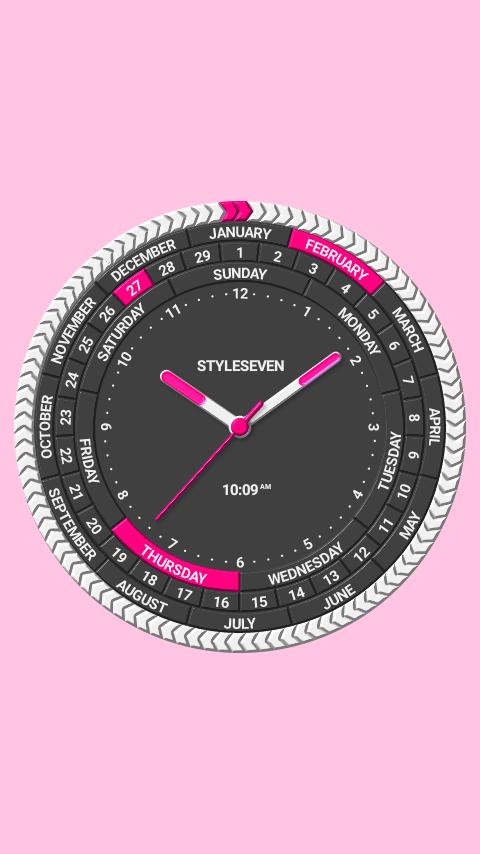
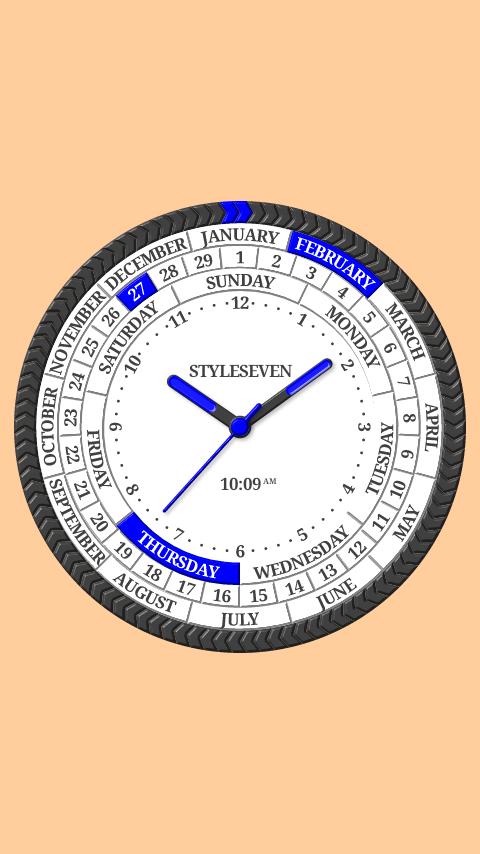
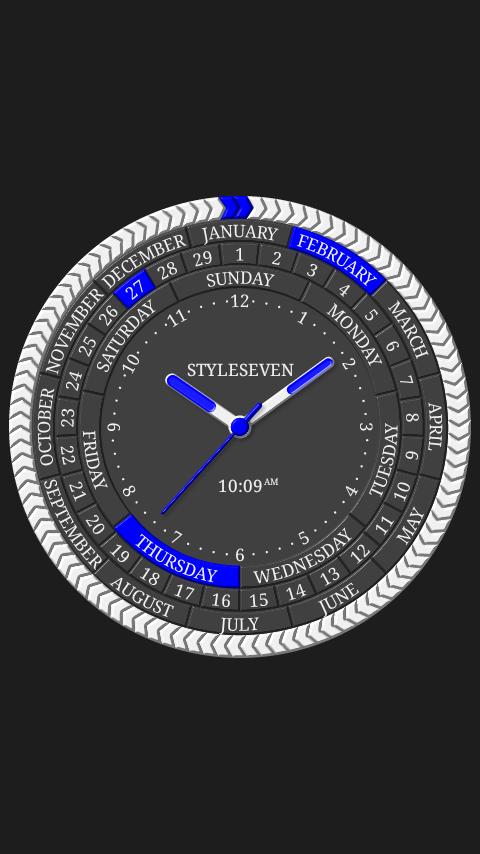
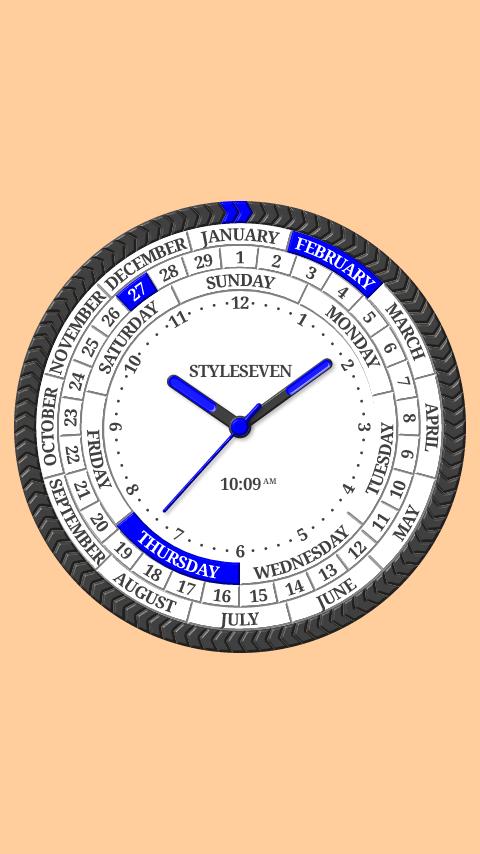
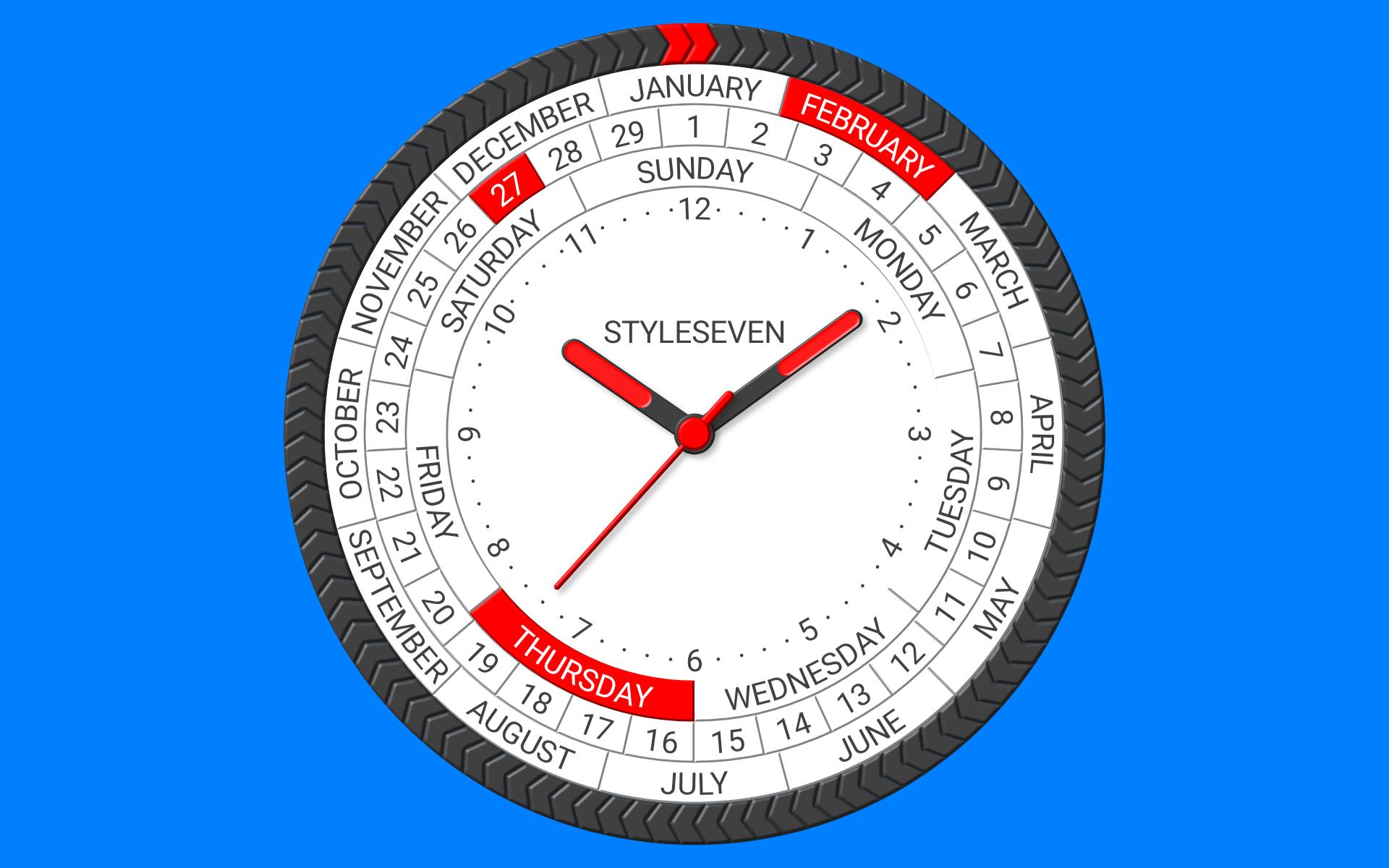
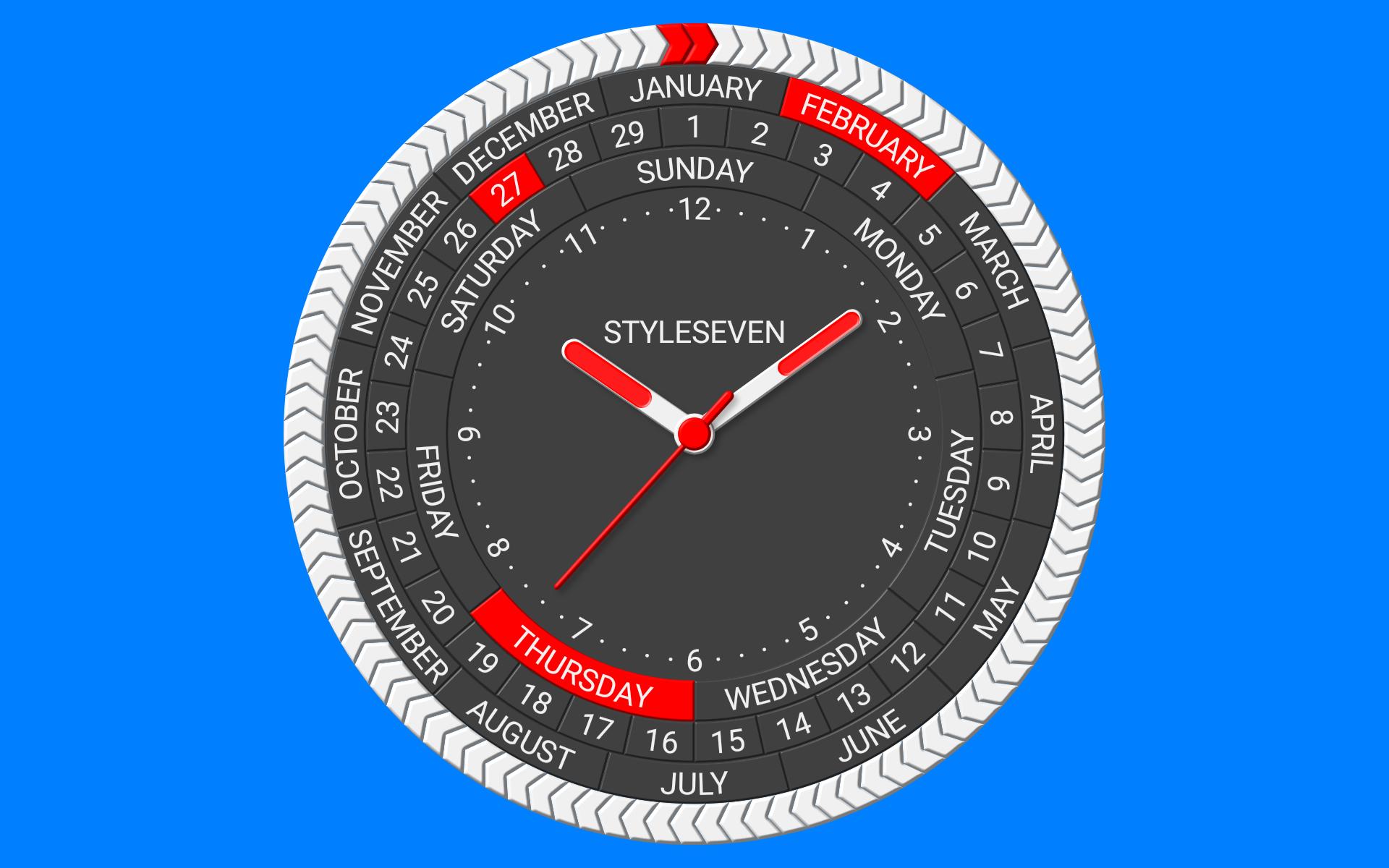
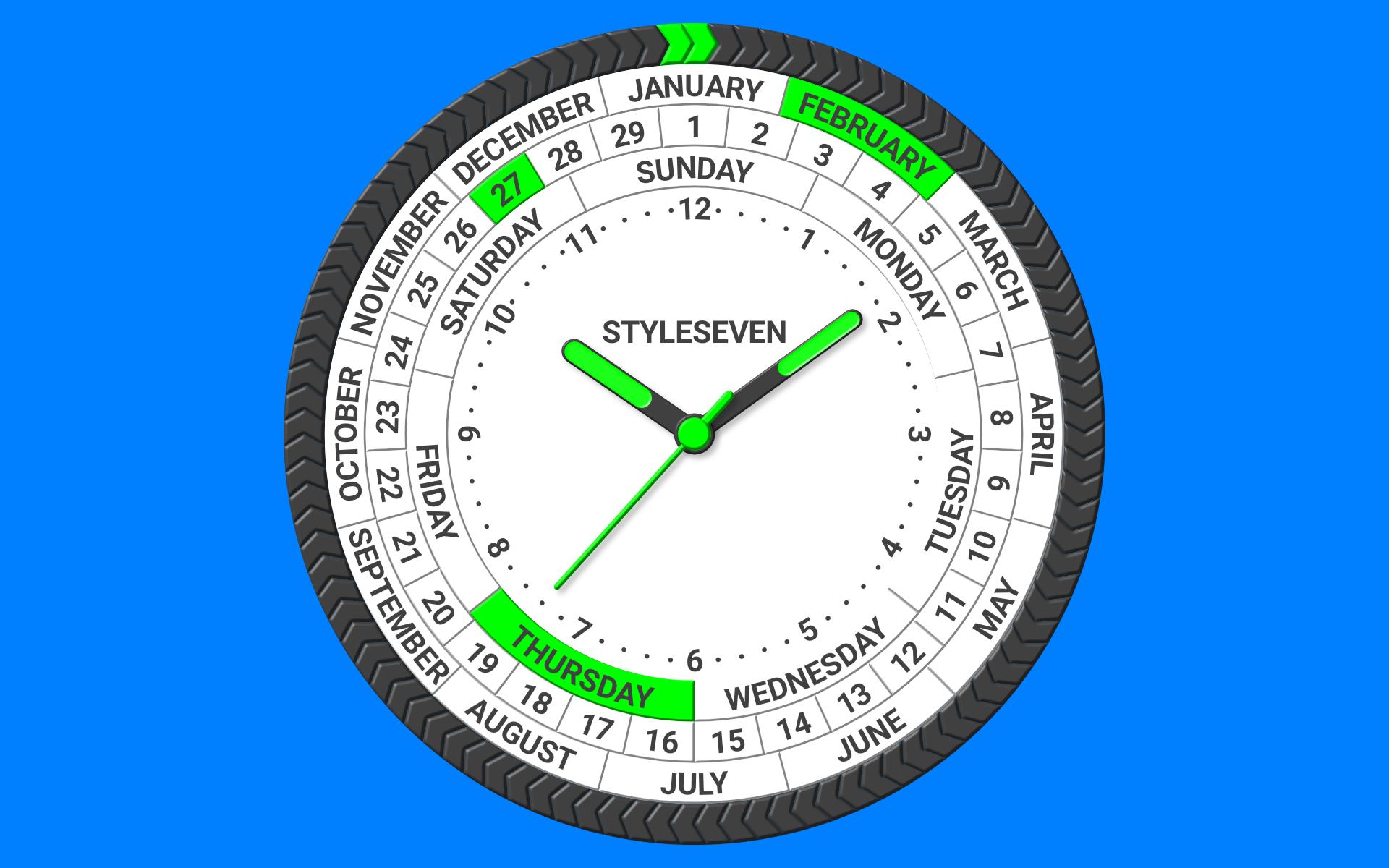
Main idea of the clock is showing on the dial as hours, minutes and seconds as dates, months, days of the week, AP/PM.
You can use it as app, Live Wallpaper and widget.
The appearance of the clock can be changed widly by the settings.
Features:
* Two color themes: light and dark;
* Select background and marker colors;
* Invert marked text;
* Five kinds of fonts;
* Change rings and font sizes;
* Show: month, date, day of the week, AM/PM, battery charge, digital clock, second hand, flip text on the bottom of the dial;
* Time to speech by double tap or periodically;
* Keep screen on for application.
Settings for Live Wallpaper:
* Set clock size;
* Align on the Home screen.
Settings for widget:
* Resize;
* Action for widget by tap: open this app, time to speech, open inbuilt Alarm app;
* Show second hand.
Hint: You can put several widgets on the Home screen.
Latest Version
1.01Uploaded by
Ryan Laude
Requires Android
Android 4.0+
Category
Free Tools AppContent Rating
Everyone
Report
Flag as inappropriateLast updated on Aug 31, 2020
* Instruction to fix widget freezing for some devices: see widget configuration window;
* Help for add a widget to the Home screen;
* Minor changes.


APKPure - A multi-platform app store primarily focused on Android, providing extensive app-related content. Discover the app you want easier, faster, and safer, with quick and efficient downloads and installations.