

Activity Launcher is designed for users who often need quick access to specific screens inside installed apps. It helps when a setting is buried or a direct entry is missing, so you can reach it without extra taps. Also, the app focuses on speed and a straightforward layout that suits everyday use. You can get the Activity Launcher APK if you prefer manual installs or need a compatible package.
Access internal activities
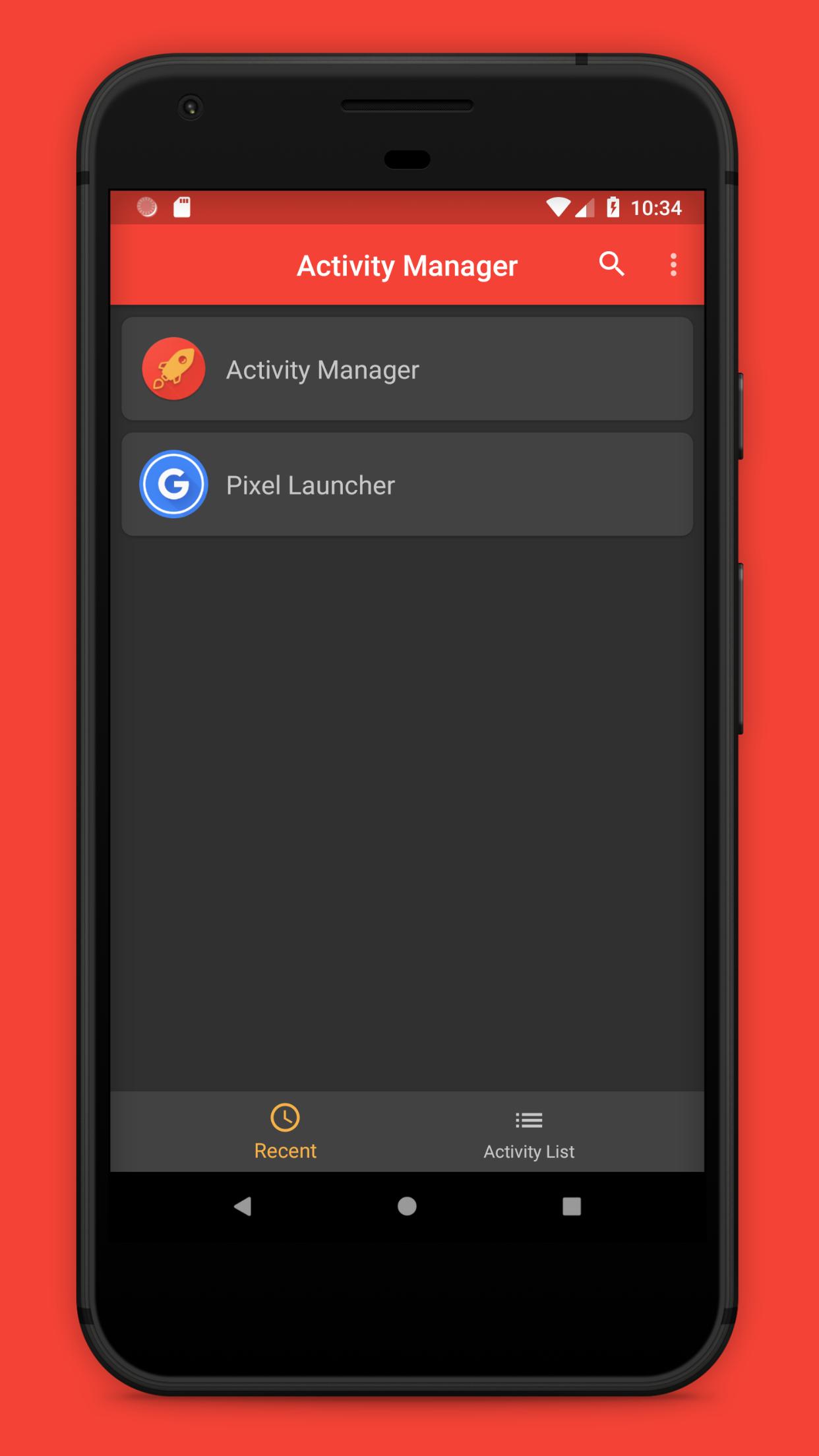
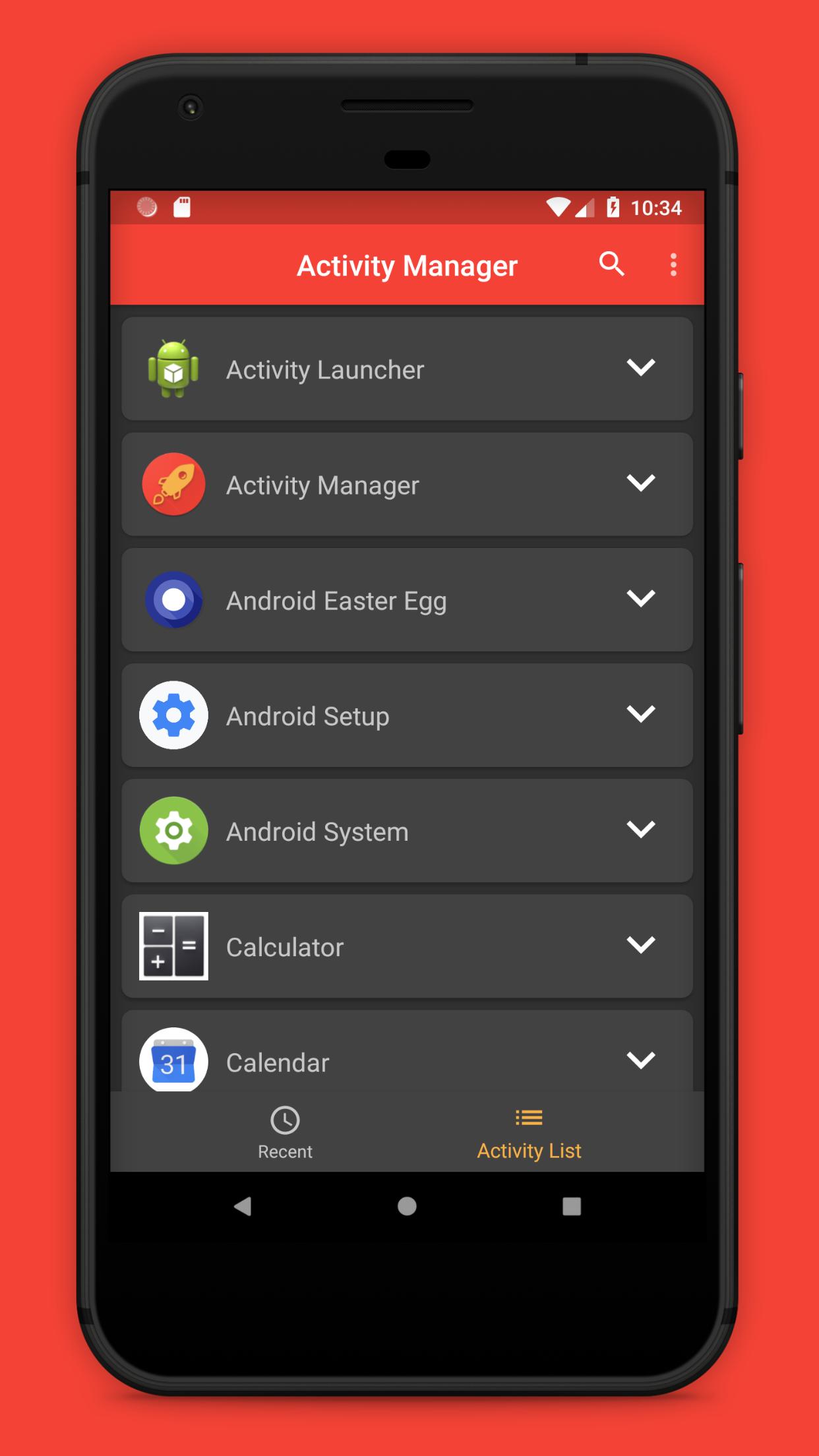
You can browse installed apps and launch activities that are not visible in normal menus. This helps when you want to open a settings page or a tool screen directly. It opens the target activity without navigating through multiple steps.
Create home screen shortcuts
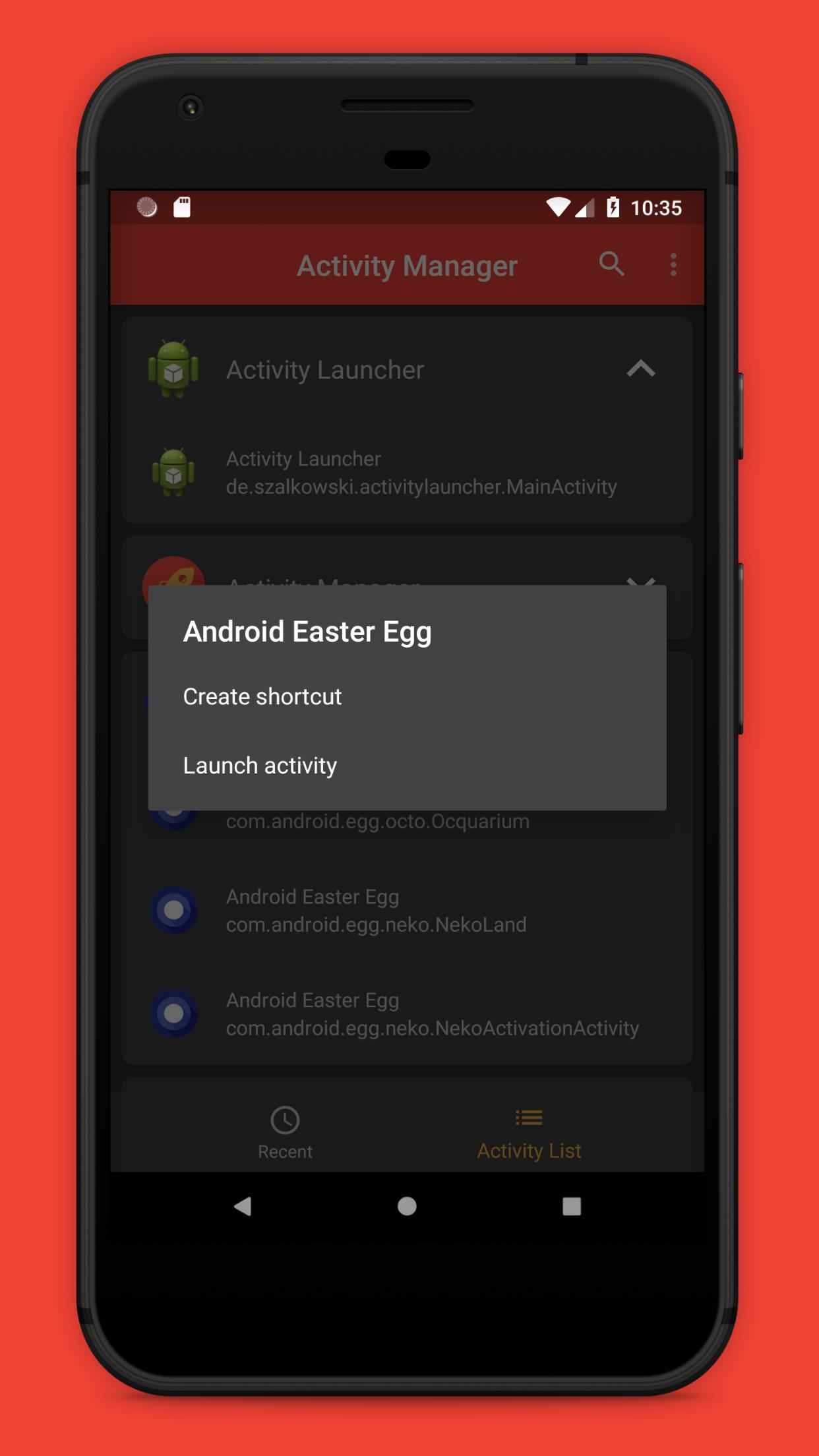
Activity Launcher lets you add shortcuts that point to specific activities. After choosing an activity, place a shortcut on your home screen for one tap access. This reduces repeated navigation when you return to the same screen frequently.
Lightweight and quick
The app starts fast and responds with minimal delay on most devices. Scanning and listing activities happens quickly, so you can act without waiting. For best stability, consider using the Activity Launcher latest version available for your device.
English interface
The interface is available in English, which keeps labels and options clear during setup and everyday use.
Activity Launcher helps you open internal screens and place direct entries where you need them. It suits quick tweaks and frequent tasks that require fewer steps. To try it on your device, download Activity Launcher and open the app to begin.
Latest Version
3.0.3Uploaded by
Trucc Tran
Requires Android
Android 5.0+
Category
Free Tools AppContent Rating
Everyone
Report
Flag as inappropriateLast updated on Mar 19, 2024
• Improvements for reliability and speed
• Improve search results and UI


APKPure - A multi-platform app store primarily focused on Android, providing extensive app-related content. Discover the app you want easier, faster, and safer, with quick and efficient downloads and installations.