Scan Date:Mar 8, 2026
Show More

1. Download APP
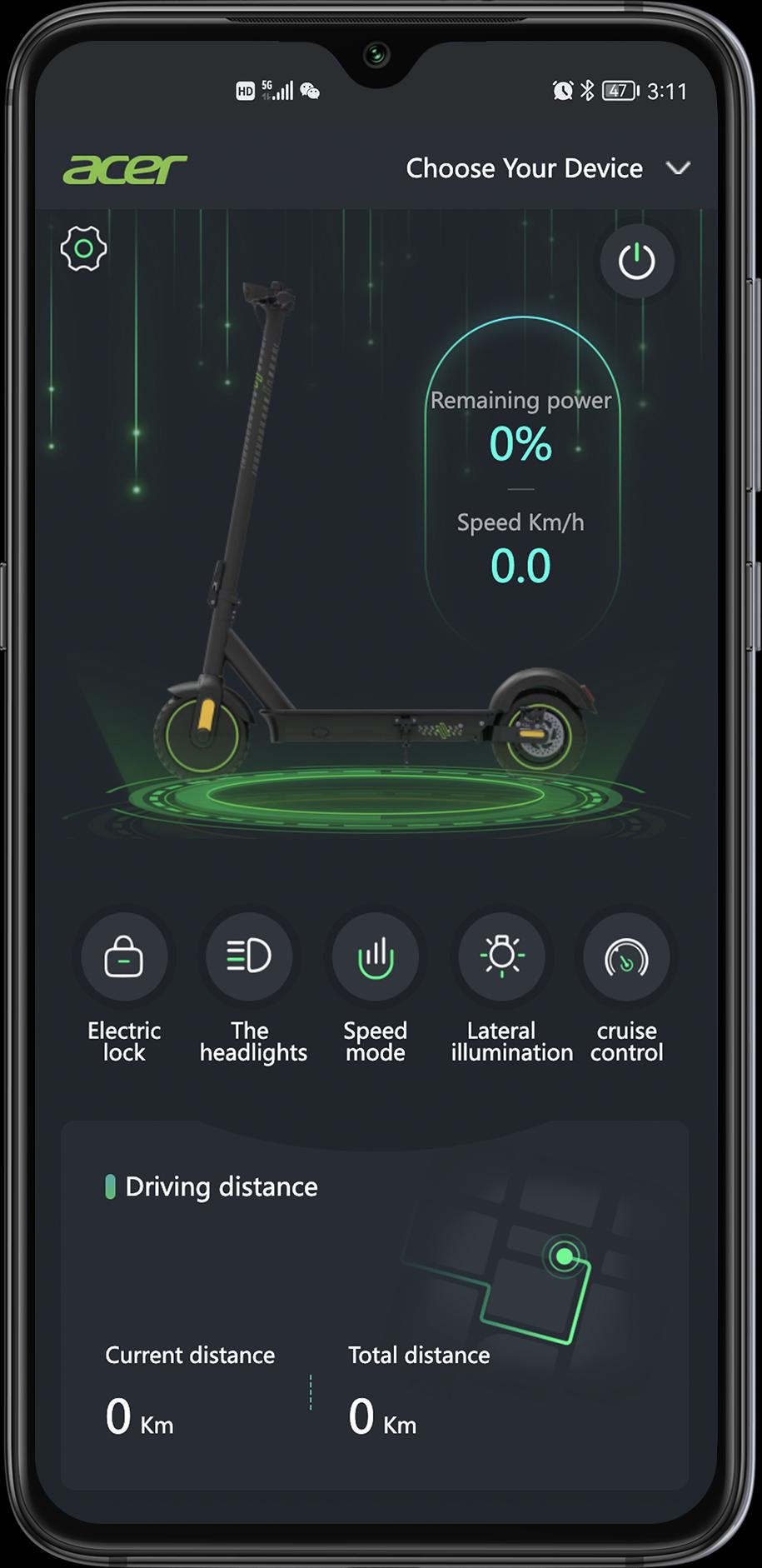
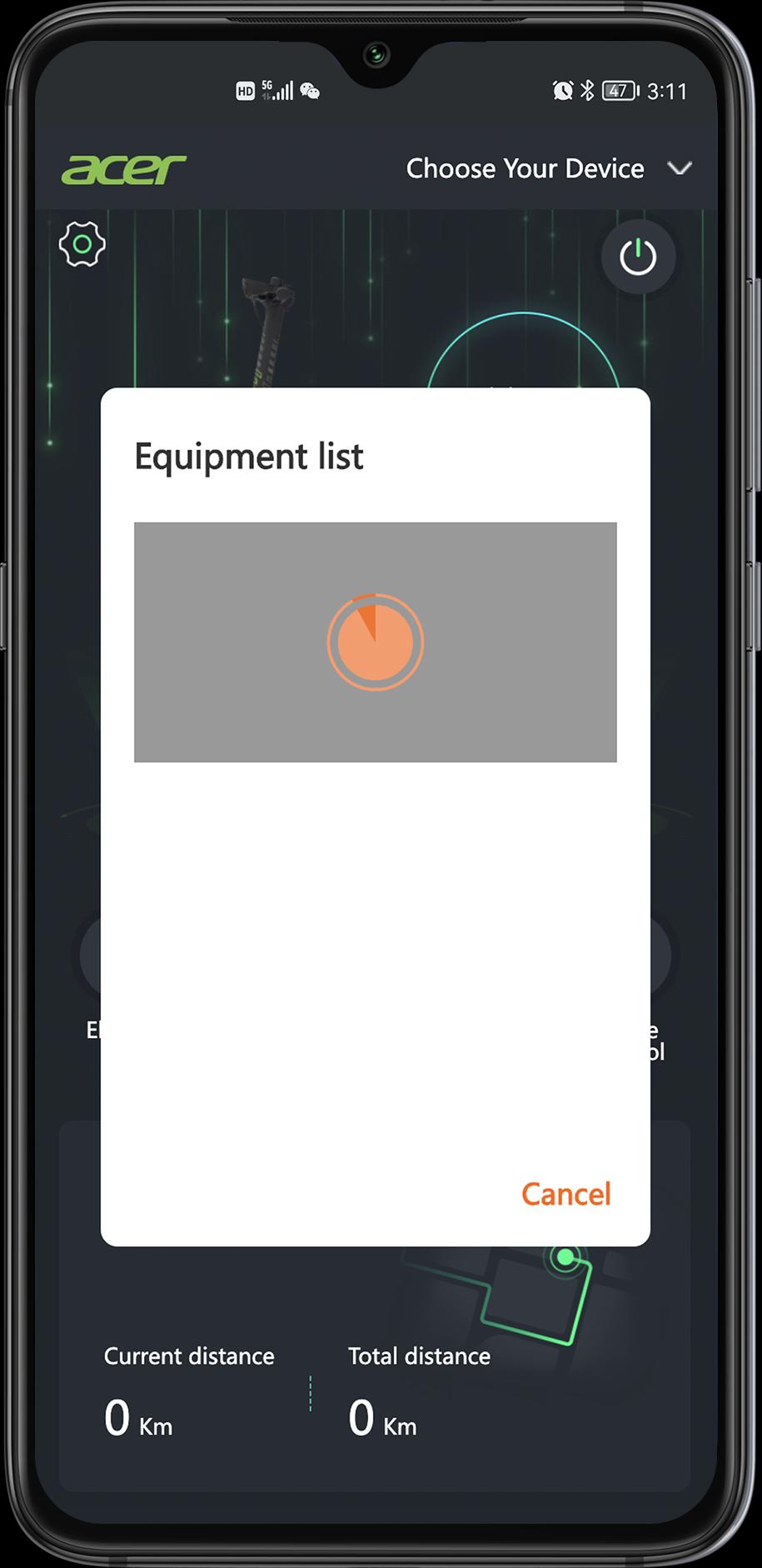
2. Click e-scooter APP installed on your mobile phone (please power on the scooter, and turn on Bluetooth on your mobile phone first)
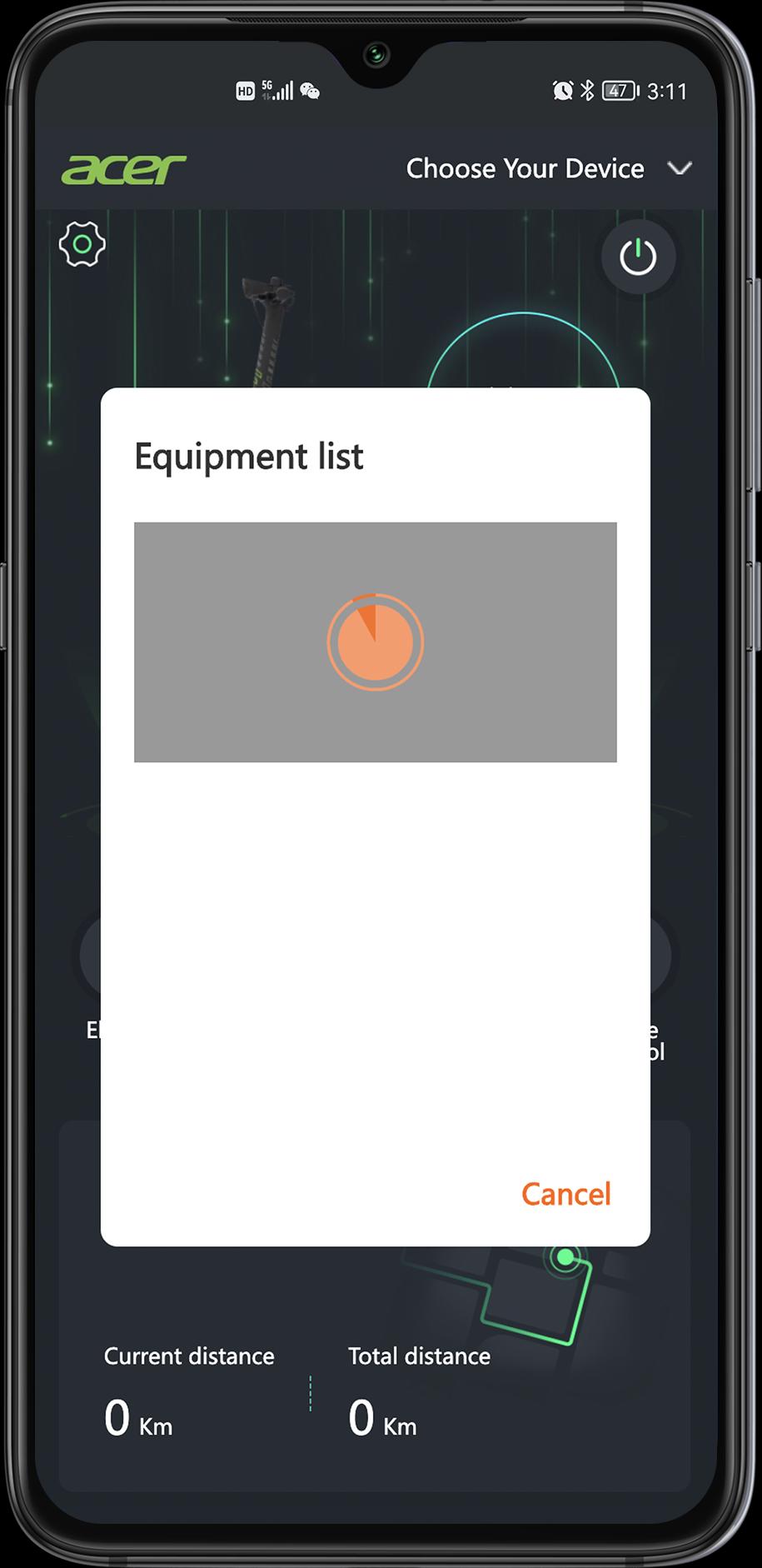
3. The mobile phone starts to pair the scooter via Bluetooth; click Close to disconnect from Bluetooth
4. Click to use the connected Bluetooth, or press Cancel to disconnect from this Bluetooth
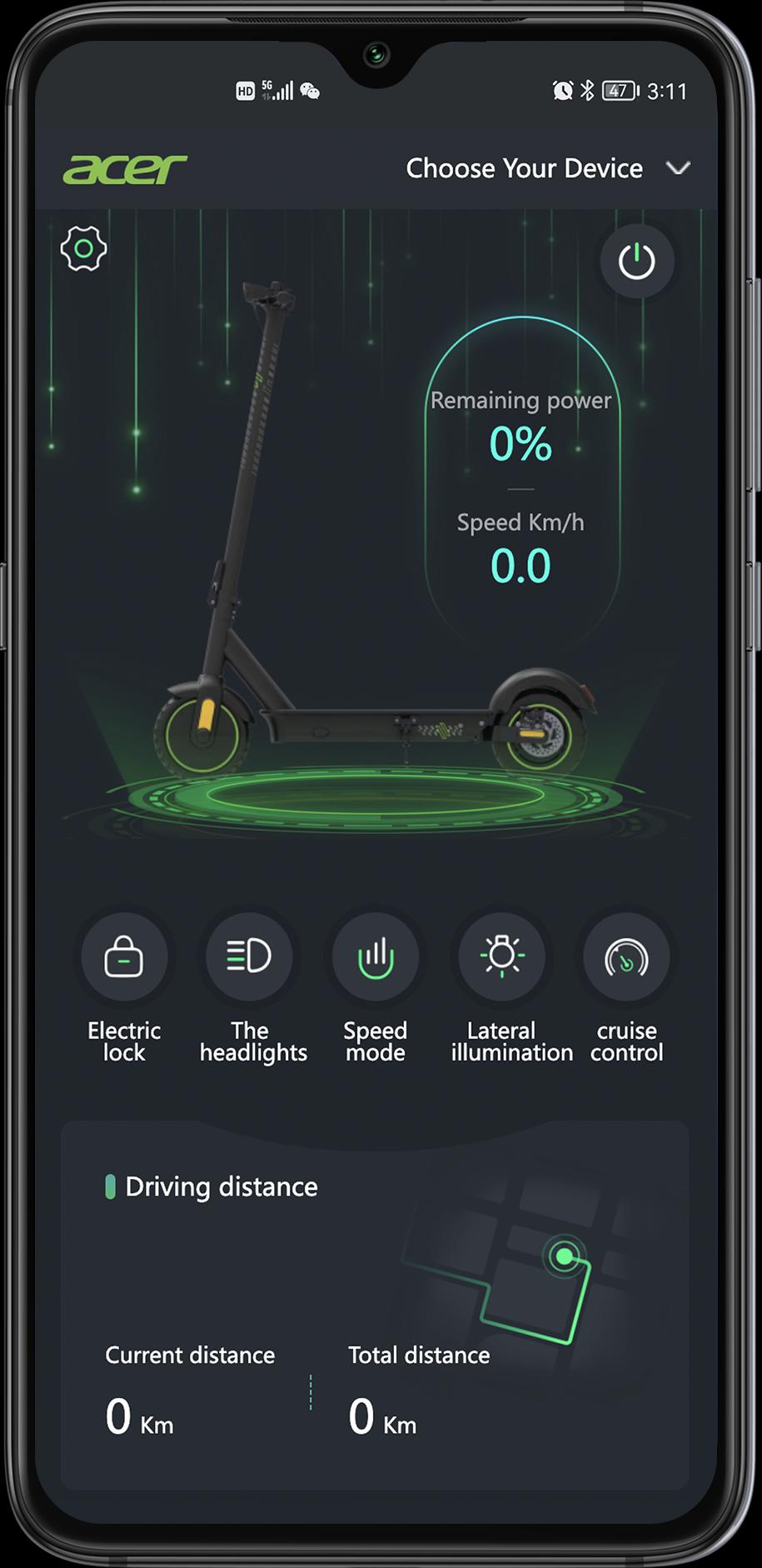
5. "acer" will show on the screen once Bluetooth is connected successfully
Latest Version
1.5.7Uploaded by
Rafael Santtos
Requires Android
Android 10.0+
Category
Free Tools AppContent Rating
Everyone
Security Report
Report
Flag as inappropriateLast updated on Feb 18, 2026
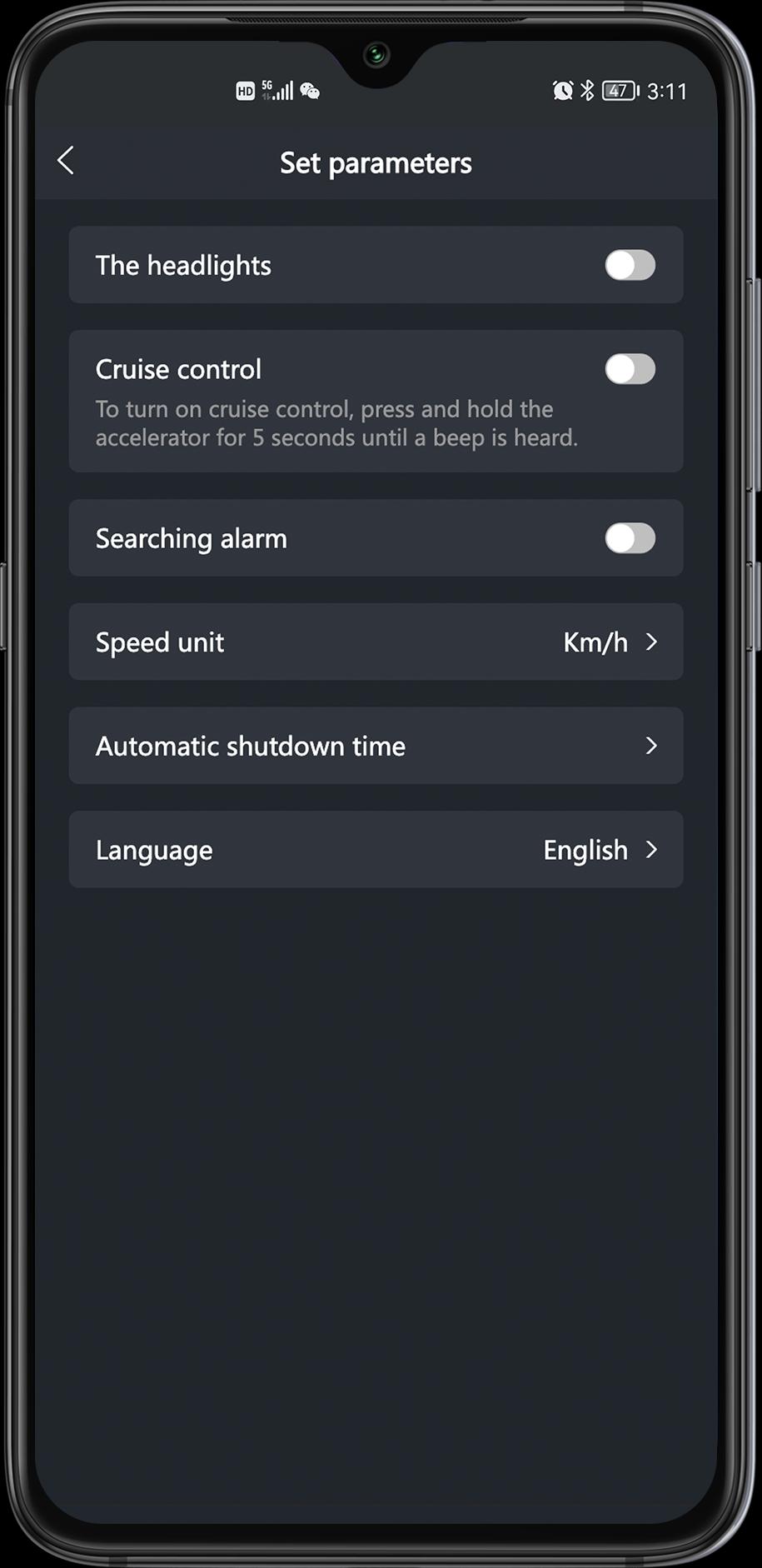
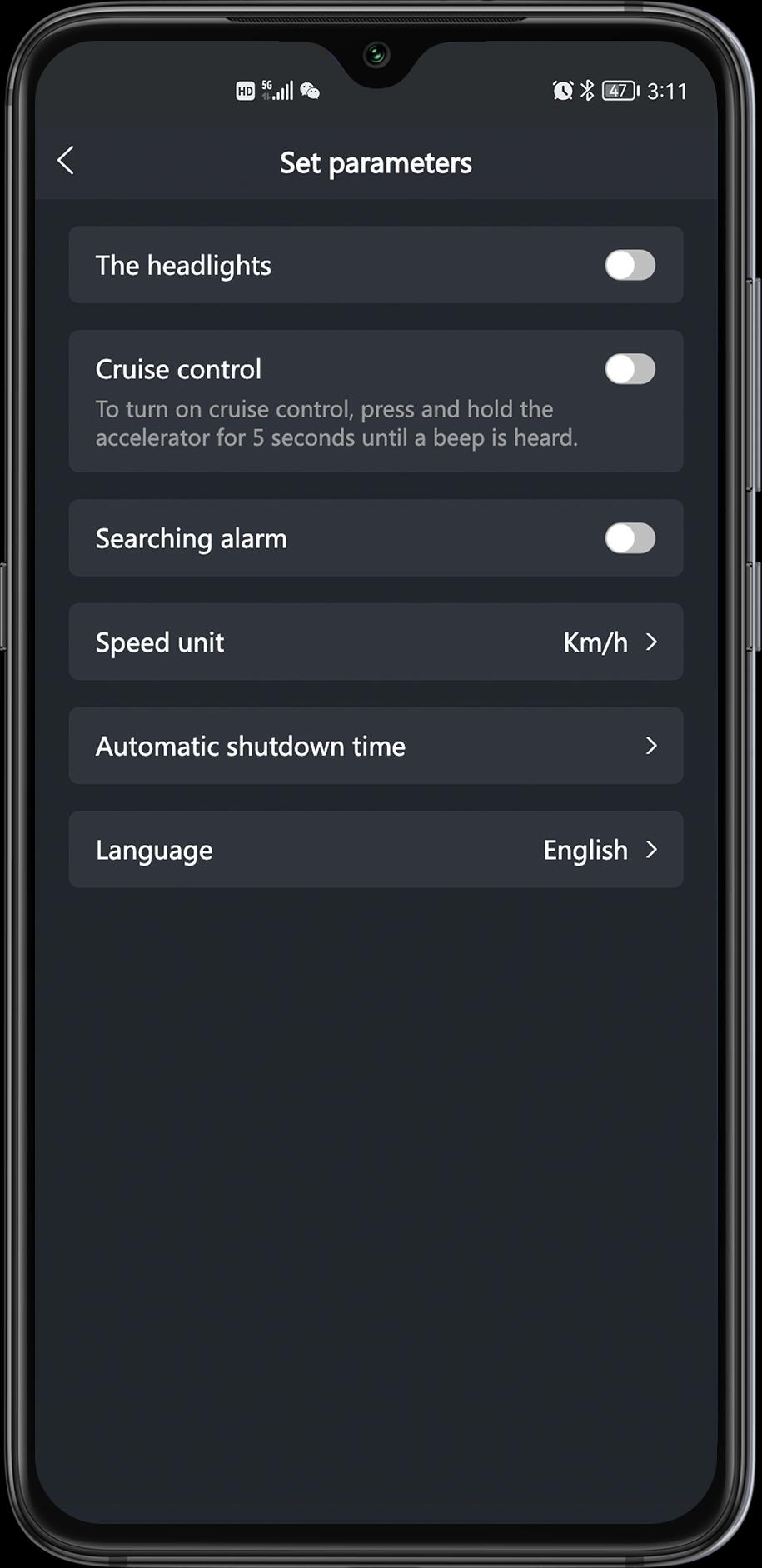
1. Support multiple languages.




APKPure - A multi-platform app store primarily focused on Android, providing extensive app-related content. Discover the app you want easier, faster, and safer, with quick and efficient downloads and installations.