Scan Date:Apr 12, 2026
Show More


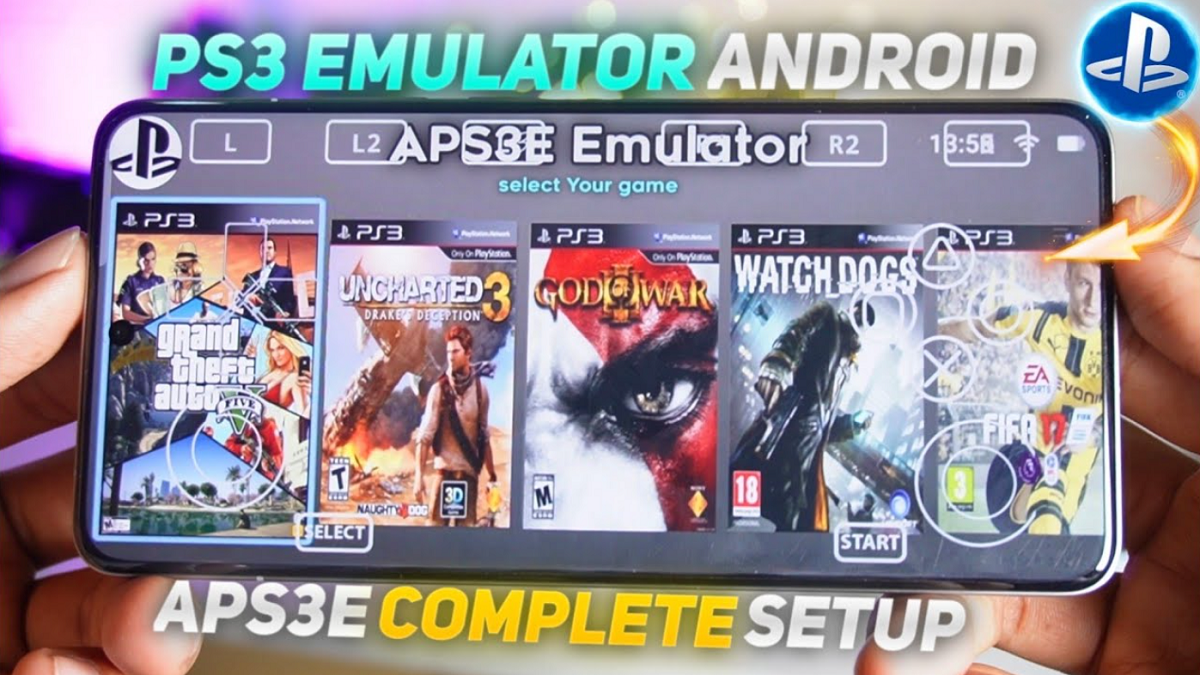
aPS3e Emulator helps users who want to enjoy PlayStation 3 titles on a phone or tablet without using a console or streaming. It is ported and optimized from RPCS3, then built to run directly on Android for a familiar console style setup. The emulator requires official PS3 firmware and uses modern rendering for smooth results on powerful devices. With a focus on ease of use and community input, it offers practical tools for everyday play. If you need the aPS3e Emulator APK, read the details below first.
aPS3e Emulator runs PS3 games directly on your device. You install the app, add the official PS3 firmware, import your ISO or PKG files, and start playing. No console or PC streaming is required, so everything happens on your phone or tablet.
Vulkan rendering and performance scalingaPS3e Emulator uses the Vulkan API to enhance rendering and improve stability on capable hardware. Performance scales with CPU strength and available RAM, so recent flagship devices perform best. Lightweight titles are currently the most reliable choice, and ongoing updates aim to broaden what runs well over time.
On screen and Bluetooth controller inputYou can use built in on screen controls for quick play. Partial Bluetooth controller support is also available for a more console like feel. Control layouts are customizable, so you can adjust size and placement to fit your grip and screen.
Save and load states for quick progressYou can save at a moment and resume later without repeating sections. Load states help you test settings or retry difficult parts more efficiently. Combined with customizable controls, this makes short mobile sessions more practical.
Free, ad free, and community drivenaPS3e Emulator has no paywalls, subscriptions, or sign ups. The project is community driven and benefits from its RPCS3 roots for technical direction. Updates focus on stability, performance, and broader compatibility across devices.
aPS3e Emulator requires the official PS3 system firmware to run. Obtain the firmware from the platform holder’s official website and install it inside the emulator before loading any games. Supported game formats include ISO and PKG, so organize your legally owned files in clearly labeled folders on your device for easy import.
Use only game files you legally own. You are responsible for ensuring that any content you load into the emulator complies with local laws. When sourcing firmware or game files, follow safe browsing practices and avoid untrusted downloads to reduce the risk of malware or corrupted archives.
Device expectations matter. High end phones with strong CPUs and more RAM deliver better results, and Snapdragon 8 Gen 1 or newer chipsets tend to perform well. Lightweight games are a good starting point while you learn the settings, then you can test more demanding titles as you refine your configuration.
Community resources can help with setup and troubleshooting. The project has roots in RPCS3 and maintains an active presence on platforms such as Discord, Reddit, and GitHub. For official links and support contacts, check the website listed below.
Getting started is straightforward once the firmware is ready. The steps below outline the basic flow from first run to playing your first game. If you plan to update to the aPS3e Emulator latest version later, the same steps still apply.
aPS3e Emulator brings native PS3 emulation to Android with a clear setup flow and practical controls. It requires official firmware and works best on powerful devices, especially with lighter games. To begin, download aPS3e Emulator and follow the setup steps above.
For official resources and support, use the links below.
Latest Version
1.38Uploaded by
Prince Cobbinah Yung
Requires Android
Android 9.0+
Category
Free Tools AppSecurity Report
Report
Flag as inappropriateLast updated on Apr 12, 2026
Minor bug fixes and improvements. Install or update to the newest version to check it out!



APKPure - A multi-platform app store primarily focused on Android, providing extensive app-related content. Discover the app you want easier, faster, and safer, with quick and efficient downloads and installations.