Scan Date:Apr 19, 2026
Show More


WePlay helps when you want quick party games and live conversation in one place. It blends group chat with casual matches so you can drop in for a short break or settle in for a longer session. You can join open rooms, meet people by shared interests, and keep talking while the game continues. Because everything is live, it feels like a relaxed meetup that fits your schedule. If you prefer installing by file, the WePlay APK offers a direct way to try it on Android.
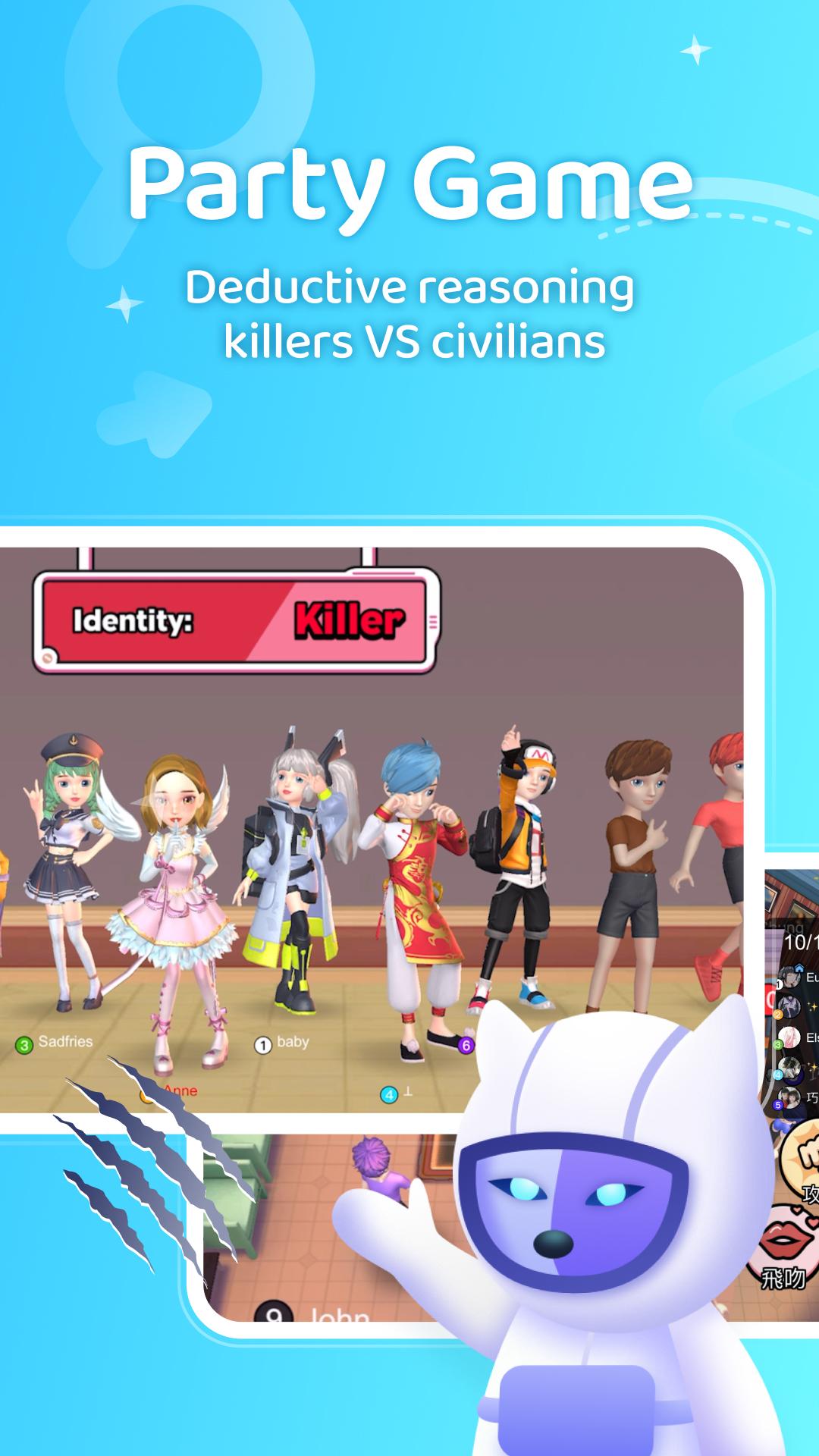
Space Werewolf and WeParty
WePlay includes social deduction where citizens try to find hidden werewolves. You speak in real time, share clues, and plan strategy while the clock runs. Rounds move fast, so each match keeps you involved from the first vote to the final reveal.
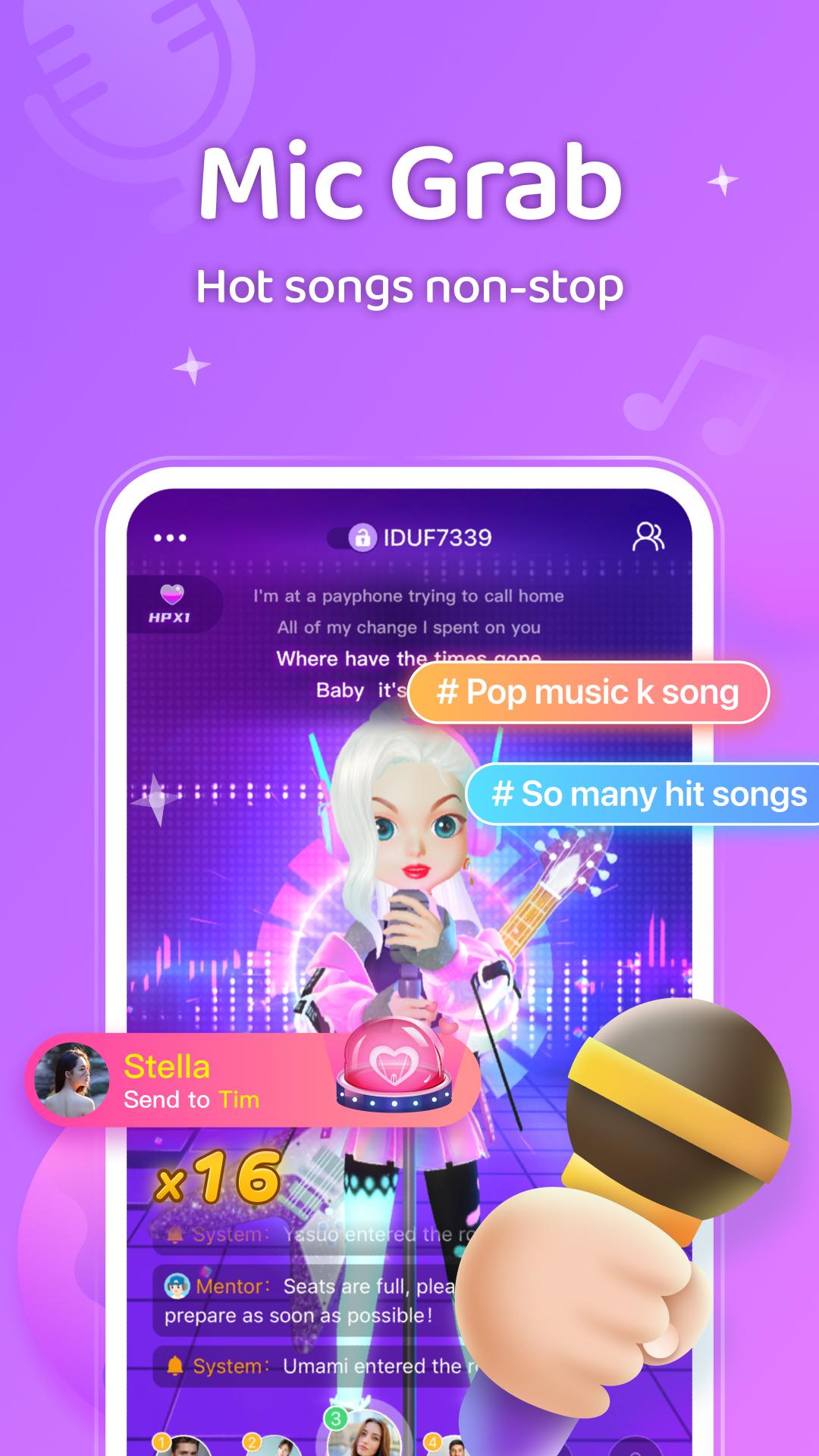
Mic Grab karaoke battles
Sing popular tracks and compete in PK duels while others listen in. You can grab the mic, queue songs, and earn cheers or gifts from the room. The result is a low pressure way to practice songs and challenge friends during the same session.
Guess My Drawing
Draw a prompt on your screen while others guess the word. The doodles appear in real time, so your team works together to solve each round. Simple controls and short turns keep the pace steady even in busy rooms.
Voice Rooms and Love Nest
Join drop in audio rooms to talk, play mini games, and meet people with similar interests. You can switch rooms, follow hosts, and explore spaces focused on chatting or light games. Gifts and PK events add extra interaction during longer hangs.
3D avatars and outfits
Build a custom look with face pinching tools and clothing choices. Your avatar appears across rooms and games, so your style stays consistent wherever you go. Quick edits make it easy to update your appearance for each event.
WePlay includes virtual gifting that supports hosts and adds effects in rooms. Players who want to send items can use WePlay recharge to add balance, then choose gifts during chat or battles. This is optional, and the core party games remain available without purchases. Consider setting a personal budget before sending gifts to keep spending predictable.
An account helps save your avatar, friends, and room preferences across sessions. After a WePlay app download and installation, sign up or complete your WePlay login to access voice rooms and game modes. Keep your nickname and profile photo simple if you prefer privacy in public rooms. For extra safety, avoid sharing personal details during live chat.
WePlay connects people in live voice, which can include conversations with strangers. If a younger user is involved, consider device level parental controls and regular supervision during voice chat. Encourage safe habits, such as keeping personal information private and leaving any room that feels uncomfortable. Taking these steps helps make open community rooms easier to navigate.
Note on naming: In some listings you may see the title written as WePlay - Game & Party or WePlay - Imposter Online, and the experience focuses on the same social games and voice rooms.
To join games and live chat on your phone, first download WePlay and create a simple profile. The setup is quick and you can adjust details later if needed. Follow the steps below to begin.
WePlay combines voice chat with quick party games that fit both short breaks and longer hangouts. For a smooth experience on Android, try the WePlay latest version and join a room that matches your interests.
For official details and community news, visit the site below.
Latest Version
6.4.0Uploaded by
Adrian Guzman
Requires Android
Android 7.0+
Category
Free Entertainment AppContent Rating
Teen
Security Report
Report
Flag as inappropriateLast updated on Apr 19, 2026
Optimized some interactive experience and fixed some known issues.





APKPure - A multi-platform app store primarily focused on Android, providing extensive app-related content. Discover the app you want easier, faster, and safer, with quick and efficient downloads and installations.