
MT Manager suits developers, modders, and translators who need to inspect apps, adjust resources, and produce signed builds without leaving a phone. The interface is built for moving between folders and packages quickly, so you can review content and make changes in one place. Most tasks work without root, while advanced actions adapt to root access when available. With MT Manager APK, the workflow stays on your device, which reduces switching between tools and keeps edits, builds, and tests closely connected.
Dual pane file management with optional root
MT Manager presents two panels side by side, so you can copy, move, rename, and delete files between locations with fewer taps. When your device is rooted, it also lets you remount partitions, browse system directories, and adjust permissions or owners for specific files. This structure helps you organize projects while keeping system edits separate and controlled.
APK editing, rebuilding, and signing
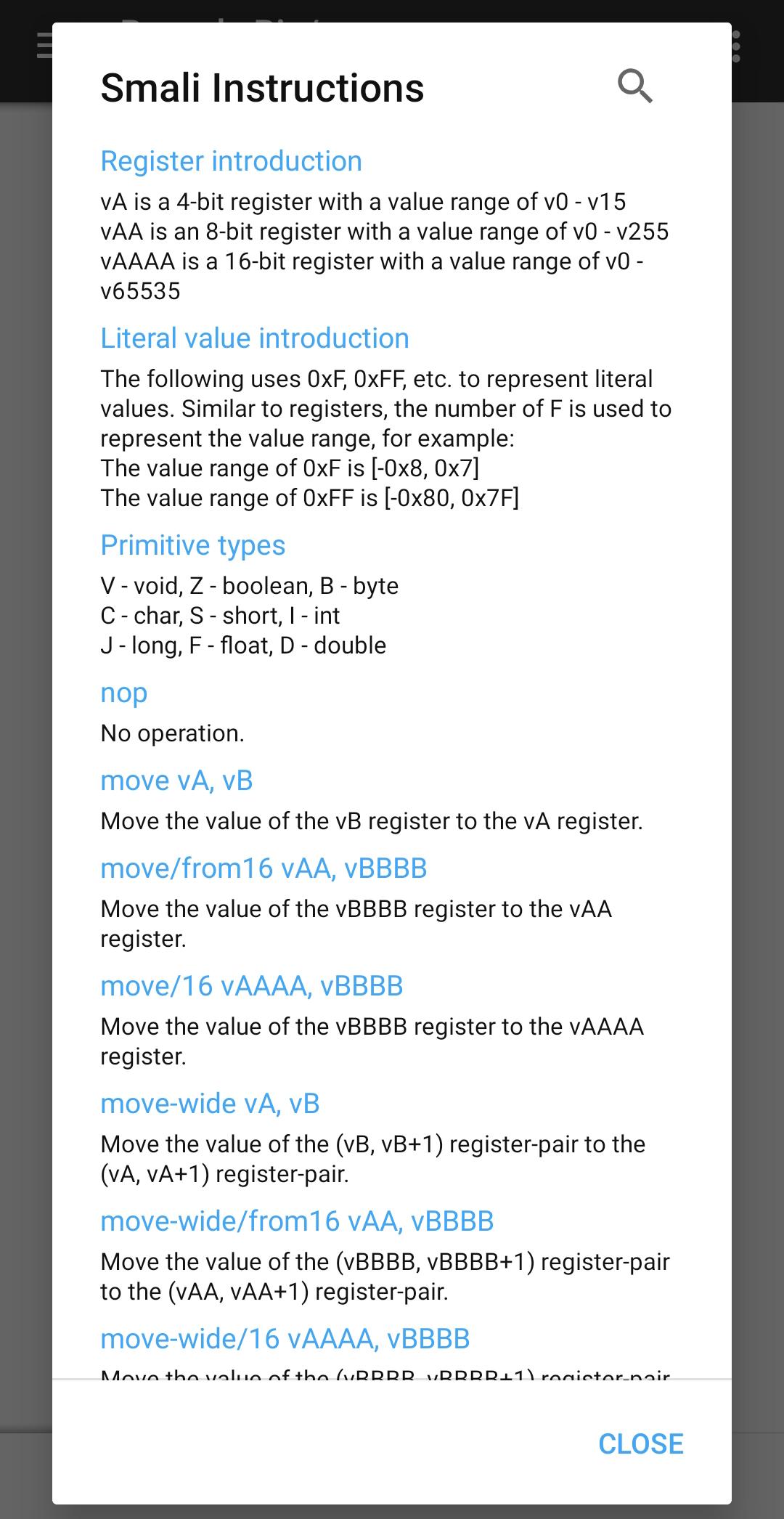
The app focuses on practical package editing for Android projects. You can decompile and recompile, work with DEX and smali code, and edit XML or ARSC resources during iteration. After changes, MT Manager provides signing and zipalign options to prepare a build for installation, and it supports cloning or optimizing packages when needed. Translation helpers streamline string updates for multilingual projects and mods.
In place archive operations
MT Manager opens APK, ZIP, RAR, and TAR archives directly, allowing you to add, replace, or remove files without fully unpacking and repacking. When extraction is necessary, fast compress and extract options are ready for larger edits. This approach reduces waiting time and keeps your attention on the files that actually need changes.
Built in editors and viewers
The MT Manager app includes a syntax highlighting text editor for code and configuration files, plus a hex editor for low level inspection. An image viewer, music player, and font previewer make it easier to check assets without leaving the app. A diff tool helps you compare two versions of a file before committing changes, which supports careful, traceable edits.
App management, automation, and security
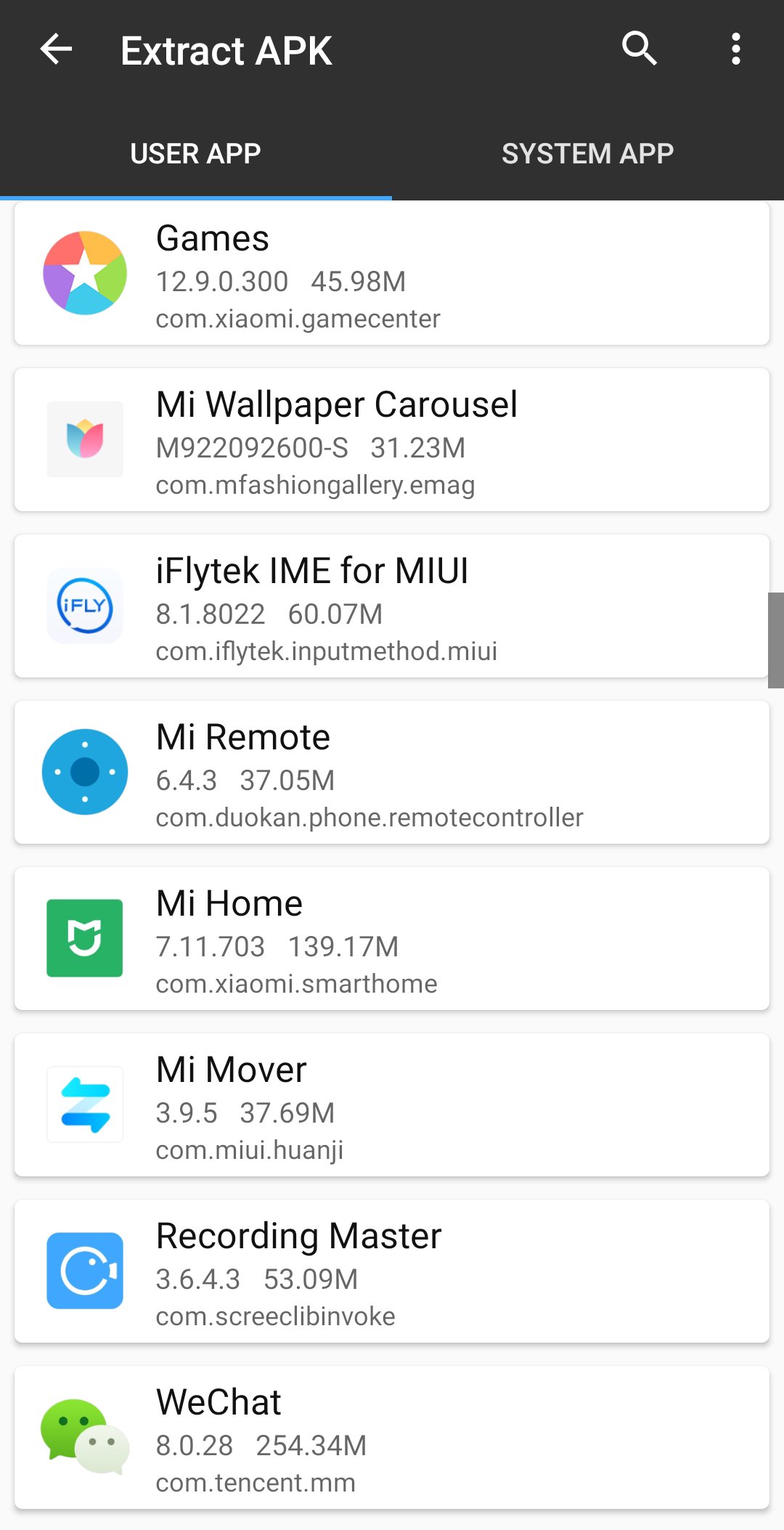
MT Manager can install, uninstall, and back up apps, with batch actions that save time during repetitive tasks. Bookmarks and themes help organize workspaces, while plugin support enables automation for routines you perform often. For sensitive content, file encryption and decryption are available, which helps protect projects during storage and transfer.
Create backups of original APKs and related data before making changes, especially when you plan to sign and install edited builds. Keep your signing keys safe and consistent across updates. If you install a newly signed build over a version signed with a different key, uninstall the older version first to avoid signature conflicts. Working on a copy of the project folder helps you roll back quickly if a change does not behave as expected.
Root is optional in MT Manager for Android. You can complete many common tasks without elevated access, including editing resources and signing builds. Root enables extra capabilities such as browsing system directories, remounting partitions, and changing file ownership or permissions. Because system changes can affect device stability, make a full backup before altering protected areas, and confirm each step carefully. If storage access seems limited, review app permissions and retry the action.
The dual pane layout and in-place archive editing reduce the need to unpack large packages, then repack them after minor changes. This improves iteration speed from inspection through to a signed build you can test on device. For heavy users who handle many large APKs or long editing sessions, MT Manager VIP offers an upgrade path aimed at reducing friction and keeping features available at scale. Choose the setup that matches your workload and project size.
The steps below outline a straightforward flow for editing and signing on a phone. After you download MT Manager APK and install it, open the app and allow file access so it can read storage.
Open MT Manager and use the dual panels to navigate. Choose a working folder and create a backup copy of the target APK or project files.
Select the APK to view its contents. From the menu, choose whether to browse the archive directly, decompile resources, or open specific files for inspection.
Edit code, XML, or assets with the built-in editors, then save your changes. When needed, use the diff tool to compare before and after versions.
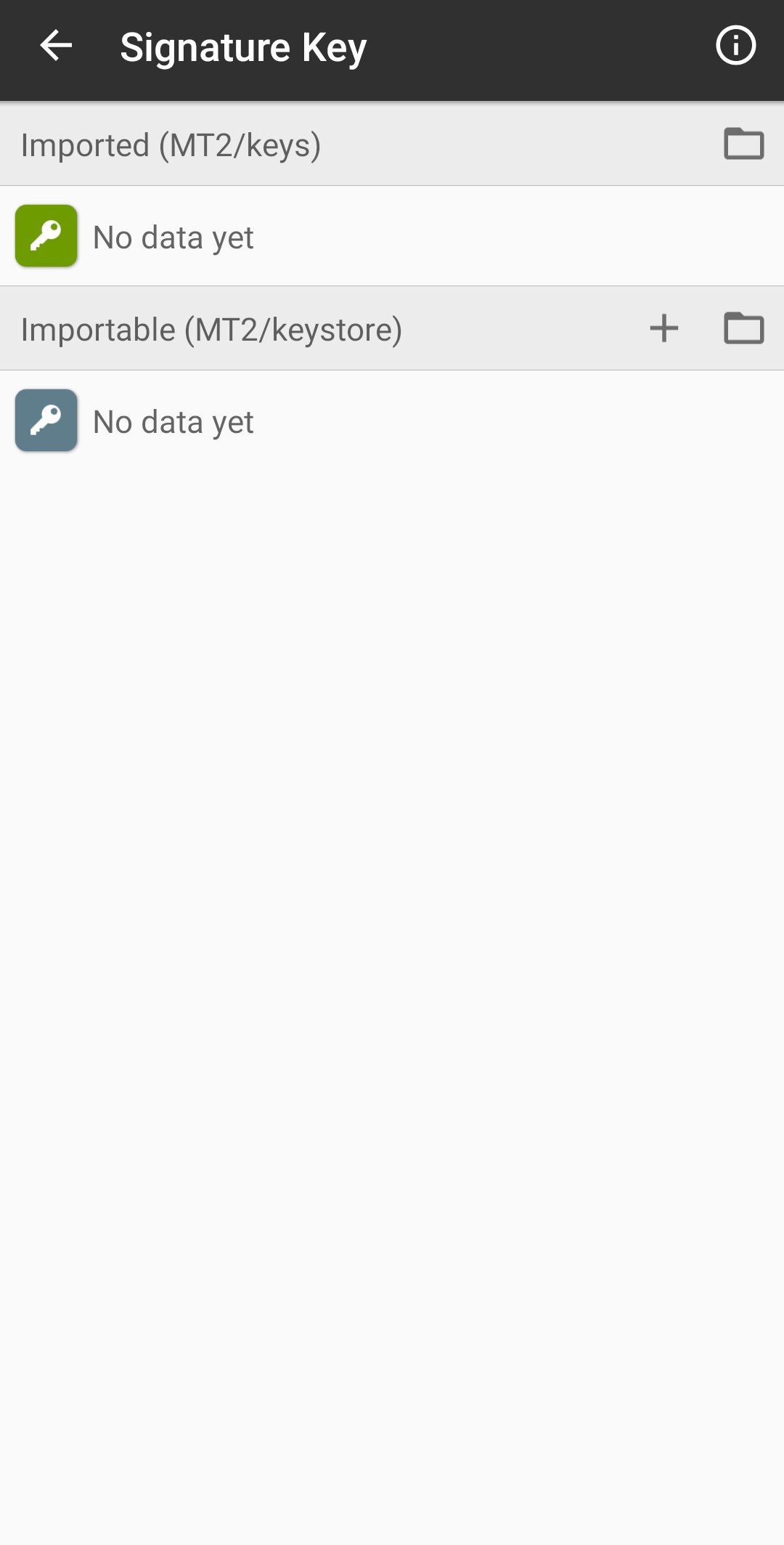
If you changed compiled parts, rebuild as required, then apply zipalign and sign the output. Select the appropriate key for consistent updates.
Uninstall any differently signed version of the app, then install your new build for testing. If something fails, restore from the backup and adjust the changes step by step.
MT Manager combines file control, package editing, and signing in one place for an on-device workflow. It supports fast inspection, careful edits, and reliable builds directly on a phone. Download the MT Manager latest version APK from APKPure to keep tools and fixes up to date for your projects.
Latest Version
2.26.4Uploaded by
Lin Jin Bin
Requires Android
Android 5.0+
Category
Free Tools AppContent Rating
Everyone
Report
Flag as inappropriateLast updated on Apr 4, 2026
Minor bug fixes and improvements. Install or update to the newest version to check it out!




APKPure - A multi-platform app store primarily focused on Android, providing extensive app-related content. Discover the app you want easier, faster, and safer, with quick and efficient downloads and installations.