Package Name:com.mexcpro.client
SHA-256:1991a42132ad5f8092edd4f9bfe81609b0026dabb591d485b487d624b1278c26
Show More


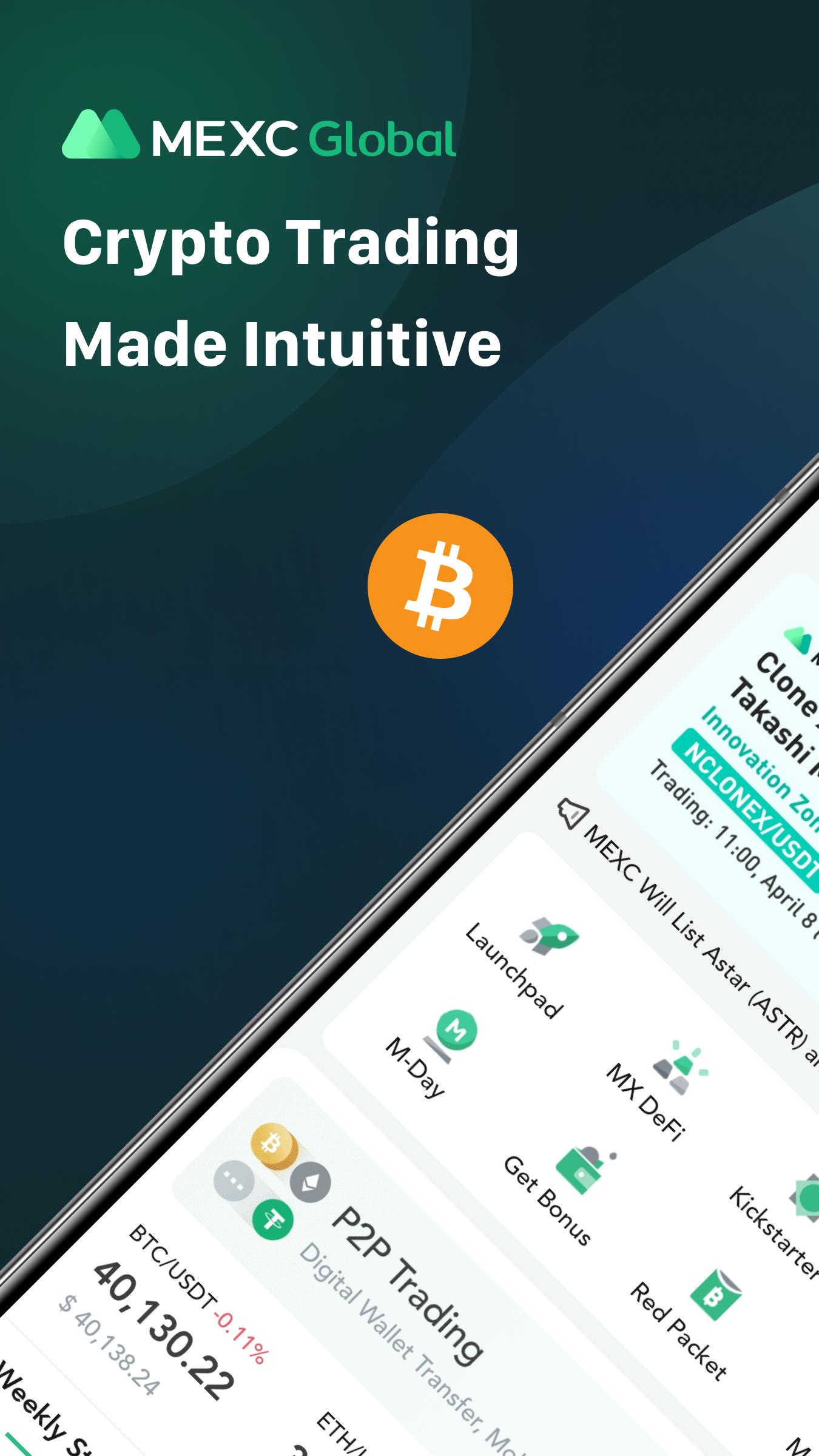
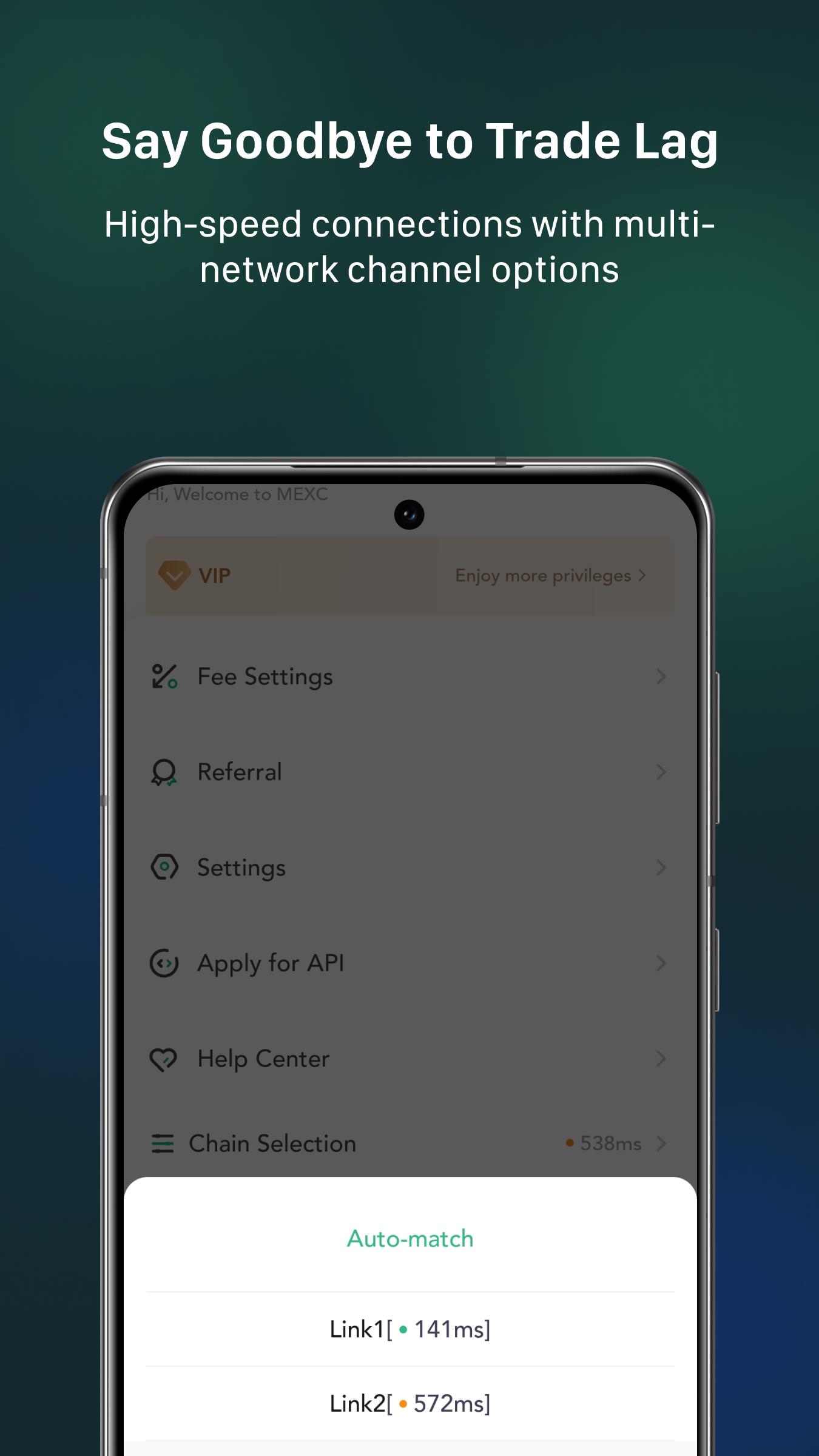
MEXC serves users who want a practical way to access crypto markets on a phone and manage assets in one place. It supports beginners and experienced traders with a clear layout and consistent performance, so you can move between markets without confusion. You get global market access, round-the-clock support, and coverage in multiple languages. For Android users who prefer direct installation, the MEXC APK is available, making setup straightforward and quick.
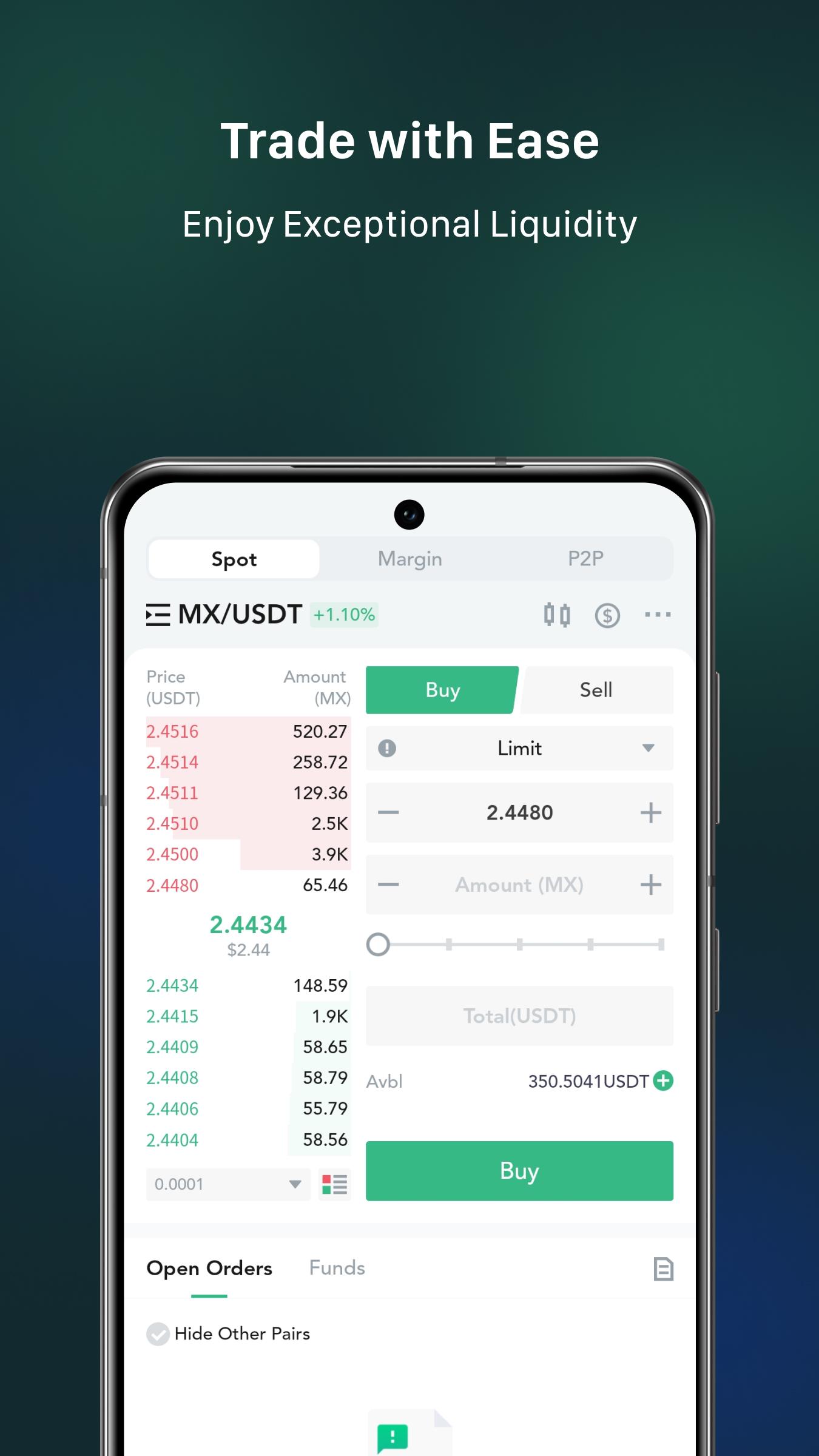
MEXC offers a large selection of cryptocurrencies and trading pairs, including BTC, ETH, and trending altcoins. You can explore more than 1,100 pairs to match different trading styles and asset interests. MX token privileges are available for eligible users, which can enhance participation in platform activities. This breadth of markets helps you switch from major coins to new listings as conditions change.
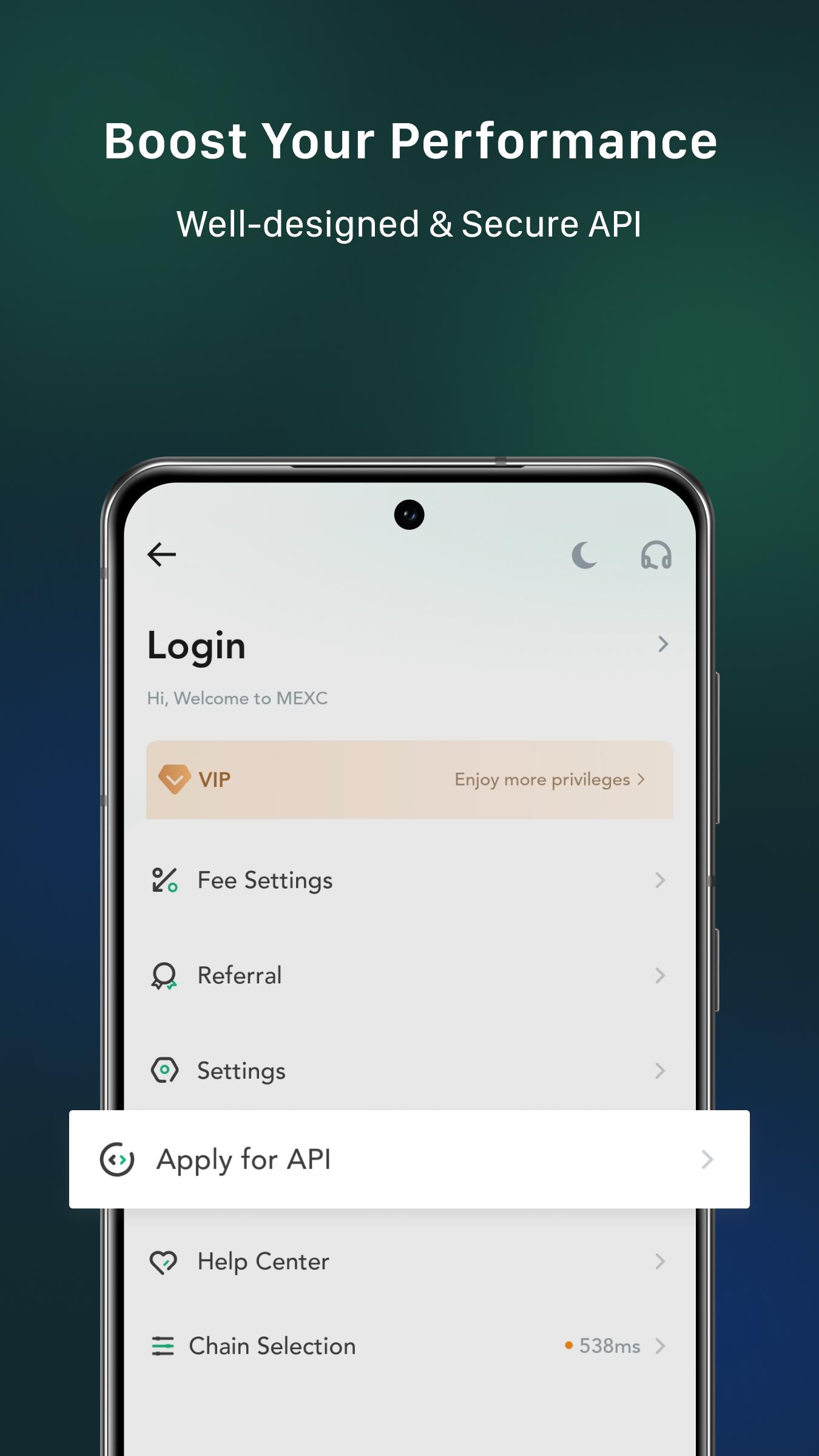
Advanced trading optionsMEXC supports spot, margin, ETFs, and futures trading with flexible settings. You can use leverage up to 125x on supported futures pairs, subject to market rules and risk controls. API access is available for automation, while smart tools such as take-profit, stop-loss, and alerts help you manage entries and exits. These tools work alongside a fast matching engine to support execution when markets move quickly.
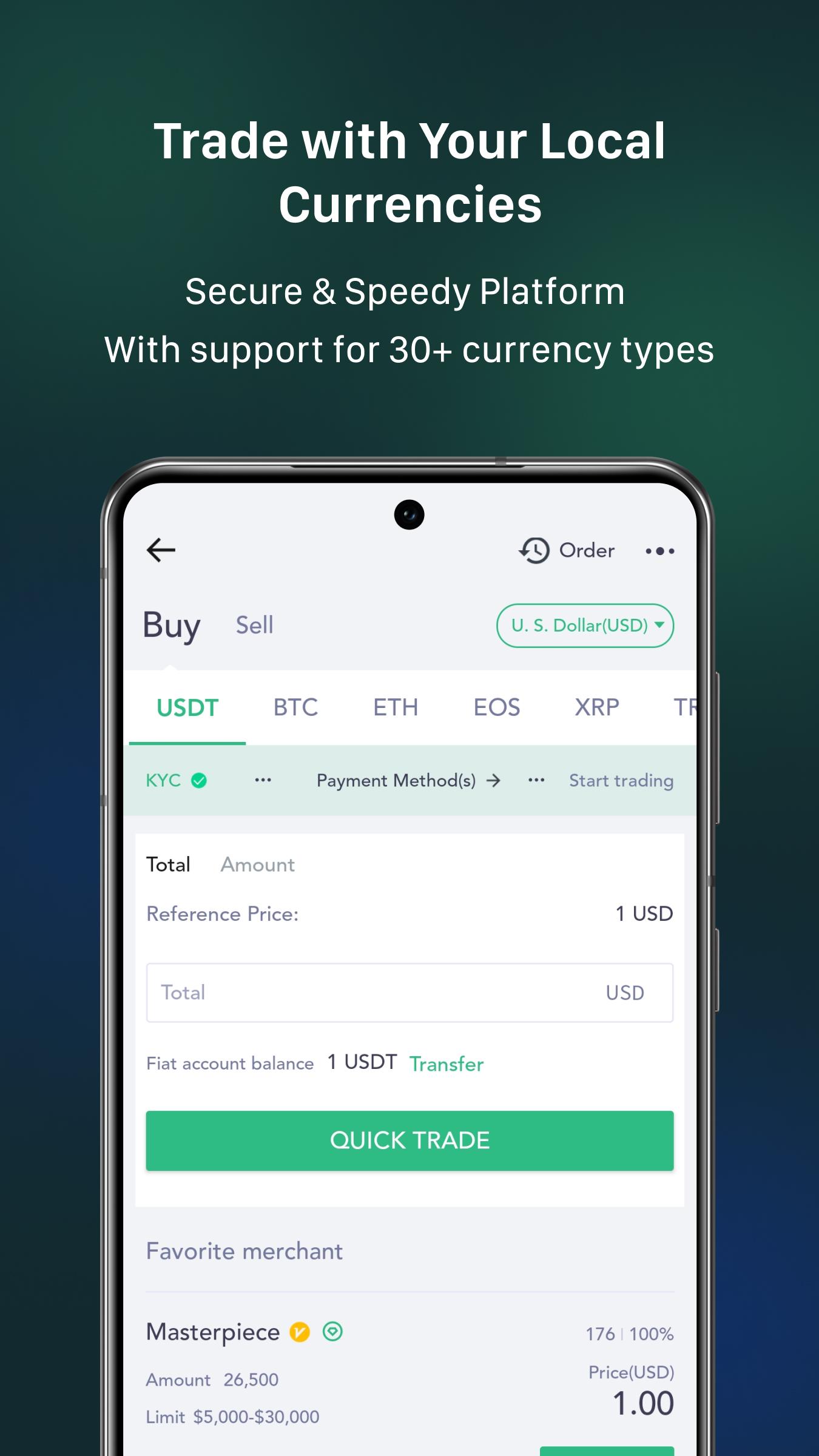
Fiat on-ramps and P2PYou can add funds with Instant Buy using Visa or Mastercard for simple card-based purchases. P2P trading offers more than 30 payment methods, which can suit local preferences and bank options. Trusted third-party providers, including Banxa, Simplex, and MoonPay, expand your choices for buying or selling crypto. This mix of channels helps you pick a route that fits your payment needs and timing.
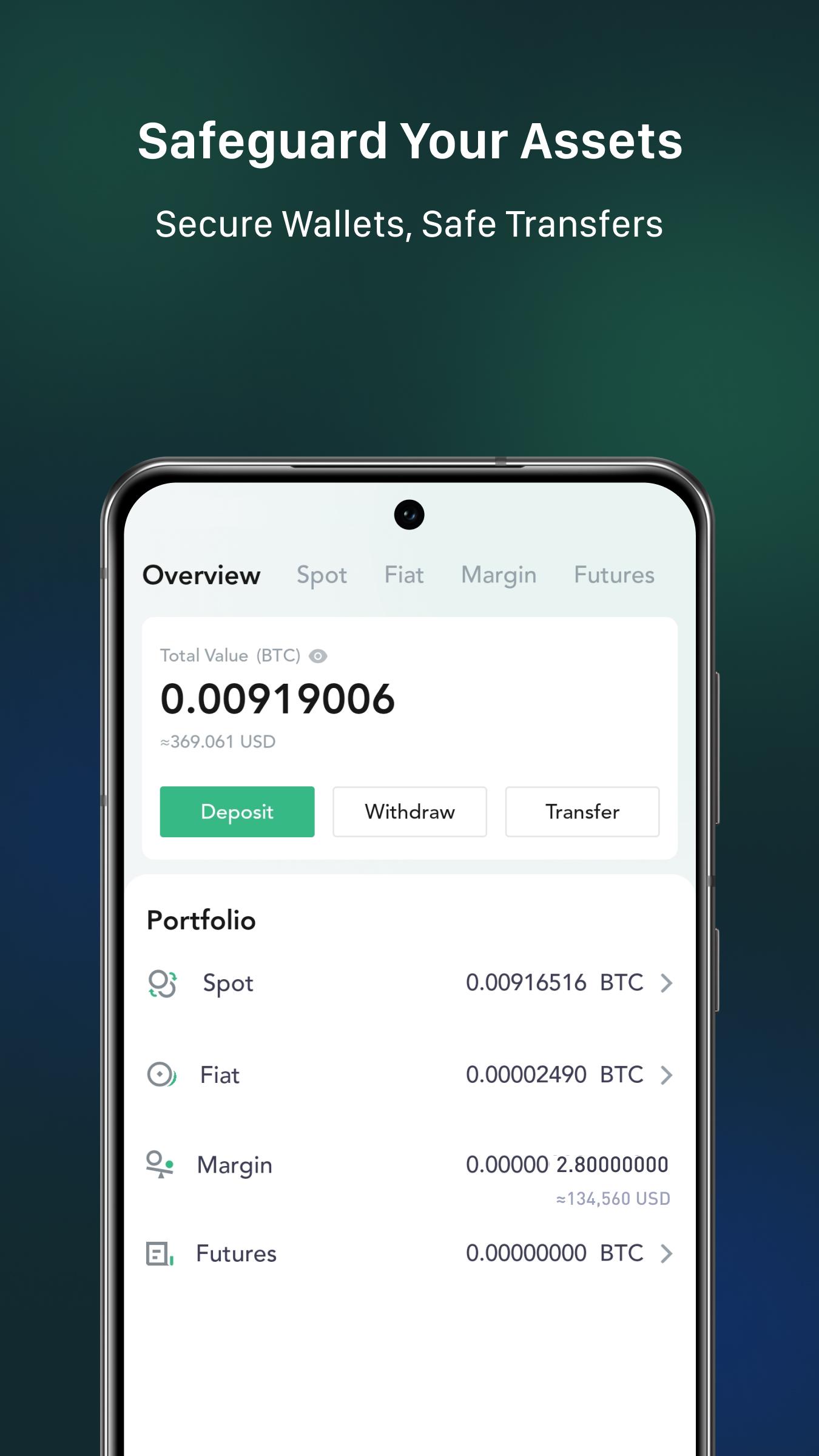
Security and protectionMEXC uses HD cold wallet architecture to safeguard assets and minimize online exposure. The platform collaborates with recognized security partners such as KnownSec and Zhangyu Technology. Rigorous protection measures are applied across account security and infrastructure operations. These controls aim to reduce risks from common threats and keep your trading environment stable.
Rewards and communityMEXC runs Launchpad programs, Kickstarter voting with airdrops, and MX-DeFi yield activities. You can also join M-Day events for special token sales or allocations when available. New and returning users may receive app download, login, or sign-up vouchers during specific campaigns. These community events provide ongoing ways to engage beyond standard trading.
Indian users can access crypto markets on MEXC and manage assets on Android without extra steps. For funding, P2P is useful because it supports many local payment methods and bank transfers. Instant card purchases are available for eligible users, while third-party channels add further options. As with any global app, feature availability and limits may vary by region.
MEXC provides 24/7 customer support so you can seek help at any time. Multi-language coverage assists users who prefer guidance in a native language. This can be useful when learning new trading tools or confirming account settings. If you need further help, check the official channels listed below.
MEXC highlights transparency through resources such as Proof of Trust and verification pages on its official site. Users can review these materials to better understand platform security and operational practices. Security partners are publicly named, which helps you assess the approach to safeguarding funds. Reviewing these pages is a practical step before you start trading.
Getting started on mobile is straightforward and works well for quick access to markets. To begin, download MEXC and prepare a secure login before you place any orders. The steps below show a simple flow from install to your first trade.
MEXC brings buying, trading, and earning into one app with broad market coverage and security-focused design. You can move funds through card purchases, P2P, or supported providers, then use tools to manage trades. To stay current, check for the MEXC latest version when updating.
For official support and more details, use the following contacts:
Latest Version
6.38.0Uploaded by
Kaung Kaung
Requires Android
Android 6.0+
Category
Free Finance AppContent Rating
Everyone
Security Report
Check Now
Report
Flag as inappropriateLast updated on Feb 14, 2026
Minor bug fixes and improvements. Install or update to the newest version to check it out!




APKPure - A multi-platform app store primarily focused on Android, providing extensive app-related content. Discover the app you want easier, faster, and safer, with quick and efficient downloads and installations.