Scan Date:May 5, 2026
Show More

Google Keep - Notes and lists helps when you need a quick place to capture ideas, tasks, and reminders during a busy day. It keeps everything organized in one view so you can return to it later without digging through different apps. Because your content stays in sync, you can move from phone to other devices with minimal effort. If you plan to download Google Keep - Notes and lists, it fits everyday routines like grocery runs, meeting notes, and shared plans at home.
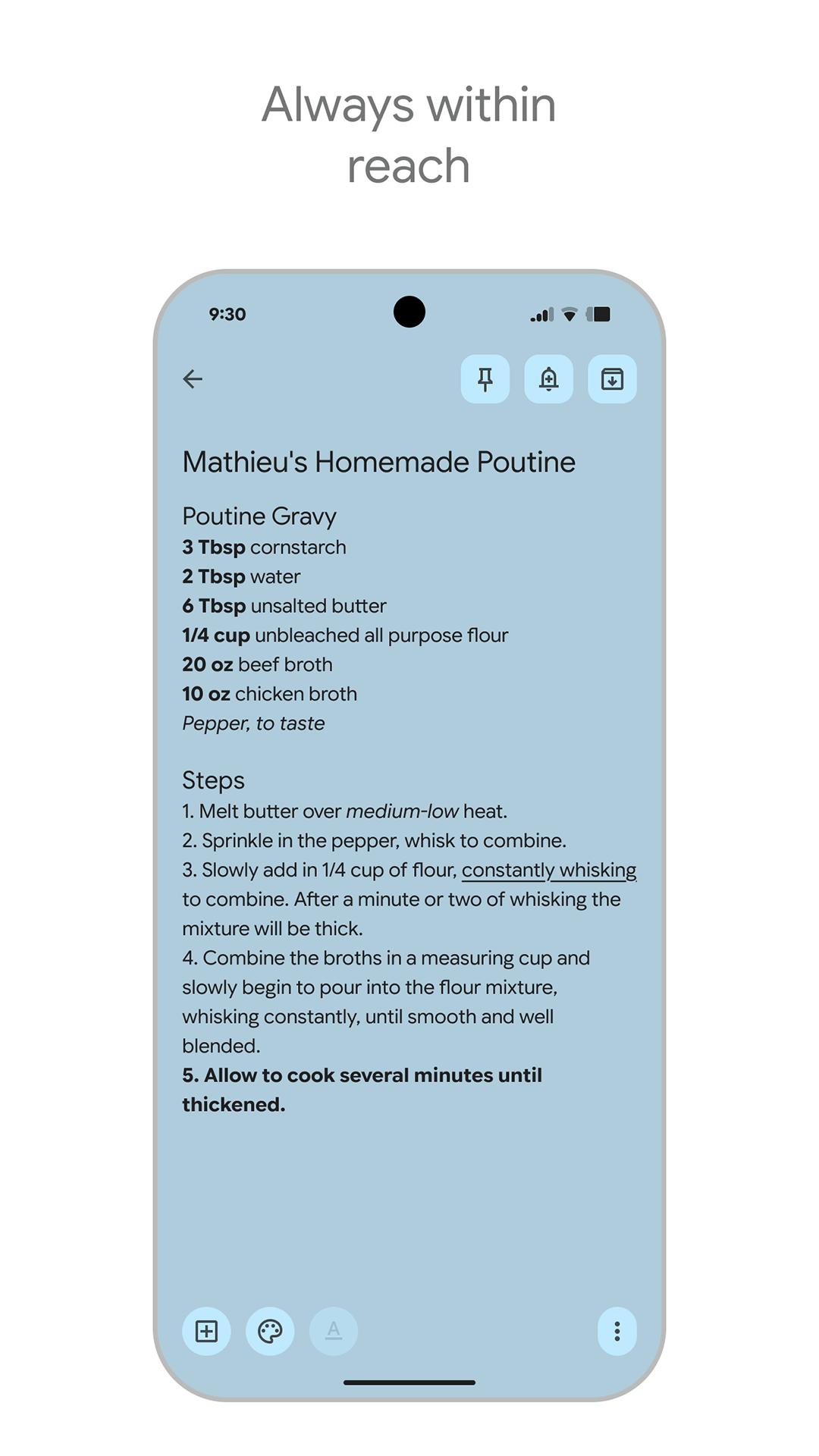
Fast capture in text, lists, photos, and audio
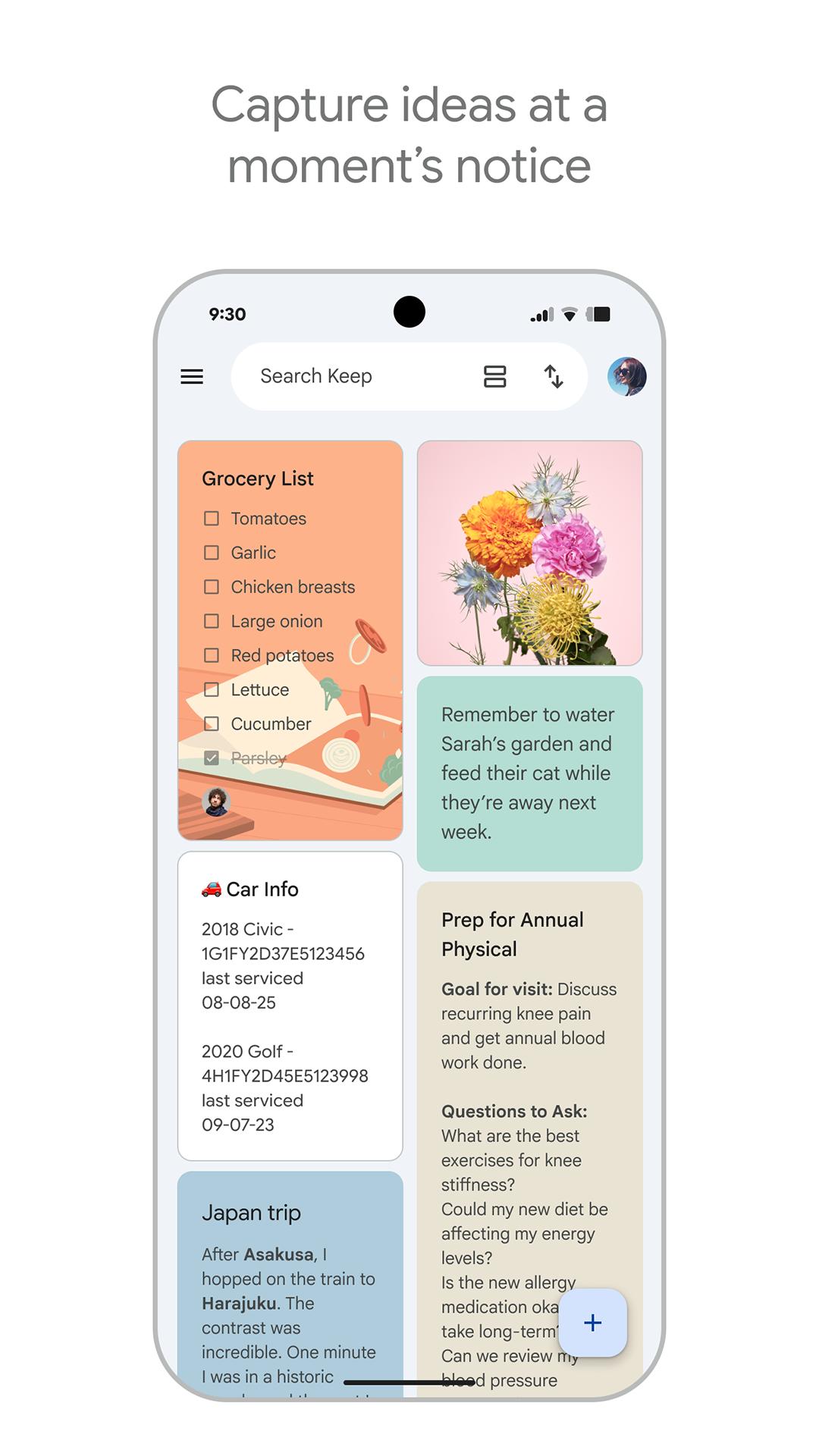
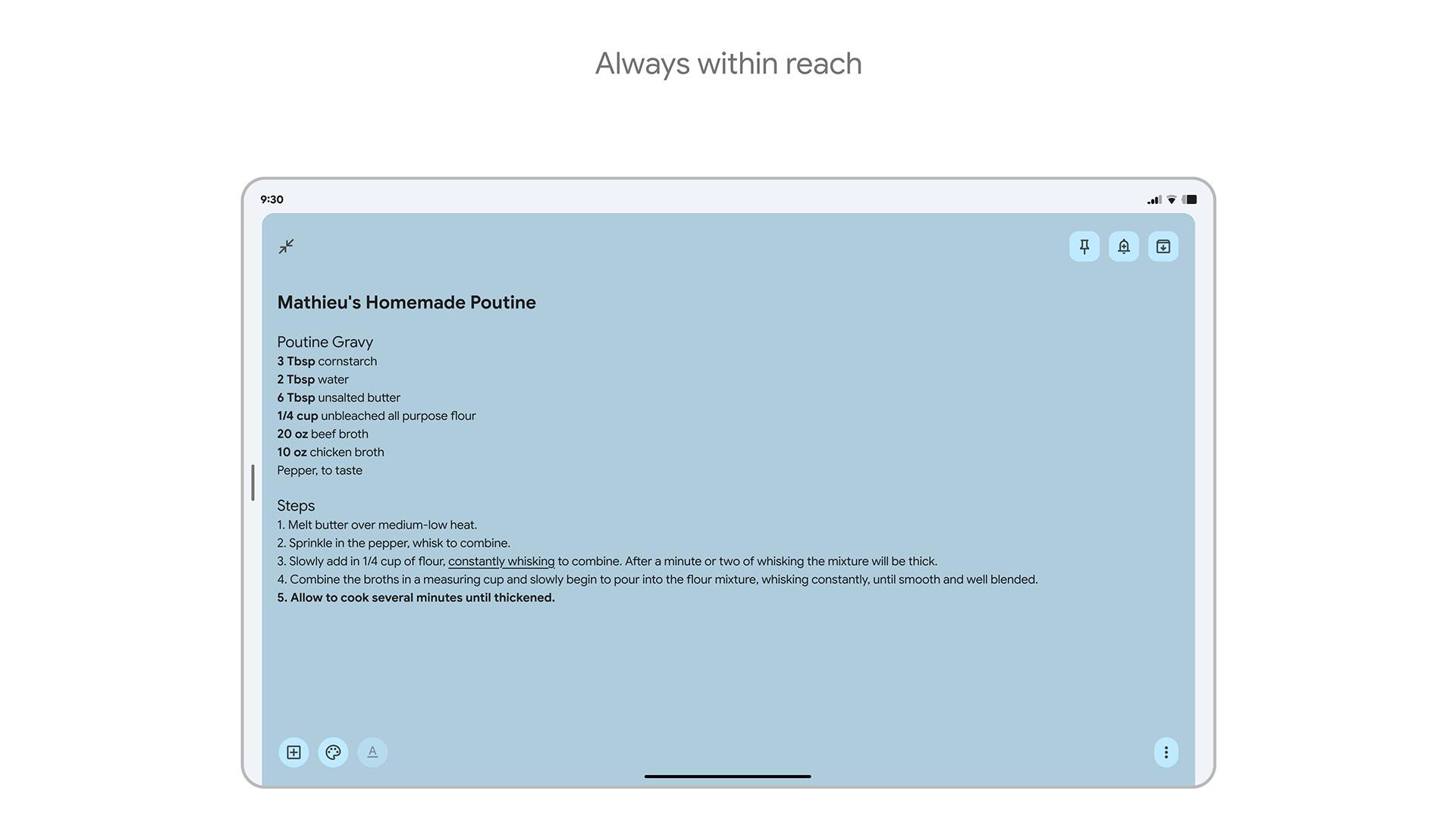
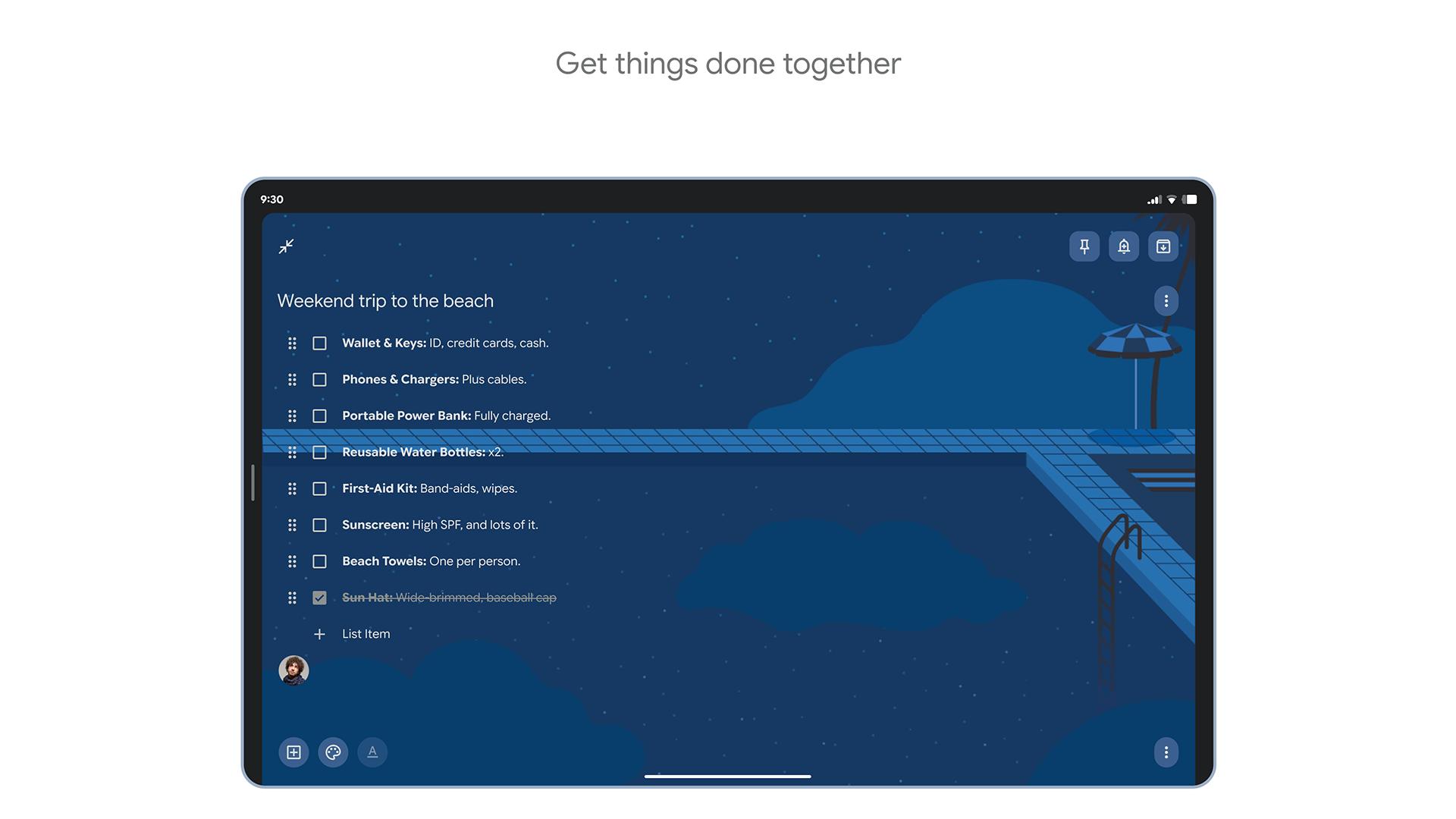
You can create a note in seconds. Add checkboxes for a to do list, snap a photo to remember details, or record a voice memo. Audio is transcribed into text so you can scan it later. This reduces typing when you are on the go.
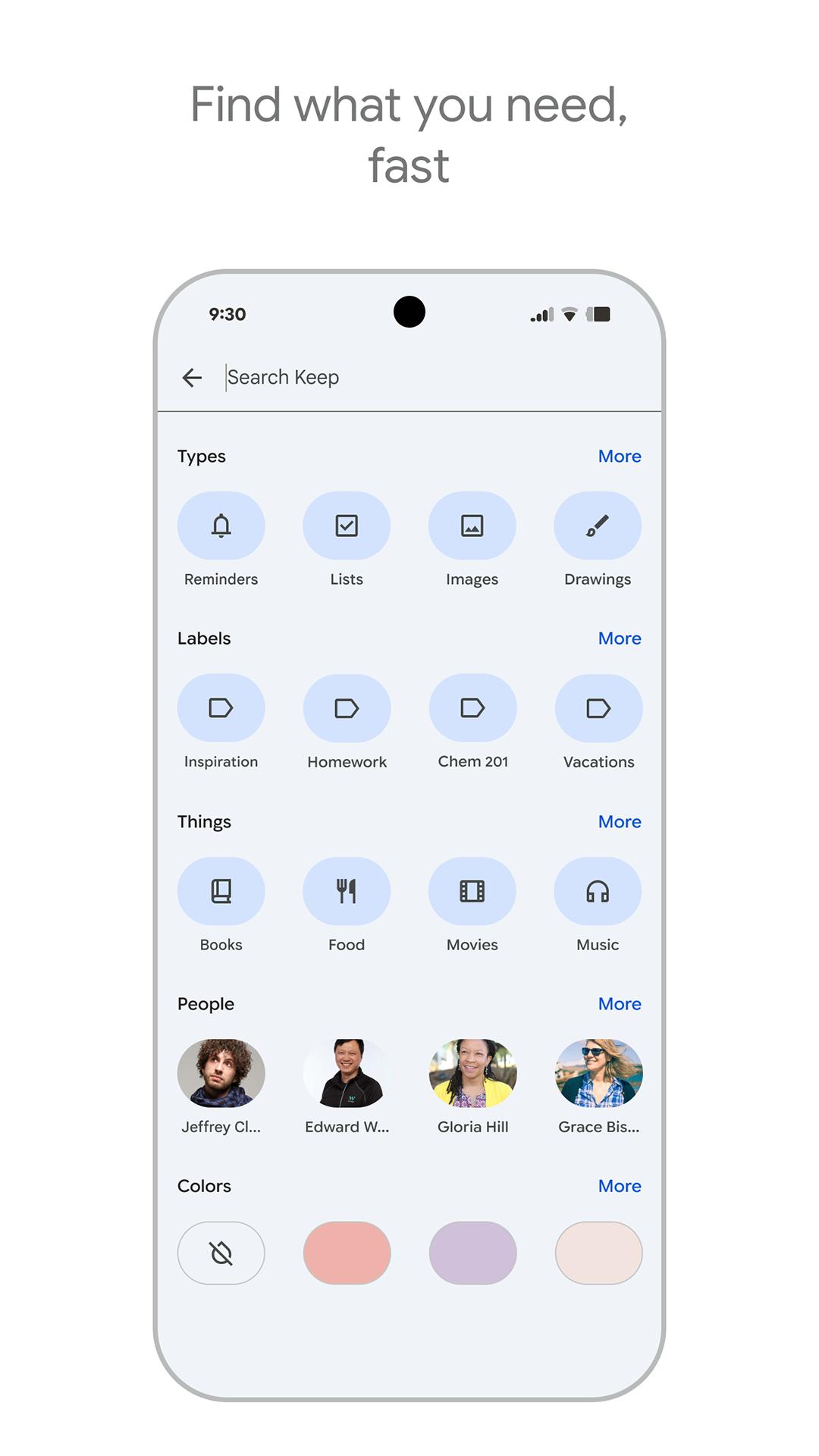
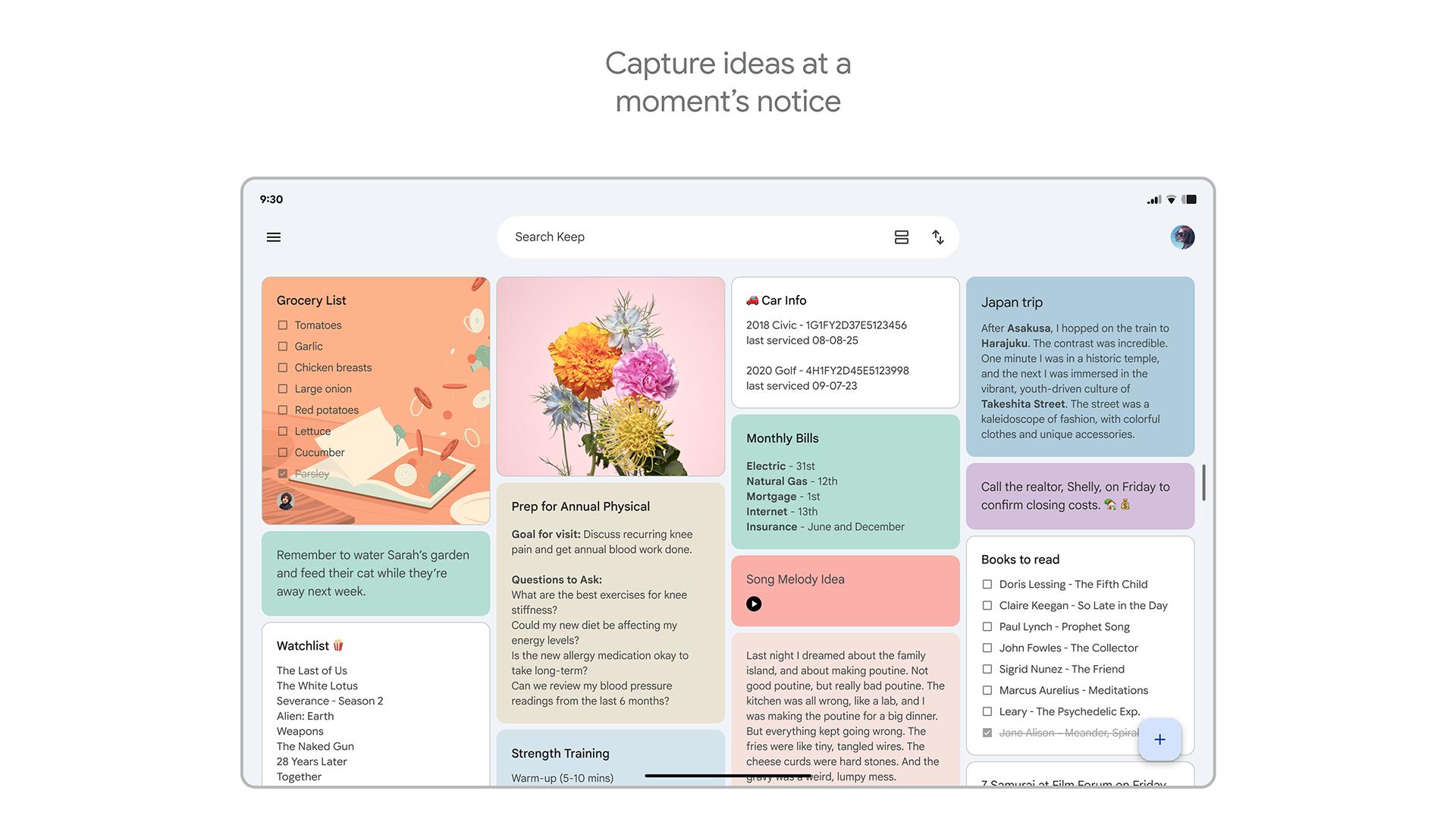
Organize with colors, labels, and search
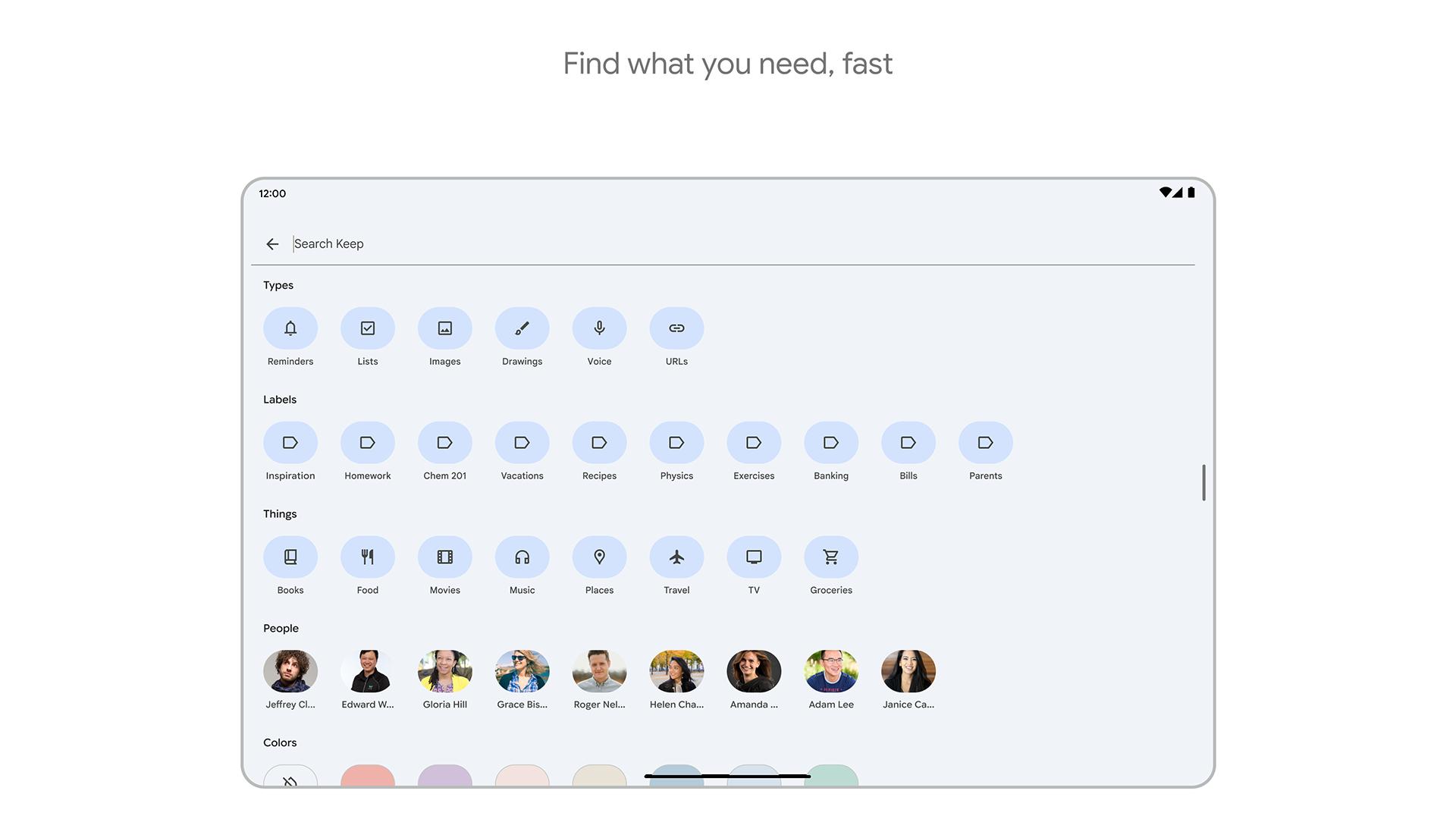
Google Keep - Notes and lists helps you sort notes without effort. Apply colors to group related items, and add labels to filter by topic. When a notebook grows, the built in search finds notes by keywords, labels, or type. This keeps past information easy to retrieve.
Reminders based on time or place
Set a time alert to surface the right note when you need it. You can also set a location reminder that triggers when you arrive at a store or workplace, which is useful for grocery lists or pickup tasks. Alerts tie to individual notes so context is clear. As a result, the right list appears at the right moment.
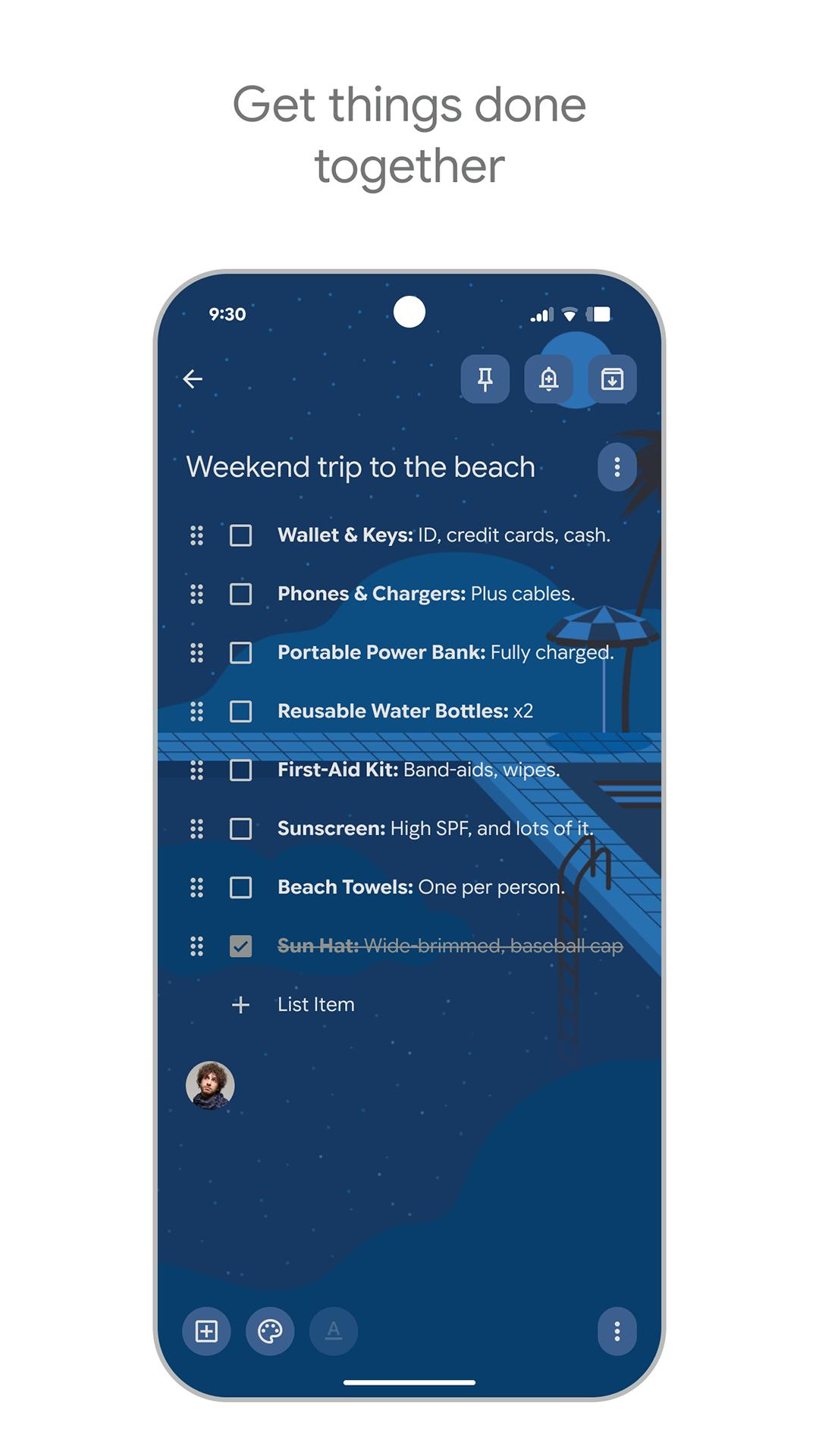
Share notes for real time collaboration
Invite friends, family, or teammates to any note or list. Everyone sees updates instantly, so plans stay aligned while you shop, plan trips, or track chores. You can remove access at any time. Collaboration keeps a single source of truth instead of messaging back and forth.
Access on Android, web, Chrome, and Wear OS
Notes sync across your phone, the web at keep.google.com, and Chrome, so your content stays available wherever you are. On Android, widgets put notes and lists on the home screen for quick glance and entry. Wear OS tiles let you check lists from your watch without taking out your phone. This continuity reduces friction in daily use.
Privacy choices can affect whether you install an app, so it helps to know what is in place. According to the developer, Google Keep - Notes and lists includes the following practices:
The basics focus on quick capture and clear organization. After installing, you can follow these steps on your phone. If you need the Google Keep - Notes and lists latest version, install it before starting.
Google Keep - Notes and lists supports quick capture, clear organization, useful reminders, and shared lists across devices. To begin, Google Keep - Notes and lists APK can be installed and used to create your first note in minutes.
For more details or support, use the following official resources:
Latest Version
5.26.181.01.97Uploaded by
Google LLC
Requires Android
Android 11.0+
Category
Free Productivity AppContent Rating
Everyone
Security Report
Report
Flag as inappropriateLast updated on May 8, 2026
Minor bug fixes and improvements. Install or update to the newest version to check it out!

APKPure - A multi-platform app store primarily focused on Android, providing extensive app-related content. Discover the app you want easier, faster, and safer, with quick and efficient downloads and installations.