


Scan Date:May 9, 2026
Show More


Clone Master helps users who juggle work and personal accounts, or manage separate profiles for chats, streaming, and games. It reduces constant logins by keeping each profile in its own space, which is useful when you need quick switches during a busy day. The interface focuses on straightforward actions, so users can create, label, and control app duplicates with minimal setup. For those comparing options, the Clone Master APK offers a clear way to organize multiple identities on one device.
Parallel accounts without logouts
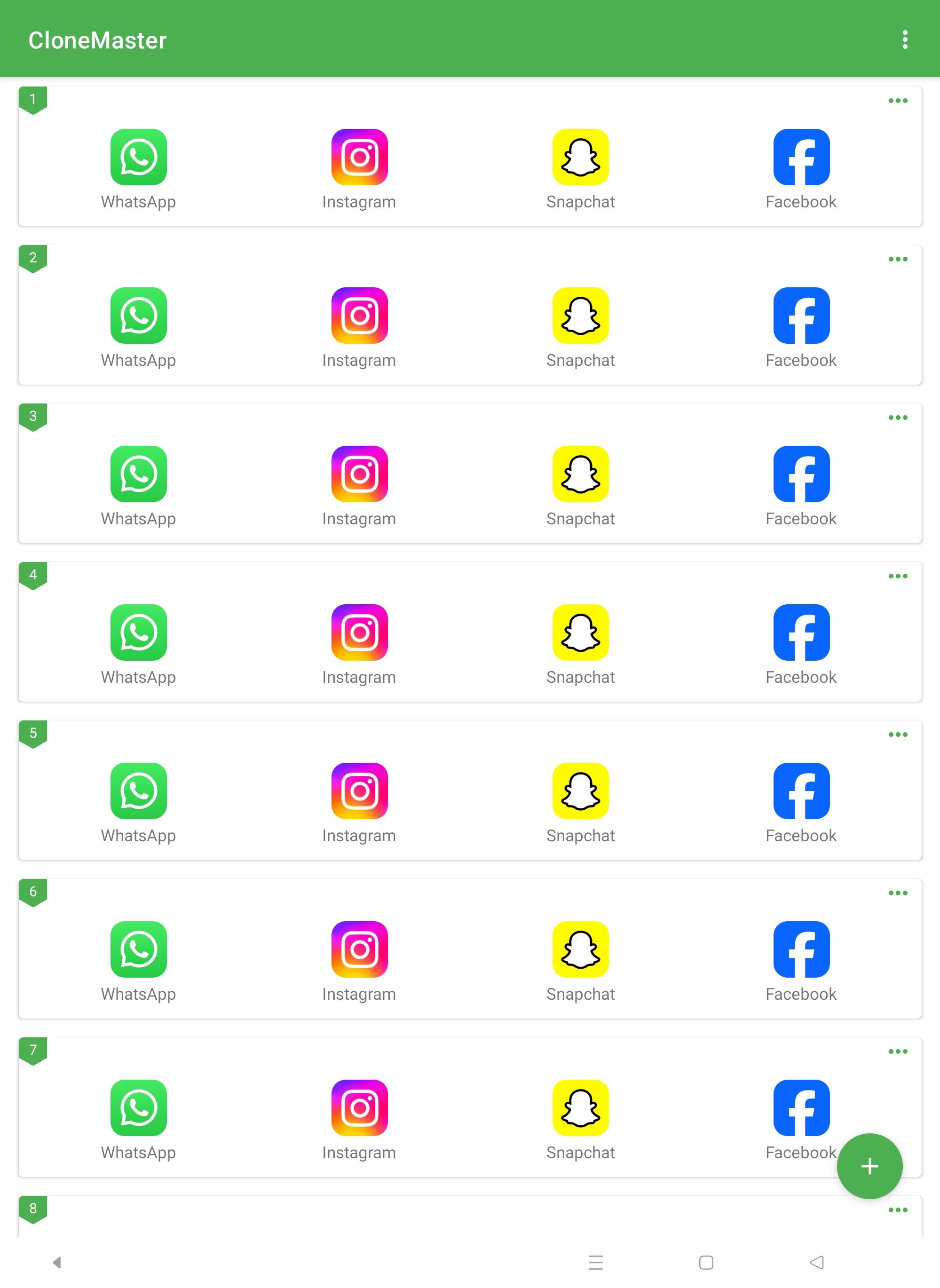
Clone Master lets you run multiple accounts for the same app at the same time. You can keep WhatsApp, Telegram, Instagram, Gmail, or Netflix profiles separate and active in parallel. This avoids repetitive sign outs and keeps conversations, inboxes, and watch lists independent. It suits a daily routine where you switch contexts often and need both profiles available.
No root setup and quick switching
You do not need root access to clone or manage apps. Clone Master provides a simple control panel where you create, open, rename, and remove clones with a few taps. Shortcuts help you launch the exact profile you need from the home screen. As a result, switching feels direct and predictable, even when several clones exist.
Custom names, icons, and alerts
You can give each clone a unique name and icon to avoid mix ups. Custom notification labels and tones make it clear which profile is sending an alert. Permission controls help you decide what each clone can access, such as contacts or storage. This approach supports a clean work and personal split, since every clone is easy to identify at a glance.
Data isolation and incognito login
Each clone keeps its data, cache, and cookies separate from the original app and other clones. This isolation reduces cross account leaks and accidental data sharing. An optional incognito login avoids saving credentials on the device, which adds another layer of separation on shared phones. Together, these safeguards support clear boundaries for sensitive chats and accounts.
Optimized for Android 15 and battery control
Clone Master is tuned for Android 15 to handle performance and background activity more efficiently. Clones pause when idle to reduce battery drain, while active sessions stay responsive. You can also adjust sync and refresh behavior per clone to match your usage pattern. This gives an Android app cloner feel that balances speed with resource awareness.
Cloning apps for personal multi account use is generally focused on convenience, but rules vary by app and region. Some services limit multiple accounts or automated behavior, so users should review each platform’s terms before using clones for work or personal tasks. From a device standpoint, Clone Master uses a no root method, which helps reduce system level risk. Data separation means clones do not share app storage, and users can add lock screens or passcodes for extra control.
Questions about safety usually concern data handling. Clone Master keeps each cloned app sandboxed, and the optional incognito login avoids storing credentials on device. As with any tool, users decide what to clone and which permissions to grant. Avoid granting more access than needed, and sign out of unused clones to limit exposure.
Some users prefer the Clone Master latest version for better compatibility, while others rely on older releases for specific workflows. If a favorite app changes behavior after an update, testing a previous version may help confirm whether the change matters for your setup. Users who manage many profiles often keep notes on which version pairing works best with their daily apps. Pick the release that fits your device and stability needs.
After you download Clone Master, setup only takes a few minutes. The steps below focus on creating clear work and personal spaces while keeping profiles easy to find. This routine also helps reduce mix ups across chats, email, and streaming apps.
Clone Master keeps multiple accounts organized on one phone with clear labels, isolated data, and simple controls. Users who balance work and personal tasks can keep both spaces active without repeated logins. To stay current, consider the Clone Master latest version when setting up new profiles.
For support or feedback, contact the developer using the details below.
Latest Version
2.7.8.10Uploaded by
Mohamed Alaa
Requires Android
Android 7.0+
Category
Free Tools AppContent Rating
Everyone
Security Report
Report
Flag as inappropriateLast updated on May 9, 2026
1. Fixed some issues
2. Faster performance in the new update





APKPure - A multi-platform app store primarily focused on Android, providing extensive app-related content. Discover the app you want easier, faster, and safer, with quick and efficient downloads and installations.









